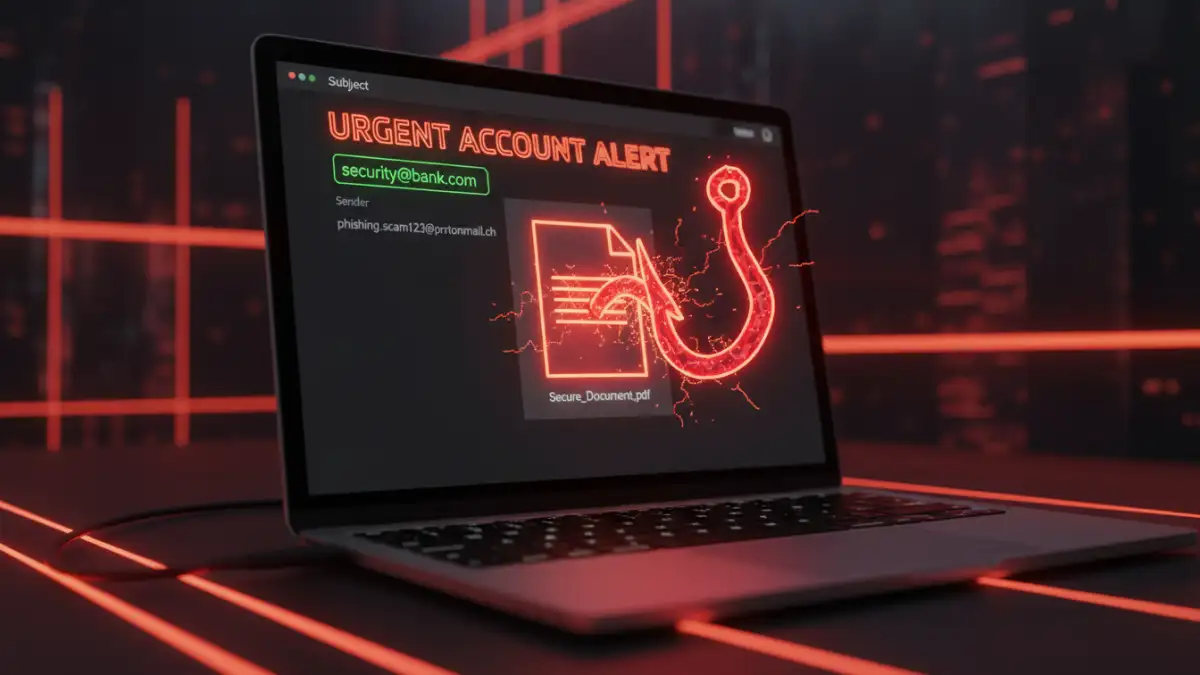
An urgent email lands in your inbox: "ACTION REQUIRED: Review the attached secure proposal." It looks legitimate, sent from a potential partner, and contains a password-protected file. This tactic is clever because it uses the promise of security to make you lower your guard. The very thing that should signal safety—a password or encryption—is used as the lure.
Attackers know that we associate password-protected files with important, confidential information. By mimicking this, they create a powerful sense of legitimacy and urgency, tricking users into clicking malicious links or opening compromised files. This is a classic example of social engineering, and it's remarkably effective.
Table of Contents
Understanding the Phishing Lure
The core of a secure documents phishing scam is psychological manipulation. The attacker creates a scenario that demands your immediate attention and involves a seemingly protected file. This could be a fake invoice, a legal notice, a company policy update, or a file shared via a cloud service like SharePoint or Google Drive.
The goal is twofold. First, to get you to open an attachment that contains malware, like ransomware or a keylogger. Second, to direct you to a fake login page that harvests your credentials. By sending a 'protected' document, they bypass initial suspicion. You think you're taking a necessary step to view important information, but you're actually walking into a trap designed to steal your data.
Key Red Flags in Document Phishing Emails

Vigilance is your best defense. I've helped countless colleagues and clients recover from security incidents that started with a single deceptive email. Almost all of them had telltale signs that were missed in a moment of haste. Effective email phishing awareness starts with knowing what to look for.
Deceptive Sender Information
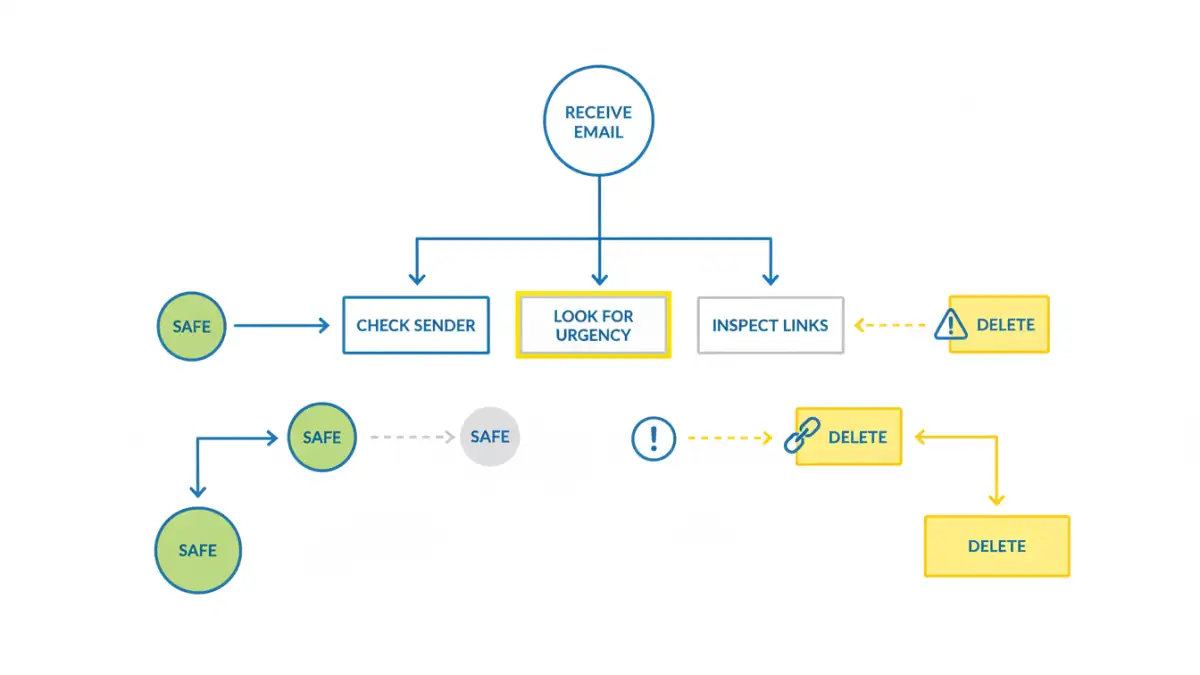
Always inspect the sender's email address. Don't just trust the display name. Attackers often use addresses that are one or two characters off from a legitimate one (e.g., `jane.doe@compaany.com` instead of `jane.doe@company.com`). Hover your mouse over the sender's name to reveal the full email address without clicking anything. If it looks suspicious or doesn't match the supposed organization, it's a major red flag.
Urgent or Threatening Language
Phishing emails thrive on creating panic. Phrases like "Urgent Action Required," "Account Suspension Notice," or "Your Invoice is Overdue" are designed to make you act before you think. A legitimate organization will rarely use high-pressure tactics to request sensitive information via email. This manufactured urgency is a clear signal to slow down and scrutinize the message carefully.
Generic Greetings and Poor Grammar
While some phishing attacks are highly sophisticated, many still contain errors. Look for generic greetings like "Dear Valued Customer" instead of your name. Legitimate companies you do business with will almost always address you personally. Similarly, be wary of spelling mistakes, awkward phrasing, or unusual grammar. These are often signs of a non-native speaker or a hastily created template.
Analyzing the Malicious Document or Link
If the email itself seems suspicious, the attachment or link is the payload. Never interact with it unless you are 100% certain of its authenticity. Here’s what attackers are trying to get you to do.
Fake Credential Harvesting Portals
A common tactic is to include a link that supposedly leads to a secure document on a platform like Office 365, SharePoint, or DocuSign. When you click it, you land on a pixel-perfect replica of the real login page. After you enter your username and password, the attackers capture your credentials, and you're often redirected to a generic error page or the company's actual homepage. Always check the URL in your browser's address bar before entering credentials. If it isn't the official domain, it's a scam.
Malware-Laden Attachments
The other primary attack vector is the attachment itself. It might be a PDF, a Word document, or an Excel spreadsheet. When opened, it may display a blurred or protected view with a message prompting you to "Enable Content" or "Enable Macros" to see it properly. This is a trick. Enabling macros executes malicious code that can install malware, encrypt your files for ransom, or give the attacker remote access to your system.
Best Practices for Data Breach Prevention
Protecting yourself and your organization requires a proactive, multi-layered approach. It's not about a single tool but a security-first mindset, reinforced by consistent security training and smart practices.
First, always verify unexpected requests for information or action through a separate communication channel. If you get a strange email from a colleague, call or message them directly to confirm. If it's from a vendor, look up their official phone number and call them—don't use the contact information provided in the suspicious email.
Second, enable multi-factor authentication (MFA) on all your critical accounts. Even if an attacker steals your password, MFA provides a crucial second barrier that prevents them from gaining access. It's one of the most effective steps you can take to protect confidential files and accounts.
Finally, foster a culture of security. Encourage reporting of suspicious emails without blame. Regular security training that includes real-world examples helps keep everyone vigilant. A well-informed team is your strongest defense against data breach prevention efforts failing at the human level.
Common Phishing Lures and Their Telltale Signs
| Lure Type | What It Looks Like | Key Red Flag | How to Verify |
|---|---|---|---|
| Fake Invoice | An email with a password-protected PDF or Word doc titled "Invoice [Number]". | Urgency to pay; sender address doesn't match the company's domain. | Contact the company's accounts department using a known phone number. |
| HR Policy Update | An internal-looking email with an attached document about a new vacation or WFH policy. | Generic greeting; link goes to a non-company URL to "log in and view". | Check the company's official intranet or ask HR directly. |
| File Sharing Notification | An alert from "SharePoint" or "Google Drive" that a document has been shared with you. | Hovering over the link reveals a strange URL, not sharepoint.com or google.com. | Log in to your file-sharing service directly in your browser to see if the file exists. |
| Bank Statement | An email claiming your monthly statement is ready, with a link to a "secure portal". | The link's URL is slightly misspelled or is a completely different domain. | Navigate to your bank's website by typing the address yourself and log in there. |
| Shipping Notification | An email from a courier like FedEx or DHL with a tracking link or customs document. | The tracking number is generic or the link points to a non-courier website. | Copy the tracking number and paste it into the courier's official website. |