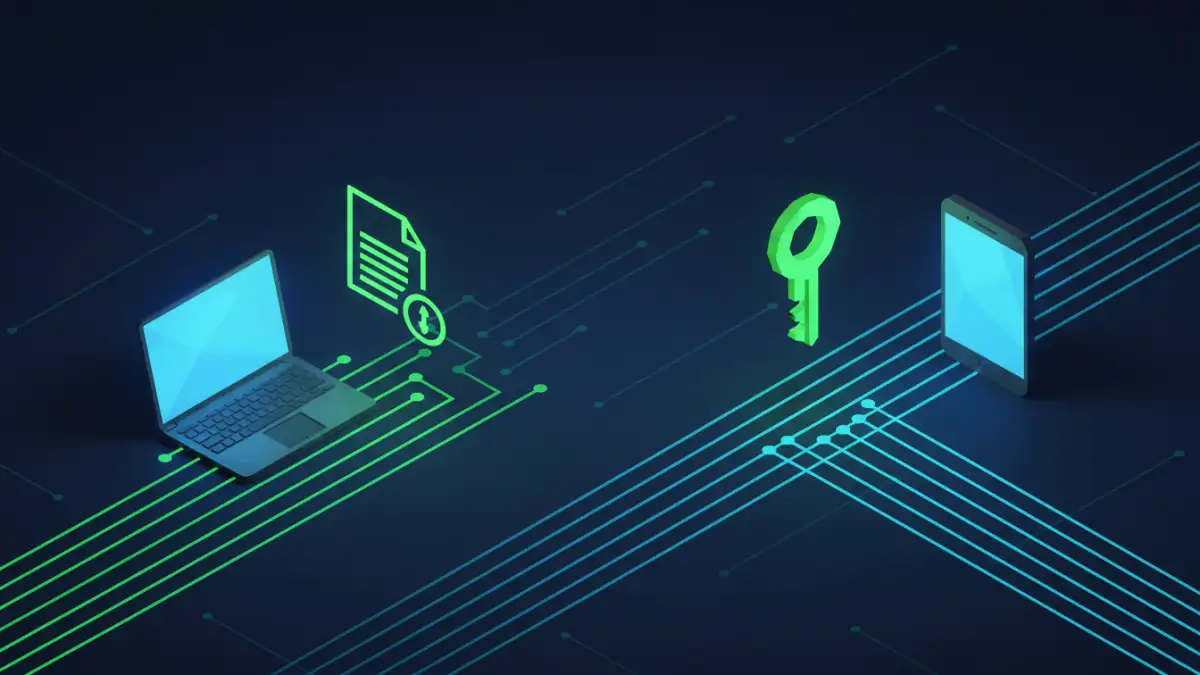
You've just encrypted a critical financial report and need to send it to your accountant. The file itself is secure, but now you face the classic dilemma: how do you safely get the password to them? Sending it in the same email as the document completely defeats the purpose of the encryption in the first place.
This is a common security blind spot I've seen trip up even technically savvy professionals. Protecting the data is only half the battle; protecting the key that unlocks it is just as crucial. Let's walk through the right way to handle this common but critical task.
Table of Contents
The Core Problem with Common Methods
The most convenient methods are often the least secure. When you need to send a password, your first instinct might be to fire off a quick email or text message. Unfortunately, these methods expose the password to significant risks.
Why Email Is Not Secure for Passwords
Sending a password via email is like mailing a key to your house in a clear envelope. Standard email is not encrypted in transit, meaning it can be intercepted and read. Even worse, if your or your recipient's email account is ever compromised, a hacker gains access to both the locked document and the key, all in one place.
The Risks of SMS and Instant Messaging
While slightly better than email, standard SMS text messages are also unencrypted and can be intercepted through various means. Many common instant messaging platforms lack end-to-end encryption by default, leaving your password vulnerable as it travels from your device to the recipient's.
The Two-Channel Principle: A Simple and Secure Strategy
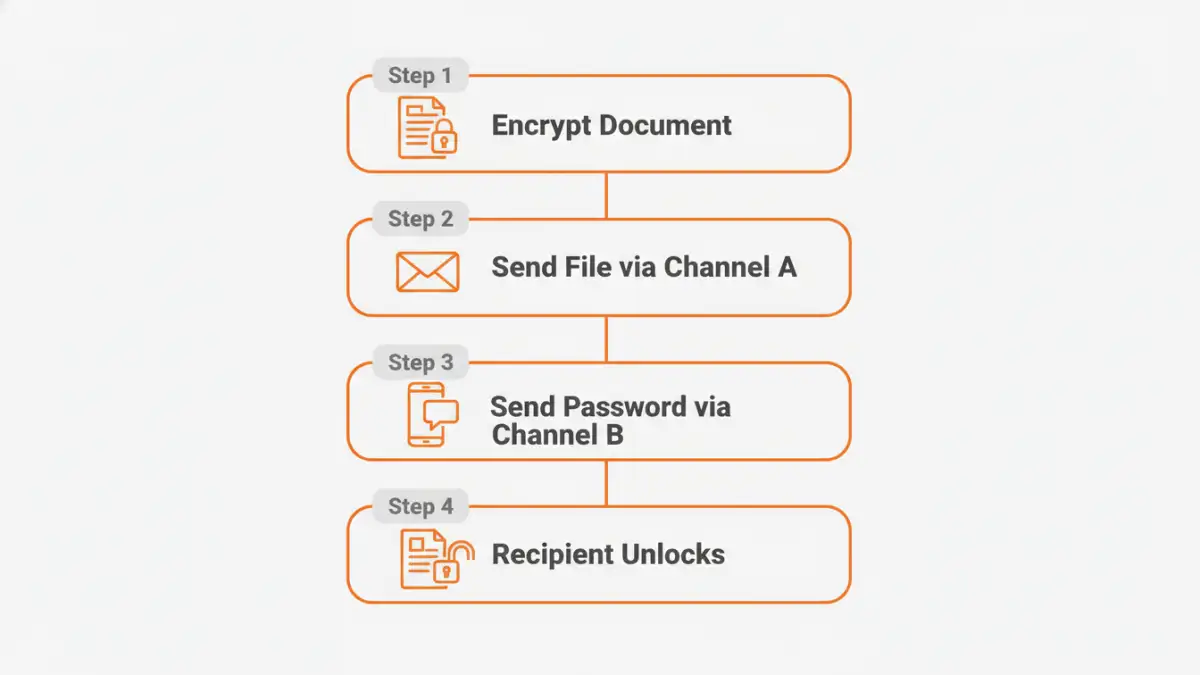
The foundation of secure password sharing is the 'two-channel' or 'out-of-band' principle. It's elegantly simple: send the encrypted file through one channel (like email) and the password through a completely separate, independent channel (like a secure messaging app or a phone call).
By doing this, you force a potential attacker to compromise two different systems to get both the file and the password. This drastically increases the difficulty and reduces the likelihood of a successful breach. For example, if an attacker compromises your email, they only get the useless, encrypted file. They still need to compromise your secure messaging app to get the password.
Recommended Secure Password Sharing Methods
Applying the two-channel principle is easy with modern tools. Here are the methods I recommend and use regularly for confidential file transfer.
Method 1: Using a Password Manager
Modern password managers (like Bitwarden, 1Password, or Dashlane) are my top recommendation. They are designed for this exact purpose. You can create a secure note with the password and share it directly with another user of the same service. The entire process is end-to-end encrypted.
The recipient gets a notification, logs into their vault, and securely retrieves the password. Many services also allow you to set an expiration date for the share or revoke access at any time, giving you complete control. This is the most professional and secure method for document password sharing.
Method 2: Using an End-to-End Encrypted Messaging App
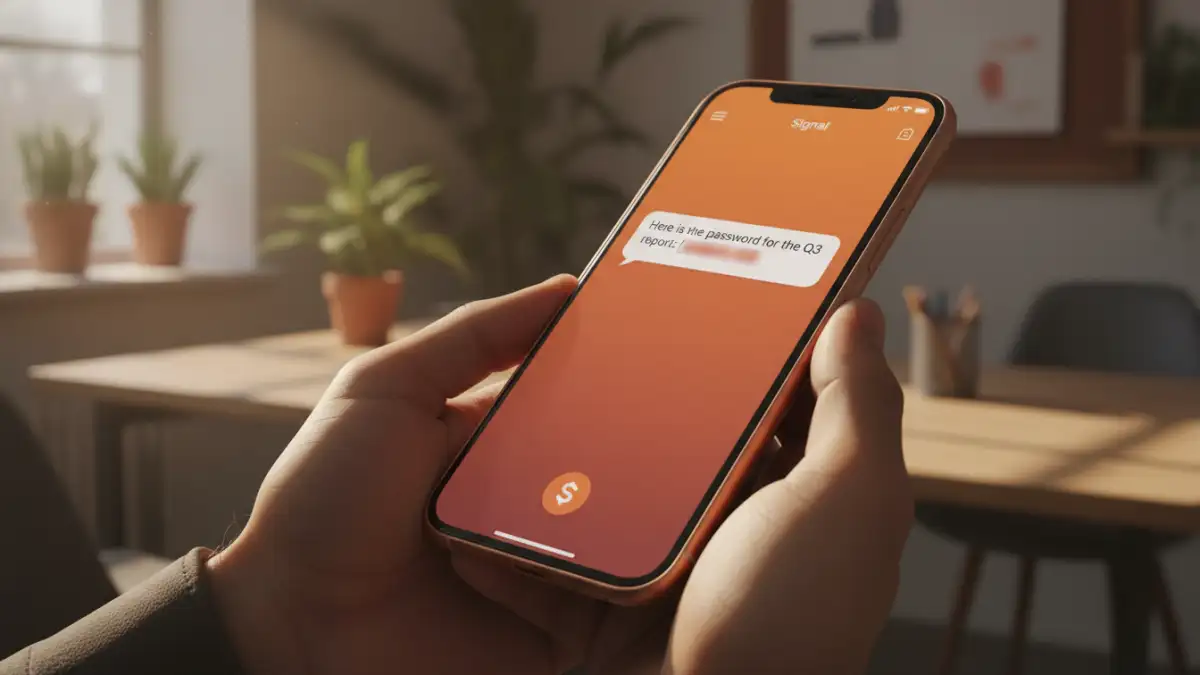
If a password manager isn't an option, a messaging app with default end-to-end encryption is the next best thing. Apps like Signal or WhatsApp (for one-on-one chats) ensure that only you and the recipient can read the message.
Send the document via email, then send the password via Signal. Crucially, advise the recipient to delete the message containing the password immediately after they've used it to open the document. This prevents the password from lingering in their chat history.
Method 3: A Simple Phone Call
Never underestimate the security of a direct phone call. While it can be subject to sophisticated wiretapping, it's generally secure against the common digital threats that compromise email and messaging. After sending the file, simply call the recipient and tell them the password verbally. It's low-tech, effective, and leaves no digital trail of the password itself.
Advanced Strategies for Teams and Businesses
For organizations that regularly handle sensitive data, relying on ad-hoc methods isn't scalable or secure enough. More robust solutions are needed.
Public Key Cryptography (PGP/GPG)
For the technically inclined, Pretty Good Privacy (PGP) or its open-source equivalent, GNU Privacy Guard (GPG), offers a powerful solution. You can encrypt the password using the recipient's public key. This means only they, using their private key, can decrypt and read the password. This method has a steeper learning curve but provides exceptionally strong security.
Secure File Sharing Platforms
Many business-grade cloud storage and secure file sharing platforms (like Tresorit, Sync.com, or Citrix ShareFile) have built-in mechanisms for secure sharing. They often manage access through user permissions rather than separate passwords, abstracting the complexity away. Users are granted access to a file or folder directly through the platform, eliminating the need to ever share a password for a document manually.
Quick Best Practices Checklist
Regardless of the method you choose, always follow these simple rules:
- Use Strong, Unique Passwords: A long, complex, and random password for the document is your first line of defense.
- Never Send the File and Password Together: This is the golden rule. Always use two separate channels.
- Confirm Receipt: Verbally confirm with the recipient that they have received the file and the password and have successfully opened the document.
- Instruct on Deletion: Ask the recipient to delete the message or note containing the password once they are finished with it.
- Consider Expiration: If possible, change the document password after the intended recipient has accessed it to invalidate the old password.
Password Sharing Method Comparison
| Method | Security Level | Ease of Use | Best For |
|---|---|---|---|
| Email or SMS | Very Low | Very Easy | Never recommended for sensitive information. |
| Phone Call | Moderate | Easy | Quick, one-off sharing with a trusted individual. |
| Encrypted Messenger (Signal) | High | Easy | Securely sharing with individuals who use these apps. |
| Password Manager | Very High | Moderate | The best all-around method for individuals and teams. |
| Secure File Sharing Platform | Very High | Moderate | Organizations and teams with recurring sharing needs. |
| PGP/GPG Encryption | Highest | Difficult | Technical users requiring maximum security for highly sensitive data. |