
I recently helped a colleague who was panicking because a critical, password-protected project archive wouldn't open. He was certain he knew the password, but after dozens of attempts, he was locked out. It turned out the password was simpler than he recalled, and we eventually got in, but the incident highlighted a common vulnerability: our perception of password strength for individual files often doesn't match reality.
We spend a lot of time securing our network accounts, but the passwords we slap on a ZIP file or a sensitive PDF are frequently an afterthought. This is a critical mistake, as a weak password can render the underlying encryption almost useless against a determined attacker.
Table of Contents
The Anatomy of a Brute-Force Attack
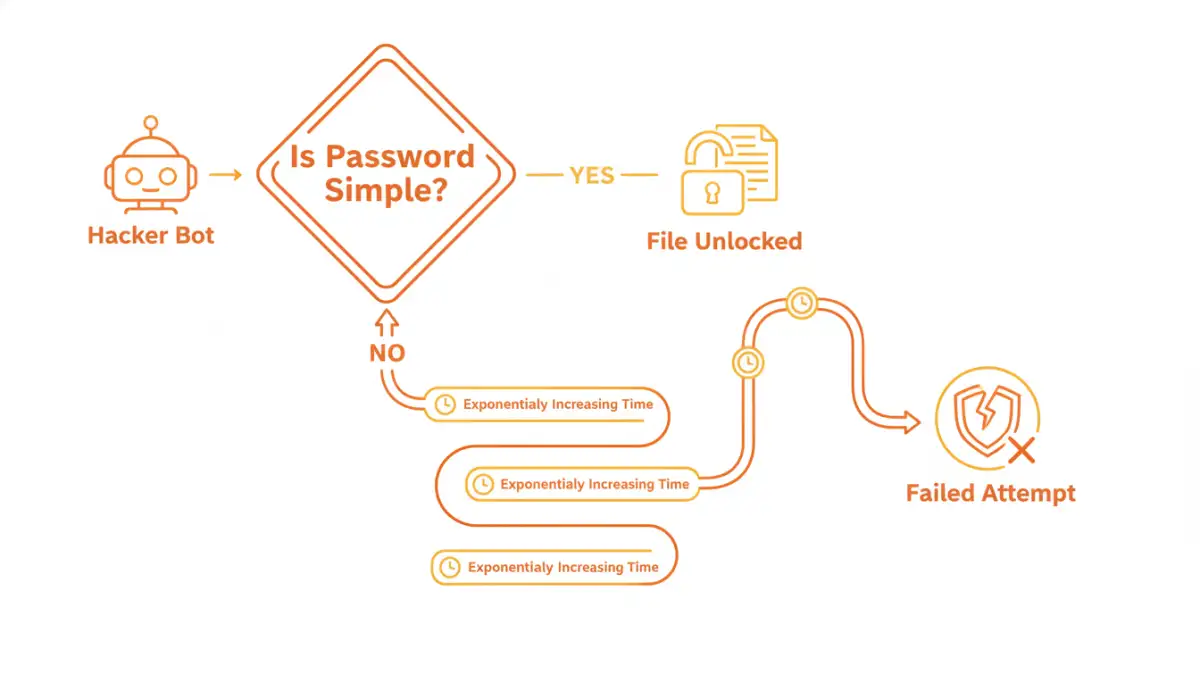
When we talk about cracking a file's password, we're usually referring to a brute-force attack. This isn't a sophisticated hack involving complex code exploits; it's a methodical, relentless attempt to guess the password. Automated software can try thousands, or even millions, of combinations per second.
These attacks aren't random. They start with the most common and predictable passwords—like 'password123' or '12345678'—and then move on to dictionary attacks, which use lists of common words, names, and phrases. If those fail, the software begins systematically trying every possible character combination. Your password's strength is a direct measure of how long it would take for that software to succeed.
What Attackers' Tools Look For
Brute-force tools are optimized to find patterns. They prey on human tendencies to use memorable but insecure passwords. Common targets include simple keyboard patterns (e.g., 'qwerty'), common substitutions ('P@ssw0rd1'), and personal information like birthdays or family names. A truly strong password has no discernible pattern, making it resistant to these intelligent guessing methods.
Deconstructing Password Complexity
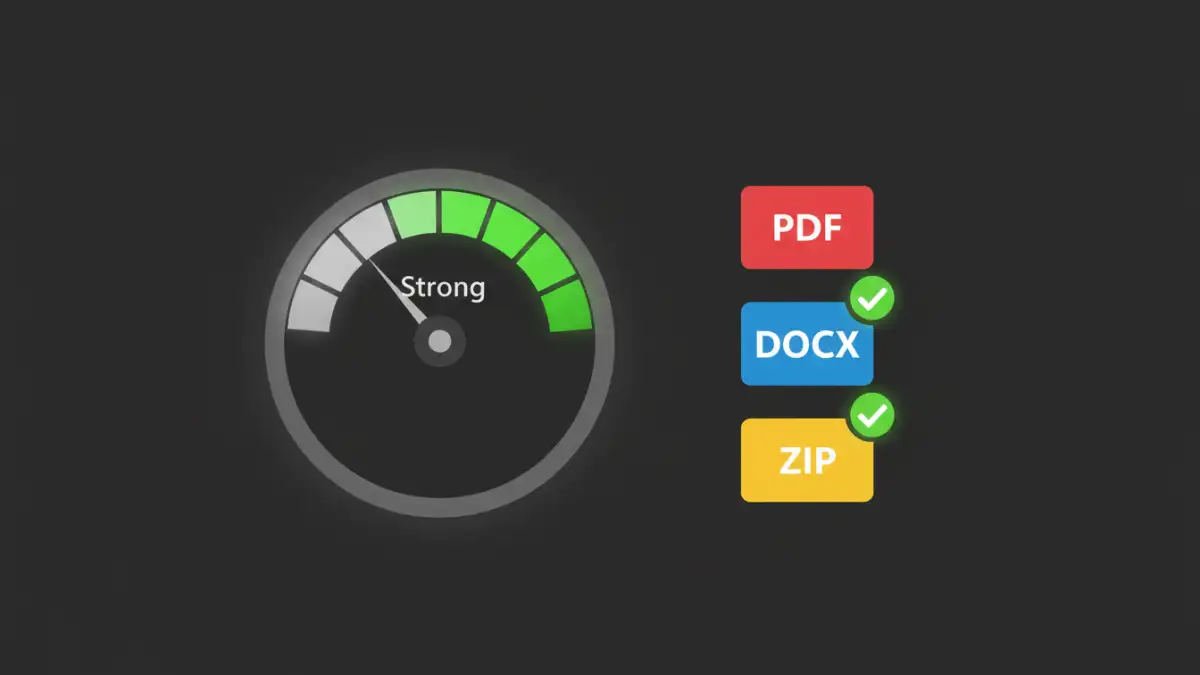
True password strength comes from a mathematical concept called entropy, which, in simple terms, measures unpredictability. The higher the entropy, the more random and unpredictable the password, and the longer it takes to guess. Three primary factors contribute to this.
- Length: This is the single most important factor. Every additional character you add increases the number of possible combinations exponentially. An 8-character password has billions of possibilities, but a 12-character one has trillions upon trillions.
- Character Variety: Using a mix of uppercase letters, lowercase letters, numbers, and symbols dramatically expands the pool of possible characters for each position in your password. A password using only lowercase letters is far easier to crack than one of the same length using all four character types.
- Unpredictability: Avoiding common words and phrases is key. A long but simple phrase like 'ilovemycat' is weaker than a shorter, more random string like 'j#8G!zPq'. This is where the concept of passphrases becomes powerful.
The Role of PDF Encryption Strength
The type of encryption used by the file format also matters. Modern PDF and Office documents use strong encryption standards like AES-256. However, the strength of this encryption is entirely dependent on the password used to generate the encryption key. A weak password creates a weak key, effectively creating a flimsy lock on a very strong door. The overall file security password complexity determines how well that strong door is actually secured.
Practical Password Requirements for Secure Files
So, what makes a good password for a file? The answer depends on the sensitivity of the data within. I follow a tiered approach when advising colleagues on creating strong document passwords.
For moderately sensitive internal documents, a minimum of 12 characters with mixed character types is a good baseline. This provides a solid defense against casual attempts. For highly sensitive data—like financial records, legal contracts, or intellectual property—I recommend pushing this to 16-20 characters or using a multi-word passphrase.
A passphrase like `Aqua.Giraffe!Eats-9-Waffles` is incredibly strong because of its length and character variety, yet it's far more memorable than a random string of 16 characters. This approach gives you the best of both worlds: high entropy and better usability, leading to more secure file access for authorized users.
Tools and Strategies for Better File Security
Remembering dozens of unique, complex passwords for individual files is impossible for any human. This is where tools and strategies become essential for maintaining security without sacrificing productivity.
Most importantly, use a password manager. Tools like Bitwarden, 1Password, or KeePass can generate and securely store extremely long, random passwords for you. When you need to encrypt a file, you simply ask the manager to create a 20-character password, apply it to the document, and save that password within the manager's vault, linked to the file's name. This removes the burden of creation and memorization entirely.
For archiving multiple files, use programs like 7-Zip or WinRAR, which allow you to create an encrypted archive with a single strong password. This is often more efficient than password-protecting dozens of individual documents. Always choose the strongest available encryption option, such as AES-256, when creating the archive.
Password Complexity and Cracking Time
| Password Example | Length & Complexity | Estimated Time to Crack (Offline) |
|---|---|---|
| secret | 6 lowercase | Instantly |
| Secret99 | 8 mixed case + numbers | Approx. 2 hours |
| S3cur!ty! | 9 mixed case, numbers, symbols | Approx. 5 days |
| gH#4k!zPq$f8 | 12 all character types | Approx. 34,000 years |
| Correct-Horse-Battery-Staple | 28 (passphrase) | Effectively uncrackable |