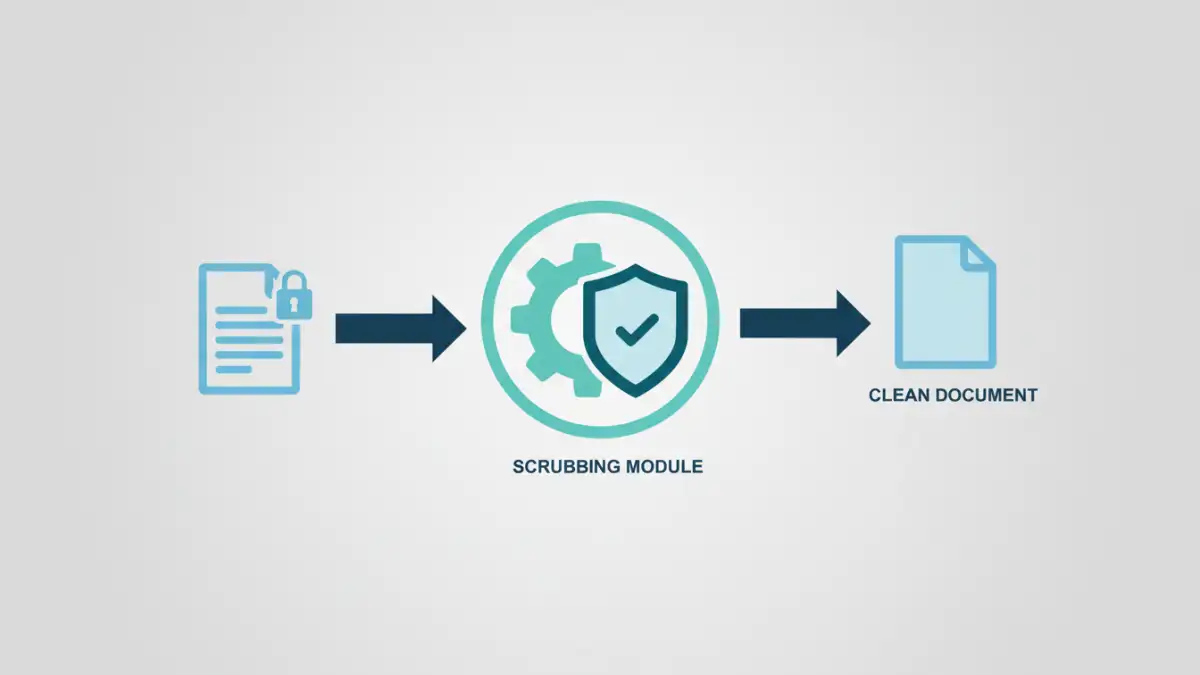
A few years ago, a legal firm I was consulting for faced a minor crisis. They had published a redacted document on their website, but the document's metadata still contained the author's name, internal revision notes, and the original file path—exposing details about their internal server structure. It was a stark reminder that the data we see on the page is only part of the story. The hidden data, or metadata, can often be a significant security liability.
This incident highlighted the critical need to clean files before sharing them publicly or with clients. While manual removal is possible for one or two files, it's completely impractical at scale. This is where automation becomes not just a convenience, but a core component of any robust security policy.
Table of Contents
What Is Document Metadata and Why Is It a Risk?
Every digital file you create, from a Word document to a JPEG image, contains metadata. This is 'data about data,' providing context and history about the file. It's automatically generated and embedded by the software used to create it.
Common types of metadata include the author's name, company, computer name, file creation and modification dates, GPS coordinates in photos (EXIF data), and even comments or tracked changes left in the document. While useful for internal management, this information becomes a liability when shared externally. It can inadvertently expose sensitive internal information, reveal timelines, or link individuals to documents they were not meant to be associated with publicly.
Examples of Risky Metadata
Consider a contract sent as a PDF. Its metadata might reveal the original author, how many times it was revised, and comments from previous reviewers that were thought to be deleted. For a publicly released report, this could undermine its credibility or leak confidential negotiation details. This is why automated data sanitization is so crucial for any organization that handles sensitive information.
The Case for Automated Data Sanitization
Relying on individuals to manually scrub metadata is a recipe for failure. People forget, make mistakes, or may not even know how to do it properly. The only reliable solution is to remove human error from the equation through automation. An automated process ensures that every document passing through a specific workflow is consistently cleaned.
This approach transforms metadata removal from a tedious, error-prone task into a seamless, invisible background process. It's the foundation for building truly secure document workflows, where security policies are enforced by the system, not just by people. Whether you're uploading documents to a public web server or sending them to a client, automation provides a verifiable checkpoint.
Building a Metadata Scrubbing Script
Creating a custom script offers the most flexibility and control over the scrubbing process. Python is an excellent choice for this task due to its extensive libraries for handling various file types. You can create a script that watches a specific folder and automatically processes any new files that appear.
For example, you could use the `pikepdf` library for PDFs and `python-docx` for Word documents. The core logic of the script would be to open a file, access its metadata properties, clear or overwrite them, and then save the file to a 'clean' output directory. This ensures the original file is preserved while a sanitized version is created for distribution.
Conceptual Python Script for PDFs
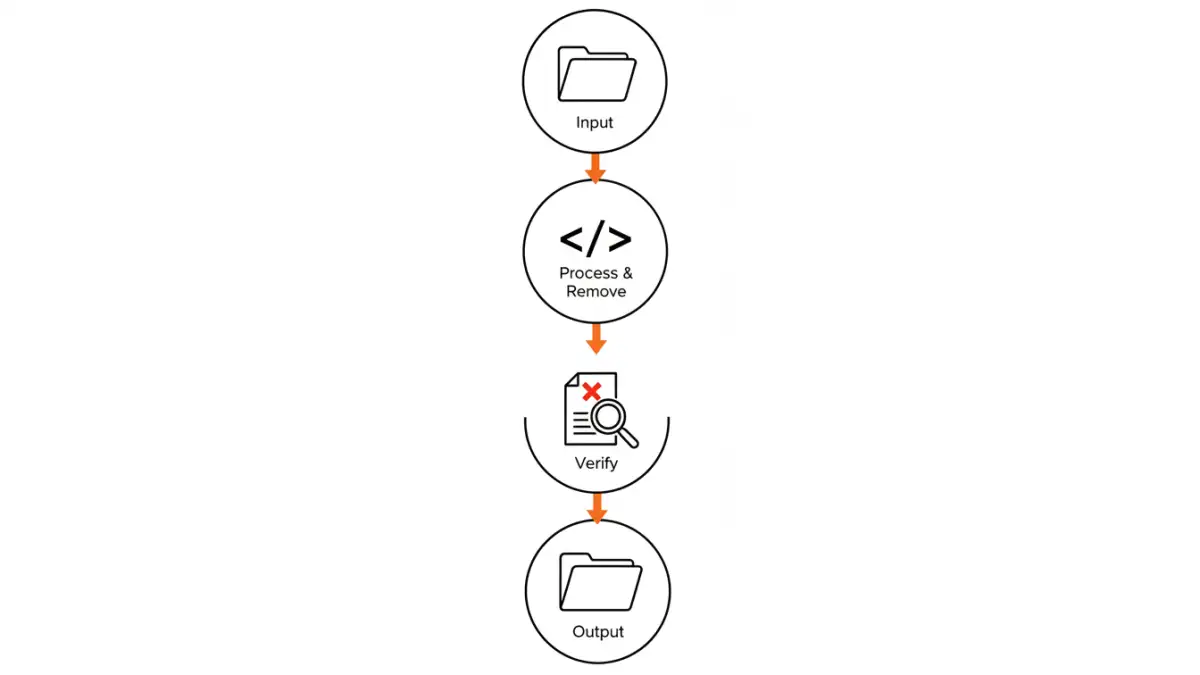
Here’s a simplified concept using `pikepdf`. The script would iterate through files in an 'input' directory, open each PDF, remove its metadata dictionary, and save the clean version to an 'output' directory.
The key steps are:
- Identify target files: Scan a directory for new or unprocessed PDFs.
- Open the PDF: Use a library like `pikepdf` to open the document programmatically.
- Access and delete metadata: The `pikepdf` library allows you to access the document's information dictionary (`doc.docinfo`). You can delete this entire dictionary or specific keys within it.
- Save the clean file: Save the modified PDF object to a new file, effectively creating a version without the sensitive metadata.
This approach allows for the bulk remove metadata operations needed for high-volume environments, making it a powerful tool for system administrators and developers.
Integrating Scrubbing into Your Workflow
A standalone script is useful, but its real power is unlocked when integrated directly into your existing processes. This is where you build robust, secure document workflows that operate automatically.
For instance, you could set up a file server where marketing materials are placed in a 'drafts' folder. A scheduled task could run your metadata scrubbing script on this folder every few minutes, moving the cleaned files to a 'ready-for-web' folder. This ensures no document is ever published without being sanitized first. Another common integration is a pre-commit hook in a version control system or a pre-upload step in a Content Management System (CMS).
Comparison of Metadata Removal Methods
| Method | Scalability | Control | Cost | Best For |
|---|---|---|---|---|
| Manual Removal (e.g., 'Document Inspector') | Low | Low | Free (Time Cost) | One-off documents, personal use |
| Online Tools | Medium | Low | Free or Subscription | Quick, non-sensitive file cleaning |
| Custom Scripting (e.g., Python) | High | High | Development Time | Automated, high-volume, and integrated workflows |
| Commercial Software | High | Medium | High (Licensing) | Enterprises needing support and certified solutions |