
You've just finished a sensitive proposal, scrubbed every word, and sent it off to a client. But what if I told you the file itself could still betray you? It might contain the names of everyone who edited it, the original draft's title, and even how long you spent working on it. This hidden information, known as metadata, is the digital footprint left on nearly every file we create.
A few years ago, I worked on a project where a legal team inadvertently shared a contract document that contained deleted clauses and comments from their internal review. The other party saw their initial negotiation positions, which significantly weakened their stance. This wasn't a hack; it was a simple oversight of the hidden data in files. It was a stark reminder that the content is only half the story.
Table of Contents
What Exactly Is Document Metadata?
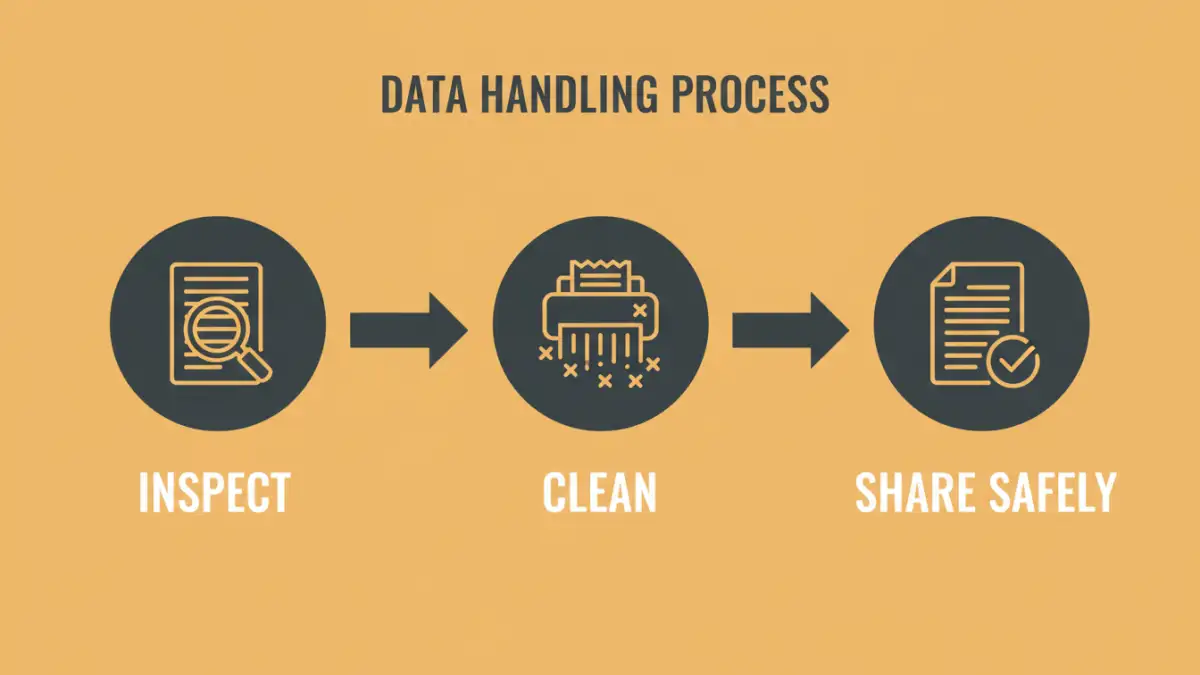
Metadata is often described as 'data about data.' It's the information automatically generated and embedded within a file that describes its history, origin, and characteristics. This isn't the content you type or the image you see, but the background information that travels with the file wherever it goes.
For documents like Word or PDF files, this includes the author's name, company, creation and modification dates, and even revision history. For images, this is called EXIF data, and it can be far more revealing, containing everything from the camera model to the precise GPS coordinates where the photo was taken.
Common Types of Hidden Data
The amount of hidden data can be surprising. It's not just one or two fields. Common examples include:
- Author Information: Usernames, initials, and company names from the software license.
- File History: Creation, last modified, and last accessed dates and times.
- Revision and Version Tracking: In Word documents, this can include a log of all changes, including deleted text and comments.
- Location Data: GPS coordinates embedded in photos (EXIF data) from smartphones and modern cameras.
- Software and Hardware Details: The software version used to create the file (e.g., 'Adobe Photoshop CC 2023') and the device model (e.g., 'Apple iPhone 14 Pro').
The Real-World Risks of Exposed Metadata
While seemingly harmless, this hidden data can create significant vulnerabilities. The primary concern is the unintentional leakage of sensitive information that can be exploited by competitors, adversaries, or cybercriminals. These are not theoretical problems; the exif data risks are very real.
Consider a whistleblower sending an anonymous photo to a journalist. If the EXIF data isn't scrubbed, the GPS coordinates could pinpoint their exact location, compromising their safety. In a corporate setting, a leaked proposal's metadata could reveal the names of the key team members, making them targets for poaching by competitors. Even simple author information can be used in social engineering attacks to build rapport and appear legitimate.
Legal and Compliance Implications
In legal proceedings, metadata is considered part of the electronic record and is subject to discovery. Failing to manage it properly can lead to sanctions. Furthermore, regulations like GDPR require organizations to protect all personal data, and metadata often contains personally identifiable information (PII). Accidentally sharing a file with hidden PII could constitute a data breach, leading to hefty fines and reputational damage.
How to View and Remove Metadata from Your Files
The good news is that you have control over this data. The first step to protect private information is to know how to find and remove it. Different file types require different methods.
Removing Metadata from Microsoft Office Documents
Microsoft Office has a built-in tool called the 'Document Inspector.' You can find it under File > Info > Check for Issues > Inspect Document. This tool scans for hidden properties, comments, revision marks, and other data. It allows you to review and remove specific categories of metadata with a few clicks before you share the file.
How to Remove PDF Metadata
PDFs are notorious for retaining metadata. Professional tools like Adobe Acrobat Pro have a 'Sanitize Document' feature that permanently removes sensitive content, including metadata, comments, and hidden layers. For those without access to paid software, many free online tools can remove PDF metadata, but be cautious about uploading highly sensitive documents to third-party services.
Managing Image EXIF Data
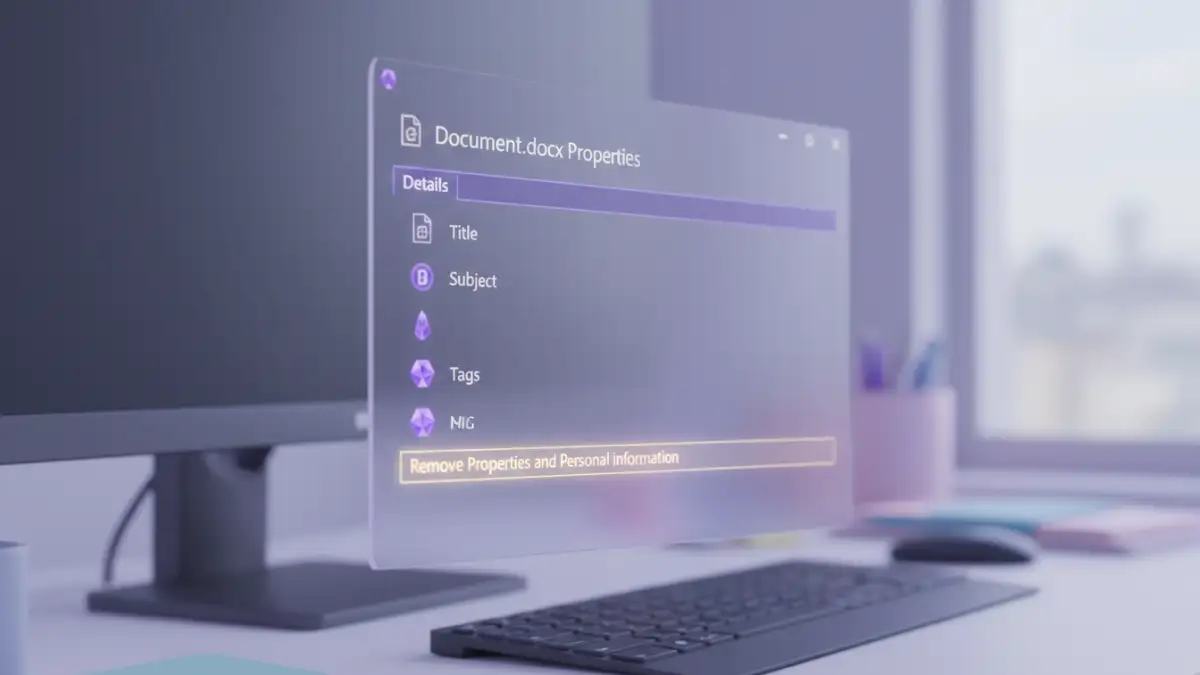
Most modern operating systems provide ways to manage EXIF data. On Windows, you can right-click an image file, go to 'Properties,' and then the 'Details' tab. You'll see an option to 'Remove Properties and Personal Information.' macOS offers similar functionality through the 'Preview' application's Inspector tool. For bulk removal, dedicated software is often more efficient.
Best Practices for Document Metadata Security
Relying on manual removal for every file is risky because it's easy to forget. A proactive approach to document metadata security involves creating a standardized workflow for your team or yourself.
First, establish clear policies on when metadata should be scrubbed. For instance, all documents intended for external distribution must be cleaned. Second, automate the process where possible. Some email gateway systems or document management platforms can be configured to automatically strip metadata from files before they leave your network. Finally, educate yourself and your team about the risks. Awareness is the most critical component of any security strategy.
Metadata Removal Method Comparison
| Method | Ease of Use | Cost | Security Considerations |
|---|---|---|---|
| Built-in OS/Software Tools | Easy | Free (Included) | High. Data does not leave your device. |
| Online Removal Tools | Very Easy | Free (Often with limits) | Low. You are uploading your file to a third-party server. |
| Dedicated Desktop Software | Moderate | Paid | Very High. Offers batch processing and advanced features. |
| Email Gateway Scrubber | N/A (Automated) | High (Enterprise) | Very High. Automates removal at the network level. |