I recently worked with a legal team sharing sensitive due diligence documents with an external party. They password-protected the PDF, but their real concern was what happened after the review period. How could they ensure that access was revoked automatically once the deal was done? The static password they set would live on forever, creating a permanent potential vulnerability.
This scenario highlights a common gap in document security. A simple password is a good first step, but it doesn't account for the lifecycle of information. For truly time-sensitive documents, we need a way to enforce temporary PDF access, and that's where the concept of an expiration date becomes crucial.
Table of Contents
The Problem with Permanent Passwords
When you apply a standard password to a PDF using tools like Adobe Acrobat, that password remains valid indefinitely. Anyone who has it can open the file today, tomorrow, or five years from now. This creates a significant, long-term security risk that many people overlook.
The longer a password exists, the higher the chance it will be compromised, whether through a data breach, accidental sharing, or a former employee retaining access. For contracts, financial reports, or intellectual property, this lingering access is an unacceptable risk. The goal is not just to protect the document during transit, but to control its accessibility throughout its entire lifecycle.
Understanding Native PDF Limitations
It's important to clarify a common misconception: the standard PDF format does not natively support password expiration. You cannot open Adobe Acrobat, set a password, and check a box that says "expire this password on Friday." The security features are built into the file itself and don't rely on an external clock or server to validate access.
This limitation means we have to look beyond the PDF file itself and use systems or platforms that wrap an additional layer of security around the document. These systems manage access control externally, giving us the time-based features we need. The PDF is still encrypted, but the key to unlock it (the password or access token) is what we control and expire.
Static vs. Dynamic Access Control
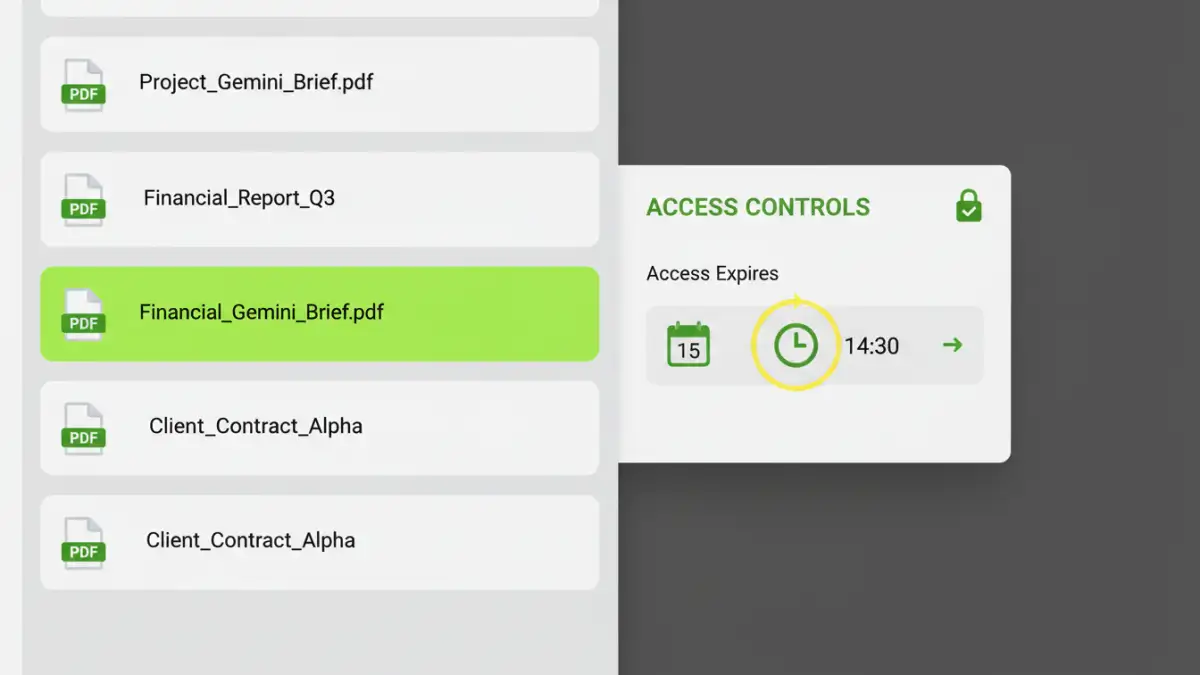
A standard PDF password is a form of 'static' access control. The rule is embedded in the file and never changes. To achieve expiration, we need 'dynamic' access control, where a server or service checks permissions in real-time. If the current date is past the expiration date, the service simply denies the request to view the document, even if the user has the old password.
Methods for Enforcing Temporary PDF Access
Since PDFs don't expire on their own, we rely on external services to manage access. These platforms provide the necessary infrastructure to handle time-sensitive document sharing securely and professionally.
Digital Rights Management (DRM) Solutions
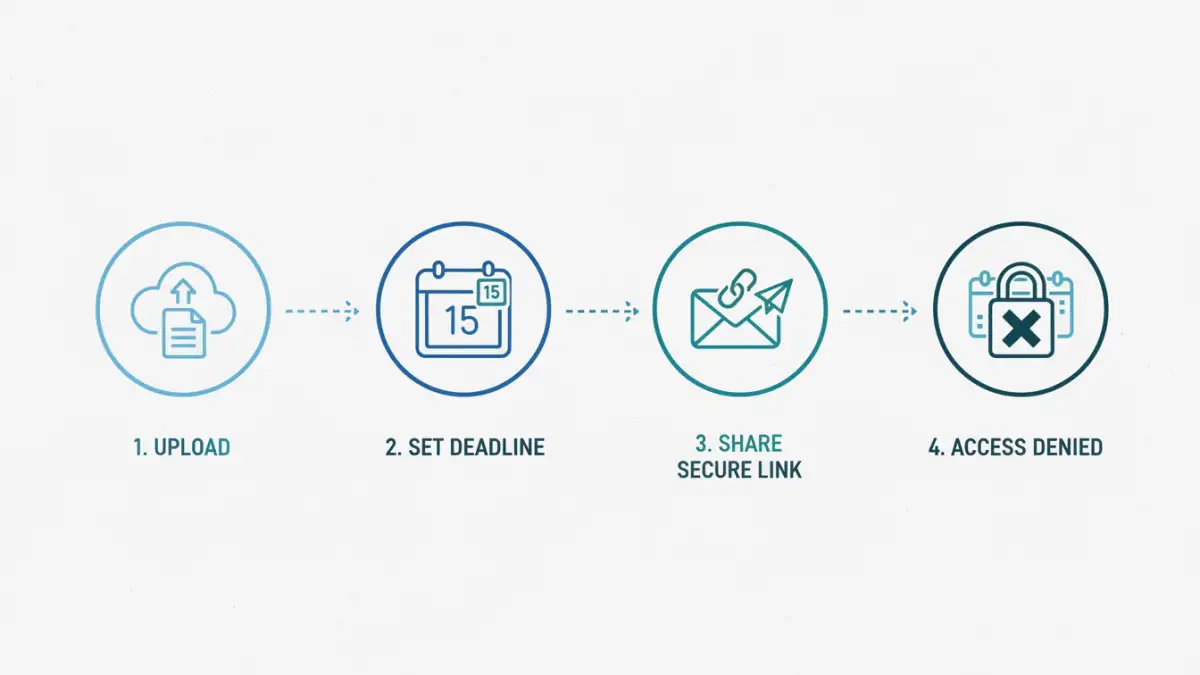
DRM systems are the gold standard for this kind of control. When you upload a document to a DRM platform, it's encrypted and stored securely. Instead of sending the file directly, you share a unique link. The recipient must authenticate with the DRM service, which checks if they are authorized and if the access period is still valid.
These platforms often provide granular controls, such as revoking access manually, preventing printing or copying, and watermarking documents with the viewer's information. This is the approach I recommend for high-stakes documents where audit trails and strict control are non-negotiable.
Secure Data Rooms (SDRs)
Similar to DRM, Secure Data Rooms (also known as Virtual Data Rooms) are online repositories designed for secure document sharing. They are commonly used in M&A, legal proceedings, and fundraising. You upload your PDFs, invite users, and set permissions, including access expiration dates.
Services like DocSend, Intralinks, or Firmex offer robust features for managing who can see what and for how long. They provide detailed analytics, showing you who viewed a document and for how long, which is invaluable for business intelligence and compliance.
Best Practices for Secure Document Sharing
Implementing a system that supports a pdf password expiration date is a great move, but it should be part of a broader security strategy. Technology alone is not enough; process and awareness are just as important.
First, always combine time-limited access with strong, unique passwords if the system requires them. Avoid using easily guessable phrases. Second, regularly audit who has access to your secure sharing platform and remove users who no longer need it. Don't let your user list become bloated with old contacts.
Finally, educate your recipients. Let them know that their access is temporary. This manages expectations and reinforces the sensitive nature of the information being shared. A simple line in your email like, "This secure link will expire in 72 hours," can prevent confusion and support requests down the line.
Document Access Control Method Comparison
| Method | How It Works | Pros | Cons |
|---|---|---|---|
| Standard PDF Password | Password is embedded directly in the PDF file. | Simple, widely supported, no extra cost. | No expiration, password can be shared/leaked. |
| Secure Data Room (SDR) | Upload PDF to a secure online platform; share expiring links. | High security, access logs, expiration dates, watermarking. | Subscription cost, requires recipient to log in online. |
| Digital Rights Management (DRM) | Advanced encryption and server-based key management. | Granular control (no printing/copying), remote revocation. | Can be complex and expensive; may require plugins. |
| Custom Server Logic | Host the PDF and control access via a web application. | Fully customizable to your specific workflow. | Requires development resources, ongoing maintenance. |