I recently worked with a local community arts non-profit facing a common but critical dilemma. They needed to share sensitive financial reports and donor lists with their board members, who are all volunteers working remotely. Emailing these documents felt risky, but complex security software was beyond their budget and technical capacity. This challenge perfectly illustrates the need for accessible, effective data protection in the non-profit sector.
Their situation is far from unique. Many non-profits handle incredibly sensitive information, from personal donor details to confidential grant proposals. A data breach could not only be costly but could irreparably damage the trust they've built with their community. The solution, it turned out, was simpler than they imagined and centered on strengthening their existing workflows.
Table of Contents
The Challenge: Balancing Accessibility and Security
The core problem for this arts organization was the classic security trade-off. Their board members needed easy access to documents to make informed decisions, but the data within those documents—names, addresses, donation amounts—required stringent protection. They were managing everything from fundraising lists in Excel to detailed grant applications in Word and PDF formats.
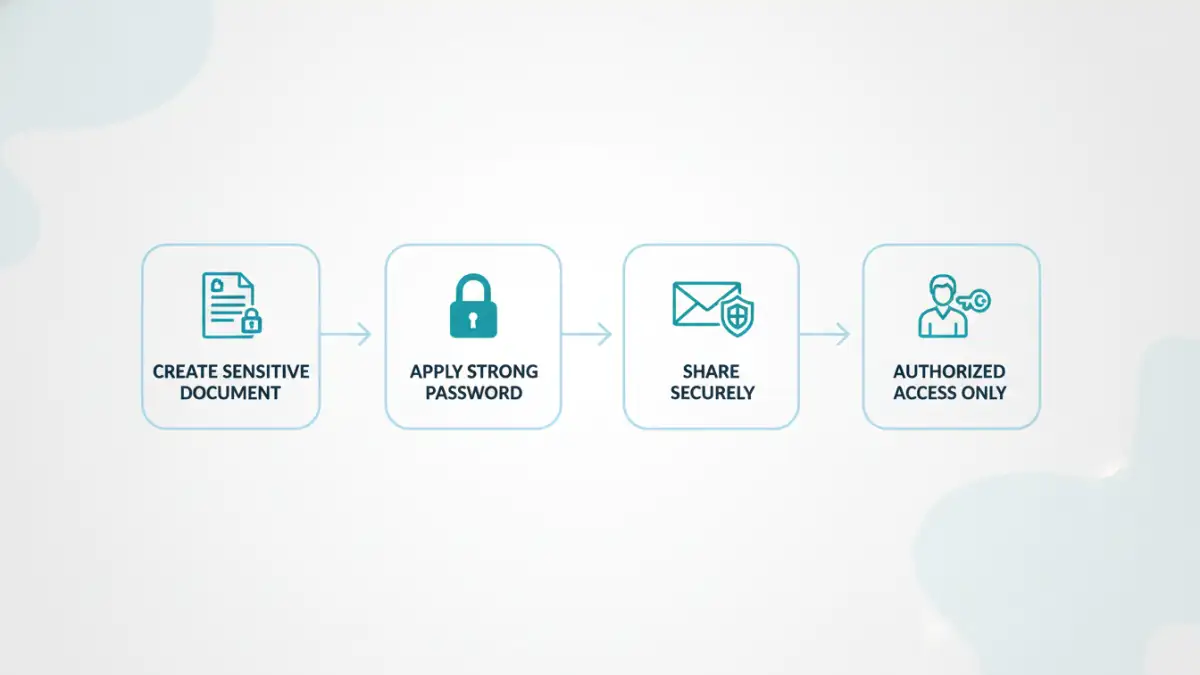
Their primary concerns revolved around donor data protection. Accidental forwarding of an email or a board member accessing the files on an unsecured public Wi-Fi network could lead to a significant privacy breach. This highlighted a pressing need for better non profit cybersecurity practices that didn't hinder their collaborative, volunteer-driven operations. They needed a method to ensure only authorized individuals could view specific files, regardless of how they were transmitted or where they were stored.
Implementing a Practical Security Solution
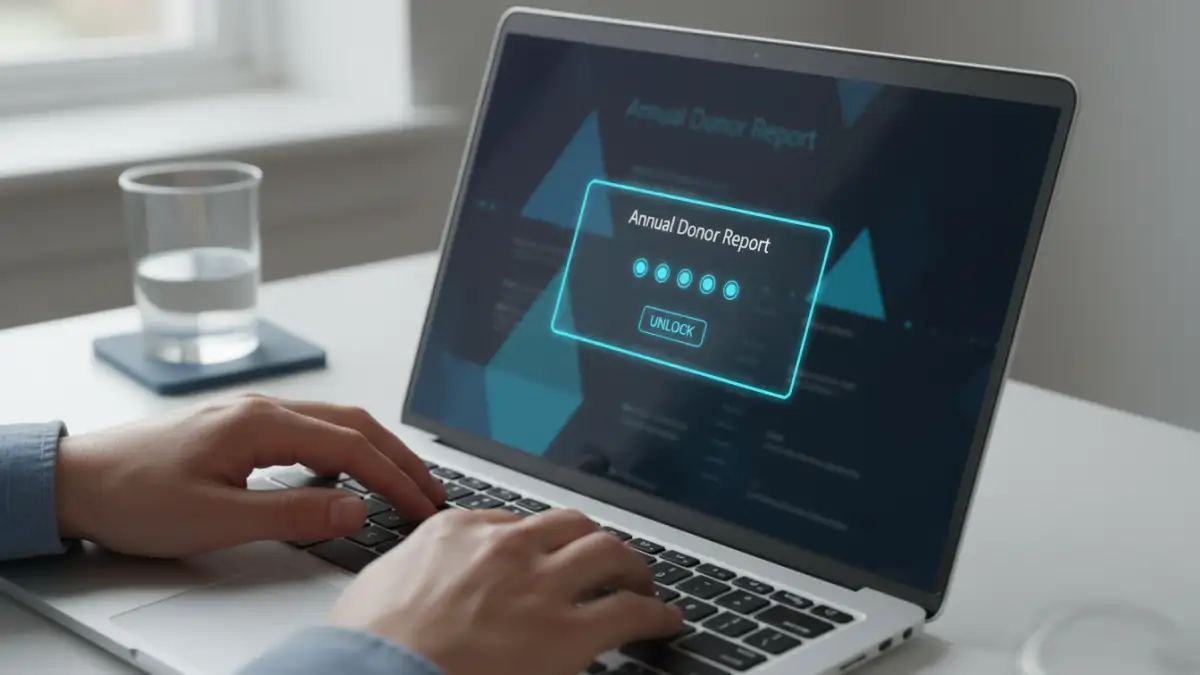
Instead of proposing a costly new system, we focused on leveraging tools they already had. Most modern document creation software, like Microsoft Office and Adobe Acrobat, includes robust, built-in password protection features. This became the cornerstone of our strategy, providing an immediate and cost-effective boost to their security posture.
Securing Donor Lists and Financials
For their Excel spreadsheets containing donor information and financial data, we implemented password protection to open the file. This meant that even if the file was inadvertently shared or downloaded to an insecure device, it remained an encrypted, unreadable block of data without the correct password. We trained the executive director on how to set a strong, unique password for each sensitive report before distribution. This simple step was a game-changer for their sensitive information handling.
Protecting Grant Applications
Grant proposals were another area of concern. These documents often contain innovative ideas and detailed budgets that should remain confidential. By saving Word documents as password-protected PDFs, they created a secure, non-editable format for sharing with grantors and review committees. This process for secure grant applications ensured that the integrity of the proposal was maintained and its contents were only accessible to the intended recipients, who were provided the password through a separate, secure channel like a phone call.
Beyond Passwords: A Layered Approach to Cybersecurity
While effective, we stressed that document passwords are just one layer of a healthy security strategy. Relying on a single point of defense is never ideal. I helped them develop a more comprehensive approach to complement their new file password security protocol.
This included establishing a clear policy for password management. We recommended using a password manager to generate and store strong, unique passwords for different document types or distribution groups. We also implemented a process for communicating passwords securely, advising against sending the password in the same email as the protected file. Finally, we conducted a short training session for the board on recognizing phishing attempts and the importance of using secure networks when handling organizational data.
The Impact: Building Trust and Streamlining Operations
The results were immediate and impactful. Board members adapted quickly to the new protocol, appreciating the organization's commitment to protecting their data and the data of their donors. The process of distributing sensitive materials became more confident and professional. Most importantly, it strengthened the trust between the non-profit, its board, and its donor base.
This case demonstrates that robust cybersecurity doesn't have to be complicated or expensive. By thoughtfully applying fundamental security principles, like password-protecting sensitive files, any organization can make significant strides in protecting its information. For non-profits, where trust is the ultimate currency, these simple steps are not just best practices—they are essential for long-term success and sustainability.
Document Security Method Comparison
| Method | Cost | Complexity | Best For |
|---|---|---|---|
| Built-in Document Passwords | Free (with software) | Low | Securing individual files for email or transfer. |
| File Encryption Software (e.g., VeraCrypt) | Free | Medium | Creating secure, encrypted containers for groups of files. |
| Secure Cloud Storage (e.g., Google Drive Permissions) | Varies (often free tier available) | Low-Medium | Controlling access for collaborative teams in a cloud environment. |
| Encrypted Email Services (e.g., ProtonMail) | Subscription-based | Low | Ensuring the entire communication channel is secure, not just the attachment. |