Is sending that email with your W-2s and 1099s attached giving you a slight sense of panic? It should. Standard email is about as private as a postcard; anyone who intercepts it along its journey can potentially read it. As someone who deals with data integrity daily, I see how easily information can be mishandled, especially when people are in a hurry during tax season.
The good news is that protecting your sensitive financial information doesn't require a degree in cybersecurity. With a few simple steps and the right tools, you can ensure your documents get to your accountant without exposing them to unnecessary risks. Let's walk through the why and the how of doing this correctly.
Table of Contents
Why Your Standard Email Is Not Secure
When you attach a file to an email and hit send, that data travels across multiple servers to reach its destination. Unless end-to-end encryption is used (which is rare for standard email), your message and its attachments can be intercepted and read at various points. This is fundamentally different from a secure system designed specifically for transferring private data.
The 'Man-in-the-Middle' Risk
A common cyber threat is a 'Man-in-the-Middle' (MitM) attack. This is where an attacker positions themselves between you and the recipient to intercept communications. If you're on a public Wi-Fi network, like at a coffee shop, the risk is significantly higher. Sending unencrypted tax documents over such a network is a huge gamble.
Data at Rest vs. Data in Transit
Security applies to two states: 'data in transit' (while it's traveling over the internet) and 'data at rest' (when it's stored on a server or hard drive). Standard email offers very little protection in either state. A hacker could breach an email server and gain access to all the files stored there, or they could capture the data as it moves between servers. This is why a multi-layered approach is essential for truly securely sharing tax documents.
Recommended Methods for Sharing Tax Documents
Instead of relying on email, you should use a method designed for security from the ground up. Here are the three most reliable options, from the most recommended to a solid DIY alternative.
Method 1: Use Your Accountant's Secure Client Portal
Most modern accounting firms provide a secure online portal for their clients. This is, by far, the best option. These portals are built with security as the top priority, using strong encryption to protect your data both in transit and at rest. When I work with financial consultants, I always insist on using their portal. It creates a clear, secure audit trail and centralizes all communication.
Using a portal is simple: you log in with a unique username and password, upload your documents directly to their system, and you're done. The connection is encrypted (look for 'https://' in the URL), and the files never touch the open internet in an unencrypted state.
Method 2: Create a Password-Protected ZIP File
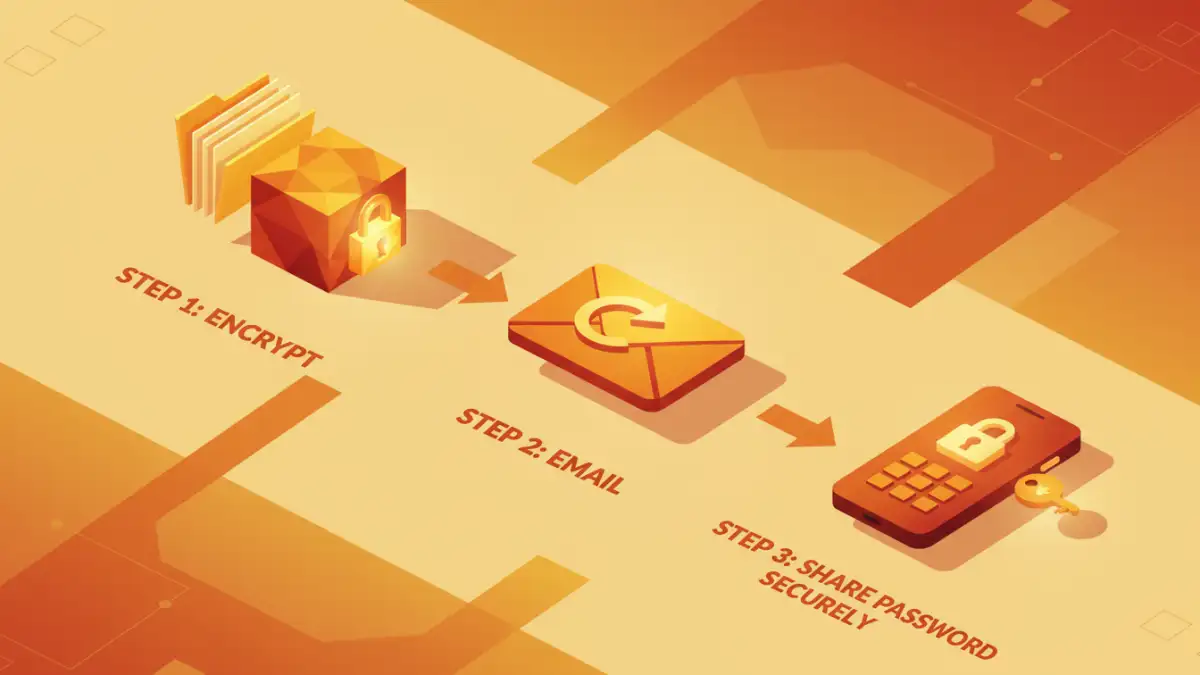
If your accountant doesn't have a portal, creating an encrypted ZIP file is a great second choice. Both Windows and macOS have built-in tools to do this. You can place all your documents (PDFs, spreadsheets, etc.) into a single folder, compress it into a ZIP file, and assign a strong password. This action encrypts the contents of the file.
You can then send this ZIP file via email. The crucial next step is to share the password with your accountant through a different, secure channel. A phone call or a text message is perfect for this. Never send the password in the same email as the file—that defeats the entire purpose.
Method 3: Use a Secure Cloud Storage Link
Services like Google Drive, Dropbox, and OneDrive offer another way to send sensitive files. You can upload your documents, and instead of sharing them directly, you create a shareable link. Most of these services allow you to set a password for the link and an expiration date. This gives you more control than a simple email attachment. The recipient needs the link and the password to access the files, adding a solid layer of security.
How to Properly Password Protect Tax Files
Whether you're creating a ZIP file or using a cloud link, the strength of your security often comes down to the password. A weak password is like locking your front door with a paperclip.
Creating a Strong, Unique Password
A strong password should be long (at least 12-15 characters) and include a mix of uppercase letters, lowercase letters, numbers, and symbols. Avoid common words, names, or dates. A great technique is to think of a memorable phrase and turn it into a password, like 'MyTaxesAreDoneByApril15!' becomes 'MTADbA15!'.
Sharing the Password Out-of-Band
This is the technical term for sharing information through a separate communication channel. As mentioned before, if you email the encrypted file, call your accountant to give them the password. This 'out-of-band' communication makes it exponentially harder for an attacker to get both the file and the key to unlock it.
Key Best Practices for Safe Document Sharing
Beyond the specific method you choose, a few universal principles will enhance your security and give you peace of mind.
- Verify Recipient Information: Before sending anything, double-check your accountant's email address or portal URL. A simple typo could send your information to the wrong person.
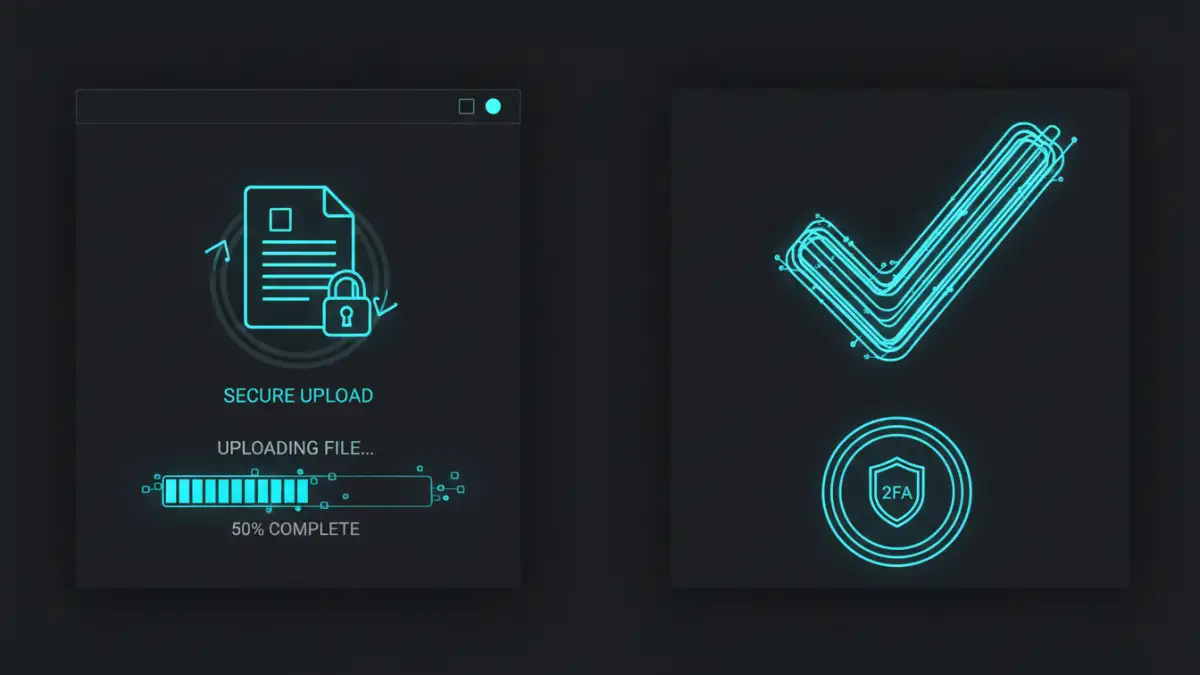
- Enable Two-Factor Authentication (2FA): Wherever possible—on your email, cloud storage, and your accountant's portal—enable 2FA. This requires a second form of verification (like a code sent to your phone) and provides a massive security boost.
- Confirm Receipt and Delete: After your accountant confirms they have safely received and downloaded the files, it's good practice to delete the files from your 'Sent' email folder or remove the shareable link. This minimizes the digital footprint of your sensitive data.
Comparison of Secure Sharing Methods
| Method | Security Level | Ease of Use | Best For |
|---|---|---|---|
| Accountant's Secure Portal | Very High | Easy | The most recommended and safest option for all users. |
| Password-Protected ZIP File | High | Medium | A great DIY option when a portal isn't available. |
| Secure Cloud Storage Link | High | Easy | Quick, controlled sharing with password and expiry options. |
| Standard Email Attachment | Very Low | Very Easy | Not recommended for any sensitive or financial documents. |