Have you ever needed to send a sensitive file, like a business contract or personal financial records, and felt a bit uneasy hitting 'send'? That feeling of uncertainty is exactly what document encryption is designed to solve. It's a digital lock that ensures only the right people can open and read your important information.
Think of it as putting a letter in a special safe before mailing it. Only the person with the correct key can open the safe and read the letter. In the digital world, this process transforms your readable document into a scrambled, unreadable format, making it useless to anyone without the key.
Table of Contents
Understanding Encryption Basics
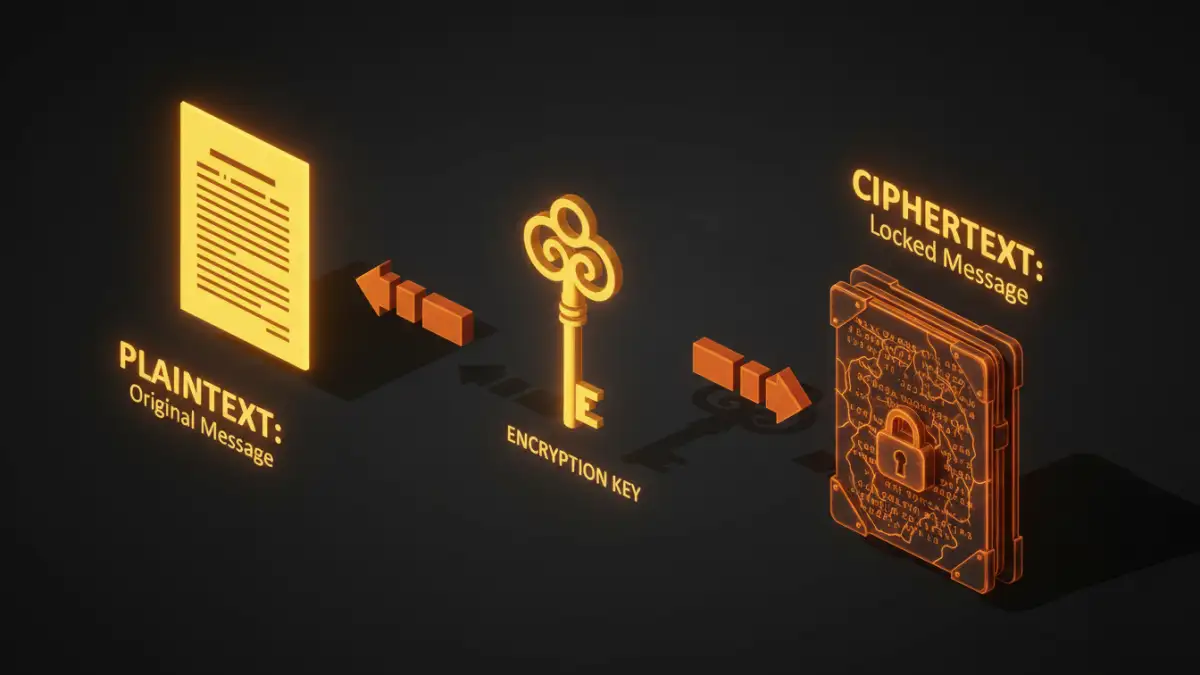
At its core, document encryption is the process of converting data from a readable format (plaintext) into an unreadable, encoded format (ciphertext). This is done using an algorithm and a 'key'. Without the correct key, the ciphertext is just a jumble of nonsensical characters. This is the fundamental principle of data security for files.
I often explain this to colleagues by comparing it to a secret code. If we agree on a rule (the key) to shift every letter in a message by three places, 'Hello' becomes 'Khoor'. To anyone else, 'Khoor' is meaningless. But if you have the key (shift back by three), you can easily decode it. Digital encryption is vastly more complex, but the idea is the same.
How Does Encryption Work? A Non-Technical Look
The encryption process involves a few key components. First, you have your original, readable file, which is called plaintext. Next, an encryption algorithm—a set of complex mathematical rules—scrambles this plaintext. The secret ingredient is the encryption key, a unique piece of information that dictates how the algorithm scrambles and unscrambles the data.
When these elements combine, they produce ciphertext, the unreadable version of your file. To revert it to its original state, the recipient needs the corresponding decryption key. This process is known as decryption. The strength of the encryption depends on the complexity of the algorithm and the length of the key.
Symmetric Encryption
This is the simpler of the two main types. In symmetric encryption, the same key is used for both encrypting and decrypting the data. It's fast and efficient, which makes it great for encrypting large amounts of data. The challenge, however, is securely sharing that single key with the intended recipient. If that key is intercepted, the security is compromised.
Asymmetric Encryption
Also known as public-key cryptography, this method uses a pair of keys: a public key and a private key. The public key can be shared freely and is used to encrypt the data. However, the data can only be decrypted by the corresponding private key, which is kept secret. This solves the key-sharing problem of symmetric encryption and is a cornerstone of modern internet security.
Common Methods for Encrypting Your Files
You don't need to be a cryptography expert to use encryption. Many tools you already use have built-in capabilities, and dedicated software makes the process straightforward. Understanding encryption options helps you choose the right level of protection.
Built-in Application Security
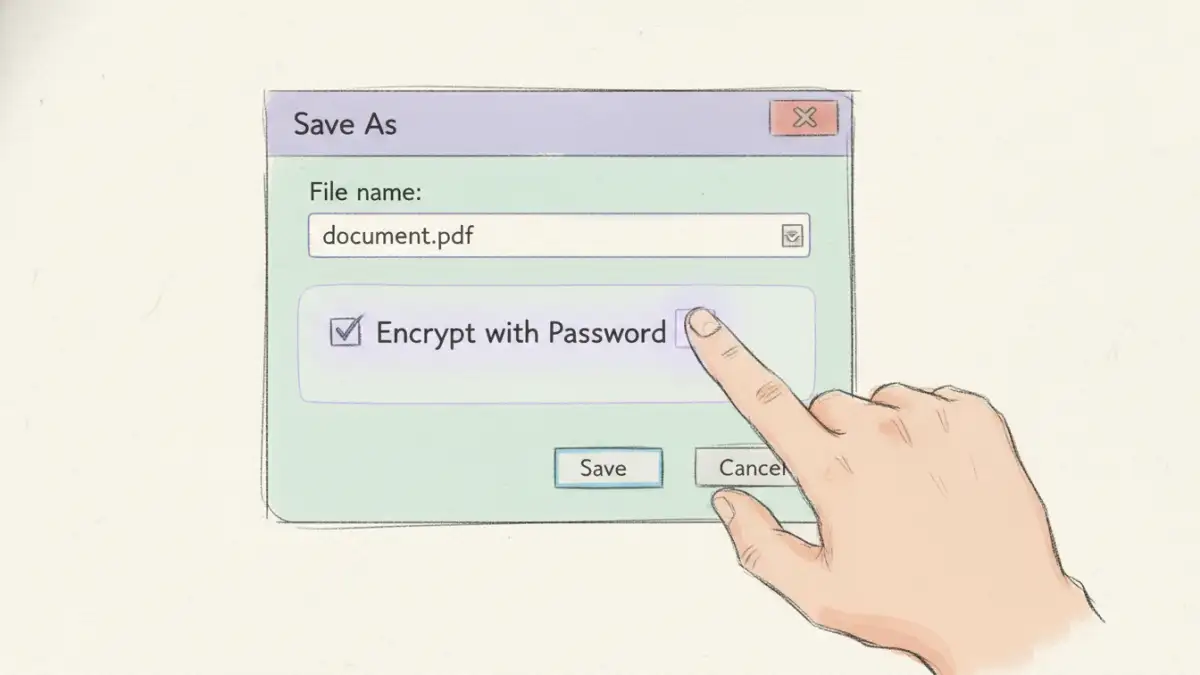
Many popular applications offer native encryption features. For example, Microsoft Office (Word, Excel) allows you to set a password to encrypt a document upon saving. Similarly, Adobe Acrobat provides robust password protection and encryption for PDF files. This is often the easiest way to secure a single file for sharing.
Operating System Encryption
Your computer's operating system likely has tools for full-disk encryption. Windows has BitLocker, and macOS has FileVault. These tools encrypt everything on your hard drive, protecting all your files if your device is lost or stolen. While powerful, this protects data at rest on your device, not necessarily when you send it elsewhere.
Third-Party Encryption Tools
For more advanced control, dedicated software like VeraCrypt or AxCrypt allows you to create encrypted containers (like a virtual safe) or encrypt individual files and folders. Cloud storage services like Google Drive and Dropbox also encrypt your files on their servers, providing another layer of protection.
Why Document Encryption is Crucial for Data Security
In an age of constant data breaches and cyber threats, protecting sensitive information is non-negotiable. Encryption serves as the last line of defense. If a hacker bypasses your firewall and accesses your network, encrypted files remain unreadable and useless to them.
Beyond security, encryption is often a legal or regulatory requirement. Industries like healthcare (HIPAA) and finance (PCI DSS) mandate strong encryption to protect client and patient data. Implementing file encryption basics is a critical step toward compliance and building trust with your customers. It ensures confidentiality, proves data integrity, and upholds privacy.
Encryption Method Comparison
| Encryption Method | How It Works | Best For | Potential Drawback |
|---|---|---|---|
| Application-Level (e.g., MS Office) | Encrypts a single file with a password from within the app. | Securing individual documents for email or sharing. | Security depends entirely on password strength. |
| Full-Disk (e.g., BitLocker) | Encrypts the entire hard drive automatically. | Protecting all data on a laptop if it's lost or stolen. | Doesn't protect files once they are moved off the device. |
| Cloud Storage Encryption | Files are encrypted by the service provider on their servers. | Securing files stored and synced via the cloud. | You are trusting the provider with your encryption keys. |
| Third-Party Software (e.g., VeraCrypt) | Creates secure, encrypted 'vaults' or encrypts specific folders. | High-security needs and granular control over what is encrypted. | Can have a steeper learning curve for beginners. |