Have you ever stared at a sensitive file, like a contract or financial statement, and felt a knot in your stomach wondering about the safest way to send it? Just attaching it to an email feels wrong, and for good reason. Standard email is like a postcard; anyone along its delivery route could potentially take a peek.
Sending confidential information without the right precautions is a significant risk. Fortunately, securing your documents before you hit 'send' isn't as complicated as it sounds. I've guided many colleagues through this exact process, and it boils down to a few core principles and easy-to-use tools.
Table of Contents
Why Standard File Sharing Is Risky
When you attach a document to a standard email, it travels across multiple servers unencrypted. This exposes it to potential interception at any point. It's not just about hackers; sometimes human error, like sending an email to the wrong 'John Smith', can lead to a data breach. This is why a direct attachment is not a safe way to send files containing personal, financial, or proprietary information.
Think of it this way: you wouldn't mail your house keys and your address in the same envelope. Sending a sensitive file and discussing it in the same email thread is the digital equivalent. The goal is to create separation and add layers of protection, making it difficult for an unauthorized party to access the information even if they intercept the message.
Two Foundational Methods for Securing Files
For most first-time scenarios, you don't need complex enterprise software. Your computer's operating system and the applications you already use have powerful, built-in security features. These two methods are my go-to recommendations for anyone starting out.
Method 1: Built-in Document Encryption (PDF & Office)
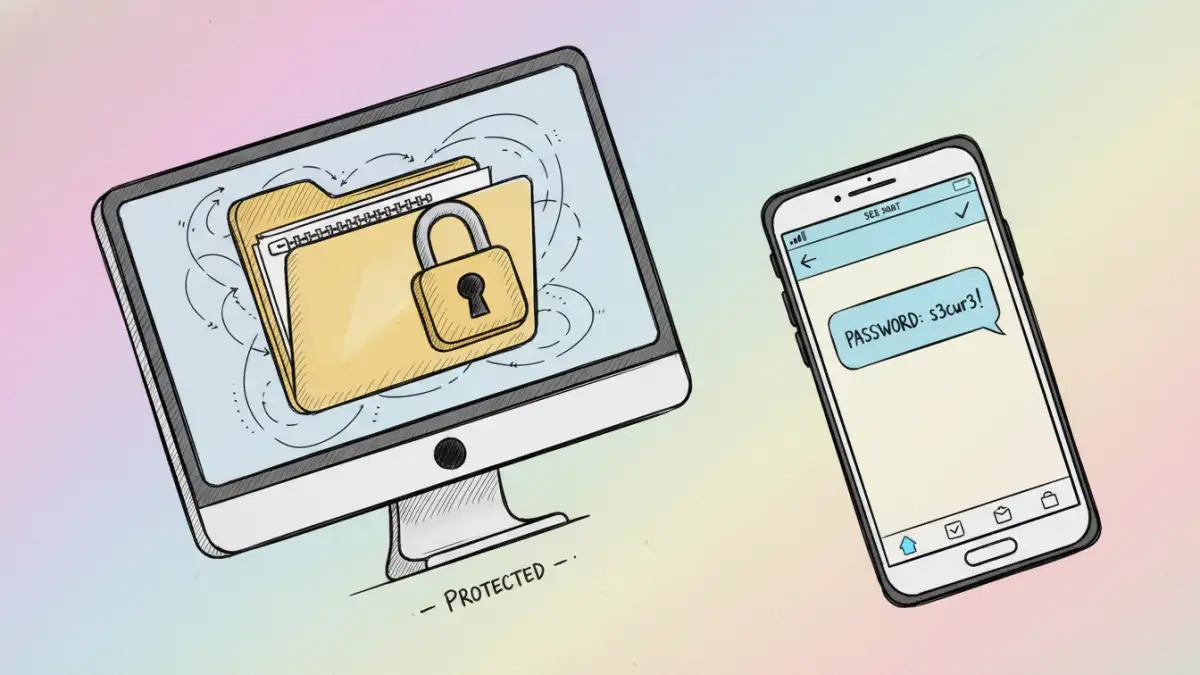
Most modern document applications, like Microsoft Word or Adobe Acrobat, allow you to password-protect a file directly. When you save a document, look for options under 'File > Info > Protect Document' in Word or 'File > Properties > Security' in Acrobat. You can set a password that will be required to open the file.
This process encrypts the contents of the document itself. The file becomes scrambled, and only the correct password can unscramble it. This is an excellent first line of defense because the protection travels with the file, no matter how you send it.
Method 2: Creating an Encrypted ZIP Archive
Another versatile approach is to place your document (or multiple files) into a password-protected ZIP archive. Both Windows and macOS have built-in tools for this. On Windows, you can use a free tool like 7-Zip. On a Mac, you can use the Terminal with a simple command to create an encrypted archive.
This method is great because it's universal; it works for any file type, not just documents. You bundle everything into one encrypted container. The recipient just needs the password and any standard unzipping tool to access the contents. This is a solid technique for a confidential document transfer involving multiple files.
Using Dedicated Secure Sharing Platforms
While built-in methods are good, dedicated secure file sharing methods offer more control and better security. Services like Tresorit, Sync.com, and Proton Drive are built from the ground up with zero-knowledge encryption. This means not even the service provider can access your files.
These platforms often include features like link expiration, download limits, and access notifications. You upload the file to their secure cloud, generate a protected link, and share that link with the recipient. This approach is often superior to email attachments because it gives you granular control over who can access the file and for how long.
The Golden Rule: Out-of-Band Password Sharing
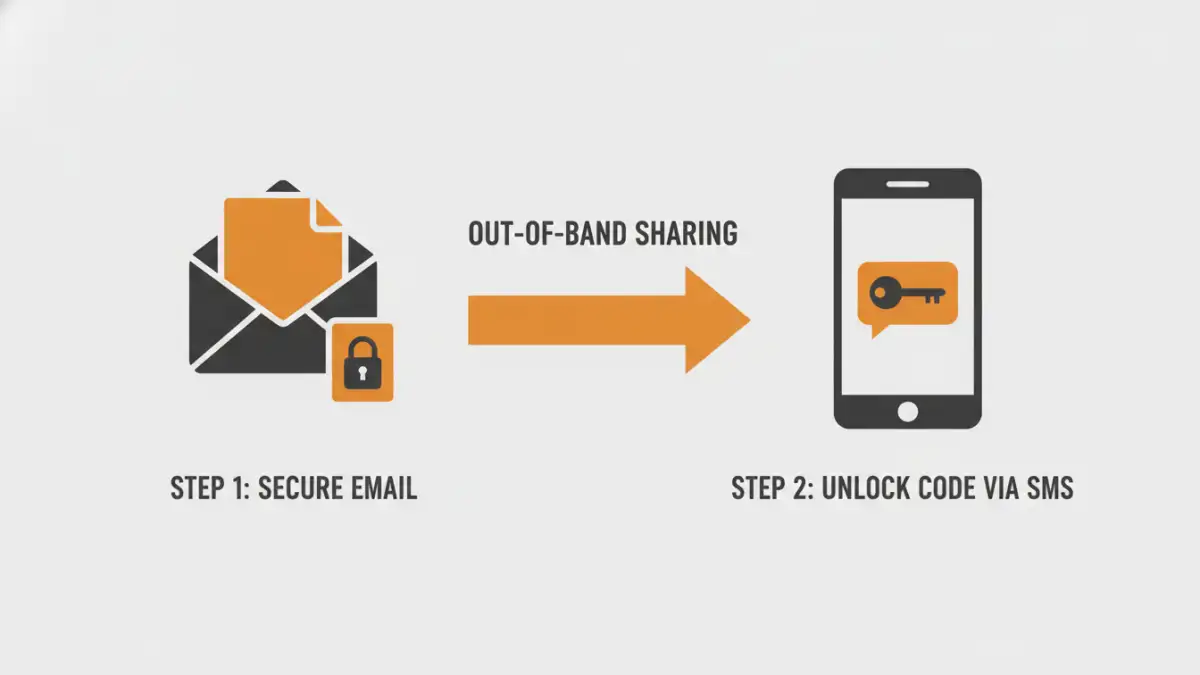
This is the most critical step, and the one people most often get wrong. Never, ever send the password in the same email as the encrypted file. Doing so completely defeats the purpose of the encryption. If an attacker gains access to that one email, they have both the lockbox (the file) and the key (the password).
Always share the password through a different communication channel, a practice known as 'out-of-band' sharing. If you email the file, send the password via a text message, a secure messaging app like Signal, or a phone call. This separation is a simple but powerful security principle that dramatically reduces your risk.
Best Practices for Ongoing Security
Once you've chosen your method, keep these final tips in mind. First, always use a strong, unique password for each document. A mix of upper and lowercase letters, numbers, and symbols is essential. Second, confirm with the recipient that they have received the file and can open it, then consider revoking access if you used a cloud service. Finally, if you need to securely share a document regularly, consider investing in a dedicated secure platform for peace of mind and better features.
Comparison of Secure Sharing Methods
| Method | Security Level | Ease of Use | Best For |
|---|---|---|---|
| Built-in Document Encryption | Good | Very Easy | Single Word/PDF files, quick tasks. |
| Encrypted ZIP Archive | Good | Easy | Sending multiple files of any type together. |
| Standard Cloud Storage (e.g., Google Drive) | Fair to Good | Very Easy | Collaboration with password-protected links. |
| Zero-Knowledge Cloud Platform | Excellent | Easy to Moderate | Highly sensitive data, legal documents, long-term storage. |
| Email Attachment (Unencrypted) | Very Poor | Very Easy | Non-sensitive, public information only. |