The shift to remote work wasn't just a change in location; it was a fundamental rewiring of how businesses operate. While productivity tools flourished, a critical component was often left behind: security. We recently conducted a survey of over 500 remote employees to understand their daily security practices, and the results were eye-opening. The convenience of working from home has created a culture of complacency, exposing significant gaps in how sensitive documents are handled.
Table of Contents
The Shocking State of Employee Security Habits
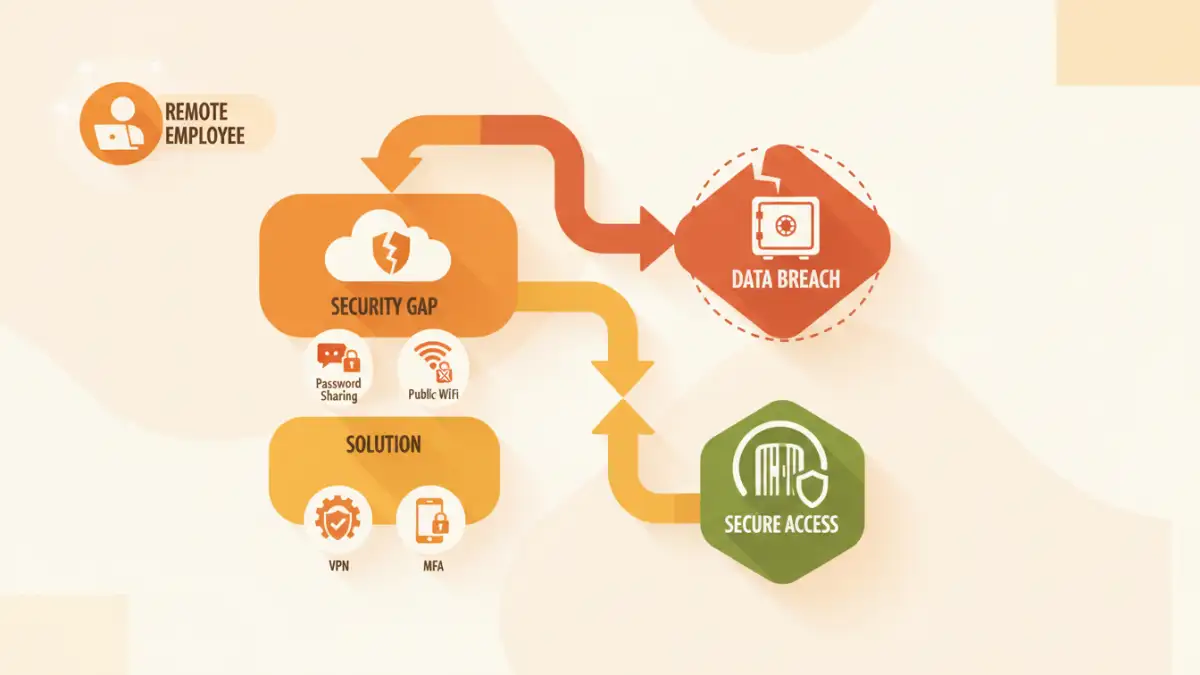
Our password sharing survey revealed some startling trends. It's clear that what seems like harmless corner-cutting to an employee can represent a major vulnerability for a company. The data paints a picture of good intentions undermined by a lack of training and awareness about fundamental work from home file safety.
Password Sharing: The Path of Least Resistance
A staggering 42% of respondents admitted to sharing passwords for work documents with colleagues via insecure channels like chat messages or email. When a deadline looms, the priority becomes access, not security. This common practice completely bypasses individual access controls and makes it impossible to track who actually viewed or modified a file, creating a significant audit and security hole.
The Unsecured Home Network
We also found that nearly 60% of employees regularly connect to their company's network from their personal home Wi-Fi without using a Virtual Private Network (VPN). While convenient, this exposes company data to man-in-the-middle attacks and other threats prevalent on unsecured networks. It effectively turns a simple home router into a potential gateway for intruders to access the entire corporate network.
Key Remote Document Access Risks Unveiled
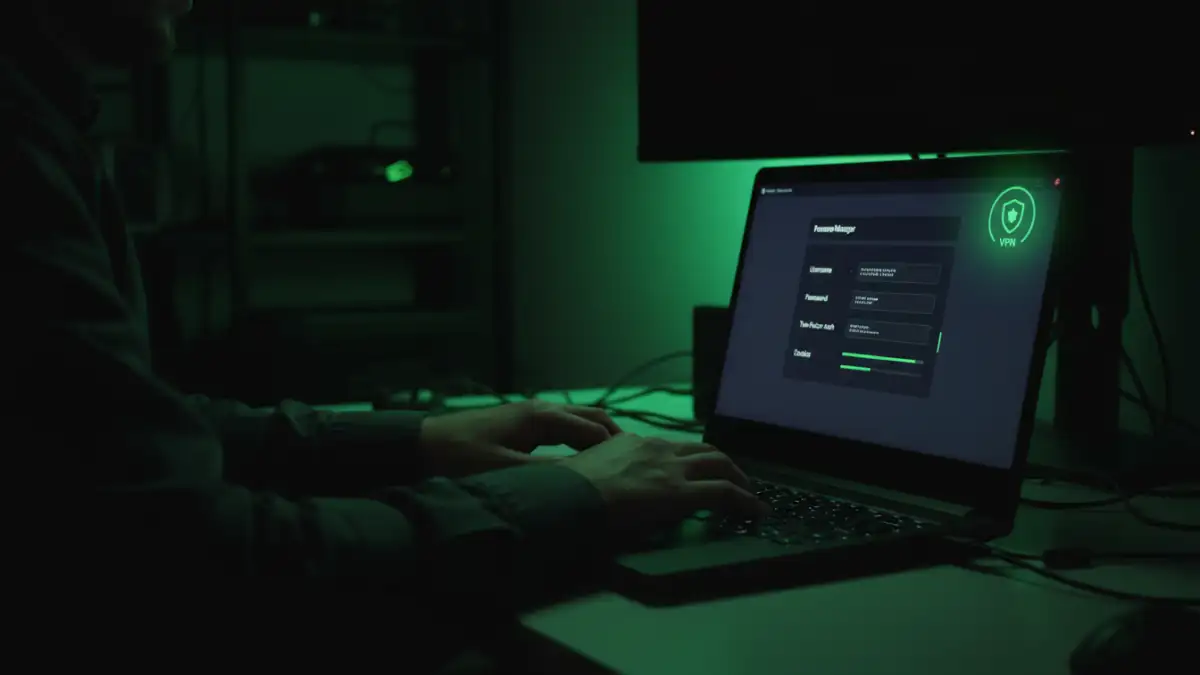
These habits directly translate into tangible threats. It's not just about hypothetical scenarios; it's about creating clear pathways for data breaches. Understanding these specific remote document access risks is the first step toward mitigating them and protecting sensitive information.
Compromised Personal Devices
When employees use personal laptops for work, the line between corporate security and personal cybersecurity blurs. A device infected with malware from a personal email or a questionable download can easily become a tool for attackers to steal corporate credentials, access sensitive files, and infiltrate the entire company network. Without proper endpoint security, personal devices are a major weak link.
Physical and Environmental Gaps
Document security extends beyond the digital realm. Our survey noted that many employees don't have a dedicated, private workspace. This leads to sensitive information being visible on screens to family or visitors, documents being left on desks in shared spaces, and a general lack of the physical access controls present in a traditional office environment. A lost or stolen laptop from a coffee shop can become a full-blown data breach.
Fortifying Your Defenses: A Company-Level Strategy
The responsibility for security doesn't fall solely on the employee. Organizations must build a robust framework that makes being secure the easiest option. A proactive approach is essential for managing remote work document security effectively and fostering a culture of vigilance.
Adopting a Zero Trust Model
The old "castle-and-moat" security model is obsolete in a remote-first world. A Zero Trust architecture operates on the principle of "never trust, always verify." This means every access request for a document or system is authenticated and authorized, regardless of whether the user is inside or outside the corporate network. It significantly reduces the risk of unauthorized access from compromised accounts.
Continuous and Engaging Security Training
Annual, check-the-box security training is no longer sufficient. Companies need to implement continuous, engaging training programs that use real-world examples and phishing simulations. The goal is to transform employee security habits from a chore into an instinct, empowering them to become the first line of defense rather than the weakest link.
Practical Security Steps for Every Remote Employee
While the company sets the strategy, individual actions are what make it work. Every remote employee can take simple yet powerful steps to protect company data and enhance their personal cyber hygiene. These practices should be part of your daily routine.
- Always Use a VPN: A VPN creates a secure, encrypted tunnel between your computer and the company network, shielding your activity from prying eyes on public or home Wi-Fi. Make it a non-negotiable step every time you start work.
- Embrace a Password Manager: Stop reusing passwords or writing them down. A password manager creates and stores strong, unique passwords for all your accounts, securing them behind a single master password.
- Enable Multi-Factor Authentication (MFA): MFA adds a critical layer of security by requiring a second form of verification, like a code from your phone, in addition to your password. Enable it on every service that offers it.
- Keep Software Updated: Software updates often contain critical security patches that fix newly discovered vulnerabilities. Don't ignore those update notifications on your operating system, browser, and other applications.
Remote Security Measures: A Practical Comparison
| Measure | Security Impact | Ease of Implementation | Typical Cost |
|---|---|---|---|
| VPN Usage | High (Encrypts all internet traffic) | Easy (One-click connection) | Often provided by employer |
| Multi-Factor Authentication (MFA) | High (Prevents 99.9% of account compromise attacks) | Easy (Simple app or text setup) | Free |
| Password Manager | High (Eliminates weak and reused passwords) | Medium (Requires setup and habit change) | Free to ~$5/month |
| Phishing Awareness Training | Medium (Reduces human error) | Varies (Requires ongoing effort) | Provided by employer |
| Regular Software Updates | High (Patches known vulnerabilities) | Easy (Often automated) | Free |