Working with password-protected documents can be frustrating, especially when you forget the password or need to share a file with someone who doesn't have it. While PDF encryption is a vital tool for securing sensitive information, it's not foolproof. My experience in software engineering has shown me that understanding how these security measures can be bypassed or exploited is crucial for both users and developers.
Recent reports and analyses highlight that despite the perceived security of password-protected PDFs, certain vulnerabilities exist. These flaws can be exploited by malicious actors or even well-meaning individuals trying to access locked content. This article delves into the nature of these vulnerabilities, the risks they pose, and how to mitigate them.
Table of Contents
Understanding PDF Password Vulnerabilities
PDFs are commonly used for sharing documents, from invoices and contracts to academic papers and personal records. Password protection is a primary feature to safeguard this data. However, the effectiveness of this protection hinges on the strength of the encryption algorithm used and the complexity of the password itself.
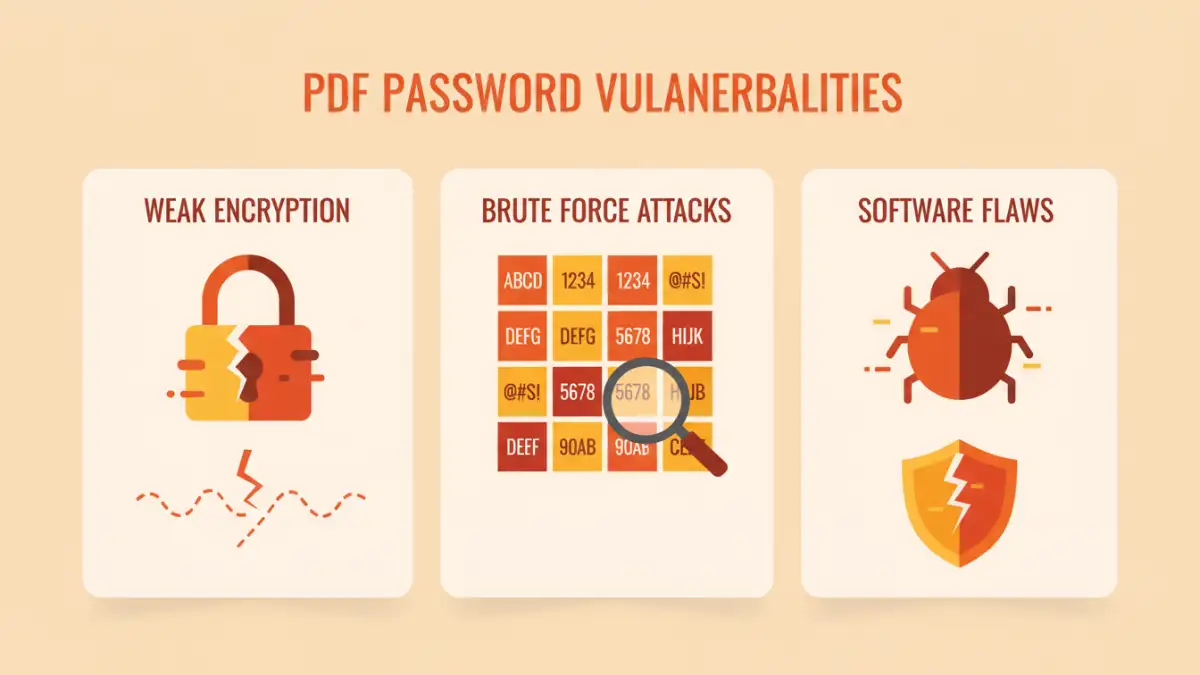
The primary concern often lies not with the encryption itself, but with how it's implemented and the user's password choices. Weak passwords or outdated encryption standards can leave documents susceptible to brute-force attacks or dictionary attacks. My work has often involved reviewing security protocols, and it's clear that robust password policies are the first line of defense.
Key Vulnerability Types
PDF password vulnerabilities can generally be categorized into issues related to password strength, encryption algorithm weaknesses, and implementation flaws in PDF software. For instance, older versions of Adobe Reader or other PDF viewers might have had specific exploits that allowed for password recovery or circumvention.
Common Exploitation Methods
Several methods are used to exploit weaknesses in PDF password protection. Brute-force attacks involve systematically trying every possible combination of characters until the correct password is found. Dictionary attacks are similar but use a pre-compiled list of common words and phrases.
More sophisticated attacks might involve exploiting known vulnerabilities in specific PDF software versions or leveraging techniques like social engineering to trick users into revealing their passwords. Understanding these methods helps in appreciating the full scope of file password risks.
Decryption Tools and Software
A significant portion of the discussion around pdf password vulnerabilities revolves around the existence and effectiveness of decryption tools. While many such tools are designed for legitimate purposes, such as recovering lost passwords for one's own files, they can also be misused.
Examining Specific PDF Security Flaws
While the PDF specification itself has evolved to include stronger encryption (like AES-256), older documents or those created with less sophisticated software may still use weaker RC4 encryption. This makes them more prone to rapid decryption. Furthermore, some PDF viewers might not enforce password requirements strictly, allowing for weak passwords to be set easily.
The ability for some PDF viewers to prompt for a password only when a specific action is taken (like printing or editing) rather than upon opening, presents another layer of potential document protection weaknesses. This can be bypassed if the attacker can trigger the desired action through other means.
File Password Risks and Implications
The implications of exploited pdf password vulnerabilities range from minor inconvenconveniences to severe data breaches. For individuals, this could mean the loss of personal documents or identity theft if sensitive information is compromised. For businesses, it can lead to financial losses, reputational damage, and legal repercussions.
When sensitive corporate data, such as financial reports, client lists, or intellectual property, falls into the wrong hands, the consequences can be dire. This underscores the importance of staying informed about current pdf security flaws and implementing appropriate protective measures.
Strategies for Enhanced Document Protection
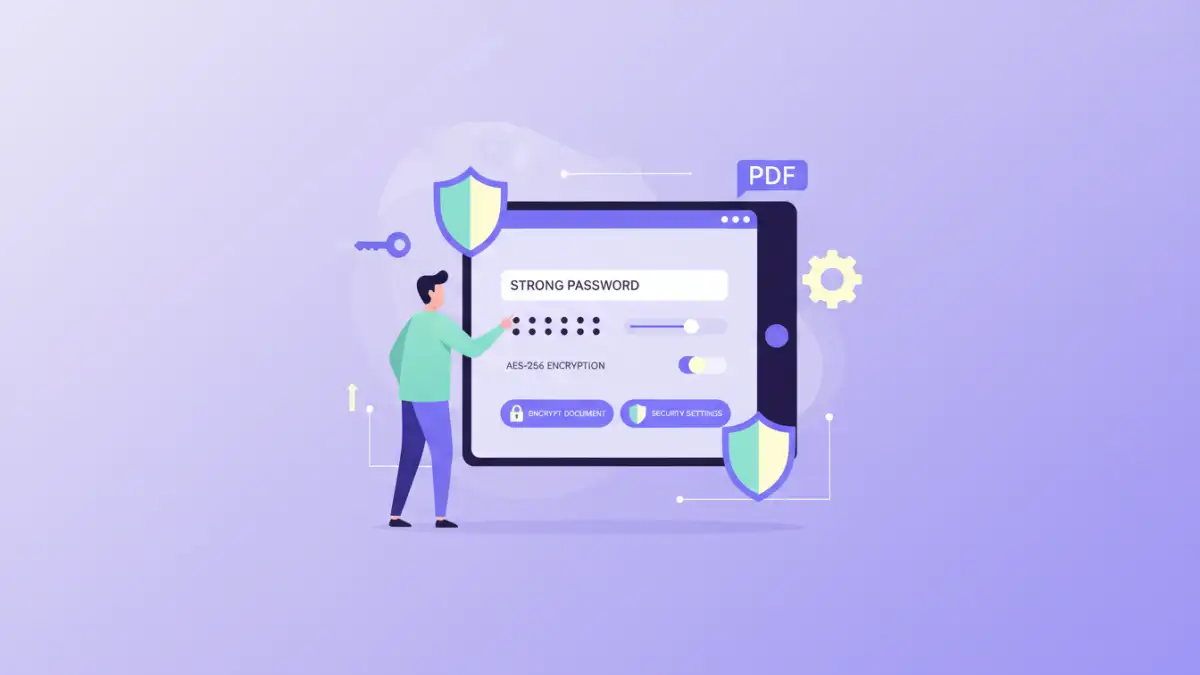
To combat these risks, several strategies can be employed. Firstly, always use strong, unique passwords for your PDF files. A combination of uppercase and lowercase letters, numbers, and symbols is recommended. I often advise using a password manager to generate and store complex passwords securely.
Secondly, ensure you are using up-to-date software for creating and viewing PDFs. Modern versions typically employ stronger encryption algorithms and have fewer known vulnerabilities. Regularly updating your PDF reader and creation tools is a simple yet effective way to patch potential security holes.
Best Practices for PDF Security
Beyond strong passwords and updated software, consider the context of your document. If a PDF contains highly sensitive information, relying solely on password protection might not be enough. Explore options like digital signatures or more advanced encryption methods if available through specialized software.
Comparison Table: PDF Security Measures
| Security Measure | Pros | Cons | Best For |
|---|---|---|---|
| Simple Password Protection (RC4) | Easy to implement, widely compatible | Weak encryption, vulnerable to brute-force | Non-critical documents, basic access control |
| AES-256 Encryption | Strong encryption, industry standard | Requires compatible software, slightly more overhead | Sensitive documents, corporate data |
| User Permissions (Print/Edit restrictions) | Fine-grained control over document usage | Can be bypassed by some tools, doesn't prevent viewing | Controlling document reproduction |
| Digital Signatures | Authenticates sender, ensures integrity | Requires certificate, can be complex to implement | Verifying document authenticity and non-repudiation |