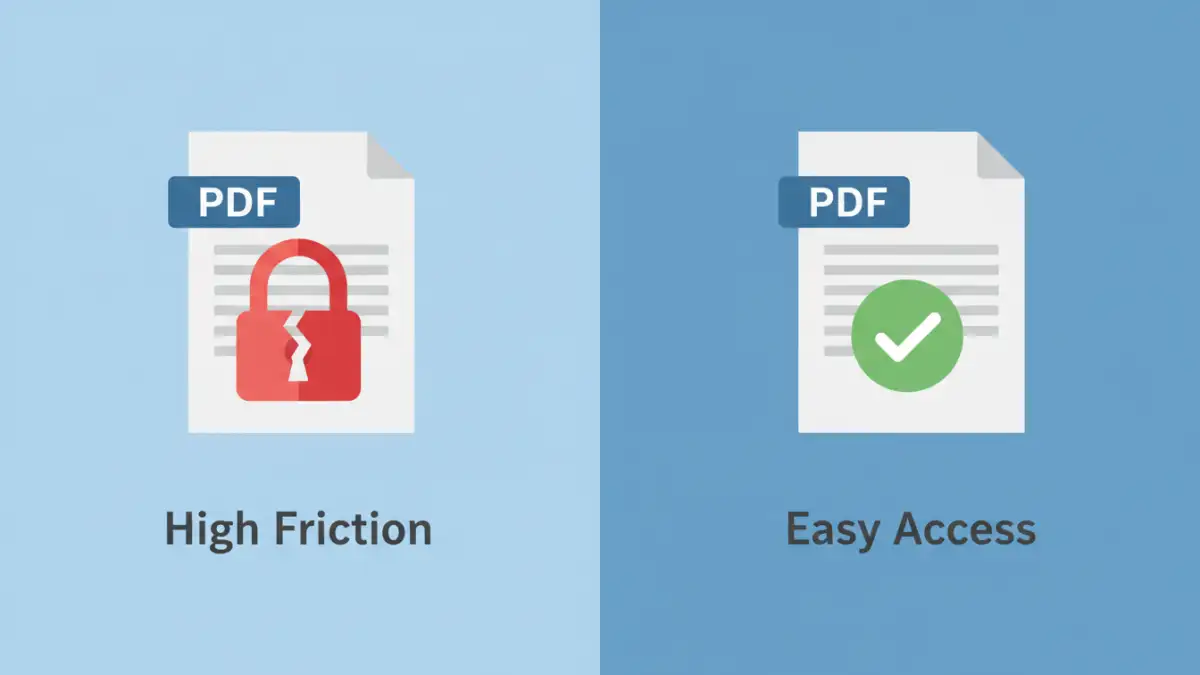
You've just polished your resume. It lists your skills, experience, and contact details perfectly. But as you prepare to attach it to an email, a nagging question appears: with all the personal data on this document, should you add a password to protect it? It seems like a smart security measure, but it could have unintended consequences for your job search.
As someone who has been on both sides of the hiring table—as a candidate and as part of a technical hiring team—I can tell you that a password-protected file often causes more problems than it solves. Let's explore why this is the case and what you should do instead to protect your information.
Table of Contents
Why Job Seekers Consider Protecting Their Resumes
The desire to secure your resume is completely understandable. These documents are packed with personally identifiable information (PII) that, in the wrong hands, could be misused. Protecting this data feels like a responsible step in an age of constant data breaches and privacy concerns.
The Personal Information at Risk
A standard resume often contains your full name, home address, personal phone number, and email address. It also details your entire professional history. This concentration of data makes it a tempting target for identity thieves or spammers. The thought of this information floating around unsecured on various servers can be unsettling.
The Fear of Data Misuse
Many applicants worry about where their resume ends up. Does it stay within the company's applicant tracking system (ATS), or is it forwarded insecurely? Is it stored on a personal laptop? The uncertainty drives the impulse to encrypt the resume, ensuring only the intended recipient with the password can view its contents.
Why Passwords Create Problems
While your intentions are good, the practical reality of the hiring process makes a password-protected resume a significant hurdle. Recruiters and hiring managers are dealing with hundreds of applications for a single position. Their workflow is built around speed and efficiency.
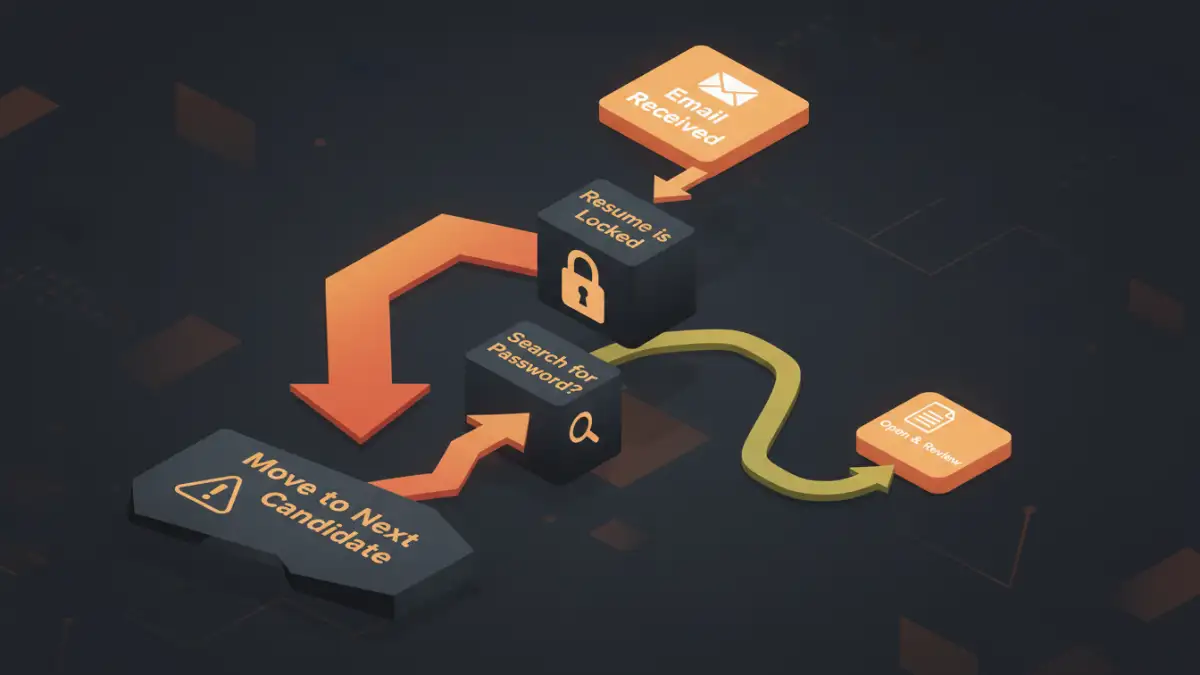
A password-protected file immediately disrupts this flow. The recruiter has to stop, find the password in your email (if you even remembered to include it), copy it, and paste it just to see if you're a potential fit. This extra step, however small, introduces friction. In a competitive job market, any friction can be enough for a busy recruiter to simply move on to the next, more accessible application.
Compatibility with Applicant Tracking Systems (ATS)
More importantly, most companies use an Applicant Tracking System to parse and screen resumes. These automated systems are not equipped to handle encrypted files. When an ATS encounters a password-protected PDF, it can't read the contents. Your resume will likely be discarded as unreadable or show up as a blank entry, meaning your application is dead on arrival before a human ever sees it.
When It Might Be Acceptable to Encrypt a Resume
Are there any exceptions? Yes, but they are rare. The only time you should consider sending a password-protected resume is when you are explicitly instructed to do so. This might occur in specific industries with high-security requirements, such as defense, intelligence, or cybersecurity.
In these scenarios, the application instructions will provide clear guidance on how to encrypt your documents and how to transmit the password securely (often through a separate channel). If the job posting doesn't mention it, assume a standard, unprotected PDF is the expected format.
Smarter Alternatives to Password Protection
So, how can you protect your personal information on a CV without sabotaging your chances? The key is to be selective about the information you share initially. You can provide more details later in the process once you've established trust with the employer.
Create a 'Public' Version of Your Resume
For initial applications, create a version of your resume with limited personal data. Here’s what to adjust:
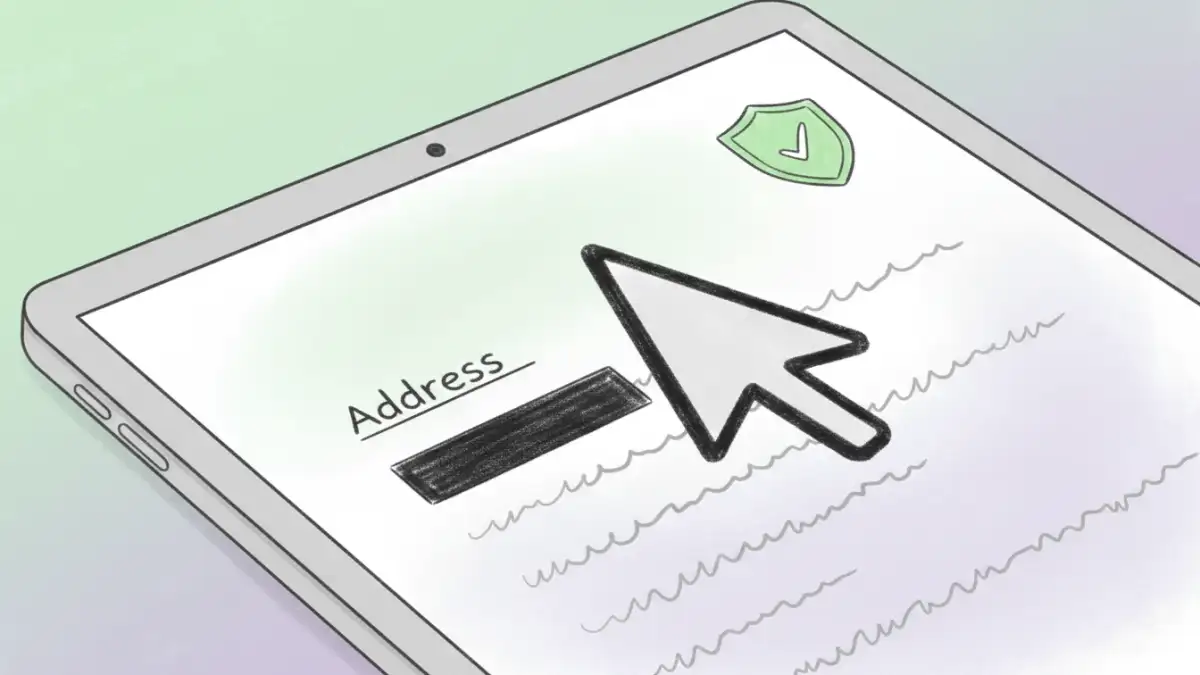
- Address: Instead of your full street address, just list your city and state. This is enough for a recruiter to know your general location.
- Phone Number: This is generally safe to include, but you could use a Google Voice number that forwards to your personal phone if you're concerned.
- Email: Use a professional email address dedicated to your job search.
- References: Never list your references' contact information directly on your resume. Simply state, "References available upon request."
Use Secure Application Portals
Reputable companies use secure, encrypted portals for job applications. When you upload your resume through their official careers page, your data is protected by their security infrastructure. This is a much safer method than emailing your resume to a generic address. If you have the option, always use the official portal. Deciding to password protect resume pdf files for these portals is unnecessary and will cause the ATS issues mentioned earlier.
Resume Security: A Comparison
| Approach | Pros | Cons | Impact on Hiring |
|---|---|---|---|
| Password-Protected Resume | Provides a sense of security; controls access. | Creates friction; incompatible with ATS; may annoy recruiters. | Highly negative. Often leads to application being discarded. |
| Standard Unprotected Resume | Easy for recruiters to open; ATS compatible; frictionless. | Personal data is not encrypted in transit (via email). | Positive. Meets standard expectations. |
| Redacted 'Public' Resume | Protects sensitive PII; still easy to open and ATS-friendly. | Requires you to manage multiple versions of your resume. | Neutral to positive. Shows you are security-conscious. |
| Applying via Secure Portal | Data is encrypted and secure; meets company process. | None, this is the ideal method. | Highly positive. Follows the preferred application process. |