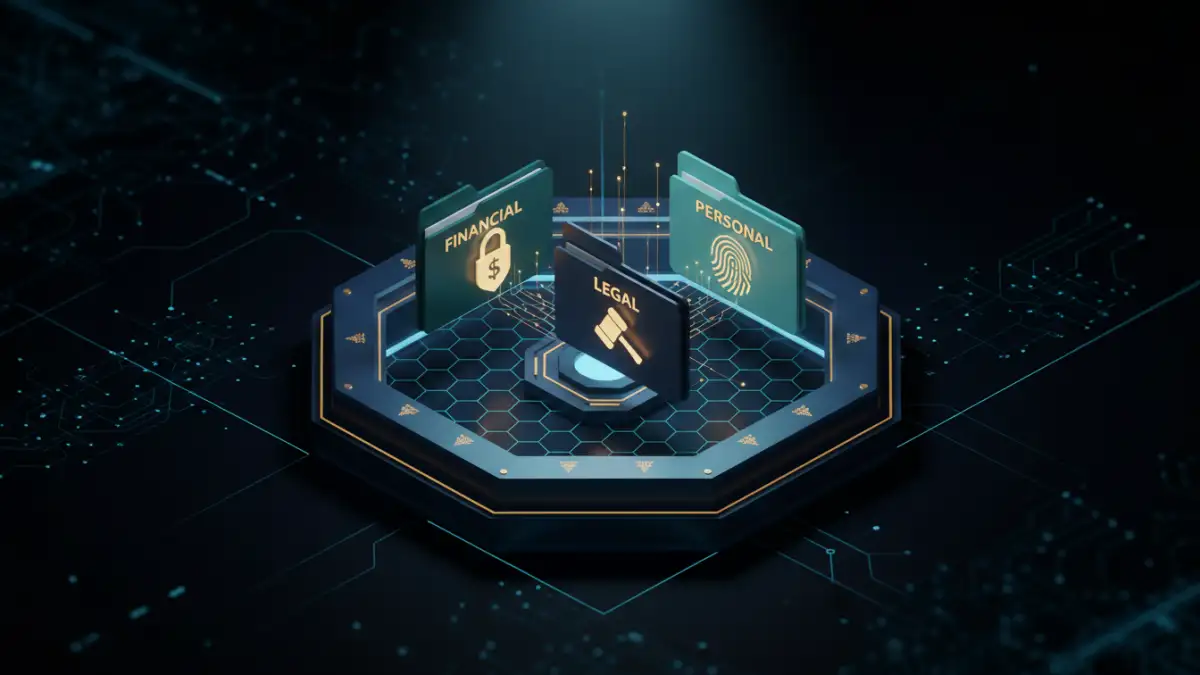
I once worked with a small business owner who had diligently encrypted every sensitive client contract and financial report. The problem? He couldn't find anything. His desktop was a chaotic collection of files named 'contract_final_encrypted.docx' and 'report_v2_secure.pdf'. This situation is incredibly common; we focus so much on locking the door that we forget to label the keys or organize the rooms inside.
Effective encrypted file management isn't just about security—it's about accessibility and order. Without a system, your secure files can become a digital black hole, causing frustration and wasting valuable time. Building a coherent system ensures you can find what you need, when you need it, without compromising security.
Table of Contents
The Foundation of Secure Document Management
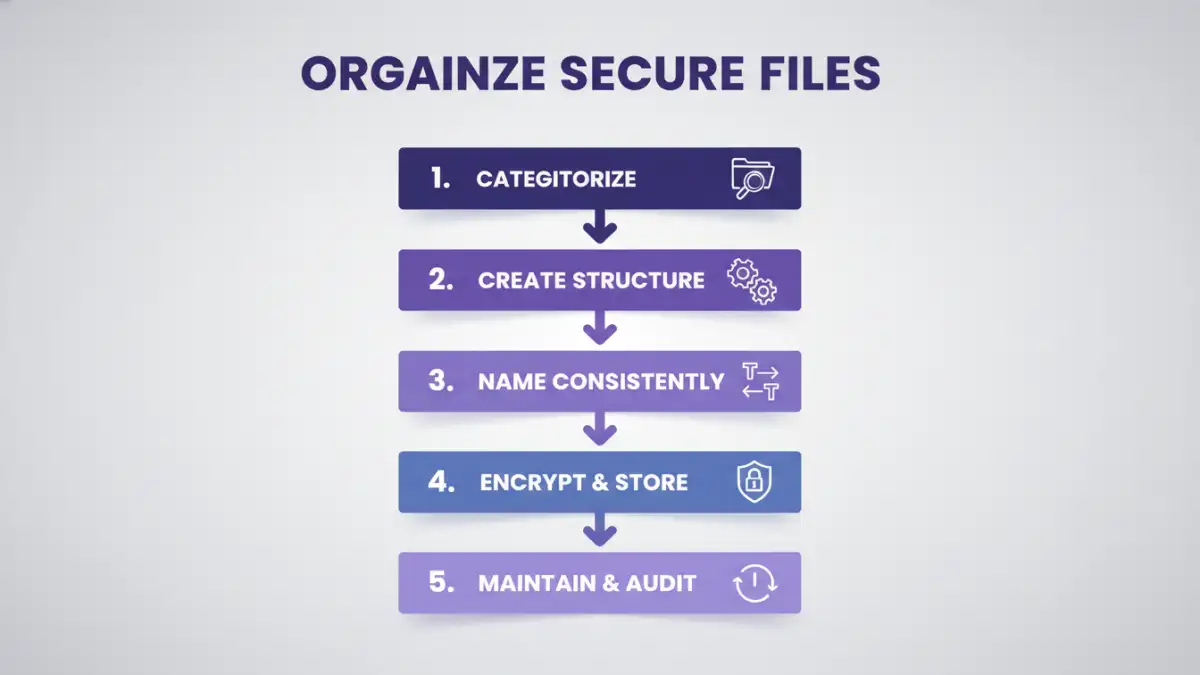
Before you create a single folder, it's essential to understand the core principles. Simply encrypting a file is only half the battle. A truly secure system considers how you'll store, access, and maintain these files over their entire lifecycle. The goal is to create a balance between robust security and practical usability.
Encryption vs. Organization
Encryption makes data unreadable without the correct key or password. Organization makes data findable. One without the other is a recipe for disaster. I've seen teams lose access to critical encrypted data simply because the person who knew the password left the company without documenting it properly. A well-organized system includes managing the keys and passwords just as carefully as the files themselves.
Defining Your Security Tiers
Not all documents carry the same level of risk. A draft marketing plan doesn't need the same protection as a database of client social security numbers. Start by categorizing your information into tiers, such as Public, Internal, Confidential, and Restricted. This helps you apply the appropriate level of security and access control, preventing you from over-complicating the management of less sensitive files.
Structuring Your Secure Document Library
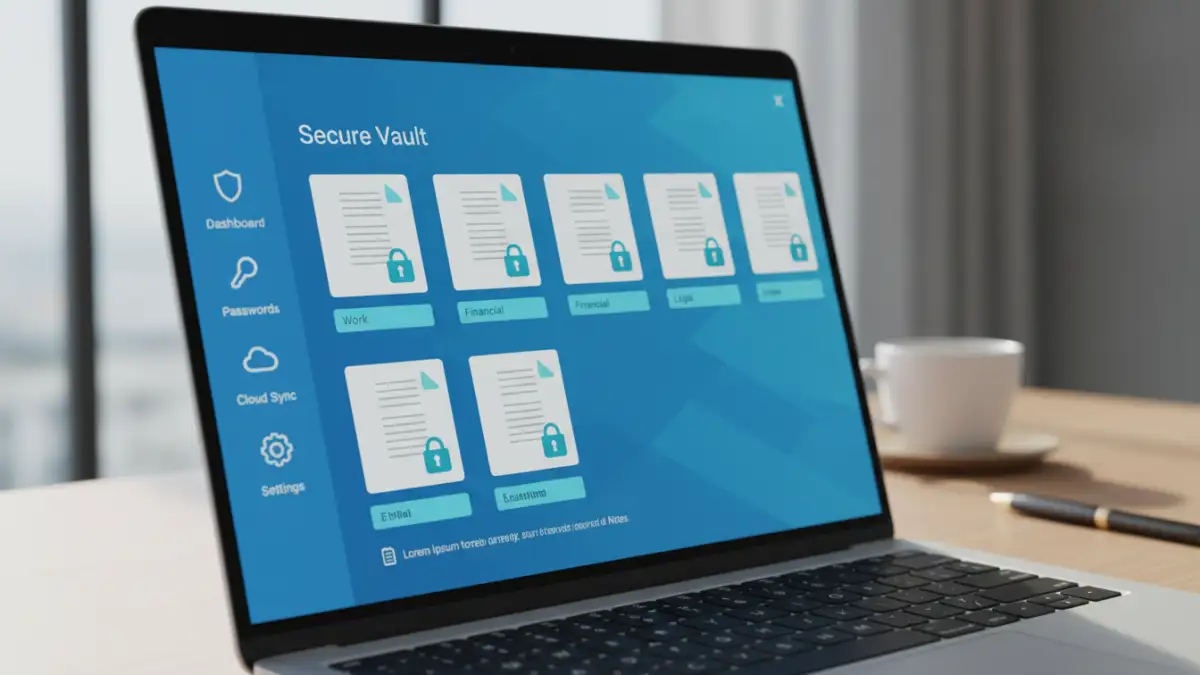
With the foundational principles in place, you can begin building the architecture for your files. A logical structure is the backbone of any effort to organize secure files. It should be intuitive enough for someone else to understand with minimal explanation.
Develop a Logical Folder Hierarchy
Start with broad categories and drill down to more specific subfolders. A common approach is to structure by department, project, or client, and then by year or document type. For personal files, you might use categories like 'Financial,' 'Legal,' 'Medical,' and 'Personal Records.' The key is consistency. Whatever system you choose, stick to it.
For example, a project-based structure might look like this:
- /Projects/
- /Project_Alpha/
- /Contracts/
- /Financials/
- /Designs/
- /Project_Beta/
Implement a Consistent Naming Convention
A standardized file naming convention is one of the most powerful organizational tools at your disposal. It makes files sortable and searchable, even before you open them. A good convention might include the project name, document type, version number, and date.
A practical example could be: Alpha-Contract-VendorName-v1.1-20241028.pdf. This name tells you everything you need to know at a glance. Avoid vague names like 'document.docx' or 'final_draft.pdf' at all costs.
Tools and Software for Encrypted File Management
Manual organization works up to a point, but specialized tools can streamline the process and enhance security. The right software helps you not only store files but also manage the credentials needed to access them.
Password Managers with Secure Storage
Modern password managers like 1Password, Bitwarden, and Dashlane are excellent for this. They not only store complex passwords for your encrypted files but many also offer secure storage vaults where you can upload the files themselves. This keeps the file and its key together in a highly secure, encrypted environment. This is my preferred method for personal and small-team use, as it centralizes security management.
Cloud Storage with Client-Side Encryption
Standard cloud services like Google Drive or Dropbox encrypt data, but they hold the keys. For higher security, use a service that offers client-side (or zero-knowledge) encryption, such as Tresorit, Sync.com, or pCloud with Crypto. This means you are the only one who holds the encryption key, so not even the service provider can access your files. This is a great way to build a secure and organized encrypted document portfolio in the cloud.
Best Practices for Long-Term Maintenance
A secure system is not something you set up once and forget. It requires ongoing attention to remain effective and secure against evolving threats. Regular maintenance is crucial for the health of your digital archive.
Conduct Regular Audits
At least once a year, review your encrypted files. Do you still need all of them? Is the access list for shared files still accurate? Audits help you clean out obsolete data, which reduces your overall risk surface. For business environments, audits should happen more frequently, especially after an employee leaves or a major project concludes.
Establish a Backup and Recovery Plan
What happens if the drive holding your encrypted files fails? Or if you forget a master password? A robust backup strategy is non-negotiable. Your backups should also be encrypted and stored in a separate, secure location. Regularly test your recovery process to ensure you can actually restore the data when needed. There’s nothing worse than discovering your backup is corrupted during an actual emergency.
Management Method Comparison
| Method | Key Features | Pros | Cons |
|---|---|---|---|
| Manual Folder Structure | Uses OS file system, naming conventions | Free, no special software needed, full control | Prone to human error, password management is separate |
| Password Manager Vault | Stores files and passwords together | Excellent security, centralized management, easy access | Requires subscription, storage limits may apply |
| Zero-Knowledge Cloud Storage | Client-side encryption, cloud sync | High security, accessible anywhere, good for collaboration | Subscription costs, reliant on provider's service |
| Dedicated DMS Software | Version control, audit trails, access management | Extremely powerful for teams, highly scalable | Expensive, complex to set up and maintain |