
The wake-up call came on a Tuesday. We were about to send a critical client contract, a document filled with sensitive financial data. Our standard procedure was to zip it, add a password we'd already shared on Slack, and email it. Simple, right? But that day, I paused. What if that Slack channel was compromised? What if the recipient forwarded the email and the password? It was a flimsy lock on a very important door.
That moment highlighted a major vulnerability in our remote workflow. As a fully distributed team, we moved fast, but our approach to document security hadn't kept pace. We needed a system that protected our data by default, not as an afterthought. This is the story of how we achieved a genuine wfh security success by building a process centered around robustly encrypted documents.
Table of Contents
The Problem with 'Good Enough' Security
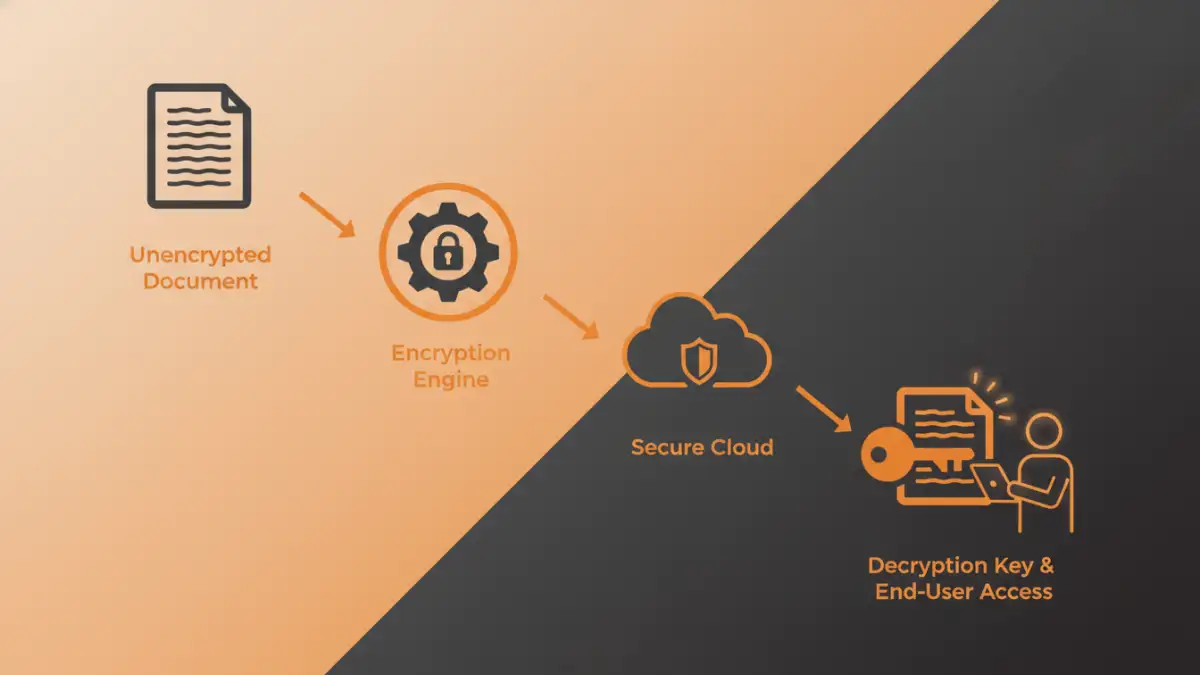
In the early days of our remote setup, our document security was based on convenience. We relied heavily on the built-in password protection features in applications like Microsoft Office and Adobe Acrobat. We thought a password-protected PDF or a zipped folder was secure enough for most things. We were wrong.
The core issue wasn't just the weakness of the passwords themselves, but the entire process surrounding them. Sharing passwords in messaging apps, reusing the same password for multiple projects, and having no central way to manage or revoke access created significant risks. We had no audit trail and no real control once a file left our hands.
The Flaw in Shared Password Lists
Our biggest vulnerability was our informal system of password management. We had a shared note or a private chat channel where project passwords were kept. This meant that any team member with access could open any protected file for that project, past or present. When a team member left the company, we had to go through a tedious process of changing all relevant passwords, a task that was often overlooked in the rush of daily work. This decentralized, high-trust model was an accident waiting to happen.
Building a Real Encryption Strategy
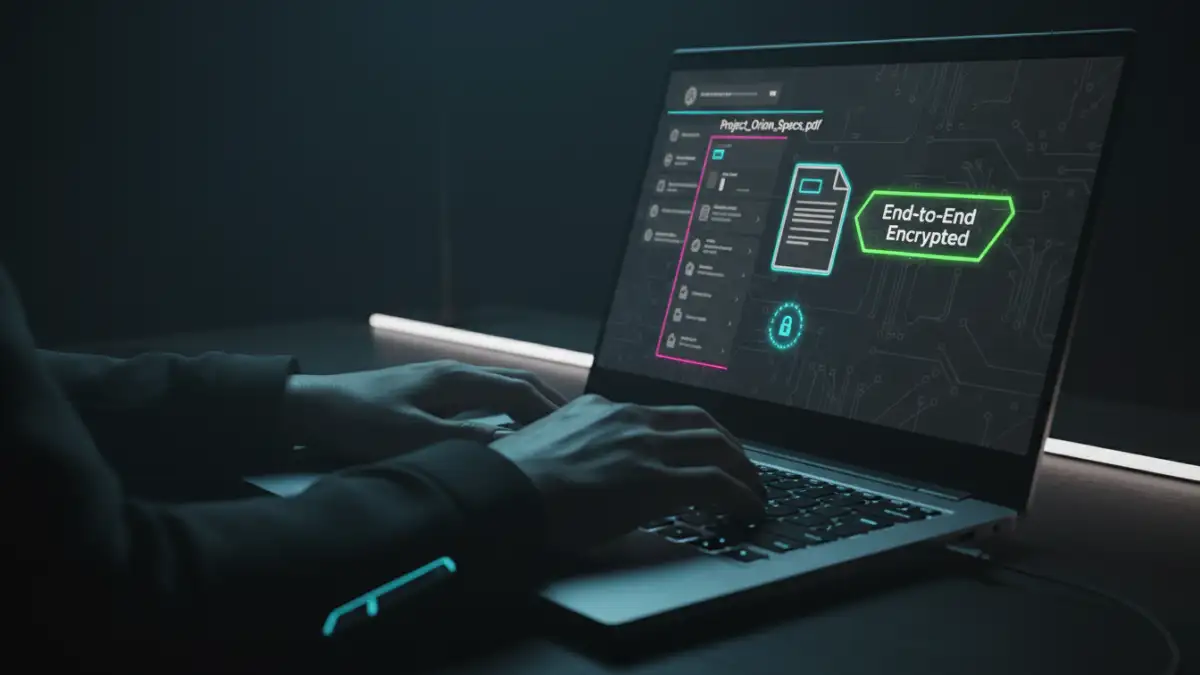
Realizing our approach was flawed, we decided to build a new framework from the ground up. The goal was to shift from simple password protection to a system of true, end-to-end encryption (E2EE). This change in mindset was crucial for our remote team document security.
Instead of just locking the file with a simple password, we wanted a system where the document was encrypted on our device and could only be decrypted by the intended recipient on their device. The service provider hosting the file would have no ability to access its contents. This 'zero-knowledge' principle became the cornerstone of our new strategy.
Moving Beyond Application-Level Encryption
The standard 'Save with Password' feature in most apps is a form of application-level encryption. While it can deter casual snooping, it's often not strong enough to protect against determined attackers. We educated our team on the difference between this and stronger, cryptographic methods that protect data both in transit and at rest. The key was ensuring our data was unreadable to everyone except those with the explicit key or permission to view it, including the platform we used to store it.
Choosing the Right Secure Collaboration Tools
With a clear strategy, the next step was selecting the right tools. We didn't want a solution that was cumbersome or disruptive to our workflow. We evaluated several categories of tools based on a few key criteria: security model, ease of use, and integration with our existing processes.
We looked at secure cloud storage providers that offered built-in E2EE, dedicated file encryption software, and secure messaging platforms. The main requirements were that the tool had to be user-friendly enough for non-technical team members and powerful enough to meet our security standards. We also prioritized tools that offered granular access controls, allowing us to set permissions on a per-user and per-file basis. This gave us the ability to grant temporary access or revoke it instantly, a massive improvement over our old password-sharing method.
The Impact: A Culture of Confidence and Security
Implementing a proper system for security with encrypted documents transformed our operations. The most significant change wasn't just technical; it was cultural. Team members no longer had to second-guess whether a file was safe to share. The new tools and processes made security the default, not an extra step.
Onboarding new hires became simpler and more secure. We could grant them access to only the files they needed, and when someone left the team, revoking their access was a single click. Client confidence also increased. When we explained our E2EE workflow for sharing sensitive information, it demonstrated a level of professionalism and care that set us apart. Ultimately, this journey wasn't just about adopting new software; it was about building a resilient security posture that could support our team's growth for years to come.
Document Security Method Comparison
| Method | Security Level | Ease of Use | Best For |
|---|---|---|---|
| Application Password Protection (e.g., Word, PDF) | Low to Medium | Easy | Deterring casual access for non-critical files. |
| Standard Cloud Storage (e.g., Google Drive, Dropbox) | Medium | Very Easy | General collaboration on non-sensitive documents. |
| Encrypted Containers (e.g., VeraCrypt) | High | Moderate | Securing a group of files on a local device or standard cloud storage. |
| End-to-End Encrypted Cloud Storage (e.g., Tresorit, Proton Drive) | Very High | Easy | Securely storing and sharing sensitive files for remote teams. |
| Self-Hosted File Sync (e.g., Nextcloud with E2EE) | Very High | Difficult | Organizations with technical expertise wanting full data control. |