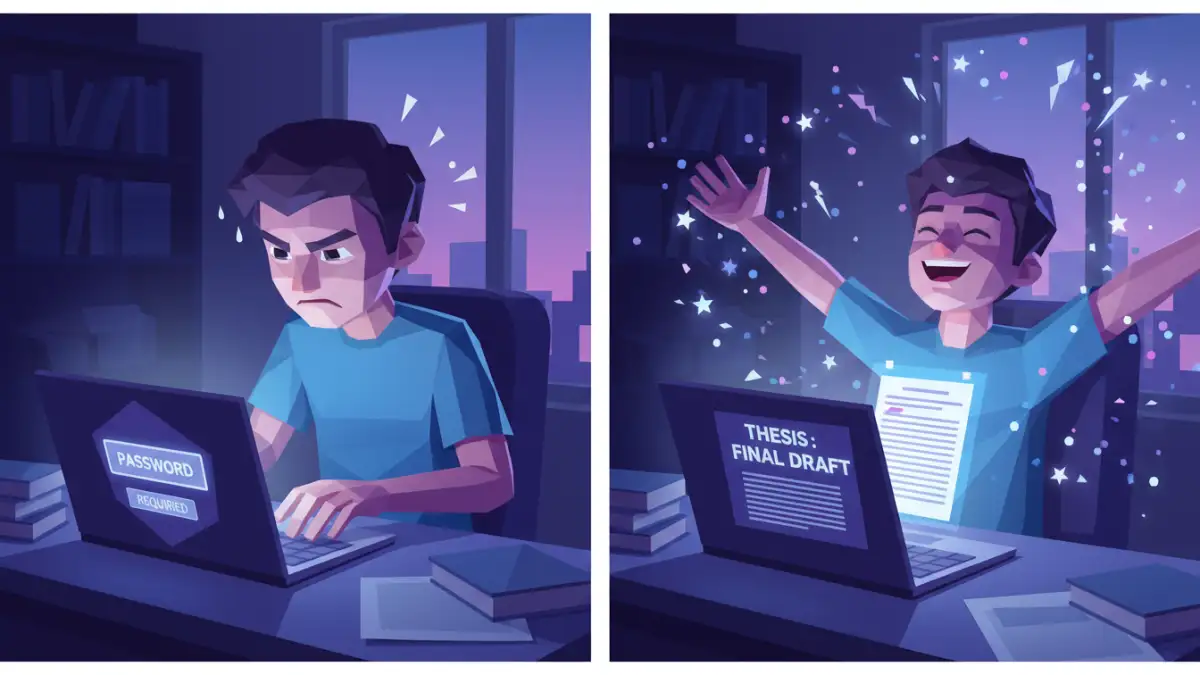
I received a frantic message late one evening from a friend's daughter, a graduate student just hours away from her thesis submission deadline. She had password-protected her final PDF draft—a smart security measure—but in the stress of final edits, she had completely forgotten the password. The file was locked, the clock was ticking, and panic was setting in. This was a classic case of a digital safe turning into a digital prison.
This scenario is more common than you might think. We often encrypt documents with the best intentions, only to find ourselves locked out. Her story is a perfect illustration of the challenges and solutions involved in academic file recovery, a situation where losing access can have serious consequences.
Table of Contents
The Panic Sets In: A Familiar Scenario
The student, let's call her Anna, had spent months on her research. To prevent unauthorized access or accidental edits before submission, she applied a password. However, she had set a complex, unique password she didn't write down, and now she couldn't open the file at all. This meant she couldn't print it, submit it, or even make last-minute citation checks.
Her situation highlights a critical distinction in PDF security: the difference between an 'owner' password and a 'user' password. A user password (or open password) is what Anna had set; it completely encrypts the file and prevents anyone from opening it without the key. An owner password, on the other hand, restricts permissions like printing, copying, or editing, but still allows the file to be opened. Understanding which one you're dealing with is the first step in any recovery attempt.
Initial Attempts and Common Pitfalls
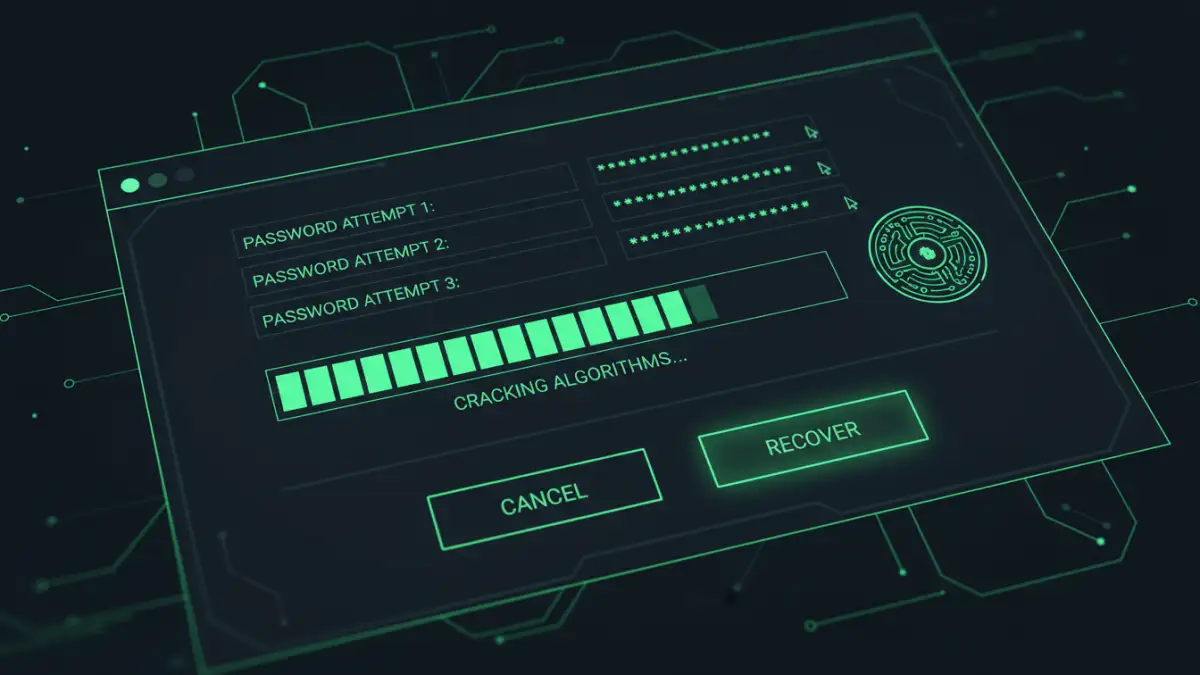
Before contacting me, Anna had already tried the usual suspects. She spent an hour trying every password variation she could remember—pet names, significant dates, and keyboard patterns. This guessing game is often the first resort when someone forgot their thesis password, but it's rarely successful with strong, non-intuitive passwords and can be incredibly time-consuming.
The Dangers of Untrusted Online Tools
Her next impulse was to search for a 'PDF password remover story' online, which led her to a dozen free, web-based tools promising instant results. I immediately advised her against this. Uploading a sensitive, unpublished academic thesis to an unknown third-party server is a massive security and privacy risk. You have no idea who is viewing your data, where it's being stored, or if it might be sold or compromised. For confidential work, the convenience of these tools is not worth the potential cost.
Why Brute Force Isn't Always the Answer
Many of these online services and some simple software tools use 'brute-force' attacks, where they try every possible combination of characters. For a strong password, this process can take days, months, or even years with standard computing power. Given her deadline of a few hours, this was not a viable path for Anna's recover encrypted file mission.
A Methodical Approach to Recovery
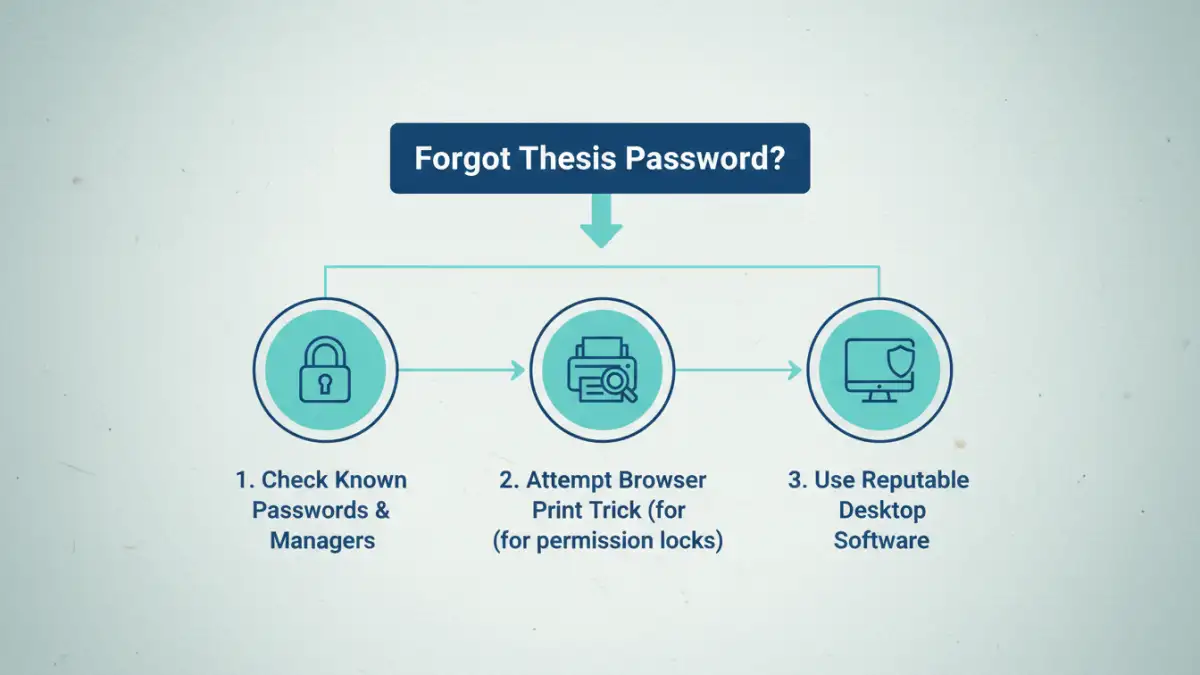
Instead of panicking or taking security risks, we took a structured, step-by-step approach. The goal was to start with the safest and simplest methods before escalating to more powerful, complex solutions. This minimizes risk and often solves the problem faster than jumping straight to aggressive tactics.
First, I had her check her browser's password manager and any note-taking apps. Sometimes, in a moment of clarity, we save a password and forget we did. Unfortunately, she hadn't. We then moved on to more technical, yet still safe, methods. The key was a methodical process for unlocking password protected file access without compromising the data itself.
Our breakthrough came from using a reputable piece of desktop software. Unlike online tools, desktop applications run locally on your machine, so the thesis file never leaves the computer. We used a feature that allows you to provide a list of potential passwords or password components (like names, years, or special characters she might have used). This 'dictionary attack' is far more efficient than a blind brute-force attack. After a few minutes of processing her list of potential password fragments, the software found the correct combination. The relief was immense.
Lessons Learned and Future-Proofing Your Work
Anna successfully submitted her thesis with time to spare. This stressful experience served as a powerful lesson in digital security hygiene. Securing your work is crucial, but so is ensuring you can always access it yourself. Based on her story, here are a few best practices to avoid a similar fate.
First and foremost, use a password manager. Tools like Bitwarden, 1Password, or KeePass generate and securely store complex passwords for you. You only need to remember one master password to access all the others. This is the single most effective way to use strong, unique passwords without the risk of forgetting them.
If you don't use a password manager, create a physical or secure digital backup of critical passwords. Write it down and store it in a safe place, like a locked drawer, or save it in an encrypted note file. Just ensure this backup is not stored in the same location as the file it protects. Finally, before encrypting a file, double-check that you have a recovery plan in place. A few seconds of preparation can save you hours of panic later.
File Recovery Method Comparison
| Method | Security Risk | Effectiveness | Best For |
|---|---|---|---|
| Password Guessing | Low | Very Low | Simple or forgotten common passwords. |
| Browser 'Print to PDF' | Low | Moderate | Removing 'owner' passwords that restrict permissions (not 'user' passwords that block access). |
| Free Online Tools | High | Variable | Non-sensitive files where privacy is not a concern. |
| Reputable Desktop Software | Low | High | Sensitive documents like a thesis; provides a secure environment for academic file recovery. |
| Password Manager | Very Low | N/A (Preventative) | Proactively preventing password loss from happening in the first place. |