
When my wife and I started our estate planning, the legal paperwork was only half the battle. The other, more technical half, was figuring out how to grant our loved ones access to these critical documents when needed, without leaving them vulnerable in the meantime. Sticking paper copies in a filing cabinet felt outdated and risky, but just emailing PDFs seemed dangerously insecure.
As a software engineer, I naturally started thinking about the problem in terms of systems, access control, and failure points. We needed a solution that was robust enough to thwart unauthorized access but simple enough for our non-tech-savvy family members to use in a time of crisis. This is the system we built to protect and share our most important information.
Table of Contents
The Challenge: Balancing Accessibility and Security
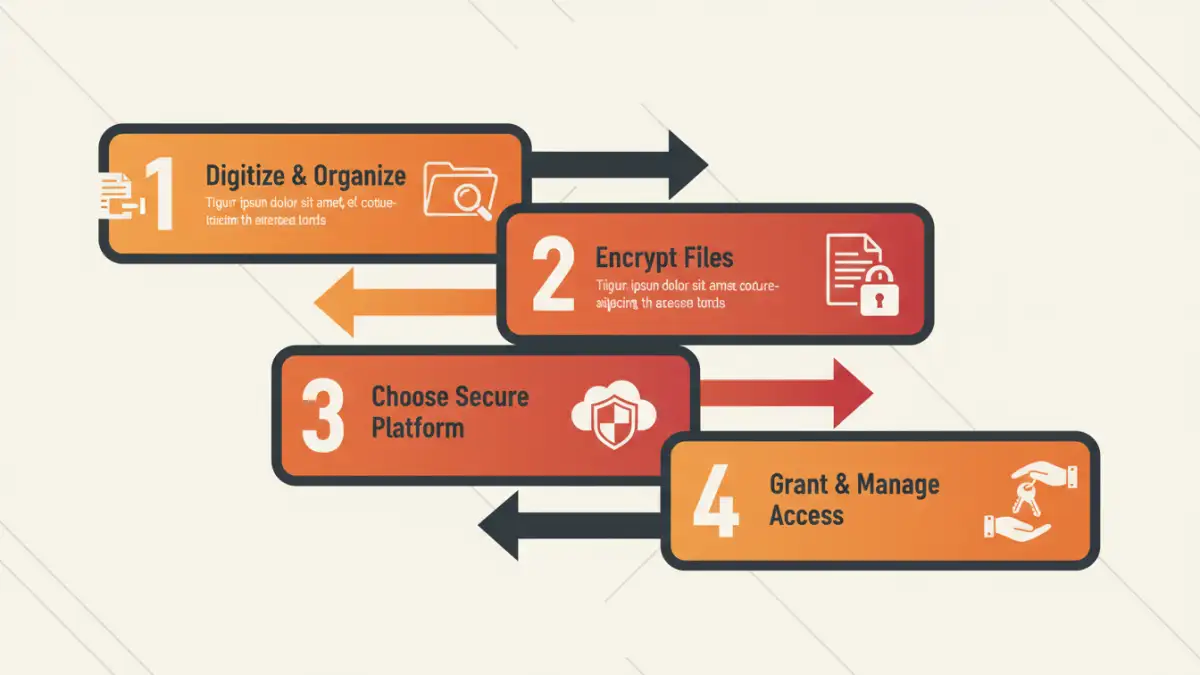
The core dilemma of estate planning document security is a classic one: you need perfect security and perfect accessibility, two goals that are often in conflict. Physical documents can be lost to fires or floods, and they are only available in one place. Unsecured digital files are vulnerable to hacking, accidental deletion, or being lost on an old hard drive.
We needed to avoid a situation where our executor couldn't find our will or our trustee couldn't access trust documents. At the same time, we couldn't risk our social security numbers, bank account details, and other sensitive data being exposed on the open internet.
Defining Our Goals
Before choosing any tools, we set clear objectives for our system. The solution had to be:
- Centralized: A single, trusted source for all documents.
- Encrypted: All files must be protected at rest and in transit using strong encryption.
- Access-Controlled: We needed to grant specific permissions to specific people (e.g., our executor, trustee, and each other).
- Resilient: It needed to be protected against a single point of failure, like one person forgetting a password.
- User-Friendly: The access method for our family had to be straightforward.
Step 1: Digitize and Organize Everything
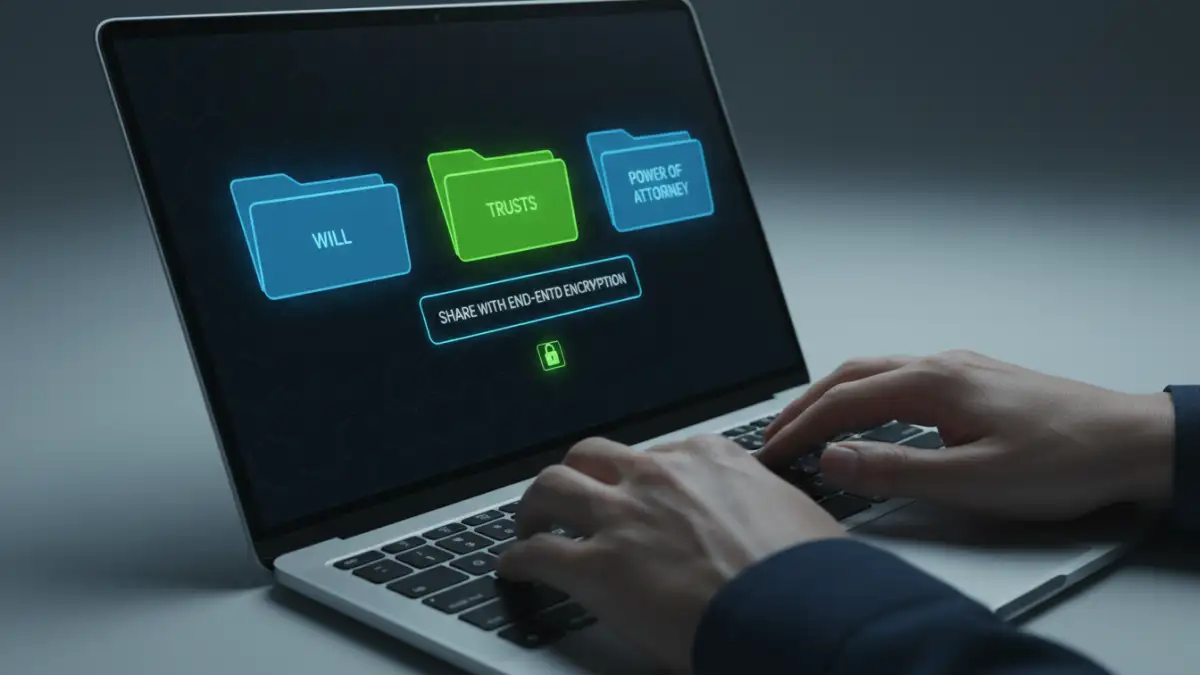
Our first step was to get everything into a consistent digital format. We used a high-quality scanner to create PDF versions of our wills, powers of attorney, property deeds, birth certificates, and life insurance policies. Simply dumping them into a folder wasn't enough; organization was key for long-term clarity.
We created a logical folder structure, such as `Legal`, `Financial`, `Property`, and `Personal`. Within each, we used a clear and consistent naming convention for files (e.g., `Will_John_Doe_2024-05-10.pdf`). This small bit of discipline makes it infinitely easier for someone else to navigate the files later.
Creating a Master Document Inventory
To accompany the files, we created a simple spreadsheet named `Master_Document_Inventory.xlsx`. This document doesn't contain any sensitive passwords or data itself. Instead, it acts as a roadmap, listing every important document, a brief description of what it is, its file location within our structure, and the location of any physical originals (like in a safe deposit box).
Step 2: Choose the Right Encryption and Storage
With our files organized, the next task was choosing where to store them. Just putting them in a standard cloud storage folder wasn't secure enough. We needed a service with end-to-end, zero-knowledge encryption. This means that not even the service provider can access or decrypt our files. We evaluated a few options for our personal file security.
Services like Proton Drive, Tresorit, or Sync.com are built with this level of privacy in mind. We chose a provider that offered robust security features, multi-factor authentication (MFA), and a clean user interface. After uploading our organized folders, we had a secure, centralized digital vault accessible from anywhere.
Step 3: Implement a Secure Sharing Protocol
This was the most critical piece of the puzzle: how to give the keys to the kingdom to the right people without compromising the kingdom itself. Simply emailing the master password for our secure cloud storage was out of the question. It’s the digital equivalent of leaving your house key under the doormat.
Instead, we turned to our family password manager (we use 1Password, but Bitwarden and others have similar features). We created a dedicated, shared vault named "Estate Documents." Inside this vault, we stored only three items:
- The username and strong, unique password for the secure cloud storage service.
- A secure note with clear, step-by-step instructions on how to access the files and where to find the Master Document Inventory.
- Contact information for our estate attorney.
We then used the password manager's secure sharing feature to grant access to this specific vault to our executor and trustee. This approach is powerful because we only need to manage access in one place. If we ever need to revoke access or update the master password, we change it in one spot, and the update is seamless for everyone shared. It's the ideal way we found for how we securely shared family documents.
Comparison of Secure Sharing Methods
| Method | Security Level | Ease of Use (for Recipient) | Best For |
|---|---|---|---|
| Encrypted USB Drive | Moderate (Vulnerable to loss/theft) | Easy | Physical hand-off to a single, trusted person. |
| Encrypted ZIP File via Email | Low (Password must be shared separately) | Moderate | Sharing a single, non-critical document quickly. |
| Standard Cloud Storage (e.g., Google Drive) | Moderate (Not end-to-end encrypted) | Very Easy | Less sensitive documents and collaboration. |
| Zero-Knowledge Cloud Storage | High (End-to-end encryption) | Easy | Storing the bulk of sensitive estate documents. |
| Password Manager Shared Vault | Very High (Master Password is the key) | Moderate (Requires setup) | Sharing the access credentials and instructions, not the files themselves. |