
A client recently asked for a recommendation on a platform to share sensitive legal contracts. The usual suspects like Dropbox or Google Drive came up, but they needed more than just storage; they needed granular control, tracking, and ironclad security. This requirement highlights a crucial distinction in the market: the difference between simple cloud storage and true secure document sharing solutions.
This isn't just about password-protecting a PDF. It's about building a controlled environment for your most valuable information. We're talking about who can view a file, for how long, from where, and whether they can print or download it. The market for these tools has become incredibly specialized and competitive.
Table of Contents
What Defines a Secure Sharing Platform?
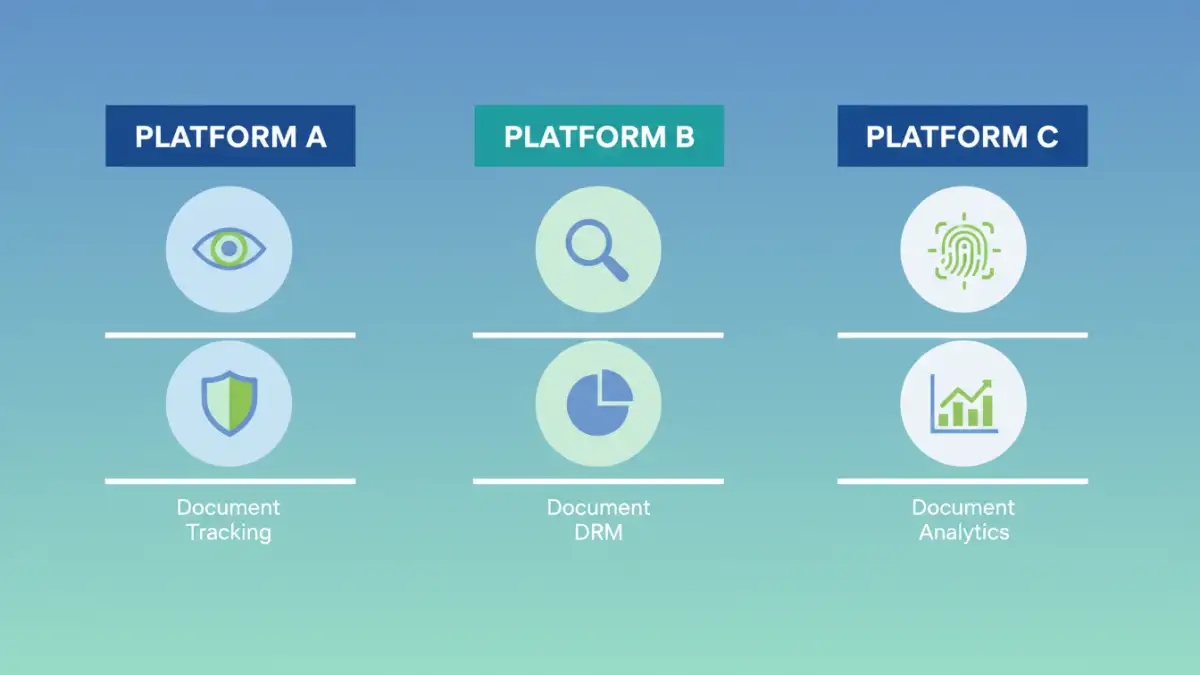
Before diving into a document sharing competitor analysis, it's essential to understand the baseline features that separate these platforms from standard cloud storage. From a technical standpoint, these aren't just folders in the cloud; they are sophisticated systems built on layers of security protocols.
The core functionality revolves around control. This includes end-to-end encryption, ensuring data is protected both in transit and at rest. But it goes much further. Digital Rights Management (DRM) is a key differentiator, allowing you to enforce policies like disabling printing, preventing copy-pasting, or applying dynamic watermarks that can display the viewer's IP address or email.
Key Security and Control Features
Beyond the basics, look for features like detailed access controls, where you can set permissions on a per-user or per-group basis. Another critical component is the audit trail. I always advise clients to prioritize platforms that provide comprehensive analytics, showing who accessed a document, when, for how long, and which pages they viewed. This level of insight is invaluable for compliance and security forensics.
The Major Players: A Market Overview

The PDF security solutions market is populated by a diverse range of companies, from large enterprise suites to nimble, specialized startups. They generally fall into a few key categories based on their target audience and feature depth. Understanding this segmentation is key to finding the right fit.
Enterprise-Grade Solutions
Platforms like Box and Dropbox (with its DocSend acquisition) cater heavily to the enterprise. Their strength lies in integration. They plug into existing corporate ecosystems like Salesforce, Slack, and Microsoft 365. For a large organization, this seamless workflow is a massive advantage. Box, for example, offers robust governance and compliance features (like HIPAA and FINRA) that are non-negotiable for regulated industries.
Specialized Security Providers
Then you have the specialists. Companies like Digify, Vitrium, and SecureDocs focus almost exclusively on security and control. They often provide more granular DRM features than the larger players. For instance, Digify offers features like screen-shielding to prevent screenshots and advanced document expiry rules. These platforms are ideal for use cases where the document's security is the absolute highest priority, such as M&A data rooms, legal discovery, or sharing proprietary research.
Emerging Trends in Document Security
The technology in this space is not static. We're seeing several interesting trends that are reshaping the capabilities of encrypted collaboration tools. Artificial intelligence is being integrated to detect anomalous access patterns, flagging potential security breaches before they escalate. For example, if a user who typically accesses files during business hours suddenly starts downloading hundreds of documents at 3 AM, an AI-powered system can automatically revoke access and alert an administrator.
Another area of innovation is the use of blockchain for document verification and tamper-proofing. While not yet mainstream, this could provide an immutable record of a document's history, which is a game-changer for legal and financial documents. The focus is shifting from simple access control to proactive threat intelligence and verifiable document integrity.
How to Choose the Right Platform for Your Needs
Selecting the right platform depends entirely on your specific use case. A freelance graphic designer sharing mockups with a client has vastly different needs than a law firm managing sensitive case files. Start by defining your non-negotiables. Do you need compliance with specific industry regulations? Is preventing printing your top priority? How important are integrations with your existing software stack?
For small businesses or startups, a platform like DocSend or Digify often provides the best balance of features and cost. For large enterprises, the deep integration and governance capabilities of a platform like Box are often worth the investment. Always take advantage of free trials to test the user experience and verify that the platform's security features meet your real-world requirements. The best tool is one that enhances, rather than hinders, your workflow while keeping your data safe.
Platform Feature Comparison
| Platform | Primary Focus | Key Differentiator | Ideal Use Case |
|---|---|---|---|
| DocSend (by Dropbox) | Sales & Fundraising | Real-time engagement tracking and analytics | Startups sharing pitch decks, sales teams sending proposals |
| Box | Enterprise Content Management | Deep integrations and enterprise-grade governance | Large organizations in regulated industries (healthcare, finance) |
| Digify | High-Security Data Rooms | Advanced DRM (e.g., screen shield, dynamic watermarks) | M&A deals, legal firms, sharing intellectual property |
| Adobe Document Cloud | Document Workflow & E-Signatures | Native PDF editing and robust e-signature integration | Businesses focused on digitizing document workflows |
| Vitrium Security | Content Protection & Distribution | DRM for various file types beyond PDF (video, images) | Publishers, training companies, and content creators |