
A client recently asked me if their standard password-protected PDFs were "good enough" for GDPR. It's a question I hear a lot, and it highlights a critical misunderstanding. Many businesses believe any form of password protection equals compliance, but the reality is far more nuanced. The regulation demands security that is 'appropriate to the risk,' which means that old, weak encryption methods are no longer defensible.
Simply ticking the 'encrypt' box isn't enough. We need to look at the underlying technology—the cryptographic algorithms, the key management, and the overall process—to truly determine if our methods align with modern privacy standards. Failing to do so can expose an organization to significant risk, not just from data breaches but from regulatory penalties as well.
Table of Contents
Understanding GDPR's Encryption Mandate
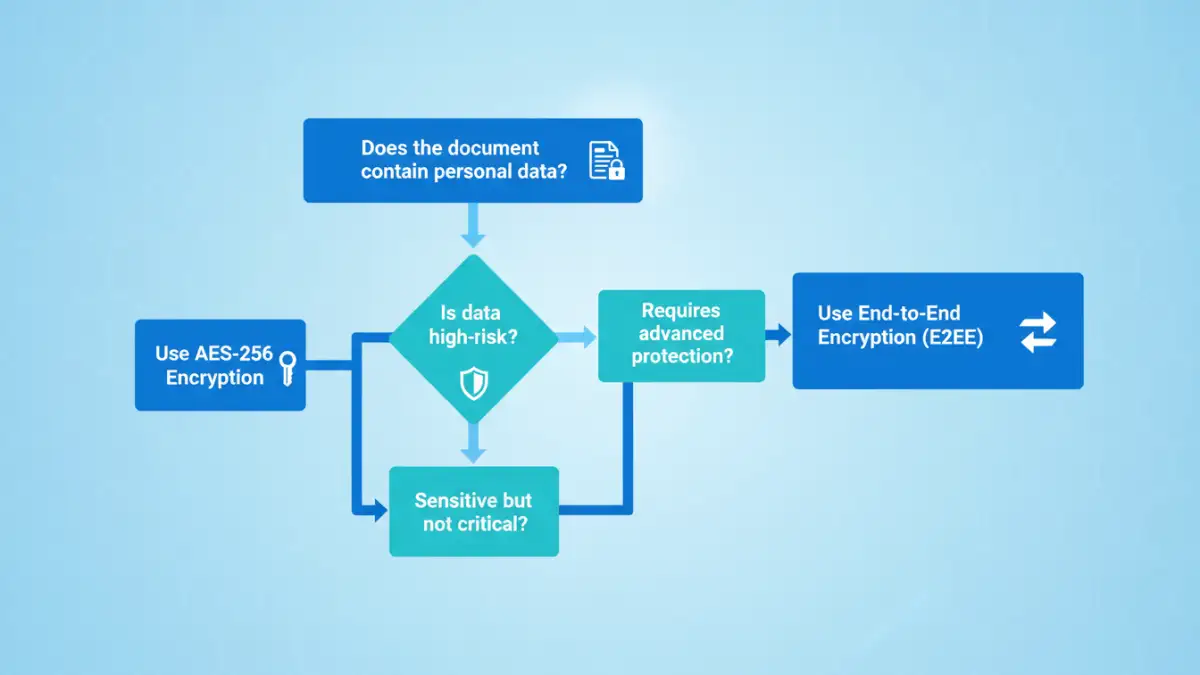
The General Data Protection Regulation (GDPR) doesn't explicitly name a required encryption algorithm like 'AES-256'. Instead, Article 32, 'Security of processing,' provides a framework. It mandates that data controllers and processors implement 'appropriate technical and organisational measures' to ensure a level of security appropriate to the risks presented by processing.
Encryption is listed as one of these appropriate measures. The key term here is 'appropriate'. This means you must consider the 'state of the art' in technology, the costs of implementation, and the nature, scope, context, and purposes of processing, as well as the risk to individuals. Using an outdated encryption cipher that can be easily broken is no longer considered 'state of the art' and would likely be found non-compliant in the event of a breach.
Common Encryption Methods Under Scrutiny
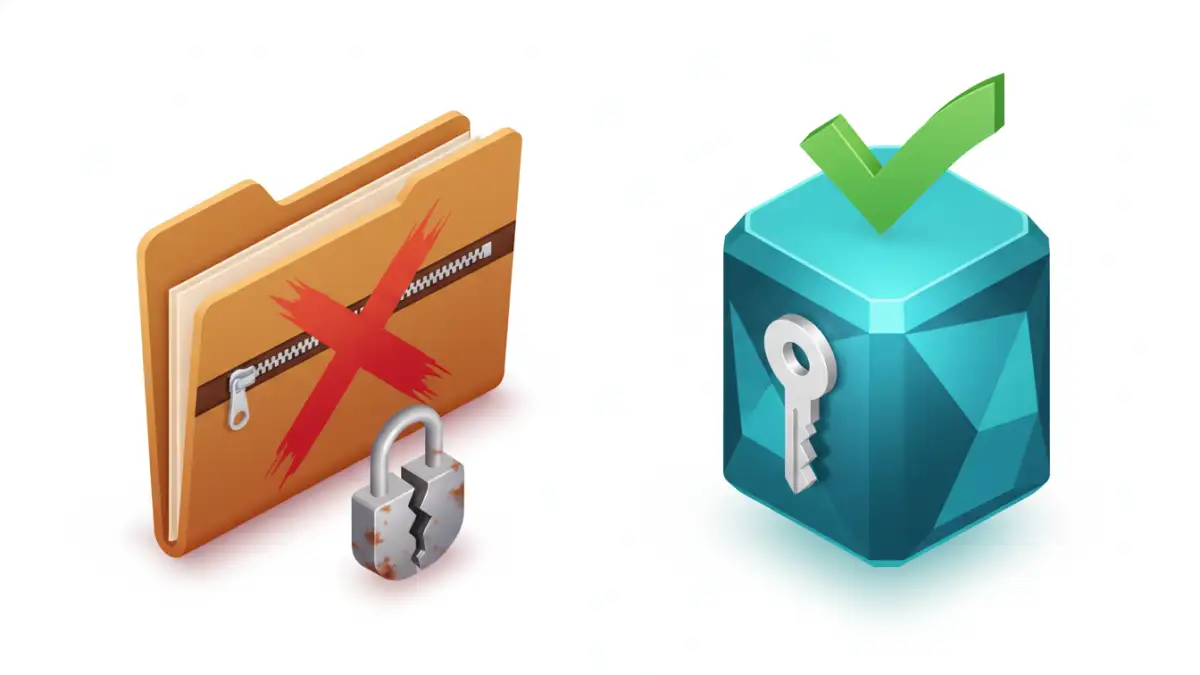
Many legacy systems and common practices fall short of modern data protection regulations. It's crucial to identify these weak points in your workflows before they become a liability.
The Problem with Basic PDF Password Protection
The 'password protect' feature in older PDF software often used weak encryption algorithms like 40-bit or 128-bit RC4. These ciphers are now considered obsolete and can be cracked with relative ease using widely available tools. While modern PDF creators use AES-256, you can't assume all documents in your organization meet this standard. A single legacy file containing personal data could represent a significant compliance gap. This is a key area where pdf compliance must be verified.
ZIP Archives and Container Files
Creating a password-protected ZIP file is another common method for bundling and securing documents. Modern ZIP tools support strong AES-256 encryption, which is excellent. However, many still default to the older, weaker ZipCrypto algorithm for backward compatibility. Furthermore, the security of the entire process depends on how the password is shared. Sending the password via the same channel as the file (like in a follow-up email) completely undermines the security measure, making it a procedural failure even if the technology is sound.
How to Audit Your Current Encryption Practices
To ensure your methods are robust, you need to perform a self-audit. This isn't just a technical check; it's a review of your entire process for secure file sharing gdpr compliance. Ask yourself and your team these critical questions:
- Algorithm Strength: Do you know for certain which encryption algorithm is being used? Is it AES-256 or a similarly strong, modern standard? If your software doesn't specify, assume the worst.
- Key/Password Management: How are passwords or encryption keys generated, stored, and shared? Are they complex? Are they shared out-of-band (e.g., password via SMS, file via email)?
- Access Controls and Logs: Can you track who has accessed or attempted to access an encrypted file? While not always possible with simple files, more advanced systems provide this crucial audit trail.
- Data 'At Rest' and 'In Transit': Is the document encrypted only during transfer, or is it also encrypted while stored on a server, hard drive, or cloud service? Both are essential for comprehensive protection.
From my experience helping companies through this, the password management question is often the biggest point of failure. A strong lock is useless if you leave the key under the doormat.
Implementing Compliant Encryption Strategies
Moving towards compliance involves adopting technologies and processes that align with the 'state of the art' principle. This means prioritizing solutions that offer verifiable, strong encryption by default.
Adopt End-to-End Encryption (E2EE) Platforms
For sharing sensitive data with external parties, E2EE platforms are the gold standard. These services ensure that data is encrypted on the sender's device and can only be decrypted by the intended recipient. The service provider itself cannot access the unencrypted data, which significantly reduces risk. This approach provides strong gdpr document encryption and a clear, defensible security posture.
Standardize on Modern Tools
Ensure that all software used within your organization to create or handle sensitive documents defaults to strong encryption. This may involve updating software licenses (e.g., for Adobe Acrobat Pro or Microsoft 365) and decommissioning legacy applications. Mandate the use of AES-256 for any new PDF or ZIP files created and provide clear instructions to employees on how to verify these settings.
Encryption Method Compliance Comparison
| Encryption Method | Typical Algorithm | Key Management Risk | GDPR Suitability |
|---|---|---|---|
| Legacy PDF Protection | RC4 (40/128-bit) | High (Weak passwords, insecure sharing) | Non-Compliant |
| Modern PDF (AES-256) | AES-256 | Moderate (Depends on password policy) | Conditionally Compliant |
| Encrypted ZIP (AES-256) | AES-256 | Moderate (Depends on password policy) | Conditionally Compliant |
| Cloud Storage Encryption | AES-256 (At Rest) | Low (Provider-managed) | Compliant (for data at rest) |
| E2EE File Sharing | AES-256/ChaCha20 | Low (User-controlled keys) | Highly Compliant |