
A few years ago, I got a frantic call from a project manager at a biomedical research institute. They were on the verge of sharing preliminary findings for a groundbreaking study with a handful of external collaborators. The problem? The document contained highly sensitive, unpublished data. A leak wouldn't just mean losing a competitive edge; it could jeopardize years of work, funding, and the institution's reputation. They were about to attach it to an email, and I'm glad they called me first.
This incident became a powerful lesson in the importance of proactive academic data protection. It demonstrated that simply password-protecting a file isn't nearly enough when the stakes are this high. We needed a comprehensive strategy that controlled the document even after it left their servers.
Table of Contents
The High-Stakes Scenario: More Than Just a Document
The document in question wasn't just a simple report. It was a 50-page PDF detailing the methodology and early results of a multi-year clinical trial. This information was pure intellectual property. If it fell into the wrong hands, a competitor could replicate their work or a journal could refuse to publish it due to prior disclosure. The financial and reputational damage would have been immense.
The team needed to share this file with five specific individuals at three different organizations. The core challenge was ensuring that only these five people could view the document and, critically, that they couldn't share, print, or copy its contents. The goal was collaboration, not uncontrolled distribution.
Why Standard Sharing Methods Are Inadequate
The team's initial plan was to use a simple password-protected PDF attached to an email. While better than nothing, this approach has fundamental flaws that make it unsuitable for high-stakes research data security.
The Weakness of a Shared Password
A password-protected PDF only has one lock, and everyone gets the same key. Once you share the password, you lose all control. The recipient can easily share the password—and the document—with anyone else. There's no way to revoke access for a specific person or track who is viewing the file. It's a single point of failure that offers a false sense of security.
The Peril of Uncontrolled Cloud Links
Using a standard cloud storage link (like Dropbox or Google Drive) with "anyone with the link can view" permissions is even riskier. A link is easily forwarded, posted online, or accidentally shared. Even with specific user permissions, once the recipient downloads the file, all cloud-based controls are gone. The PDF is now a standalone file on their local machine, free to be distributed at will.
Implementing a Robust Security Strategy
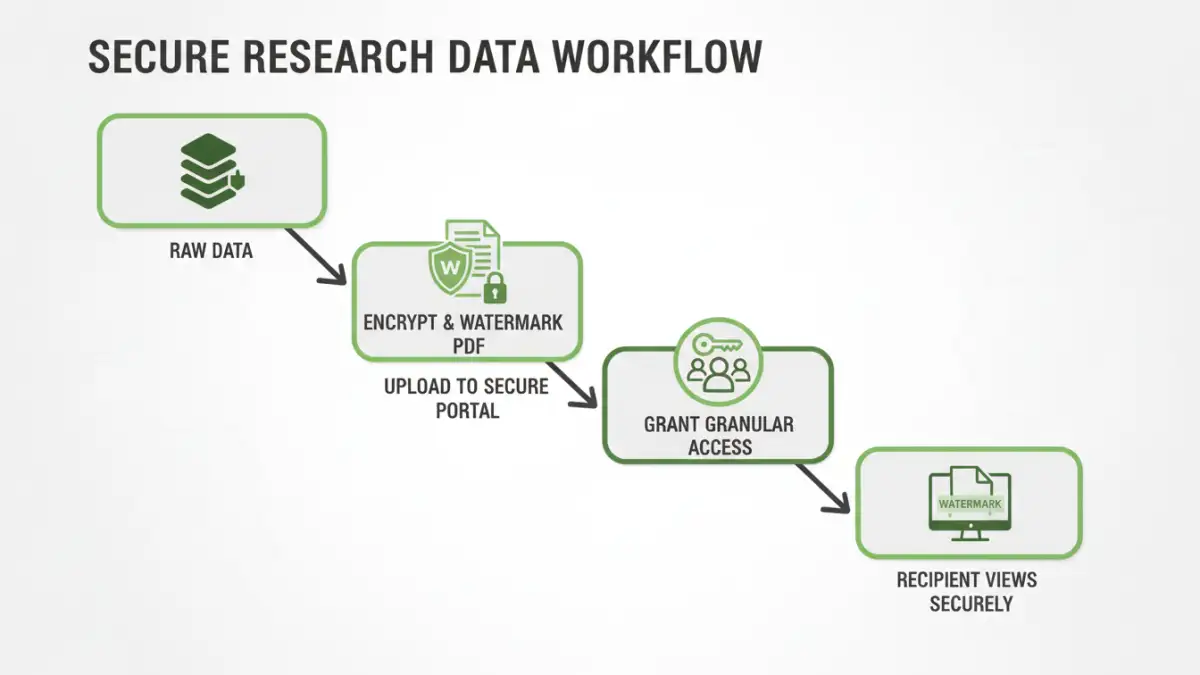
To properly protect their asset, we moved beyond basic methods and implemented a multi-layered solution focused on true document control. This approach to secure pdf sharing was about managing the file's lifecycle, not just locking the front door. We integrated a Digital Rights Management (DRM) platform designed for this exact purpose.
Our strategy included several key components:
- Strong AES-256 Encryption: The PDF was encrypted at its core, making the raw file unreadable without proper authorization through the secure system. This is the foundation of any encrypted pdf sharing process.
- Granular User Permissions: We assigned rights on a per-user basis. Each of the five collaborators had to log in with their unique credentials. We disabled printing, copying text, and taking screenshots for all users. We could even set an expiration date after which the document would no longer be accessible.
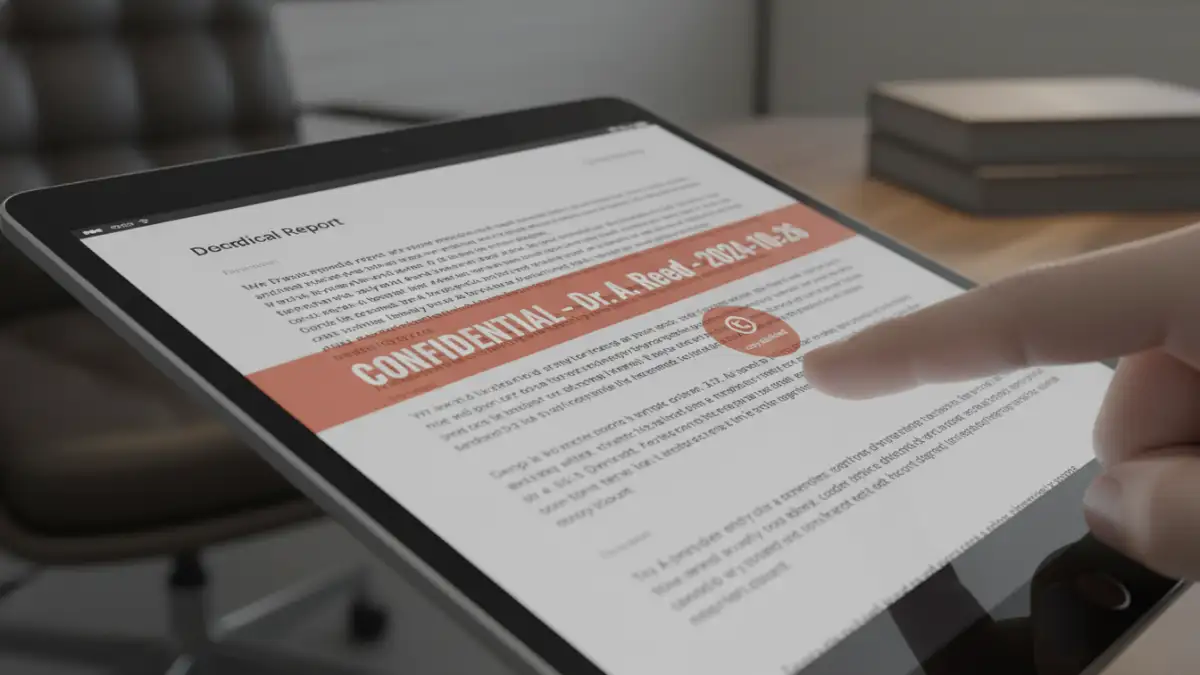
- Dynamic Watermarking: Every time an authorized user opened the document, the system dynamically generated a watermark across each page that included their name, email address, and the time of access. This is a powerful deterrent against someone taking a photo of their screen, as the leak would be directly traceable to them.
- Access Revocation: The most critical feature was the ability to revoke access instantly. If a collaborator left the project or if we suspected a security issue, we could disable their access with a single click, no matter how many times they had downloaded the secured container file.
The Near-Miss and Lessons Learned
About a week after sharing the document, our system's audit log flagged suspicious activity. One of the authorized collaborators had attempted to access the document from an unrecognized IP address in a different country, followed by several failed login attempts from other accounts. We immediately contacted the collaborator.
It turned out they had forwarded their access instructions to a junior colleague who was not on the approved list, thinking it would be helpful. The DRM system blocked the unauthorized user's access, logged the attempts, and alerted us. This was the moment we knew our strategy had worked. We had successfully managed to prevent a data leak that originated from a well-intentioned but unauthorized action. The simple password or cloud link method would have offered no protection here.
This incident reinforced a crucial lesson: true document security isn't just about preventing malicious attacks from outsiders. It's often about controlling inadvertent internal mistakes and maintaining governance over your sensitive information, no matter where it goes. It was a powerful, real-world validation for investing in a proper security framework.
Comparison of Document Sharing Methods
| Sharing Method | Security Level | Control After Sending | Best For |
|---|---|---|---|
| Email Attachment (No Protection) | Very Low | None | Non-sensitive, public information. |
| Simple Password-Protected PDF | Low | None | Basic deterrence for casual snooping. |
| Standard Cloud Link (e.g., Google Drive) | Low to Medium | Limited (until downloaded) | Collaborative work on non-critical documents. |
| Secure PDF Sharing (DRM) | Very High | Full (Revoke, Watermark, Track) | Intellectual property, research data, financial reports. |