
A few years ago, I worked with a local government agency facing an overwhelming number of public records requests. Their process involved printing documents, using a black marker, and scanning them back in. Not only was this inefficient, but it created a massive security risk. They were unknowingly leaving digital ghosts of sensitive data behind, a common problem that proper redaction tools are designed to solve.
Fulfilling Freedom of Information Act (FOIA) requests is a delicate balance. Agencies must provide transparency while legally protecting exempt information, such as personal identifiers or classified details. The method used for this sensitive data removal is what separates true compliance from a potential data breach.
Table of Contents
FOIA and the Critical Role of Redaction
The Freedom of Information Act grants the public the right to request access to records from any federal agency. State-level equivalents, often called "sunshine laws," extend this to local governments. However, these laws include exemptions to protect specific categories of information, like personal privacy, trade secrets, and law enforcement investigations.
Redaction is the process of permanently removing this exempt information from a document before it's released. The key word here is *permanently*. Simply covering text with a black box in a standard PDF editor is not enough. True redaction involves removing the underlying text, images, and metadata from the file itself, ensuring it cannot be recovered.
The Dangers of Improper Redaction
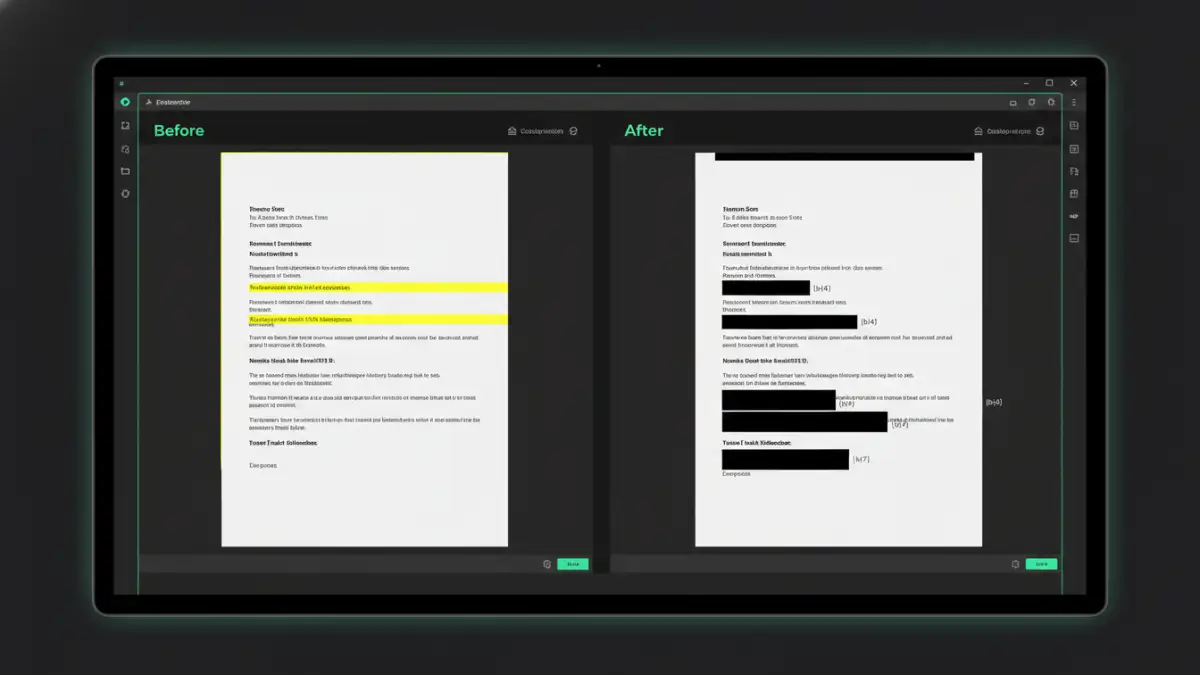
Many well-intentioned redaction attempts fail because they only obscure information visually. I've seen cases where a simple copy-paste of the text underneath a black box revealed everything it was meant to hide. These methods create a false sense of security and can lead to significant legal and reputational damage.
Common but Flawed Techniques
Some of the most common yet insecure methods include changing the text color to white, covering text with black shapes or comment boxes, or using basic image editors. These techniques leave the original data intact within the document's structure. Anyone with basic technical skills can often reverse these changes and expose the sensitive information.
Metadata: The Hidden Data Risk
Beyond the visible text, documents contain metadata—information about the file's author, creation date, modification history, and sometimes even deleted text. A comprehensive redaction process must also scrub this metadata. Failing to do so can inadvertently leak sensitive details about who created a document and when, which can be just as damaging as leaking the content itself.
Key Features of FOIA Compliance Software
When selecting government redaction tools, it's crucial to look beyond a simple black-out feature. True FOIA compliance software is built for security and accountability. These tools are designed to ensure that once information is redacted, it's gone for good.
A critical feature is the ability to search for and redact specific text patterns, like Social Security numbers, names, or keywords, across multiple documents. This automates a tedious process and reduces the risk of human error. The software should also allow for exemption codes to be placed over the redacted area, citing the legal reason for the removal, which is a common requirement for FOIA responses.
Audit Trails and Reporting
Accountability is paramount. Professional redaction software provides detailed audit trails that log every action taken on a document. This includes who performed the redaction, when it was done, and what information was removed. These reports are invaluable for demonstrating compliance and providing a defensible record of the redaction process if challenged.
Implementing a Secure Redaction Workflow
Having the right tool is only half the battle; a structured workflow is essential for consistency and public records security. A reliable workflow ensures every document is handled correctly and minimizes the chance of error.
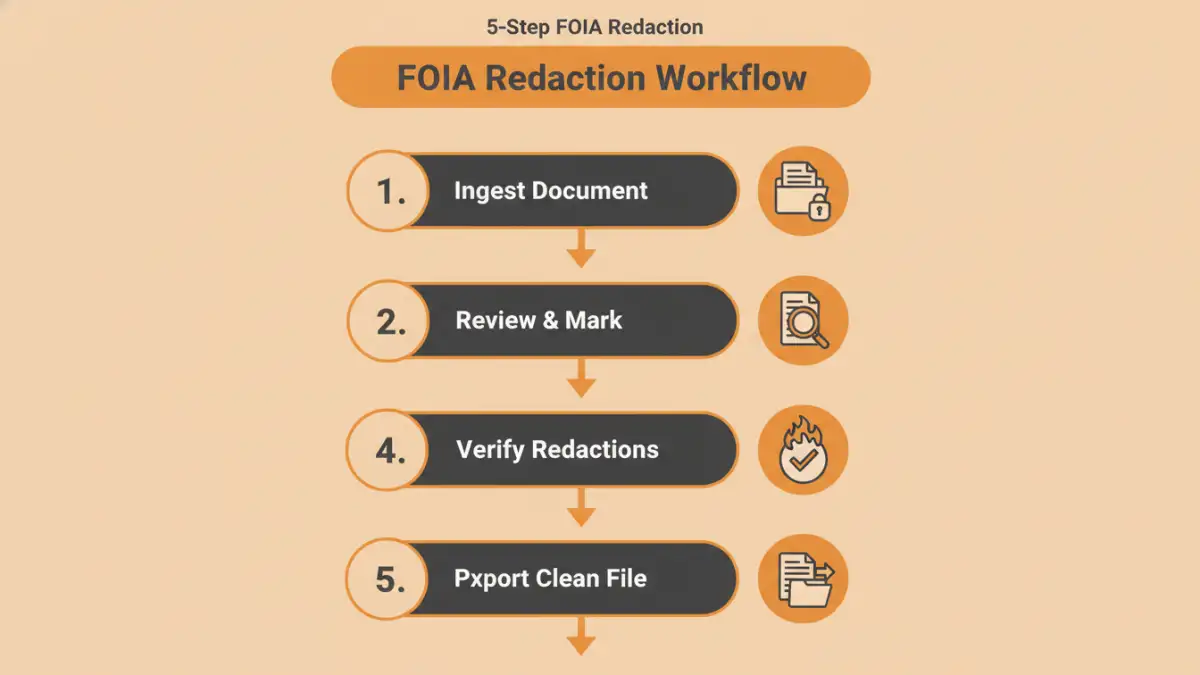
A typical workflow involves several stages:
1. **Ingestion:** The original document is imported into the secure system.
2. **Review & Redact:** An initial reviewer marks areas for redaction, applying relevant exemption codes.
3. **Verification:** A second person, often a manager or legal counsel, reviews the marked redactions to ensure accuracy and necessity.
4. **Processing:** The software permanently removes the marked content and associated metadata.
5. **Export:** A new, clean, and redacted version of the document is created for public release. The original, unredacted file remains securely stored and unaltered.
This multi-step verification process, supported by a dedicated **secure pdf redaction** tool, builds multiple layers of defense against accidental disclosure.
Redaction Methods Comparison
| Redaction Method | Security Level | Efficiency | Best For |
|---|---|---|---|
| Manual (Marker & Scanner) | Very Low | Very Low | Not recommended for digital records. |
| Basic Digital Boxes (e.g., in Word) | None | Low | Never for sensitive or legally required redaction. |
| Professional Redaction Software | Very High | High | FOIA, legal discovery, and all official purposes. |
| Online Redaction Tools | Variable | Medium | Non-sensitive, one-off tasks where data privacy is not a primary concern. |