A few months ago, a friend running a small law firm called me in a bit of a panic. They were facing a potential audit and suddenly became unsure if their client file storage system met current data privacy requirements. They had files scattered across local servers, individual laptops, and a generic cloud storage service. It was a classic case of operational convenience slowly creating a massive compliance risk.
This scenario is incredibly common. Whether you're in law, finance, healthcare, or any field handling sensitive information, the way you store client documents is under intense scrutiny. It's not just about having a password on a folder anymore; it's about building a defensible system that respects privacy laws and protects your clients and your business.
Table of Contents
Why Data Privacy Compliance Is Non-Negotiable
Storing client documents without a proper compliance framework is like building a house on a shaky foundation. Sooner or later, something will give. The risks range from crippling financial penalties to irreversible damage to your professional reputation. For professionals bound by specific ethical codes, like lawyers, the stakes are even higher.
Key Regulations to Understand
While the regulatory landscape is vast, a few key pieces of legislation form the backbone of modern data privacy. The EU's General Data Protection Regulation (GDPR) set a global standard for data rights. In the US, you have the California Consumer Privacy Act (CCPA) and industry-specific rules like the Health Insurance Portability and Accountability Act (HIPAA). For legal professionals, guidance like the aba model rules technology competence standards explicitly requires understanding the risks and benefits of relevant tech, including secure storage.
The Real Cost of a Breach
The fines associated with non-compliance can be staggering—up to 4% of global annual turnover for GDPR violations. But the financial hit is often just the beginning. A data breach erodes client trust, which can be far more difficult to rebuild than a bank balance. It can lead to client loss, lawsuits, and a public relations nightmare that haunts a firm for years.
Core Pillars of Secure Document Storage

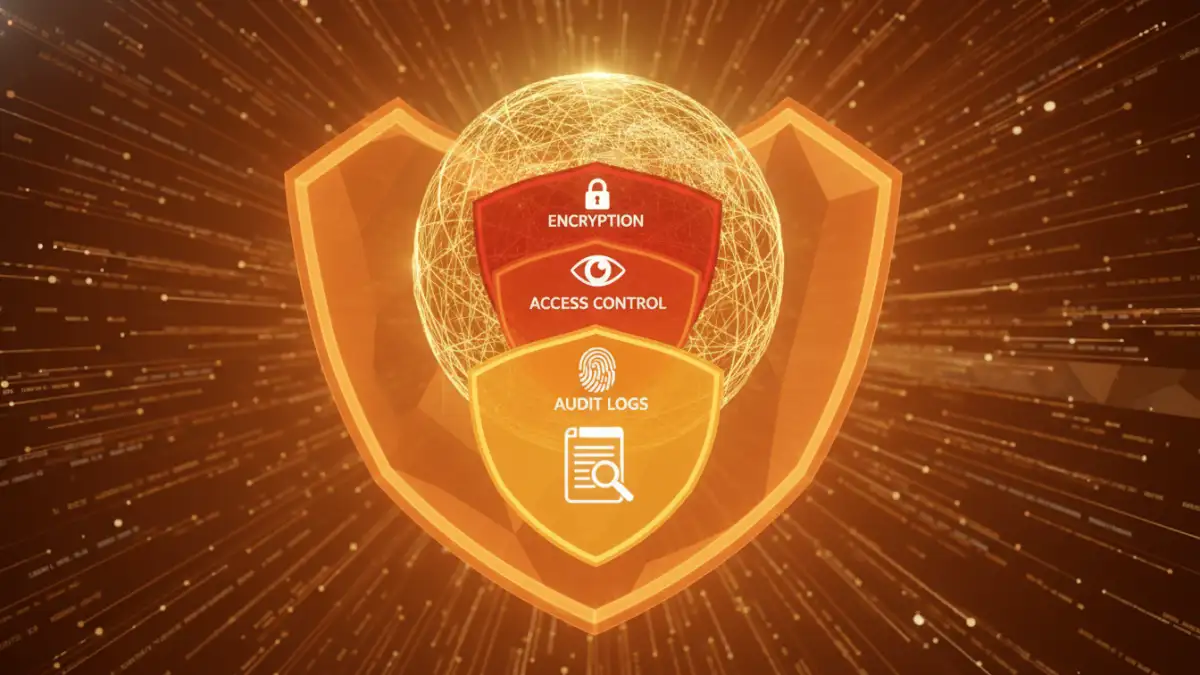
Achieving compliance isn't about a single tool or trick. It's about implementing layers of security that work together to protect data throughout its lifecycle. I always advise focusing on three fundamental pillars.
Pillar 1: Encryption at Rest and In Transit
Encryption is the process of scrambling data so it can only be read by authorized parties. It's your primary technical defense. Data 'in transit' is data moving across a network, like an email attachment. Data 'at rest' is data sitting on a server or hard drive. Your solution must encrypt data in both states. Modern document management systems should handle this automatically, but it's something you must verify, not assume.
Pillar 2: Granular Access Control
Not everyone in your organization needs access to every client file. The Principle of Least Privilege dictates that users should only have access to the specific information necessary to perform their job functions. A robust system allows you to set granular permissions. For example, a paralegal might have read-only access to certain case files, while a senior partner has full edit and delete rights. This minimizes the risk of both accidental and malicious data exposure.
Pillar 3: Comprehensive Audit Trails
If a breach does occur, you need to know what happened. An audit trail, or activity log, is a chronological record of who accessed what data, and when. It should log every view, download, modification, and deletion. These logs are not just for forensic analysis after an incident; they are crucial for demonstrating due diligence to regulators and are a powerful deterrent against internal misuse.
Implementing a Compliant Storage Strategy
Moving from theory to practice requires a clear plan. The goal is to integrate security into your daily workflows, not bolt it on as an afterthought. This is where you architect your approach to secure client files for the long term.
Choosing the Right Technology Stack
You generally have two paths: on-premise servers or cloud-based solutions. On-premise gives you complete physical control but requires significant in-house expertise for maintenance, security, and updates. Cloud-based Document Management Systems (DMS) built for specific industries (like legal or healthcare) often come with compliance features baked in. They handle the infrastructure security, encryption, and updates, allowing you to focus on managing your policies. For most small to medium-sized businesses, a reputable, industry-specific cloud provider is the more secure and cost-effective option.
Developing and Enforcing Internal Policies
Technology is only half the battle. You need clear, written policies that every team member understands and follows. These should cover data handling, password requirements, device security (especially for remote work), and data retention schedules. How long must you legally keep certain documents? When should they be securely destroyed? These questions must have documented answers.
Auditing and Maintaining Ongoing Compliance
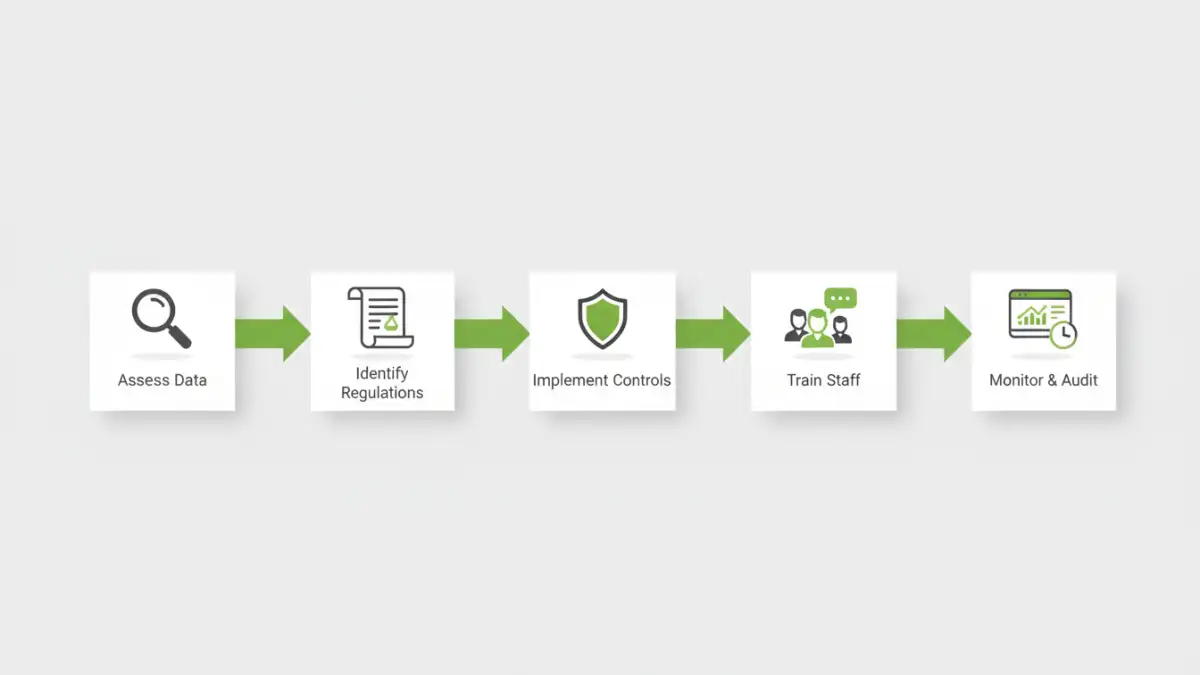
Achieving compliance is not a one-time project; it's a continuous process of monitoring, reviewing, and adapting. The threats evolve, and the regulations change, so your strategy must as well. Regular internal audits are essential to ensure policies are being followed and that your technology is still configured correctly.
This ongoing vigilance is the heart of true client document security compliance. It involves periodic risk assessments to identify new vulnerabilities and regular training to keep staff aware of threats like phishing. By creating a culture of security awareness, you turn your team from a potential liability into your first line of defense, safeguarding the sensitive data entrusted to you.
Compliance Feature Comparison: Cloud vs. On-Premise
| Feature | Cloud-Based DMS | On-Premise Server | Best For |
|---|---|---|---|
| Encryption | Often built-in for data at rest and in transit (e.g., AES-256). | Requires manual configuration and management by IT staff. | Teams without dedicated IT security experts. |
| Access Control | Granular, role-based permissions are a standard feature. | Can be configured, but often requires more technical skill. | Organizations needing easy-to-manage user roles. |
| Audit Trails | Comprehensive, immutable logs are automatically generated. | Logging must be enabled and protected from tampering. | Firms needing to demonstrate compliance for audits. |
| Data Residency | Provider can guarantee data is stored in specific geographic regions (e.g., EU for GDPR). | Data is physically located wherever the server is. | Businesses with strict cross-border data transfer rules. |
| Maintenance & Updates | Handled by the provider, including security patches. | Full responsibility of the business owner. | Organizations that want to offload infrastructure management. |