The sensitive nature of student information demands rigorous protection. From enrollment data to academic performance records, schools handle vast amounts of personal data that, if compromised, could have severe consequences for students and the institution. Implementing robust PDF security measures is no longer an option; it's a critical necessity for maintaining trust and complying with privacy regulations.
As someone who has spent years building and securing digital systems, I've seen firsthand how easily vulnerabilities can be exploited. When it comes to educational institutions, the stakes are particularly high. Protecting these records isn't just about preventing data breaches; it's about safeguarding student privacy and well-being.
Table of Contents
Understanding the Basics of PDF Security
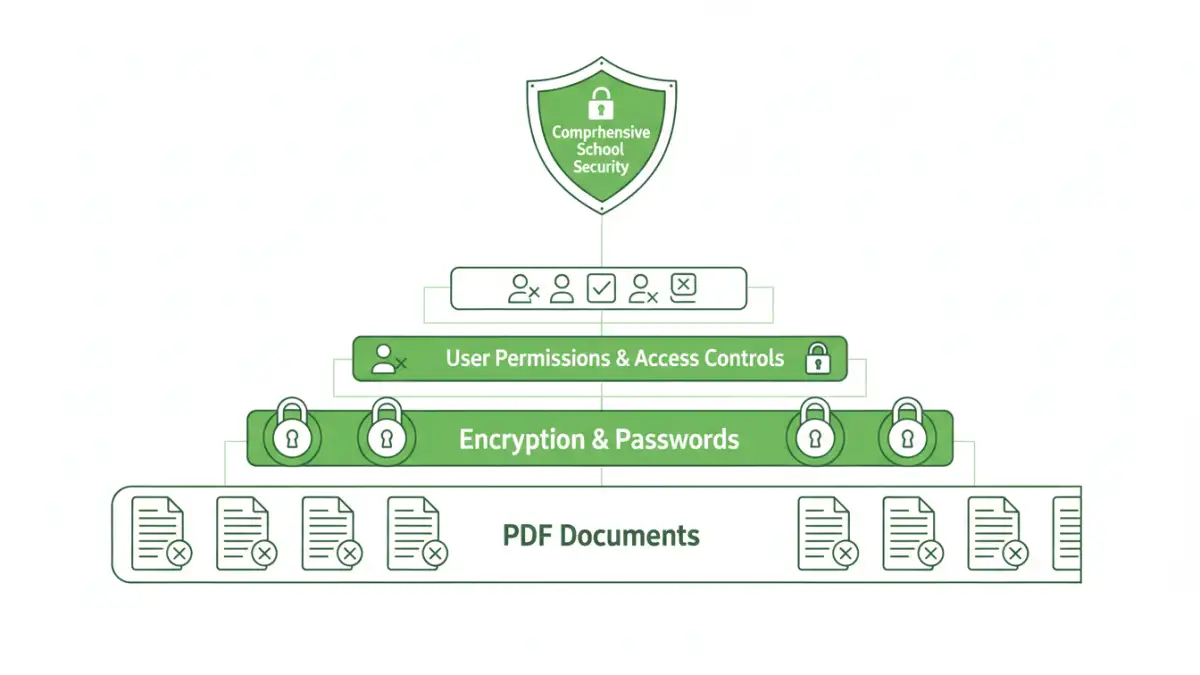
PDFs have become a ubiquitous format for sharing documents in educational settings, from assignment submissions to official transcripts. However, their ease of use can sometimes mask underlying security weaknesses. Basic PDF security often involves measures like password protection, which can prevent unauthorized opening or editing of documents.
When we talk about securing student records, we're referring to the entire lifecycle of the data – its creation, storage, transmission, and eventual disposal. For PDFs, this means ensuring that only authorized personnel can access specific files and that the data within them remains confidential and intact.
Key Concepts in Document Protection
Several fundamental concepts underpin effective PDF security. Encryption is paramount, transforming readable data into an unreadable format that requires a key or password to decipher. Access control mechanisms, like user permissions, dictate who can view, print, or modify a document. Audit trails are also vital, providing a record of who accessed which document and when, which is crucial for accountability and incident investigation.
Furthermore, understanding the different levels of PDF security is important. Some protections are superficial, easily bypassed, while others, like strong encryption algorithms, offer robust protection against unauthorized access. For schools, the goal is to implement layered security that addresses multiple potential threats.
Implementation Methods for Schools
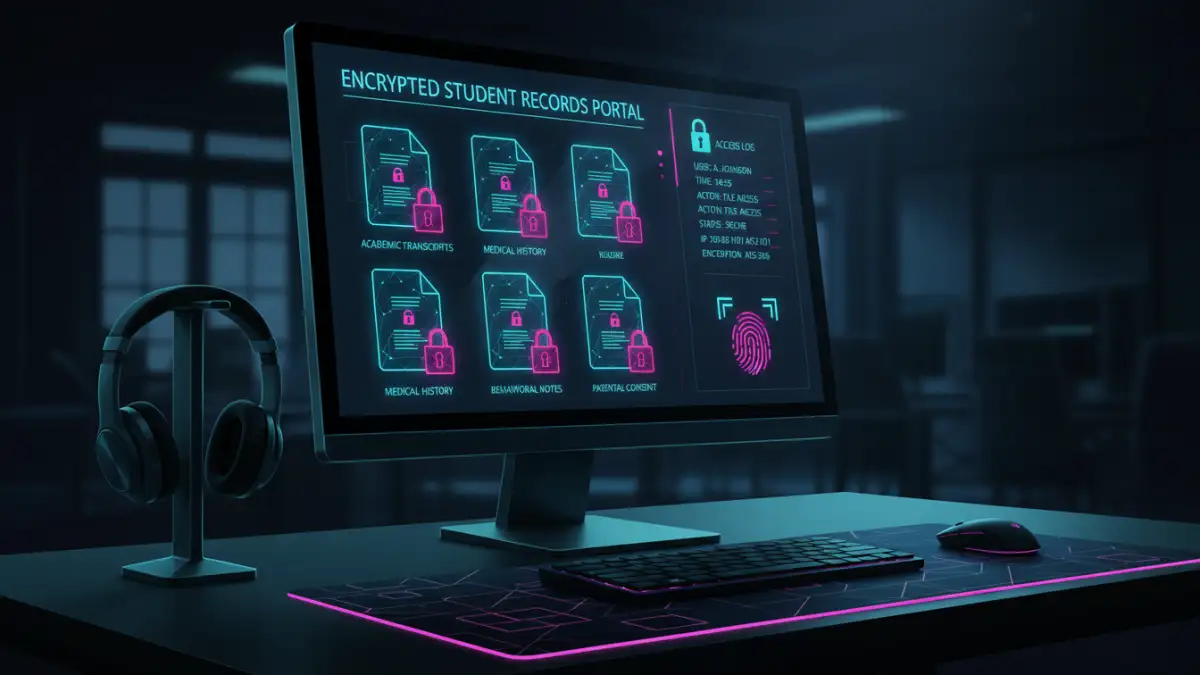
Schools have several avenues to implement PDF security for their student data. Many PDF readers and editors, like Adobe Acrobat, offer built-in features for setting passwords and permissions. These are often the most accessible starting points for many institutions.
Beyond standard software, specialized tools and services exist that offer more comprehensive solutions. These can include enterprise-level document management systems that integrate PDF security with broader data governance policies. For example, cloud-based solutions can provide centralized control and tracking of document access across different departments.
Method One: Password Protection
The most common method is password protection. You can set an 'owner' password to restrict printing or editing and a 'user' password to prevent opening the file altogether. For student data, it's often best to use both, with a strong, unique password for opening the document. I've found that enforcing strong password policies, including complexity requirements and regular updates, is key to making this method effective.
Method Two: Encryption Features
More advanced PDF applications offer encryption beyond simple password protection. This often involves using industry-standard encryption algorithms like AES-256. This level of encryption makes it extremely difficult for unauthorized individuals to decrypt the file, even if they gain access to the file itself. Implementing this requires careful management of encryption keys and passwords.
Best Practices for Secure Student Records
Beyond technical controls, establishing clear policies and procedures is crucial for maintaining student data security. This includes training staff on the importance of data privacy and the correct usage of security tools. Regular audits of access logs can help identify any suspicious activity or potential breaches.
Minimizing the number of people with access to sensitive student records is also a core principle. Implementing the principle of least privilege ensures that individuals only have access to the information they absolutely need to perform their job duties. This significantly reduces the attack surface.
Advanced PDF Security Features
For organizations handling highly sensitive information, features like digital signatures and redaction are invaluable. Digital signatures verify the authenticity and integrity of a document, ensuring it hasn't been tampered with since it was signed. Redaction permanently removes sensitive information from a document, ensuring it cannot be recovered.
Watermarking can also be used to deter unauthorized sharing, clearly marking documents as confidential or for internal use only. These advanced features, combined with robust access controls and encryption, create a comprehensive security posture for academic documents.
Comparison Table: PDF Security Methods
| Method | Ease of Use | Security Level | Best For | Considerations for Schools |
|---|---|---|---|---|
| Basic Password Protection | High | Low to Medium | Individual files, non-critical data | Requires strong password policies, prone to brute-force attacks if weak passwords are used. |
| PDF Encryption (AES-256) | Medium | High | Sensitive student records, transcripts, personal files | Requires management of encryption keys/passwords; compatibility issues may arise with older systems. |
| Digital Signatures | Medium | High (Integrity & Authenticity) | Official documents, verification of origin | Requires certificate management; ensures document hasn't been altered. |
| Redaction | Medium to High | Very High (Data Removal) | Removing PII before sharing publicly, archiving | Permanent removal; requires careful review to ensure all sensitive data is gone. |
| Access Control/Permissions | High | Medium to High | Restricting view, print, edit rights | Integrates with user management systems; crucial for internal access management. |