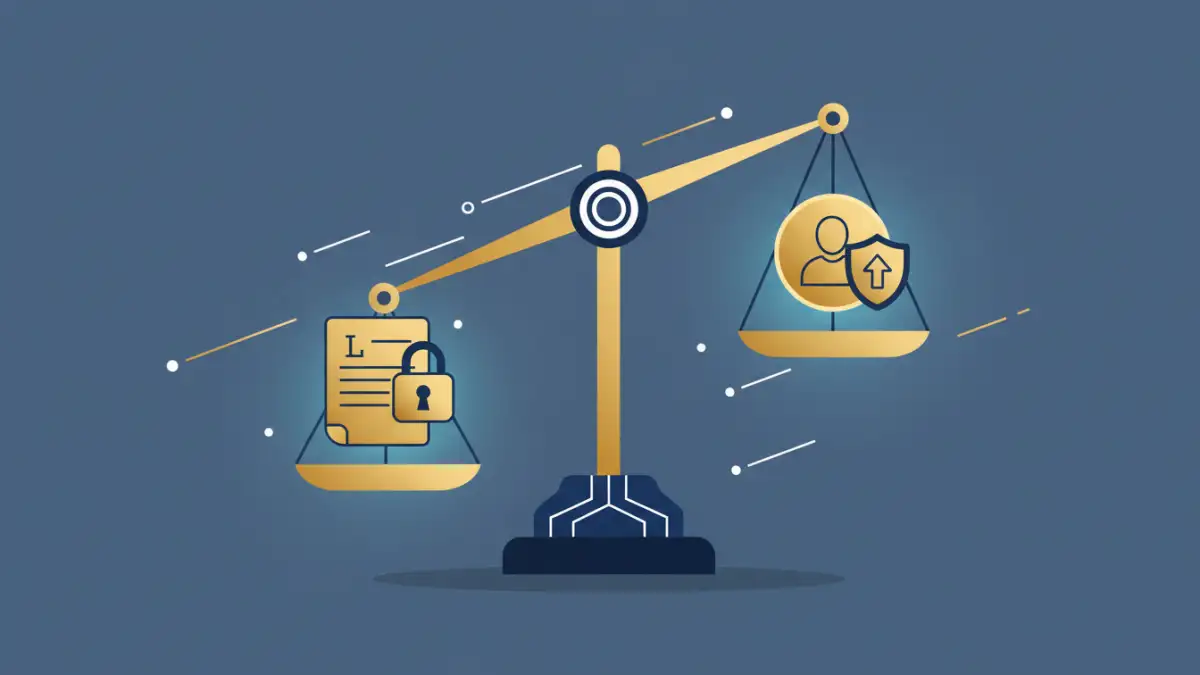
Sending a sensitive legal brief or discovery document over a standard email can feel like mailing a postcard. You hope it gets there unread by prying eyes, but you have no real guarantee of privacy. In the legal profession, where confidentiality isn't just a courtesy but a cornerstone of practice, this 'hope-for-the-best' approach simply doesn't cut it.
The consequences of a data breach can be catastrophic, ranging from malpractice claims to severe damage to a firm's reputation. Protecting client data requires a deliberate and technically sound strategy. It's about moving from insecure, ad-hoc methods to a robust system that safeguards information at every step.
Table of Contents
The High Stakes of Insecure File Sharing
Standard tools like personal email accounts or consumer-grade cloud storage (think free versions of Dropbox or Google Drive) were not built for the rigorous demands of legal work. They often lack the specific security controls needed to protect privileged information. I've seen firsthand how a simple misconfigured sharing link on a consumer platform led to an entire case file being exposed publicly—a completely avoidable disaster.
The primary risks include interception of data in transit, unauthorized access due to weak credentials or accidental sharing, and a lack of audit trails to prove who accessed a file and when. These vulnerabilities directly threaten attorney-client privilege online and can put firms in violation of data protection regulations like GDPR or CCPA, depending on their clients' locations.
Pillars of a Secure Document Sharing System
To build a truly secure environment, law firms should focus on solutions that provide three core technical pillars. These are not just features, but foundational principles that ensure data integrity and confidentiality.
End-to-End Encryption
Encryption is the process of scrambling data so that it can only be read by authorized parties. End-to-end encryption is the gold standard. It ensures that a document is encrypted on the sender's device and only decrypted on the recipient's device. This means not even the service provider can access the file's contents, providing a powerful layer of protection against server-side breaches.
Granular Access Controls
Not everyone involved in a case needs the same level of access to every document. Granular controls allow you to define permissions on a per-user or per-document basis. You can specify who can view, download, edit, or print a file. This principle of least privilege minimizes the risk of accidental data exposure. You can grant an expert witness view-only access to specific exhibits without giving them access to the entire case file.
Comprehensive Audit Trails
An audit trail is an unchangeable, time-stamped log of every action taken on a document. It records who uploaded, viewed, downloaded, or modified a file, and precisely when they did it. This is crucial for accountability and compliance. In the event of a dispute or a security audit, these logs provide definitive proof of how information was handled, reinforcing the integrity of your firm's processes.
Practical Methods for Confidential Document Transfer
Moving beyond insecure methods means adopting tools specifically designed for security. There are several excellent options available for law firms, each with its own strengths.
Client Portals for Lawyers
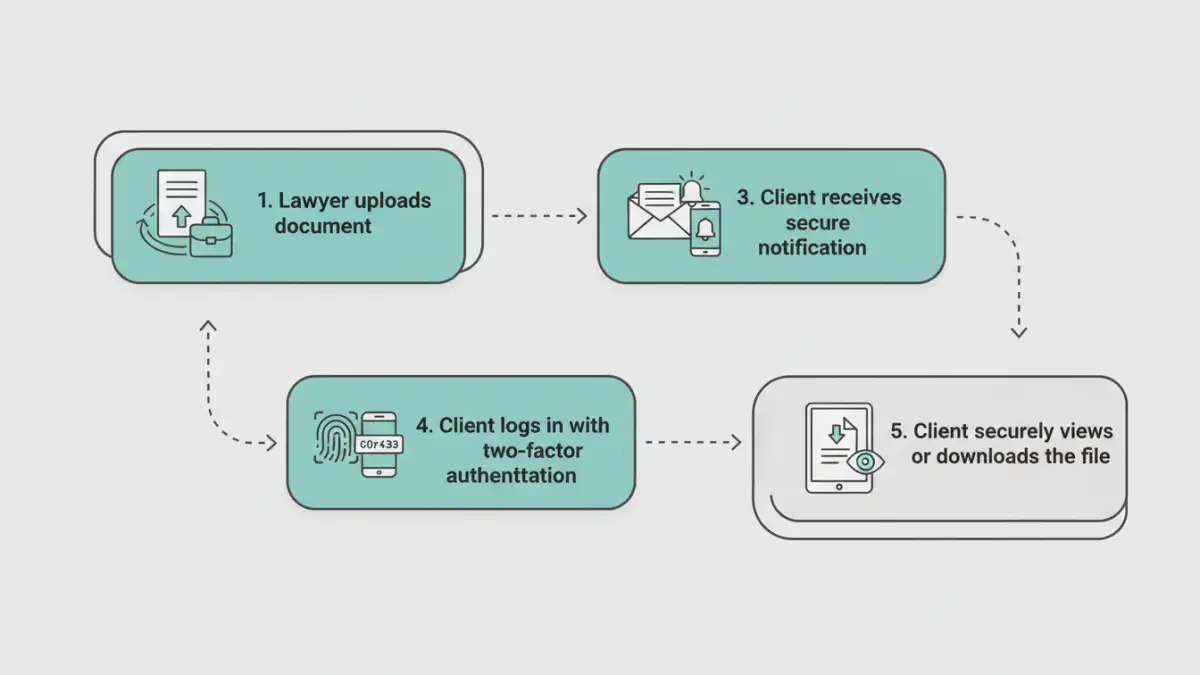
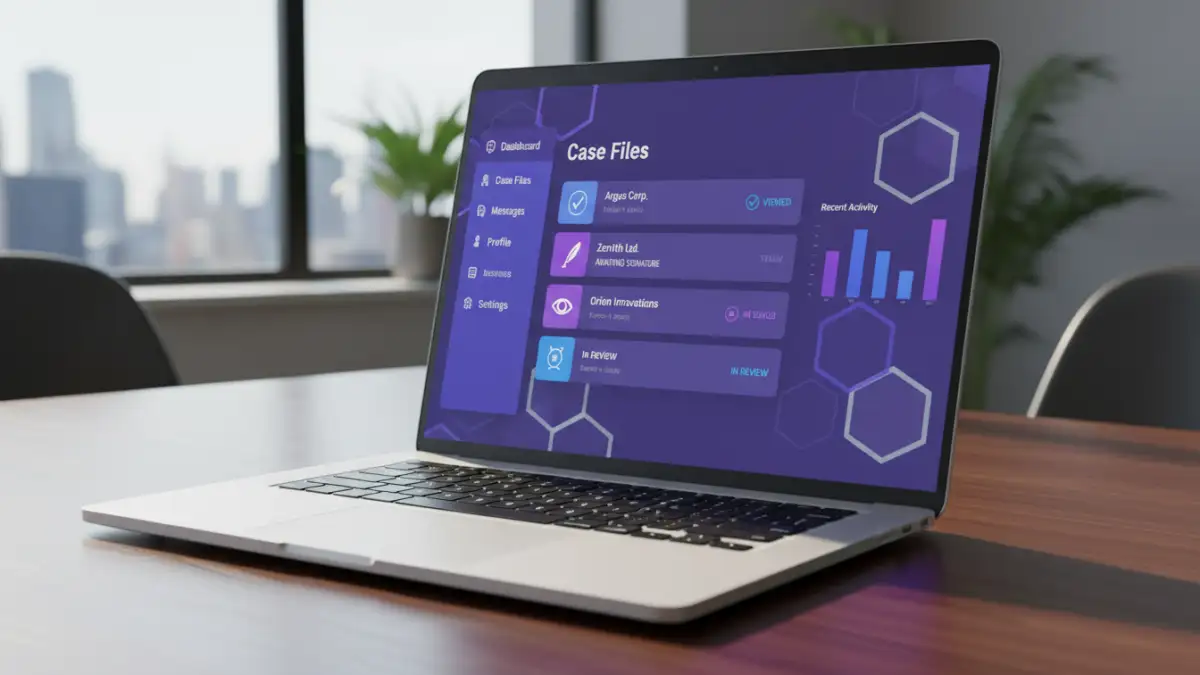
A dedicated client portal is often considered the most comprehensive solution. It's a secure, branded online space where you and your clients can exchange documents, share messages, and track case progress. Because everything is centralized within a secure ecosystem, it eliminates the risks associated with scattered email attachments. Clients log in with unique credentials, often protected by two-factor authentication (2FA), ensuring only the right people have access.
Encrypted File Sharing for Law Firms
If a full portal seems like too much, dedicated encrypted file sharing services offer a streamlined alternative. These platforms focus on one thing: sending and receiving files securely. They typically use a web interface where you can upload a document, set an expiration date for the download link, and require a password for access. This is a significant step up from standard email and is great for one-off transfers.
Secure Email Solutions
For firms that heavily rely on email workflows, secure email providers or add-ins can bridge the gap. Services like ProtonMail offer end-to-end encryption by default. Alternatively, plugins for Outlook and Gmail can encrypt the body and attachments of an email before it's sent, often requiring the recipient to use a password or log into a secure web viewer to see the message.
Implementing a Secure Workflow in Your Practice
Choosing the right tool is only half the battle. Successful implementation requires a clear plan. Start by evaluating your firm's specific needs. Do you handle a high volume of documents per case? Do you need integrated messaging? Your answers will guide your choice between a full client portal or a simpler file transfer service.
Once a tool is selected, staff training is paramount. Everyone in the firm must understand how to use the system and why it's important. A robust policy for **secure document sharing legal** documents is the foundation of a strong security posture. Finally, take the time to educate your clients. A short guide or a quick phone call explaining how to use the new system will ensure a smooth transition and demonstrate your commitment to protecting their sensitive information.
Comparison of Secure Sharing Methods
| Method | Key Security Features | Client Ease of Use | Best For |
|---|---|---|---|
| Client Portal | End-to-end encryption, 2FA, granular permissions, full audit trails | Moderate (Requires login/setup) | Long-term client relationships and complex cases with many documents. |
| Encrypted Email | Message and attachment encryption, often self-destructing messages | Moderate (May require recipient to create a password or use a portal) | Firms with an email-centric workflow needing to secure specific communications. |
| Secure File Transfer Service | Link expiration, password protection, download tracking | Easy (Usually just a link and password) | Quick, one-off transfers of large or sensitive files to third parties. |
| Standard Email | Minimal (Basic transport-level encryption at best, no access controls) | Very Easy | Non-confidential communications and scheduling only. Not for sensitive data. |