
A few years ago, my team was finalizing a critical project scope document with a third-party vendor. When the signed contract came back, something felt off. A key deliverable was worded slightly differently, subtly shifting responsibility. It was a small change, but it could have cost us thousands. That incident hammered home a crucial lesson: how do you prove a document has been altered after it leaves your control?
It's a question that applies to more than just contracts. Financial reports, legal evidence, and internal policies all depend on their immutability. Knowing how to verify that a document is in its original, untampered state is a fundamental skill in today's digital landscape.
Table of Contents
Why Document Integrity Is Non-Negotiable
When we talk about document security, we often focus on access control—who can open a file. But what happens after it's opened is just as important. Document tampering can lead to severe consequences, including financial loss, legal disputes, and reputational damage. Maintaining secure document integrity isn't just an IT problem; it's a core business requirement.
An altered invoice could redirect payments to a fraudulent account. A modified legal document could invalidate an entire agreement. Even a seemingly minor change in a technical blueprint could lead to catastrophic failures. Ensuring file authenticity protects all parties involved and upholds trust in your digital communications.
First Line of Defense: Manual and Visual Checks
Before diving into complex technical solutions, simple observation can often reveal red flags. These manual checks aren't foolproof, but they are a great starting point and require no special software. They are the first step in any good document tampering check.
Inspecting File Properties and Metadata
Every file contains metadata—data about the data. This includes creation date, modification date, author, and software version. You can view this by right-clicking a file and selecting 'Properties' (Windows) or 'Get Info' (Mac). Look for anomalies. Was the file modified after it was supposedly finalized? Is the author someone unexpected? While a sophisticated user can alter metadata, inconsistencies here are a strong hint that something is amiss.
Looking for Formatting Inconsistencies
Carefully scan the document itself. Do fonts, font sizes, or spacing change unexpectedly between paragraphs or even within a sentence? Look for subtle shifts in alignment or color. When a document is edited, especially with different software, these small artifacts can be left behind. For PDFs, zoom in closely on text and images to spot pixelation or blurry areas that might indicate a section was edited or pasted in.
Technical Verification: Hashes and Signatures
When manual checks aren't enough, cryptographic methods provide definitive proof of a document's state. These techniques create a unique digital fingerprint for a file, which changes if even a single bit of data is altered.
Using File Hashes for a Document Tampering Check
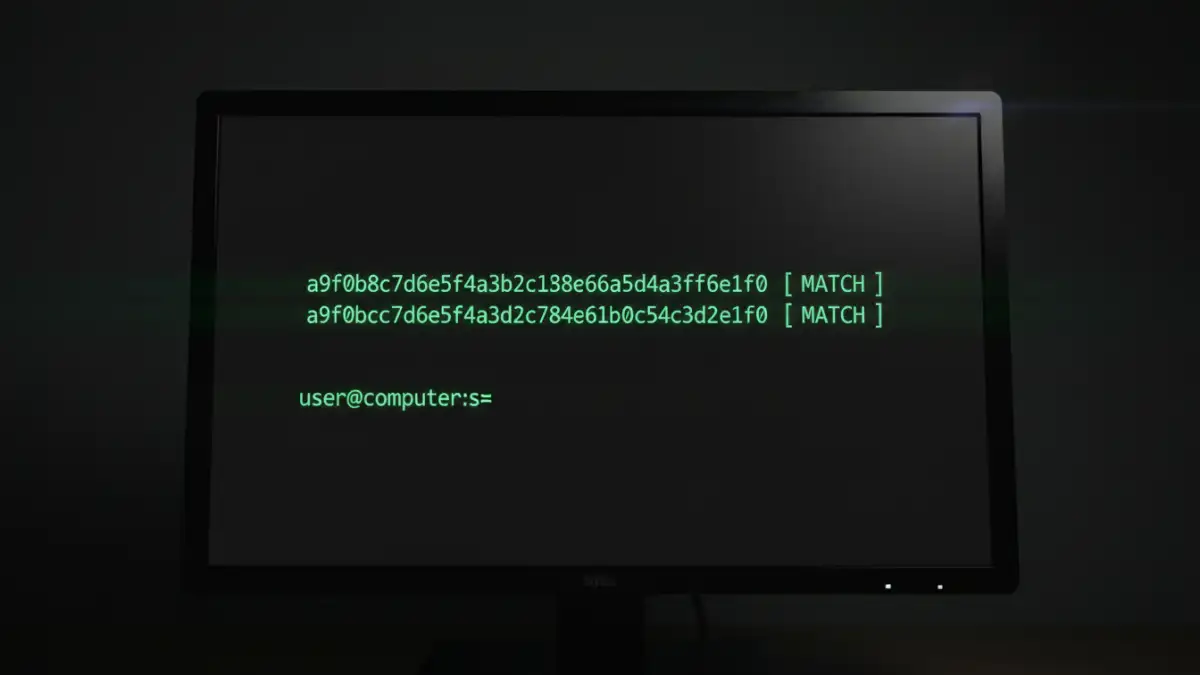
A hash function is an algorithm that converts a file of any size into a fixed-length string of characters (the 'hash'). Think of it as a unique serial number for the file's contents. Common algorithms include MD5, SHA-1, and SHA-256. If you generate a SHA-256 hash for a document and send both the document and the hash to someone, they can run the same hash function on the received document. If their generated hash matches the one you sent, the file is identical. If it doesn't match, the file has been changed in some way.
Many free tools are available online and as desktop applications (like 7-Zip on Windows or using the `shasum` command in the Mac/Linux terminal) to generate these hashes. This is a powerful way to verify file authenticity without needing complex infrastructure.
The Gold Standard: Digital Signature Verification
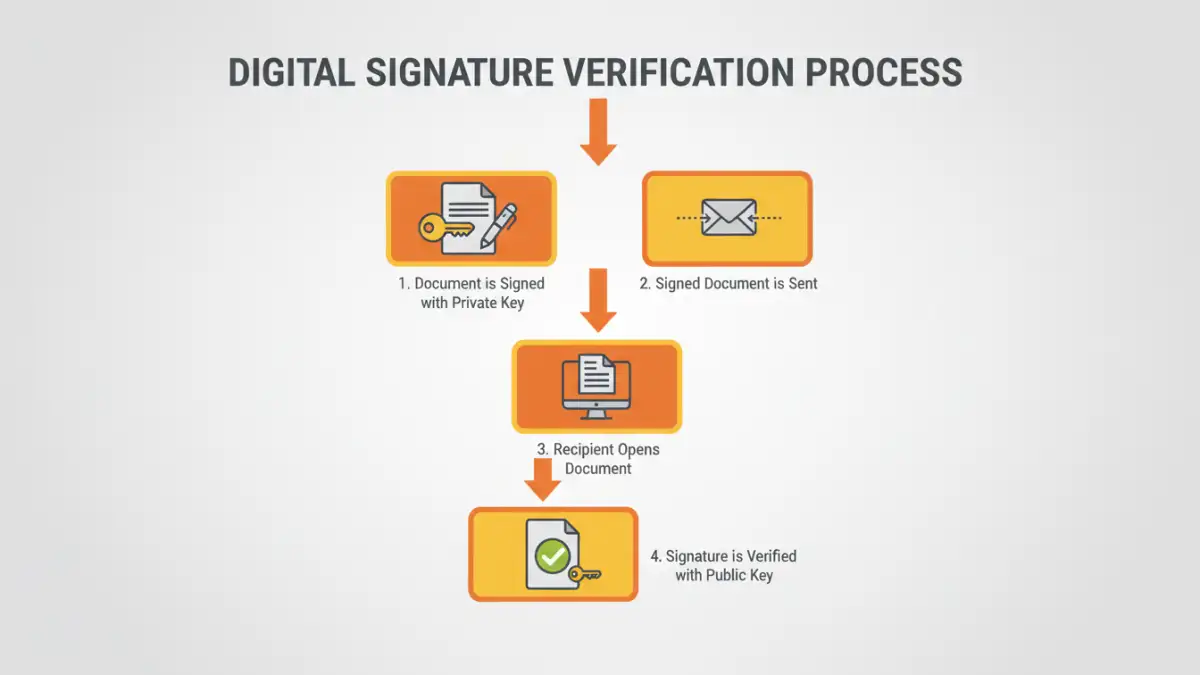
A digital signature is the most robust method for ensuring both authenticity and integrity. It works by using public-key cryptography. The sender signs the document with their private key, and the recipient uses the sender's public key to verify it. A valid digital signature confirms two things: the identity of the signer (authenticity) and that the document has not been altered since it was signed (integrity).
Most modern PDF readers, like Adobe Acrobat Reader, have built-in digital signature verification. When you open a signed PDF, a banner at the top will typically indicate the signature's status. Clicking on it provides details about the signer and the certificate's validity, making it a very reliable system.
Tools and Best Practices for Prevention
Verification is crucial, but prevention is even better. Adopting good security practices can significantly reduce the risk of tampering in the first place.
First, always use strong, unique passwords and enable read-only permissions where possible. For highly sensitive documents, use dedicated document management systems that provide version control and audit trails. This allows you to track every change, see who made it, and when. When sharing files, prefer formats that support digital signatures, like PDF, over easily editable formats like DOCX.
Finally, establish a clear protocol for document handling. When you send a critical file, also send its hash value separately (e.g., in a different email or text message). This simple step adds a powerful layer of security, making it much harder for an attacker to tamper with a document undetected.
Verification Method Comparison
| Method | How It Works | Pros | Cons |
|---|---|---|---|
| Visual Inspection | Manually checking for formatting errors, font changes, and inconsistencies. | Free, no special tools needed, quick first-pass check. | Not foolproof, easily defeated by skilled attackers, subjective. |
| Metadata Analysis | Reviewing file properties like 'Date Modified' and 'Author'. | Easy to access, can reveal obvious anomalies. | Metadata can be easily edited or faked. |
| File Hash Comparison | Generating a unique cryptographic fingerprint (e.g., SHA-256) of a file. | Highly accurate, detects any change, many free tools available. | Requires the original hash from the sender for comparison. |
| Digital Signature Verification | Using public-key cryptography to verify the signer and document integrity. | The most secure method, confirms both identity and integrity, legally binding in many cases. | Requires a digital certificate infrastructure, can be complex to set up. |