I almost lost six months of my thesis research to a stolen laptop. The device itself was replaceable, but the data—the interviews, the statistical models, the draft chapters—was not. That sinking feeling was a powerful lesson in the vulnerability of digital work. It forced me to stop treating security as an afterthought and start actively implementing robust data protection strategies.
That incident fundamentally changed how I approach data management, especially for high-stakes projects like academic research. It’s not just about preventing theft; it’s about safeguarding against hardware failure, accidental deletion, and unauthorized access. The solution isn't complex, but it does require a deliberate approach.
Table of Contents
The Real Risks to Your Research
When you're deep in research, it's easy to focus solely on the content and forget about the container. Your thesis data is more than just text; it's the culmination of years of effort. The primary risks aren't always malicious hackers. More common threats include losing your work due to a crashed hard drive, a misplaced USB stick, or simple human error.
Furthermore, much academic research involves sensitive information, whether it's confidential interview transcripts, proprietary data sets, or pre-publication findings. A data breach could compromise your participants' privacy or jeopardize your publication's integrity. This is where academic document security becomes paramount, moving from a nice-to-have to a professional necessity.
Foundational Encryption Methods
Getting started with thesis data protection doesn't require a degree in cybersecurity. The most accessible tools are often the ones already built into your operating system or the software you use daily. These provide a solid first line of defense.
Full-Disk Encryption (FDE)
Your computer's operating system likely includes powerful, built-in encryption. For Windows users, this is BitLocker (usually in Pro editions), and for macOS users, it's FileVault. Enabling FDE encrypts your entire hard drive. If your laptop is lost or stolen, no one can access the data without your login password. Turning this on is one of the single most effective steps you can take. It's a set-it-and-forget-it solution that protects everything on the drive.
Application-Level Passwords
Most productivity software allows you to set a password for research documents individually. Microsoft Word and Adobe Acrobat both have robust options under their security or protection settings. When you save a document, you can choose to encrypt it with a password. This is great for sharing a specific file securely via email, as the file remains encrypted even when it leaves your protected hard drive.
Using Dedicated Encryption Software
For a more granular and powerful approach, I turned to dedicated encryption tools. While FDE protects your entire disk at rest, dedicated software lets you create secure, encrypted 'vaults' or containers for your most critical files. These act like password-protected virtual hard drives.
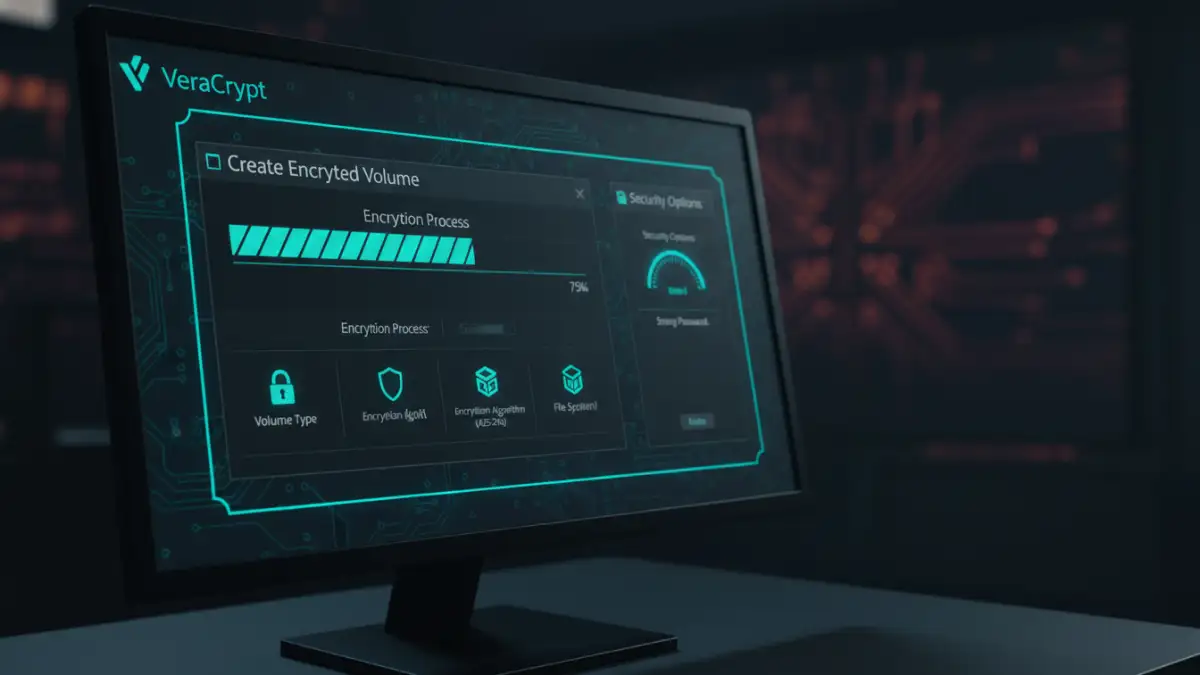
A tool I've used extensively is VeraCrypt, an open-source and highly respected solution. With it, you can create an encrypted file container, place all your research documents inside, and then 'mount' it as a drive letter when you need access. When you're done, you 'dismount' it, and the files become an inaccessible, scrambled block of data again. This method is excellent for organizing all your research into one secure package, which you can then back up to an external drive or the cloud.
Crafting a Secure Backup Strategy
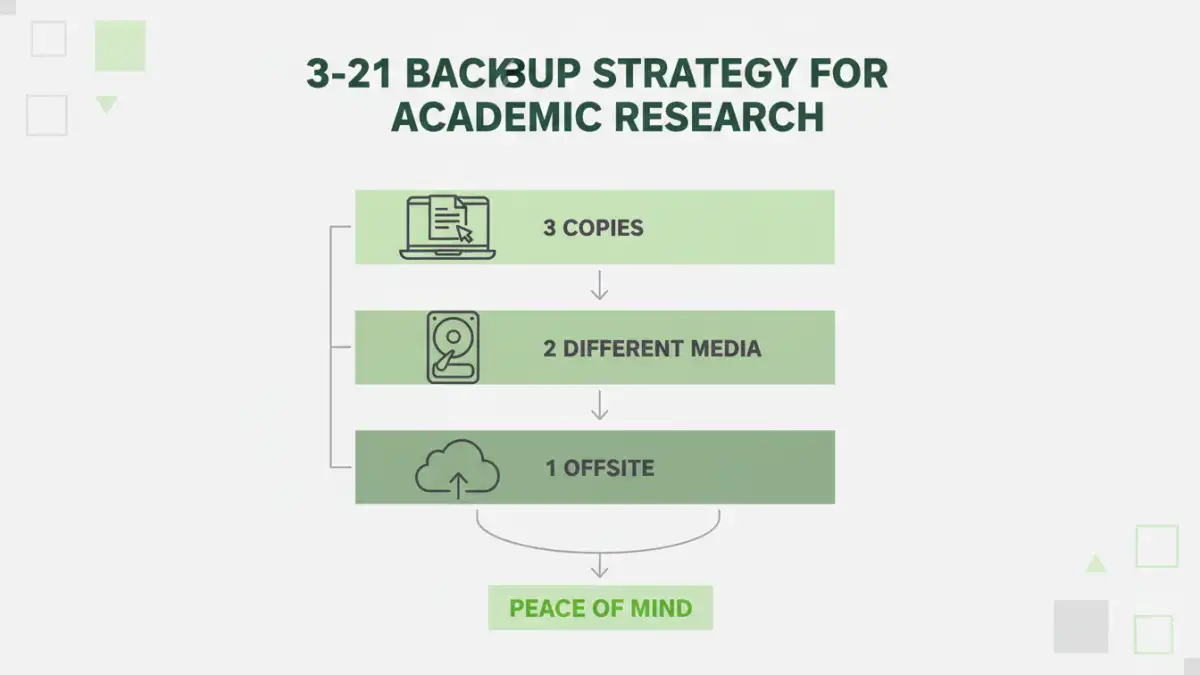
Encryption protects your data from unauthorized access, but it doesn't protect it from loss. A robust backup strategy is the other half of the equation. For my research, I adopted the 3-2-1 rule: three copies of your data, on two different types of media, with one copy stored off-site.
My system looked like this: the primary copy was on my laptop's encrypted drive (Copy 1, Media 1). I performed daily backups to an encrypted external hard drive (Copy 2, Media 2). Finally, I used a zero-knowledge cloud storage service to store an encrypted archive of my work off-site (Copy 3, Off-site). Zero-knowledge services encrypt your data on your machine *before* uploading it, so even the provider can't access your files. This comprehensive approach helped me protect research with file encryption and ensure its availability no matter what happened.
Encryption Method Comparison for Academic Work
| Method | Ease of Use | Security Level | Best For |
|---|---|---|---|
| Full-Disk Encryption (BitLocker/FileVault) | Very Easy (Set & Forget) | High | Protecting a lost or stolen laptop. |
| Application Passwords (Word/PDF) | Easy | Moderate | Securing individual files for sharing. |
| Dedicated Software (VeraCrypt) | Moderate | Very High | Creating secure vaults for all project files. |
| Encrypted Cloud Storage | Easy | High (with zero-knowledge) | Secure off-site backups and disaster recovery. |