A few months ago, I got a call from the director of a local community arts non-profit. They had a close call—a volunteer's laptop containing a spreadsheet of donor contact information was briefly misplaced. While they recovered it quickly, the incident was a wake-up call. They realized their methods for handling sensitive data were outdated and left them vulnerable. They needed a robust, affordable, and easy-to-use system for nonprofit document protection, and they needed it fast.
This is a common story. Many non-profits operate with limited resources, and sophisticated IT security can seem out of reach. But as I showed them, protecting your supporters' information doesn't have to be complex or expensive. It’s about implementing smart, scalable processes that become a part of your daily workflow. This is their data privacy success story.
Table of Contents
The Wake-Up Call: Why Donor Data Security Matters
The first step wasn't about technology; it was about understanding the stakes. For any non-profit, donor data is more than just names and numbers. It represents trust, relationships, and the very foundation of their mission. A data breach could not only lead to financial and legal trouble but also irrevocably damage their reputation within the community they serve.
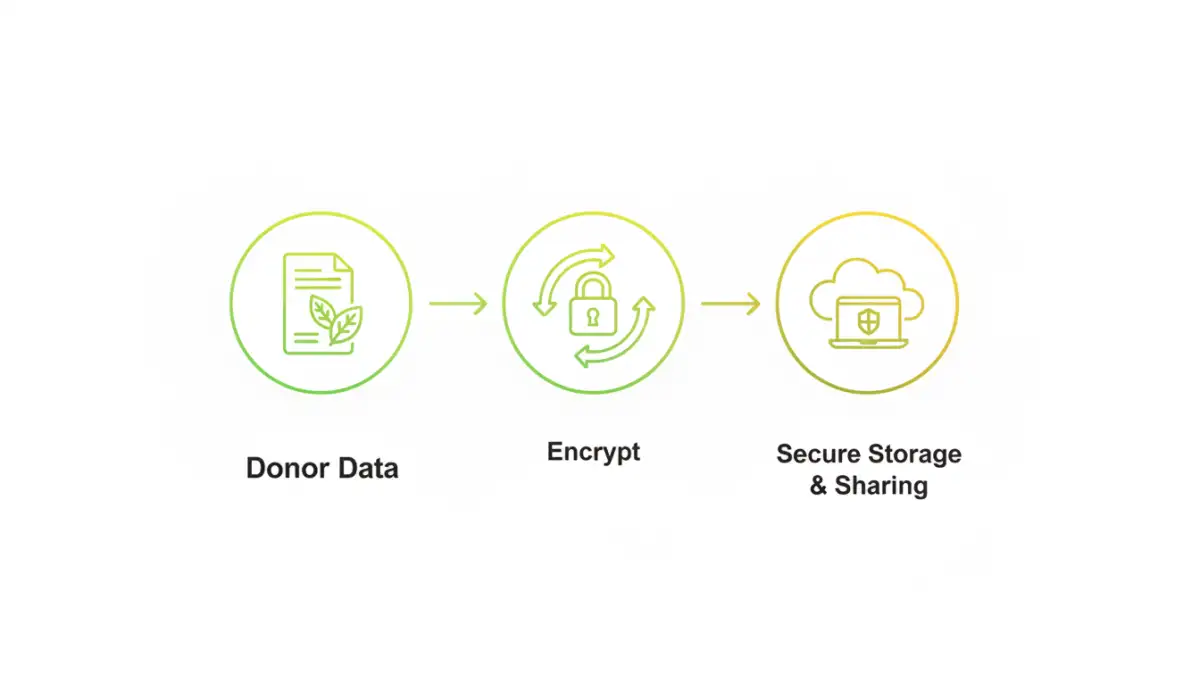
We identified their primary risks. Unencrypted files were being shared via email, stored on personal laptops, and backed up to consumer-grade cloud services with minimal oversight. This ad-hoc approach to secure file management was an open invitation for trouble. The goal was clear: centralize and encrypt all sensitive donor information, both when it's stored (at rest) and when it's being shared (in transit).
Identifying Key Sensitive Data
Before encrypting anything, you have to know what you're protecting. We conducted a quick data audit to identify all documents containing Personally Identifiable Information (PII). This included:
- Donor lists with names, addresses, and phone numbers.
- Spreadsheets tracking donation amounts and dates.
- Internal documents discussing fundraising strategies.
- Volunteer contact and information forms.
By mapping out where this data lived, we could create a targeted plan instead of a disruptive, organization-wide overhaul. This made the entire project feel much more manageable for their small team.
Building the Strategy: A Practical Approach
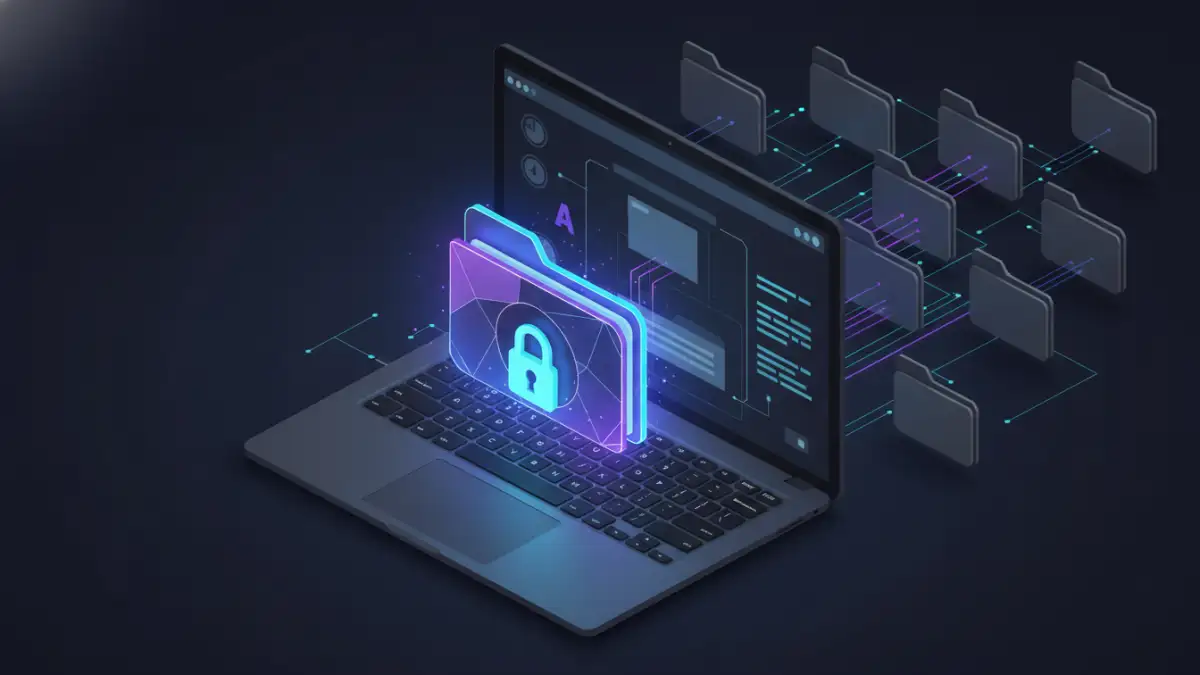
With the risks and data types identified, we laid out a simple, two-pronged strategy. First, we would establish a secure, centralized location for all sensitive files. Second, we would implement an encryption protocol for any file that needed to be stored or shared outside of that secure environment. This created clear rules that were easy for everyone to follow.
The key was choosing solutions that fit their budget and technical comfort level. Overly complex systems are often ignored. We focused on user-friendly tools that integrated well with their existing workflow, which was primarily based on Microsoft 365 and local file storage. The strategy was centered on accessibility and ease of adoption for staff and key volunteers.
Choosing the Right Tools for the Job
For their centralized storage, they upgraded their Microsoft 365 plan to one that included better security controls and data loss prevention (DLP) features. This gave them a secure 'home base' for their most critical files. For files that needed to be shared externally or stored on laptops, we settled on VeraCrypt, a free, open-source disk encryption software. It's powerful, well-regarded, and creates a virtual encrypted disk that acts like any other drive, making it intuitive for non-technical users.
Implementation in Action: Tools and Training
Technology is only half the battle. The most critical part of this project was training. I ran a short workshop for the director and two key staff members. We didn't just show them which buttons to click; we explained *why* each step was important. We covered creating strong passphrases, the difference between an encrypted container and an encrypted file, and best practices for sharing credentials securely (or rather, not sharing them at all).
We set up an encrypted container on each of their primary laptops. Any donor spreadsheet or sensitive document was to be moved into this secure vault. For sharing files with board members, we established a protocol using password-protected ZIP files with strong, unique passwords shared via a separate channel (like a phone call or secure messaging app). This simple process dramatically improved their overall donor data security posture overnight.
The Results: Peace of Mind and Stronger Trust
The transformation was profound. The team went from a state of constant, low-level anxiety about their data to one of confidence. They now have a clear, documented process for handling sensitive information. This successful non profit file encryption project didn't require a massive budget or a dedicated IT department—just a clear understanding of the risks and a commitment to a few fundamental security practices.
Most importantly, they can now confidently tell their donors that they take data privacy seriously. In a world where data breaches are common, this commitment has become a powerful way to build and maintain trust. It's a true data privacy success story that demonstrates how any organization, regardless of size, can take meaningful steps to protect its community.
Encryption Solutions Comparison for Non-Profits
| Solution Type | Example Tools | Pros | Cons |
|---|---|---|---|
| File/Folder Encryption | 7-Zip, AxCrypt | Free, easy for individual files, good for email attachments. | Can be cumbersome for many files; password management is manual. |
| Full-Disk Encryption | BitLocker (Windows), FileVault (Mac) | Built-in to the OS, encrypts everything automatically, seamless. | Only protects data when the device is off; doesn't protect files in transit. |
| Encrypted Containers | VeraCrypt | Highly secure, free, creates a protected 'vault' for files. | Slight learning curve; container must be mounted to access files. |
| Secure Cloud Storage | Sync.com, Tresorit | End-to-end encryption, easy sharing, accessible anywhere. | Subscription-based cost; relies on a third-party provider. |