
What happens to a legal brief after you click 'submit' on an e-filing portal? As engineers, we're trained to think about that entire data journey—from your local machine, across the internet, to the court's servers. The sensitivity of legal information means that simply saving a document as a PDF isn't enough; it requires a more robust approach to security.
The legal field is built on confidentiality and integrity. A compromised document can have severe consequences, making the methods used to protect it paramount. We're not just talking about preventing leaks; we're also talking about proving a document hasn't been altered and verifying who signed it. This is where encryption and digital signatures become non-negotiable tools for legal professionals.
Table of Contents
Understanding the Unique Risks in E-Filing
When you handle court documents, the security stakes are incredibly high. Unlike typical business documents, legal filings contain personally identifiable information (PII), confidential case strategies, and sensitive evidence. A data breach isn't just an inconvenience; it can violate attorney-client privilege, influence case outcomes, and lead to severe legal and financial penalties.
The transition to mandatory e-filing in many jurisdictions has increased efficiency but also expanded the attack surface for cyber threats. Documents are vulnerable at multiple points: on the attorney's computer, in transit over the internet, and even while stored on court servers. Standard file protection is simply insufficient for this level of risk.
Common Threats to E-Filing Security
I've seen similar vulnerabilities in other regulated industries like finance and healthcare. The most common threats include unauthorized access from weak passwords or phishing attacks, interception of data during transmission (man-in-the-middle attacks), and document tampering. An adversary could potentially alter a key piece of evidence in a PDF for court filing without anyone noticing until it's too late.
Core Technologies: Encryption and Digital Signatures
To combat these threats, two core technologies are essential: encryption and digital signatures. They work together to provide a comprehensive security solution, addressing confidentiality, integrity, and authenticity.
Encryption is the process of scrambling a document's content so that only authorized parties can read it. Think of it as putting the document in a digital safe. Even if someone manages to intercept the file, they can't make sense of the information inside without the correct key. This is the first line of defense for confidentiality.
The Power of a Digital Signature for Legal Documents
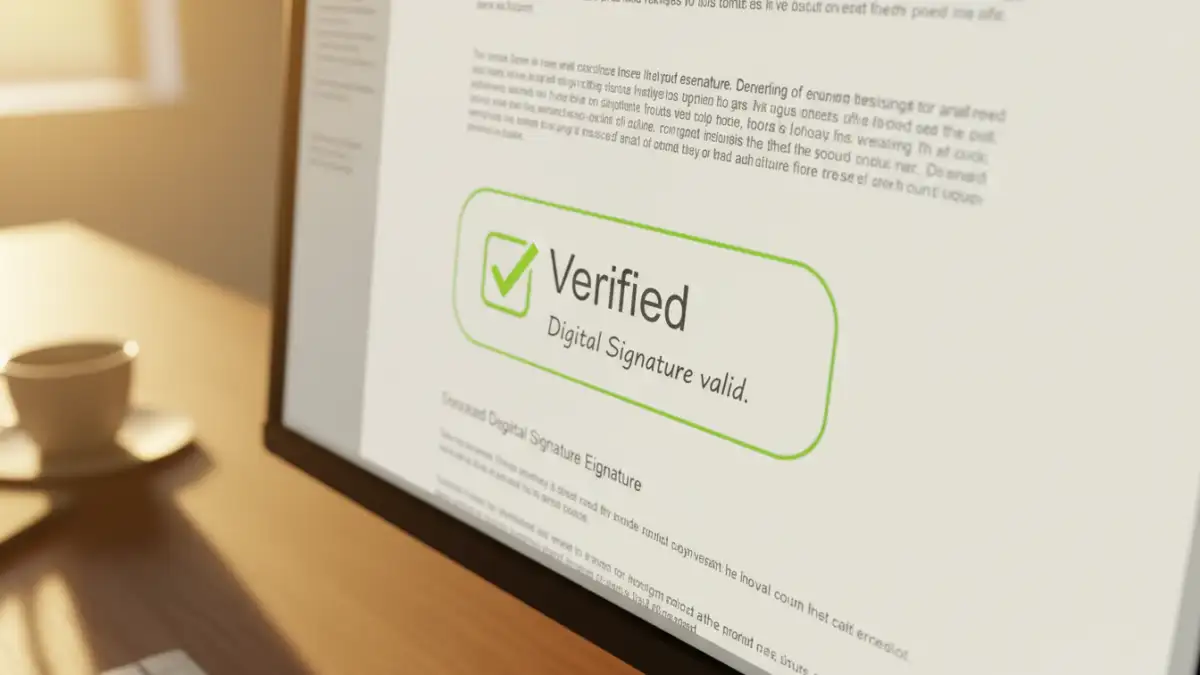
A digital signature is far more than just a scanned image of a handwritten signature. It's a cryptographic mechanism that serves two critical functions. First, it verifies the identity of the signer (authenticity). Second, it creates a tamper-evident seal. If even a single character in the document is changed after the signature is applied, the signature becomes invalid. This guarantees the document's integrity.
From a technical standpoint, a digital signature uses a public-key infrastructure (PKI) to bind a person's identity to a digital certificate. When you sign a document, a unique cryptographic hash (a digital fingerprint) of the document is created and encrypted with your private key. Anyone with your public key can then decrypt it and confirm that the document is authentic and unaltered.
How to Encrypt Court Submissions Step-by-Step
Securing your documents doesn't have to be overly complex. Most professional PDF software, like Adobe Acrobat Pro, has these features built-in. Here’s a general workflow I often recommend to legal teams I work with.
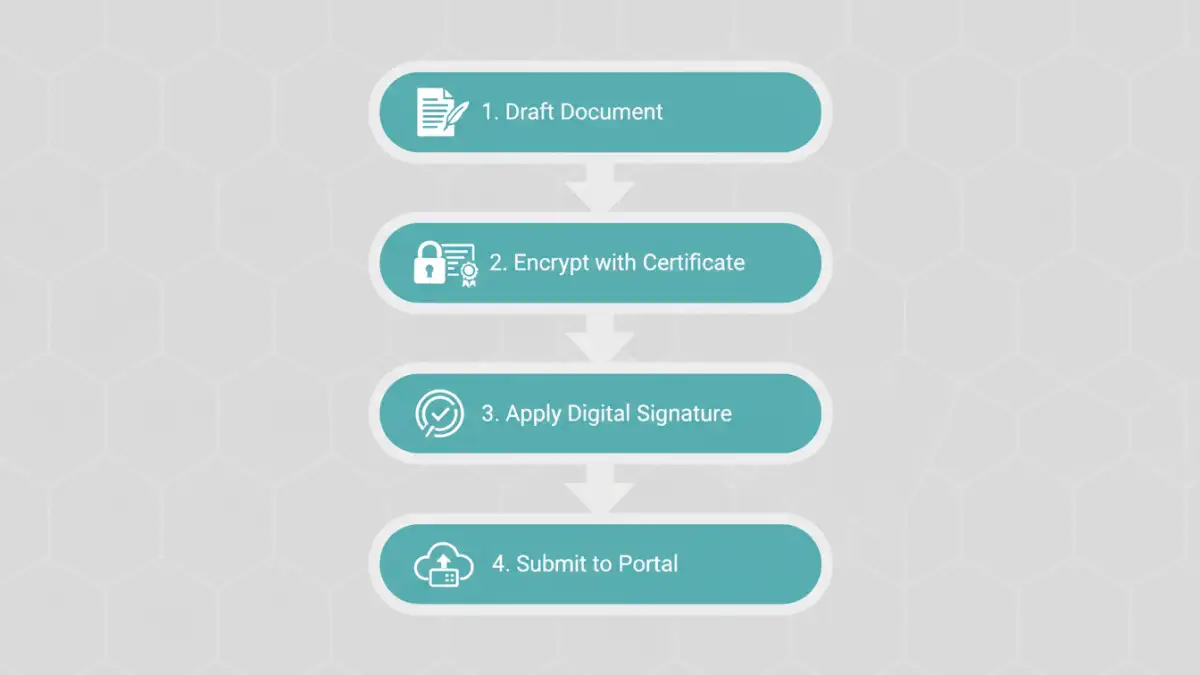
First, finalize the document content. Any changes made after encryption or signing will invalidate the security layers. Once it's ready, open the security settings in your PDF editor. You'll typically see options for both password encryption and certificate-based encryption. While password protection is good, certificate-based encryption is much stronger as it ties access to a specific digital identity, not just a shared secret.
After applying encryption, the next step is to apply your digital signature. The software will prompt you to select your digital ID (which you may need to set up beforehand) and draw a signature box on the document. Once you apply it and save the file, the document is sealed. This secure PDF for court filing is now ready for submission, providing confidence that its contents are protected and its authenticity is verifiable.
Best Practices for Court Filing Document Security
Technology is only part of the solution. Implementing strong processes around it is just as important for effective court filing document security. It's crucial to establish a clear policy for the entire lifecycle of a legal document.
This includes secure document creation, controlled access using permissions, a standardized process for applying encryption and signatures, and secure transmission to the e-filing portal. Additionally, ensure you manage your digital IDs and private keys securely. Losing control of a private key is like giving someone the keys to your office and a perfect replica of your signature. Using a hardware token or a trusted password manager can help mitigate this risk significantly.
Document Security Method Comparison
| Security Method | Primary Function | Strength Level | Best Use Case |
|---|---|---|---|
| Password Protection | Restricts access to the document. | Moderate | Internal sharing or protecting less sensitive documents. |
| Certificate Encryption | Restricts access to specific individuals with digital IDs. | High | Sharing highly confidential documents with trusted recipients. |
| Digital Signature | Verifies signer identity and ensures document integrity. | Very High | Executing official legal documents and ensuring non-repudiation. |
| Combined Encryption & Signature | Provides confidentiality, access control, and integrity. | Highest | Official court submissions and sensitive legal contracts. |