I spend a fair amount of time on security and development forums, and it's a great way to see what problems people are trying to solve in the real world. One recurring theme is document security. Someone needs to send a sensitive file and asks for the best way to protect it. The thread that follows is often a mix of solid advice and some persistent, well-meaning myths.
This kind of crowdsourced information can be dangerous. Following the wrong advice can give you a false sense of security, leaving your sensitive data exposed. I wanted to address some of the most common document encryption myths I see, based on countless forum threads and my own professional experience building secure systems.
Table of Contents
Myth 1: Any Password Protection is Strong Protection
One of the most frequent pieces of forum advice is to simply "put a password on it." This is often suggested for Word documents or older file types. The problem is that not all encryption is created equal. The underlying algorithm used to secure the file matters immensely.
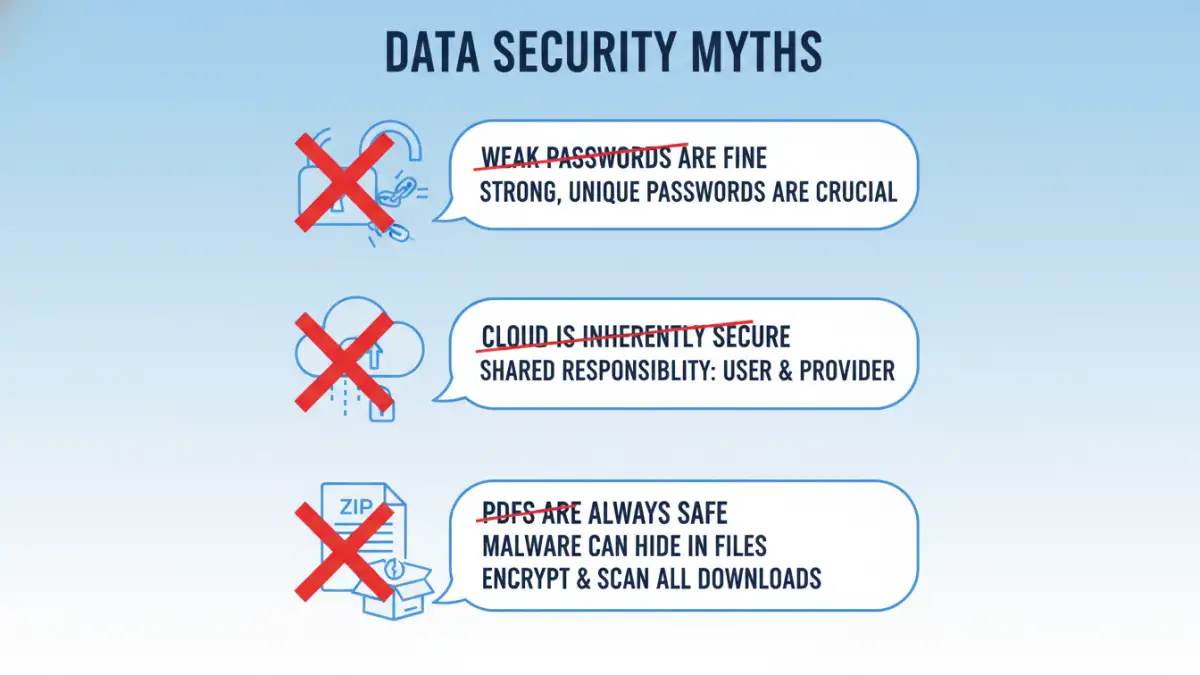
Many older applications and file formats use outdated and weak encryption algorithms. These can often be cracked in minutes or hours using widely available tools. Just because a dialog box asks for a password doesn't mean the resulting file is secure against a determined attacker.
The Danger of Legacy Algorithms
I once helped a small business that had "secured" years of financial records using an old version of Microsoft Office's password protection. They assumed they were safe. However, the encryption used was RC4, which has known vulnerabilities. A brute-force attack tool was able to bypass the protection relatively quickly, highlighting that the strength of your security is only as good as its weakest link—in this case, the algorithm.
Myth 2: A Password-Protected PDF is Unbreakable
PDFs are a cornerstone of business communication, and the question "is PDF encryption safe?" appears constantly. Many users believe that adding a password to a PDF makes it a digital vault. This is one of the most significant file encryption misconceptions. PDF security is more nuanced, primarily because there are two different types of passwords.
An "Owner Password" restricts permissions like printing, copying, or editing. A "User Password" (or "Open Password") is required to open and view the document itself. The myth is that the owner password provides robust security.
Owner vs. User Passwords
In reality, the owner password that restricts permissions can often be removed instantly by dozens of free online tools and desktop applications. It's more of a deterrent for casual users than a real security measure. For true confidentiality, you must set a strong, complex User Password, which encrypts the actual contents of the file. Without that, you're not truly protecting the information from being viewed.
Myth 3: Cloud Storage Encryption Is All You Need
"Just upload it to Google Drive/Dropbox/OneDrive, they encrypt everything." This is a common response when people ask about secure document sharing. While it's true that major cloud providers encrypt your data, it's crucial to understand how they do it. They encrypt data "at-rest" on their servers and "in-transit" between you and their servers.
However, the provider manages the encryption keys. This means they, or anyone with legal authority to compel them, can potentially access your unencrypted files. This model does not protect you from a breach of the provider's systems or from insider threats. For true security, the file should be encrypted *before* it ever leaves your machine.
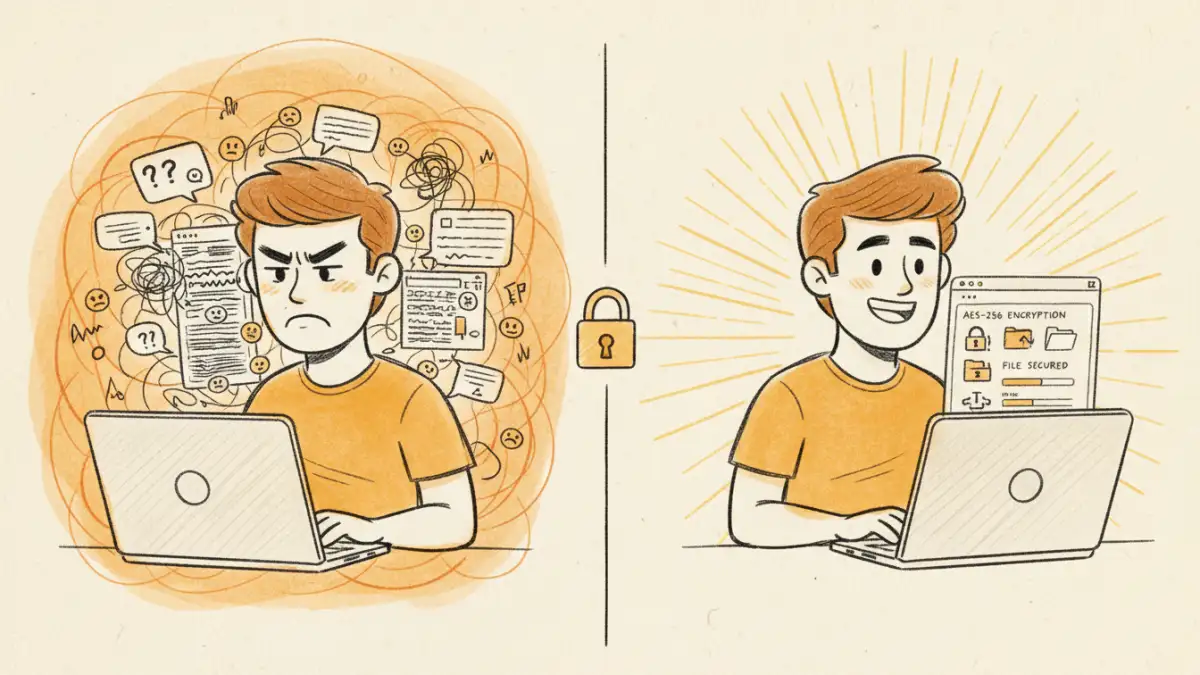
This practice is known as client-side or zero-knowledge encryption. You encrypt the file on your computer using a tool like VeraCrypt or 7-Zip (with AES-256), and only then do you upload the encrypted container to the cloud. This way, you and only you hold the key.
Myth 4: Zipping a File with a Password is a Secure Method
This is classic forum advice, especially on older threads. Someone suggests putting files into a ZIP archive and adding a password. While simple, the default security of many ZIP applications is notoriously weak. The original ZipCrypto algorithm is fundamentally flawed and vulnerable to known-plaintext attacks, making it possible to recover the data without the password.
Modern archiving tools like 7-Zip and WinRAR offer a much stronger alternative: AES-256 encryption. But you have to specifically select it. A user who just clicks "Add to archive" and enters a password in the default Windows tool is likely using the weak, legacy method. Always verify that you are using AES-256 when creating a password-protected archive for any sensitive information.
Encryption Myths vs. Reality Check
Navigating security advice requires distinguishing between assumption and fact. The table below clarifies some of these common document encryption myths and provides a more secure course of action.
| Common Myth | The Reality | Recommended Action |
|---|---|---|
| Any password makes a file safe. | Weak passwords and old encryption algorithms (like RC4 or legacy ZipCrypto) are easily broken. | Use strong, unique passwords combined with modern, vetted encryption standards like AES-256. |
| Cloud provider encryption is enough. | The provider manages the keys, meaning they can access your data. This is not end-to-end security. | Encrypt files on your device before uploading them to the cloud (client-side encryption). |
| PDF 'owner' passwords prevent access. | Permissions passwords that restrict printing/copying are often trivial to remove. | For true confidentiality, always set a strong 'user' (or 'open') password to encrypt the entire document. |
| Standard ZIP encryption is secure. | The default ZipCrypto algorithm is outdated and vulnerable to known attacks. | Use modern archiving tools like 7-Zip or WinRAR and explicitly select the AES-256 encryption option. |
| Hiding a file is a form of security. | Security through obscurity is not real security. Hidden files can be easily found with simple system searches. | Rely on strong cryptographic controls, not on hiding data in plain sight. |