I once consulted for a public agency buried under a mountain of Freedom of Information Act (FOIA) requests. Their process was slow and fraught with risk; staff were using basic PDF editors to draw black boxes over sensitive text. They didn't realize that the underlying data was still there, easily recoverable, and a massive liability waiting to happen. This scenario is far too common and highlights a critical need for a better approach.
Meeting legal obligations for transparency while protecting private information is a delicate balancing act. Simply obscuring data isn't enough. True compliance requires a process that permanently destroys the information, leaving no digital trace behind. This is where specialized tools and a solid workflow become non-negotiable for any organization handling public records.
Table of Contents
FOIA, Redaction, and the Stakes
The Freedom of Information Act (FOIA) mandates that federal agencies disclose records requested by the public. However, it includes specific exemptions to protect personal privacy, national security, and other confidential information. Redaction is the process of removing this exempt data before releasing a document. The challenge is doing it correctly and irreversibly.
Improper redaction can lead to significant data breaches, legal penalties, and a loss of public trust. When someone can copy and paste a black rectangle and reveal the text underneath, the entire purpose of the process is defeated. This is why understanding the technical difference between covering and removing data is fundamental.
The Risks of Improper Redaction
Using inadequate tools, like a simple PDF marker or image editor, is a recipe for disaster. These methods often just place a black layer over the text. The original text, images, and metadata remain in the file's code. Anyone with basic technical skills can often lift that layer and expose the very information you intended to protect. This can lead to the accidental release of Social Security numbers, medical records, or classified information.
Key Features of FOIA Compliance Software
When evaluating government redaction tools, it's crucial to look beyond the ability to black out text. True redaction software fundamentally alters the document by removing the selected content from the file itself. It doesn't just hide it; it surgically excises it from the document's code, ensuring it cannot be recovered.
Effective tools also offer features that streamline compliance. Look for pattern-based searching, which can automatically find and suggest redactions for common data types like phone numbers or case numbers. Another critical feature is metadata scrubbing, which removes hidden information like author names, creation dates, and edit history that could inadvertently reveal sensitive details.
Beyond Black Boxes: True Redaction
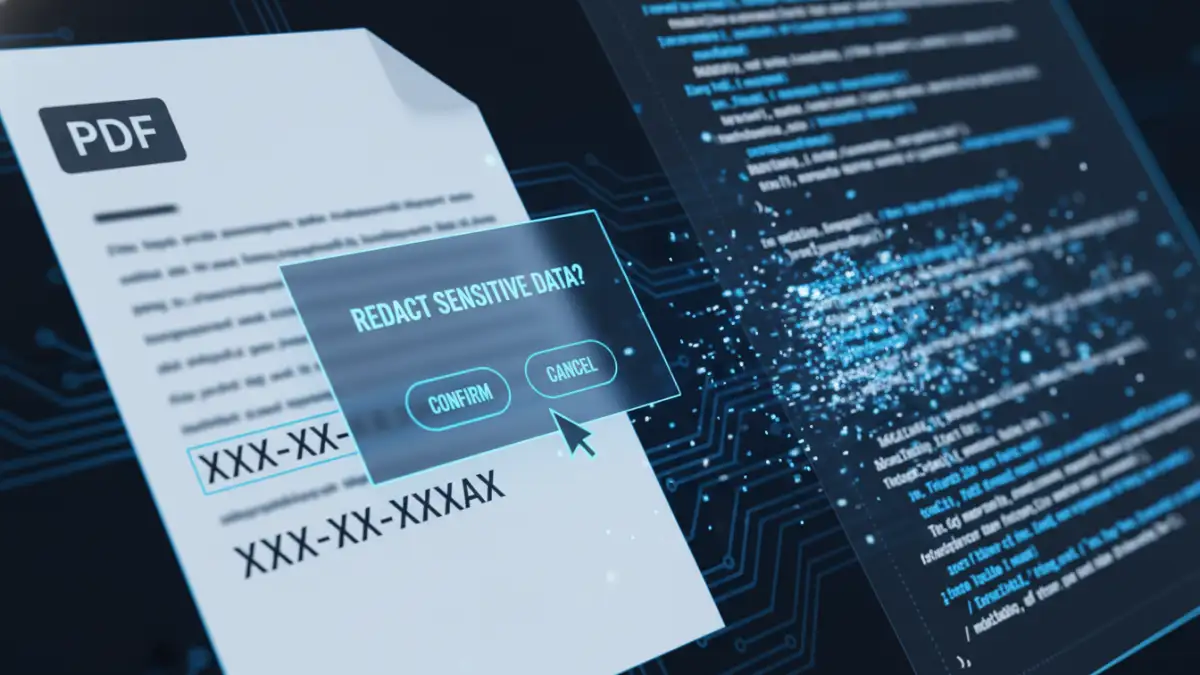
A true **secure pdf redaction** process involves several steps. First, the user marks the areas for removal. When the process is finalized, the software removes the underlying text, pixels, and object data from the marked areas. It then 'burns' the redaction mark into the document image, replacing the original content with an opaque block. The final output is a clean, sanitized file where the redacted information is gone forever.
Implementing a Secure Redaction Workflow
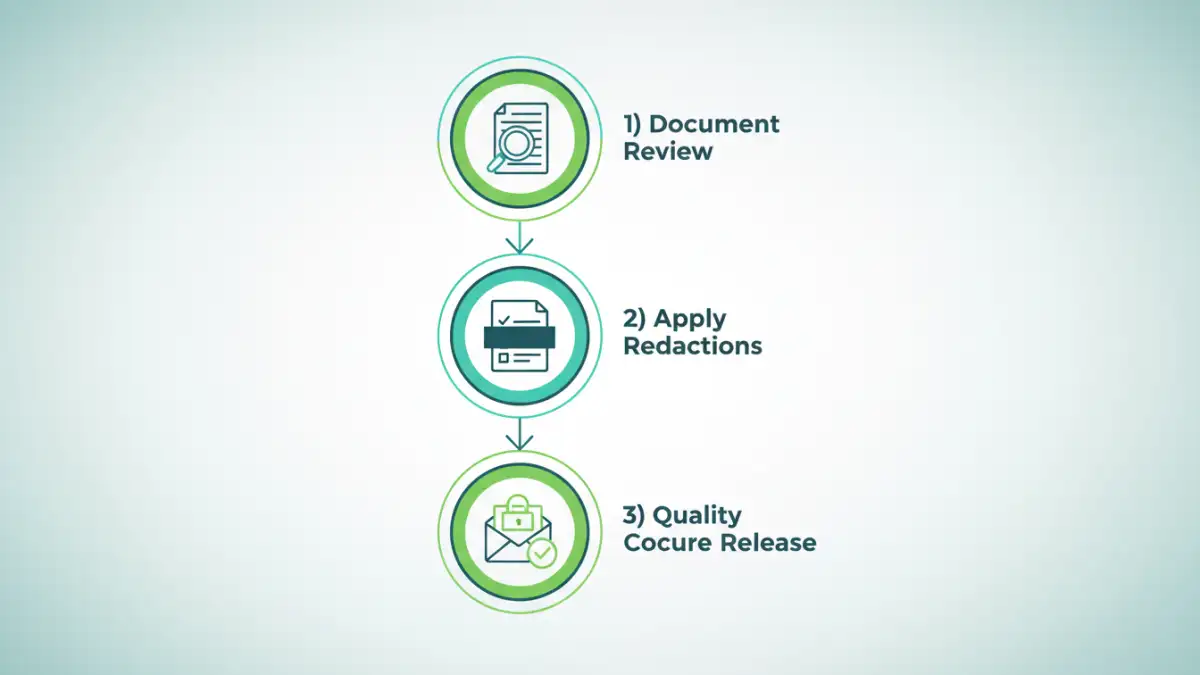
Having the right tool is only half the battle; a structured workflow is essential for consistency and accuracy. My recommendation for agencies is a multi-stage process that minimizes human error and creates an auditable trail.
The workflow should start with an initial review where a staff member identifies and marks all potential information for redaction. This should be followed by a quality control step, where a second person reviews the marked document to ensure nothing was missed and nothing was over-redacted. Finally, after the redactions are applied, a senior team member should give the final sanitized document one last check before it's released to the public. This peer-review system is vital for public records security.
Common Pitfalls in Public Records Security
Over the years, I've seen several recurring mistakes that compromise sensitive data removal. The most common is relying on manual, eyeball-only reviews. Humans are prone to error, especially when reviewing hundreds of pages. This is where automated pattern recognition features in professional software provide a crucial safety net.
Another frequent error is neglecting metadata. A document can appear perfectly redacted on the surface, but its properties might contain the original author's name, their department, or comments left during drafting. Professional redaction tools automatically clean this metadata, but basic editors almost always leave it intact. Always assume a document contains hidden data that needs to be scrubbed before release.
Redaction Tool Comparison
| Tool Type | Key Features | FOIA Compliance Level | Best For |
|---|---|---|---|
| Basic PDF Editors (e.g., Acrobat Reader) | Drawing tools, comment boxes. | Very Low - Unsafe | Casual, non-sensitive use only. |
| Prosumer PDF Editors (e.g., Acrobat Pro) | Basic redaction tools, text search. | Moderate - Risk of user error. | Small organizations with low request volume. |
| Dedicated Redaction Software | Pattern matching, metadata scrubbing, audit trails. | High - Designed for compliance. | Government agencies and legal firms. |
| Enterprise Content Platforms | Integrated workflows, user permissions, large-scale processing. | Very High - Full governance. | Large enterprises with complex compliance needs. |