
I once worked with a legal team that inherited a trove of encrypted Excel files from a departed employee. The password was nowhere to be found, and the data was critical for an upcoming case. This situation highlights a common problem: what do you do when you're locked out of your own data? This leads us into the world of file password cracking, specifically two core methods: the brute-force attack and the dictionary attack.
Understanding these techniques is not just for recovering lost access; it's fundamental to knowing how to properly secure your documents in the first place. By seeing how attackers think, we can build better defenses.
Table of Contents
Understanding Office Password Protection
Before we compare attack methods, it helps to know what we're up against. When you password-protect a Word document or Excel spreadsheet, the application uses an encryption algorithm to scramble the contents. The password you set acts as the key to unscramble, or decrypt, that data. Without the correct key, the file is just a jumble of meaningless characters.
Modern versions of Microsoft Office use strong encryption standards like AES (Advanced Encryption Standard). Cracking this encryption directly is practically impossible with current technology. Therefore, recovery tools don't try to break the encryption itself; they try to guess the password. This is where different attack strategies come into play.
Types of Office Passwords
It's also important to distinguish between password types. An 'open' password encrypts the entire file, preventing anyone from viewing its contents. A 'modify' password allows viewing but restricts editing. Most file password cracking efforts focus on the more challenging 'open' password, as it gates access to the data itself.
The Brute-Force Attack: The Sledgehammer
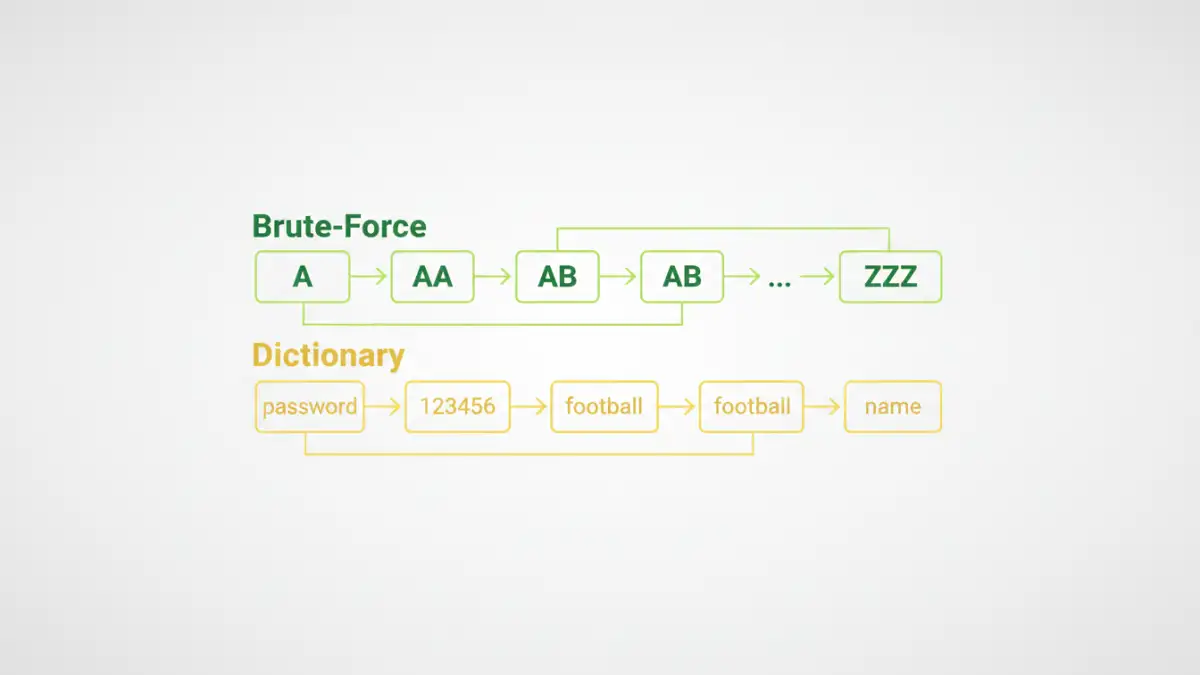
A brute-force attack is exactly what it sounds like: a relentless, systematic attempt to try every single possible combination of characters until the correct password is found. It's the digital equivalent of trying every key on a massive key ring to open a single lock. The process is methodical, starting with simple combinations ('a', 'b', 'c'...) and progressively moving to more complex ones ('aa', 'ab', 'ac'... 'A1!', 'A1@'...).
The main advantage of a brute-force approach is that, given enough time, it is guaranteed to find the password. The disadvantage is that 'enough time' can mean minutes, days, or even centuries, depending on the password's length and complexity. Modern GPUs can accelerate this process by testing billions of combinations per second, but a long, complex password remains a formidable defense.
When is Brute-Force Effective?
This method is most practical for short passwords. For example, a 6-character lowercase password has about 308 million combinations, which a decent computer can churn through relatively quickly. However, add uppercase letters, numbers, and symbols, and that number skyrockets into the trillions, making a pure brute-force password recovery attempt impractical.
The Dictionary Attack: The Lockpick
A dictionary attack is a more intelligent and targeted approach. Instead of trying every random combination, it uses a predefined list of words—a 'dictionary'—to guess the password. This list can contain common English words, famous names, popular passwords (like '123456' or 'password'), keyboard patterns ('qwerty'), and even words from other languages.
This method is significantly faster than a brute-force attack because it focuses on high-probability guesses. Many people use simple, memorable words as passwords, making them highly vulnerable to a dictionary attack. For example, a dictionary attack on an Excel file might test words like 'finance', 'report', '2024', or the company's name. It's a game of probability, not exhaustive searching.
The Weakness of Dictionary Attacks
The obvious limitation is that if the password isn't in the dictionary, the attack will fail completely. A password like 'R7#bZ!p@' will never be found using a standard dictionary list. To counter this, attackers often use dictionaries that include common substitutions, like replacing 'a' with '@' or 'o' with '0' (e.g., trying 'p@ssw0rd').
Beyond the Basics: Hybrid and Mask Attacks
Most sophisticated password recovery tools combine these two methods. A hybrid attack might take a word from a dictionary and then append numbers or symbols to it using a brute-force method. For example, it would try 'password', then 'password1', 'password2', 'password!', and so on. This approach combines the speed of a dictionary attack with the thoroughness of brute force.
A mask attack is another refinement. If you have partial knowledge of the password—for instance, you remember it started with 'Corp' and ended with '23' but forget the middle part—you can tell the software to only brute-force the unknown characters. This dramatically reduces the number of combinations to test and is one of the most effective ways to unlock office files password when some information is known.
How to Protect Your Files from These Attacks
Understanding these office password attack types gives us a clear roadmap for defense. The goal is to create a password that is resistant to both dictionary and brute-force methods.
- Length is Key: Every character you add exponentially increases the time required for a brute-force attack. Aim for at least 12-16 characters.
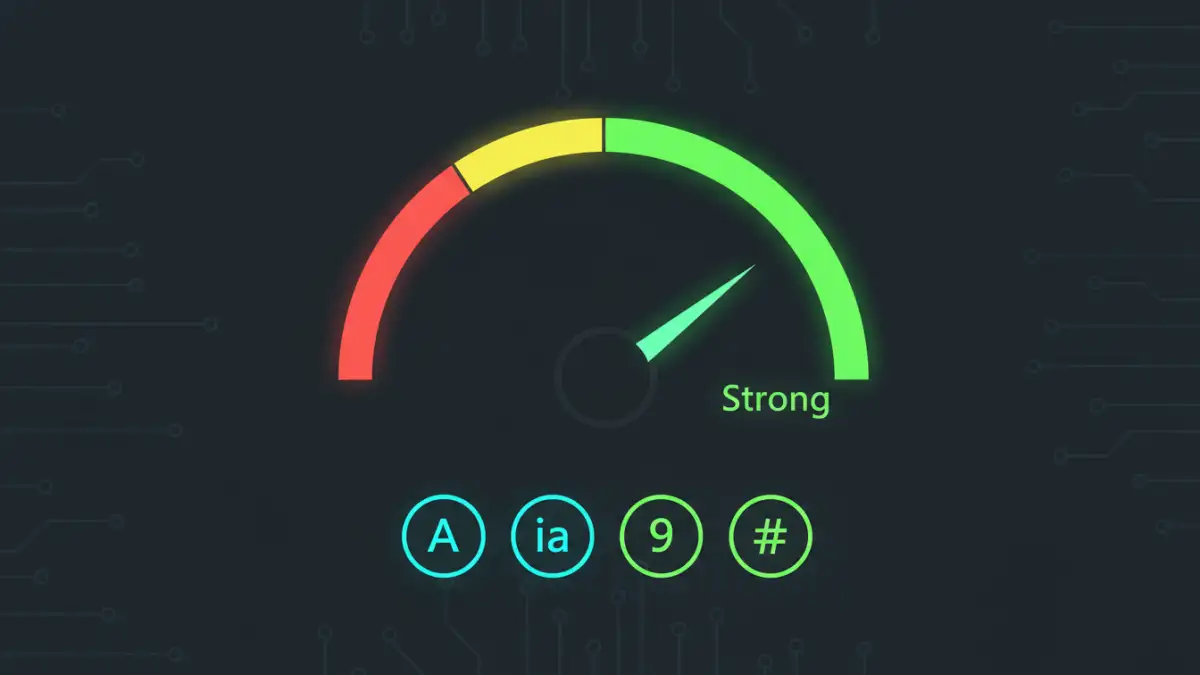
- Complexity Matters: Use a mix of uppercase letters, lowercase letters, numbers, and symbols. This makes your password resistant to simple dictionary attacks and vastly expands the brute-force search space.
- Avoid Common Words: Never use a single dictionary word, a name, or a common phrase. 'Summer2024!' is far weaker than 'sUm!2r-4#pQ'.
- Use a Passphrase: A memorable but long passphrase like 'Correct-Horse-Battery-Staple' is both easy for you to remember and incredibly difficult for a computer to crack.
Ultimately, the security of your encrypted Office files comes down to the strength of the password you choose. A weak password is like a cheap lock on a vault door—it provides a false sense of security.
Attack Method Comparison
| Attack Type | How It Works | Pros | Cons |
|---|---|---|---|
| Brute-Force Attack | Tries every possible character combination. | Guaranteed to succeed eventually. | Extremely slow for long or complex passwords. |
| Dictionary Attack | Uses a list of common words and passwords. | Very fast if the password is on the list. | Fails if the password is not in the dictionary. |
| Hybrid Attack | Combines dictionary words with brute-force suffixes/prefixes. | Faster than pure brute-force; more thorough than a dictionary attack. | Slower than a dictionary attack; can still take a long time. |
| Mask Attack | Brute-forces only the unknown parts of a password. | Extremely fast if part of the password is known. | Requires partial knowledge of the password to be effective. |