A client recently called me in a panic. Their firm, a small marketing agency, had a laptop stolen from an employee's car. It contained client proposals, financial records, and strategic plans. The immediate question wasn't about the hardware, but the data: 'Was it encrypted?' The answer, unfortunately, was no. This incident isn't unique; it highlights a widespread and dangerous trend among small and medium-sized businesses (SMBs).
To understand this gap, we analyzed data from a recent SMB data security survey, which polled over 500 small business owners. The findings reveal a troubling disconnect between understanding the threat and taking action. It's not about willful negligence; it's a combination of misconceptions, perceived barriers, and resource constraints that leave sensitive data dangerously exposed.
Table of Contents
Key Survey Findings: The Reasons for Neglect
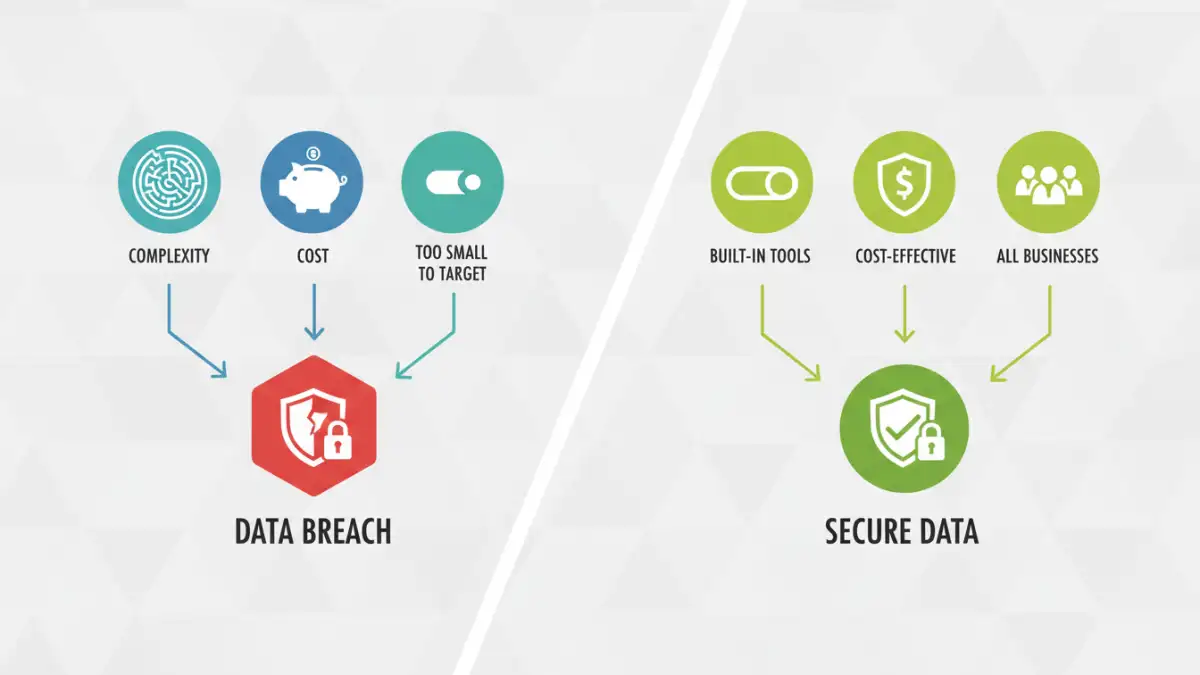
The business security report painted a clear picture. While over 80% of business owners acknowledged data security as important, encryption adoption rates hovered below 30%. The primary reasons cited for this gap weren't surprising, but they underscore a fundamental misunderstanding of modern cybersecurity tools.
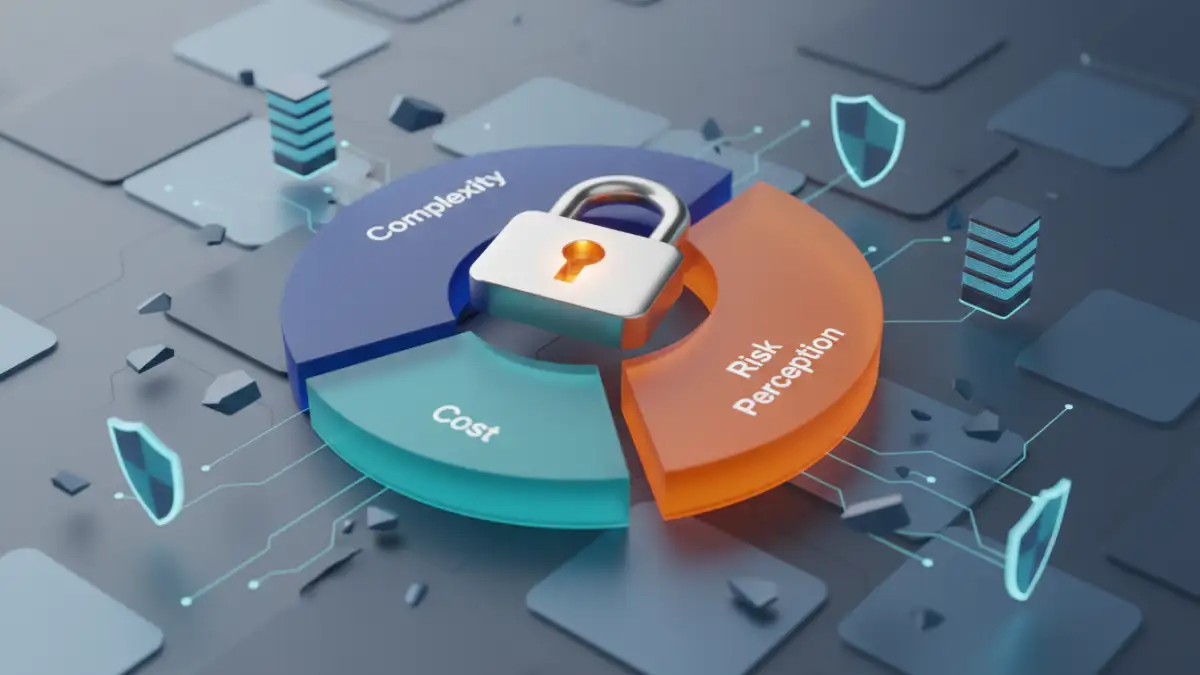
The top three reasons for neglecting file encryption were: perceived complexity (45%), cost concerns (32%), and the belief that their business was too small to be a target for cybercriminals (18%). These factors create a perfect storm of vulnerability, where the perceived effort of implementation outweighs the perceived risk. As we'll see, these perceptions are often far from reality.
Debunking Common Encryption Misconceptions
For years, I've heard the same objections from small business owners when I bring up data protection. The survey data simply puts numbers to these anecdotal conversations. Let's break down the most common and damaging myths that prevent effective document protection for SMBs.
Myth 1: "Encryption is too complex and technical."
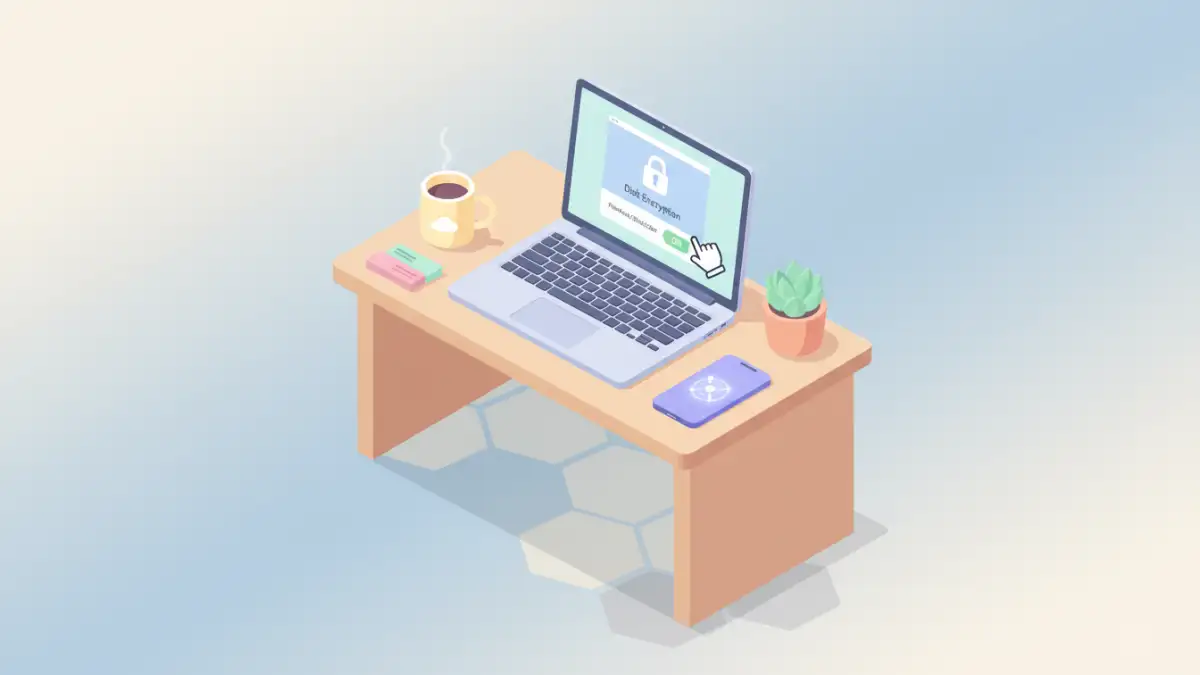
This is perhaps the most persistent myth. The term 'encryption' conjures images of complex algorithms and dedicated IT teams. While that may have been true decades ago, it's no longer the case. Modern operating systems like Windows (BitLocker) and macOS (FileVault) have powerful, user-friendly, full-disk encryption built right in. Activating it is often as simple as flipping a switch in the settings.
Furthermore, most reputable cloud storage services offer encryption at rest, and many productivity suites, including Microsoft 365 and Google Workspace, provide straightforward options to encrypt individual documents. The technical barrier has been significantly lowered, but the perception of complexity remains a major hurdle.
Myth 2: "We're too small to be a target."
This is the most dangerous misconception of all. Cybercriminals are opportunistic. They often use automated tools to scan for vulnerabilities across thousands of systems at once, regardless of size. SMBs are often seen as softer targets because they are presumed to have weaker security measures than large corporations.
A stolen laptop, a misplaced USB drive, or a single successful phishing email can expose all of a company's sensitive data. The threat isn't a sophisticated state-sponsored attack; it's often a simple crime of opportunity with devastating consequences.
The Real-World Cost of Ignoring Encryption
While some business owners worry about the cost of security software, they often fail to calculate the staggering cost of a data breach. The financial fallout extends far beyond the initial incident. It includes potential regulatory fines (under laws like GDPR or CCPA), the cost of credit monitoring for affected clients, and legal fees.
Perhaps more damaging is the loss of customer trust. A single security breach can destroy a reputation that took years to build. Clients are less likely to do business with a company that cannot protect their sensitive information. The cost of a basic encryption solution is infinitesimal compared to the potential financial and reputational ruin of a data breach.
Practical Encryption Steps for Any Small Business
Overcoming these hurdles doesn't require a massive budget or a dedicated IT department. Implementing a strategy for small business file encryption can start with a few simple, high-impact actions that significantly improve your security posture.
First, enable the full-disk encryption already built into your operating systems—BitLocker for Windows and FileVault for macOS. This is your first and most important line of defense against physical theft. Second, ensure you are using reputable cloud services that encrypt data at rest and in transit. Third, train your team to use password protection features within applications like Microsoft Office and Adobe Acrobat for highly sensitive files. These initial steps are often free and can be implemented in a single afternoon.
SMB Encryption Barriers vs. Practical Solutions
| Common Barrier (According to Survey) | Perceived Reality | Practical Solution | Typical Cost |
|---|---|---|---|
| Complexity | Requires an IT expert and complex software. | Enable built-in OS encryption (BitLocker/FileVault). | Free (included with OS). |
| Cost | Security software is prohibitively expensive. | Use free, built-in tools first; affordable cloud solutions. | $0 - $15/user/month. |
| Not a Target | Only large corporations are attacked. | Automated attacks target all businesses; physical theft is common. | Free (awareness training). |
| Disruption | Encryption will slow down our workflow. | Modern encryption runs seamlessly in the background. | Minimal to no performance impact. |
| Lack of Knowledge | Don't know where to begin. | Start with device encryption and secure cloud storage. | Free to start. |