
Working with a large number of sensitive documents can present a significant security challenge. Imagine needing to protect dozens, or even hundreds, of PDF files with passwords. Doing this one by one is not only tedious but also prone to errors, especially when dealing with confidential client data, financial reports, or proprietary information. Efficiently securing these files is crucial for maintaining privacy and compliance.
The need for robust security measures is paramount in today's digital landscape. Fortunately, solutions exist that allow for the simultaneous encryption of multiple PDF files, a process often referred to as batch PDF security. This capability can dramatically streamline workflows for individuals and organizations alike, ensuring that sensitive information remains protected without consuming excessive time and resources.
Table of Contents
Understanding Batch PDF Security
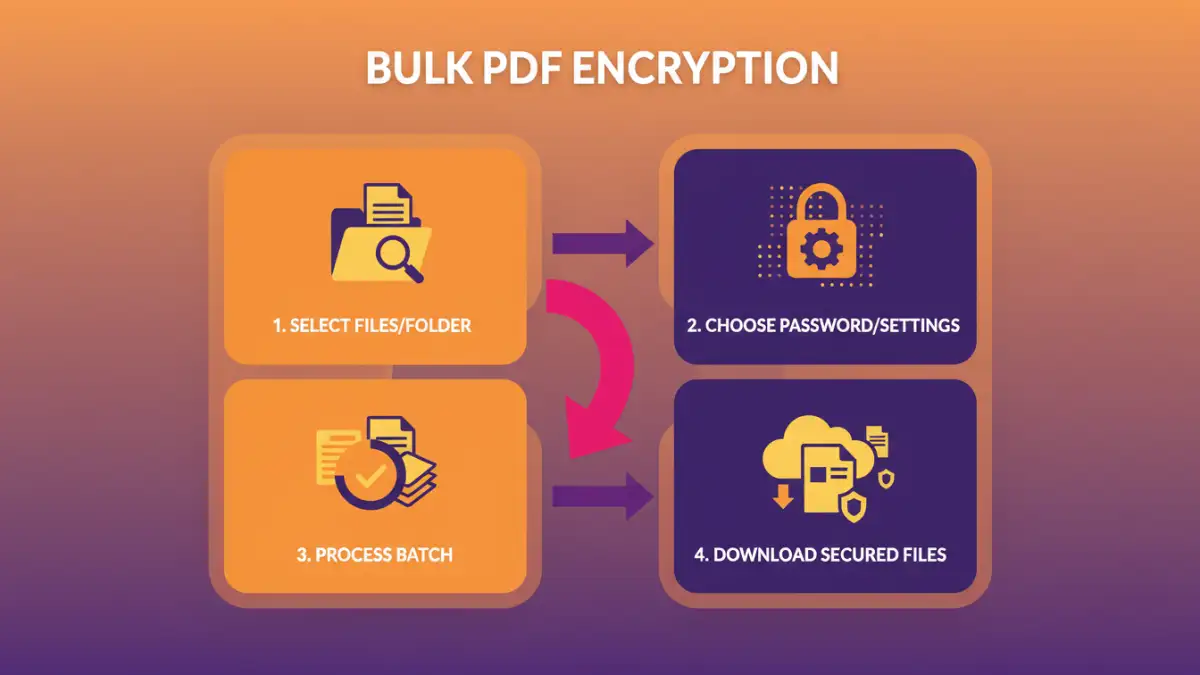
Batch PDF security refers to the process of applying security settings, most commonly password protection and encryption, to multiple PDF files simultaneously. Instead of opening each document individually to set a password, you can use specialized software or online services that allow you to select a folder of PDFs and apply the same or different security parameters to all of them in one operation. This is a game-changer for anyone dealing with bulk document handling.
Why is Batch Security Important?
The primary benefit is efficiency. When you need to secure a large volume of documents, manual encryption is impractical. Batch processing saves considerable time and reduces the likelihood of human error. This is particularly vital for businesses that regularly share sensitive information with clients or partners, where consistent security is non-negotiable. It ensures that all relevant files meet the required security standards without manual oversight for each file.
Methods for Bulk PDF Encryption
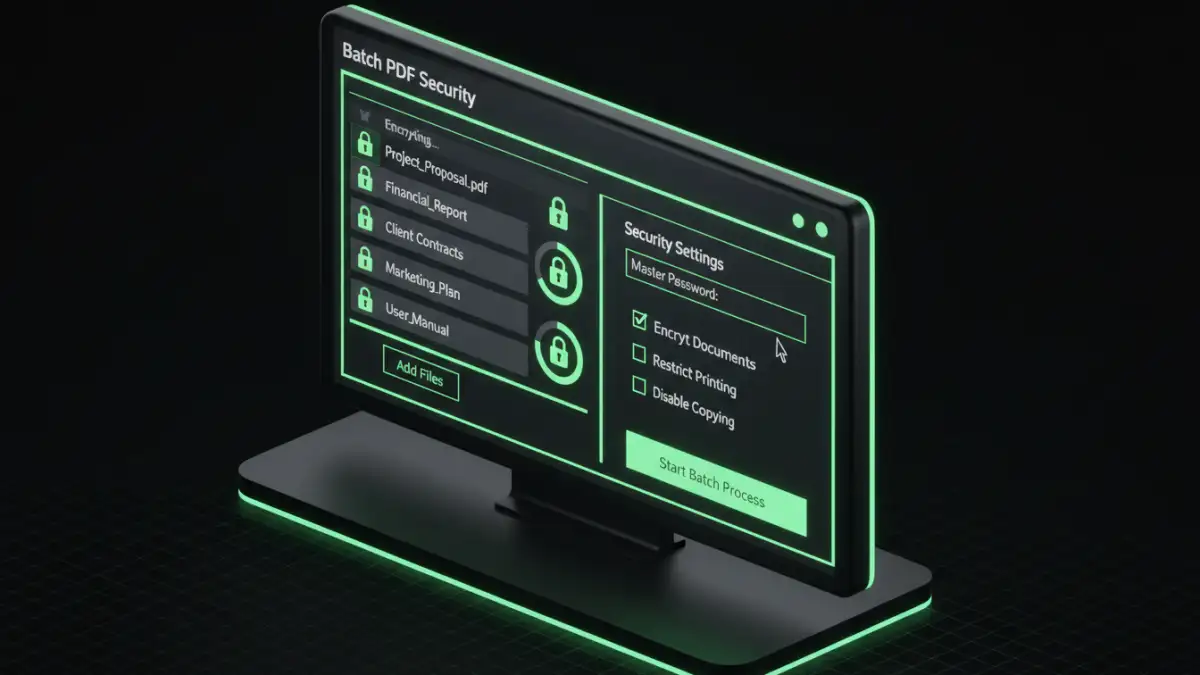
Several approaches can be used to achieve bulk PDF encryption. The choice often depends on the volume of files, the complexity of security requirements, and whether you prefer online or offline solutions. Each method offers a different balance of convenience, cost, and functionality. Understanding these options is the first step toward implementing effective batch PDF security.
Using Online Tools for Batch Security
Numerous online platforms offer functionalities for batch PDF encryption. These tools are often accessible directly through a web browser, requiring no software installation. Users typically upload their PDF files or a zip archive containing them, set the desired password and encryption level, and then download the secured files.
While convenient for smaller batches or occasional use, online tools come with considerations. The primary concern is data privacy; uploading sensitive documents to third-party servers inherently carries risks. It's crucial to use reputable services that have clear privacy policies and robust security measures. Furthermore, free online tools may have limitations on file size, the number of files per batch, or the strength of encryption offered. For extensive or highly confidential needs, these might not be the ideal solution.
Leveraging Desktop Software
For more robust and secure batch PDF security, desktop software is often the preferred choice. These applications are installed directly on your computer, meaning your files are processed locally, eliminating the privacy concerns associated with uploading them to the cloud. Many professional PDF editing suites include batch processing features for encryption.
These solutions typically offer more advanced options, such as setting different passwords for different files, applying specific permission restrictions (like preventing printing or copying), and choosing strong encryption algorithms. While often requiring a purchase, they provide greater control, security, and reliability for businesses or individuals who handle large volumes of sensitive documents regularly. Some software might also integrate with workflow automation tools, further enhancing efficiency.
Best Practices for Secure Document Batching
Implementing batch PDF security effectively involves more than just using the right tool. It requires a strategic approach to ensure maximum protection and usability. Establishing clear guidelines for password creation and management is paramount. Complex passwords that combine uppercase and lowercase letters, numbers, and symbols are more secure. It's also wise to have a system for managing these passwords, perhaps using a secure password manager, to avoid losing access to your own encrypted documents.
Consider the encryption standard. Most modern PDF security tools support AES-256 encryption, which is considered highly secure. Ensure the software or service you choose supports this standard. Regularly review your security protocols and update them as necessary, especially if you handle highly sensitive data. Testing your encryption by attempting to open the files with the set password is also a good practice to confirm everything is working as expected before distributing them.
Comparison Table
| Method | Pros | Cons | Ideal Use Case |
|---|---|---|---|
| Online Tools | Convenient, no installation, fast for small batches | Privacy concerns, potential file size/limitations, less control | Occasional use, non-sensitive documents, quick tasks |
| Desktop Software | Enhanced security (local processing), advanced features, full control, handles large volumes | Requires installation, often paid, potential learning curve | Regular use, sensitive documents, business environments, complex security needs |
| Built-in OS Features (limited) | Free, readily available (e.g., macOS Preview) | Very limited batch capabilities, fewer encryption options, platform-dependent | Securing a few documents on specific OS |