Working with password-protected documents can be frustrating, especially when you have a large number to secure. Imagine needing to send a folder full of sensitive client contracts or internal reports, each requiring individual password protection. This process is not only time-consuming but also prone to errors, potentially leaving some documents vulnerable. Fortunately, there are efficient ways to handle this challenge.
As someone who has spent over a decade navigating the complexities of software engineering and data security, I've encountered numerous scenarios where protecting multiple files simultaneously is paramount. The need for robust yet streamlined security solutions has driven the development of effective methods for handling this. Understanding how to implement batch file encryption can save significant time and ensure a higher level of security across your digital assets.
Table of Contents
Understanding Bulk Encryption
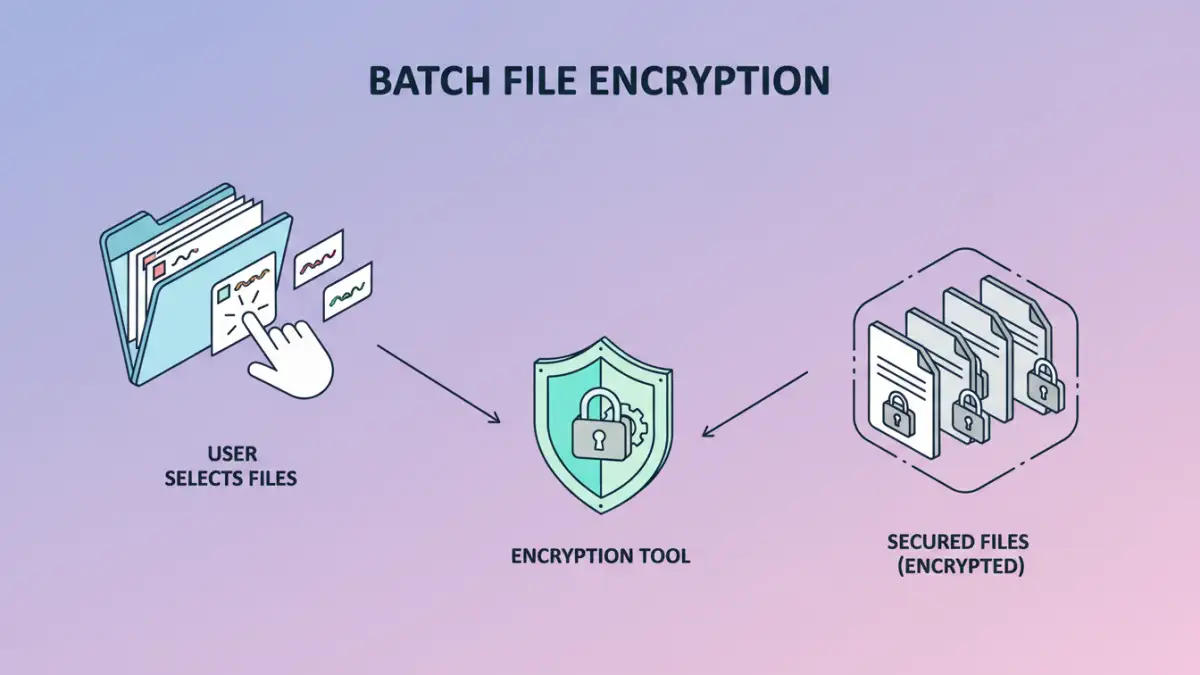
Batch file encryption, often referred to as bulk PDF encryption in specific contexts, is the process of applying encryption to multiple files simultaneously. Instead of opening and encrypting each document one by one, you can select a folder or a group of files and apply a chosen encryption method and password to all of them in one go. This significantly speeds up the security workflow for individuals and organizations dealing with a high volume of sensitive data.
Key Benefits
The primary advantage is efficiency. It drastically reduces the time and effort required to secure large quantities of files. This also leads to greater consistency in security application, as a single password and encryption standard can be applied across the board. For secure document sharing, this uniformity is crucial for maintaining control and ensuring all recipients have the necessary access while keeping unauthorized parties out.
Methods for Batch Encryption
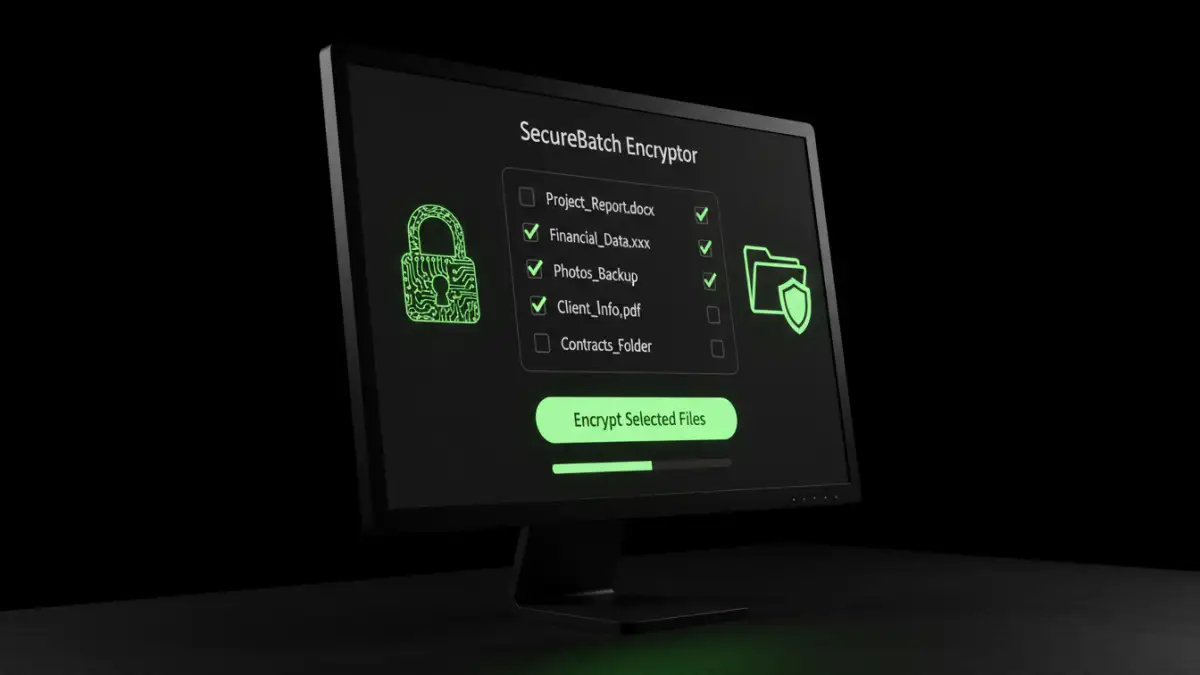
There are several approaches to achieving batch file encryption, ranging from built-in operating system features to dedicated software. Understanding these options helps in selecting the most suitable method for your needs.
Using Dedicated Software
Numerous third-party software applications are designed specifically for batch file encryption. These tools often provide user-friendly interfaces where you can add multiple files or entire folders, set a password, choose encryption strength (like AES-256), and initiate the process. Many also offer advanced features such as batch decryption, watermarking, and integration with cloud storage services. This is often the most robust and feature-rich option for encrypting multiple PDFs.
Command-Line Utilities
For users comfortable with command-line interfaces, various utilities can automate batch file encryption. Tools like OpenSSL or specific PDF command-line processors allow for scripting encryption tasks. This method offers immense flexibility and can be integrated into automated workflows or scripts, making it ideal for IT professionals and developers who need to process files programmatically. For example, one might script a process to encrypt all new PDF files added to a specific directory.
Online Services
Several online platforms offer batch encryption services. You typically upload your files, set a password, and the service encrypts them, providing you with a download link for the secured archive. While convenient for occasional use and when no specialized software is available, users must be cautious about privacy and security when uploading sensitive documents to third-party servers. It's crucial to research the service's security policies and data handling practices.
Choosing the Right Tool
The best method for batch file encryption depends on your specific requirements, technical proficiency, and the volume of files you need to secure. For most users, dedicated desktop software offers a good balance of ease of use, features, and security. These applications are often designed with intuitive interfaces that simplify the process of encrypting multiple PDFs.
If you are highly technical or need to automate the process as part of a larger workflow, command-line utilities are a powerful choice. They offer the greatest control and can be customized extensively. Online services are best suited for quick, one-off tasks, provided you are comfortable with the associated privacy considerations. Always prioritize tools that support strong encryption standards like AES-256.
Best Practices for Security
Regardless of the method chosen, certain best practices should always be followed. Use strong, unique passwords for your encrypted files. Avoid easily guessable information. It's also wise to keep a secure backup of your original, unencrypted files in case something goes wrong during the encryption process. For secure document sharing, consider the recipient's ability to handle encrypted files and provide them with clear instructions.
Regularly review your security protocols and update your software to ensure you are protected against the latest threats. When using online services, always verify their security credentials and privacy policies. Implementing a consistent strategy for batch file encryption is key to maintaining a robust security posture for your digital documents.
Comparison Table
| Method | Ease of Use | Flexibility | Security Level | Best For |
|---|---|---|---|---|
| Dedicated Software | High | Moderate | High (AES-256) | General users, frequent batch encryption |
| Command-Line Utilities | Low to Moderate | Very High | Very High (AES-256) | Technical users, automation, scripting |
| Online Services | High | Low | Moderate to High (varies by service) | Occasional use, quick tasks |