Working with sensitive documents often means you need to ensure they are protected from unauthorized access. Whether it's confidential business contracts, personal financial records, or proprietary research, keeping these files secure is paramount. When you have a large number of these documents, manually encrypting each one individually can be an incredibly time-consuming and tedious process.
Fortunately, there are efficient ways to handle this. The concept of bulk PDF protection allows you to apply security measures, typically password encryption, to multiple files simultaneously. This capability is a significant time-saver and a crucial tool for anyone dealing with a high volume of sensitive data that requires safeguarding.
Table of Contents
Understanding Bulk PDF Protection
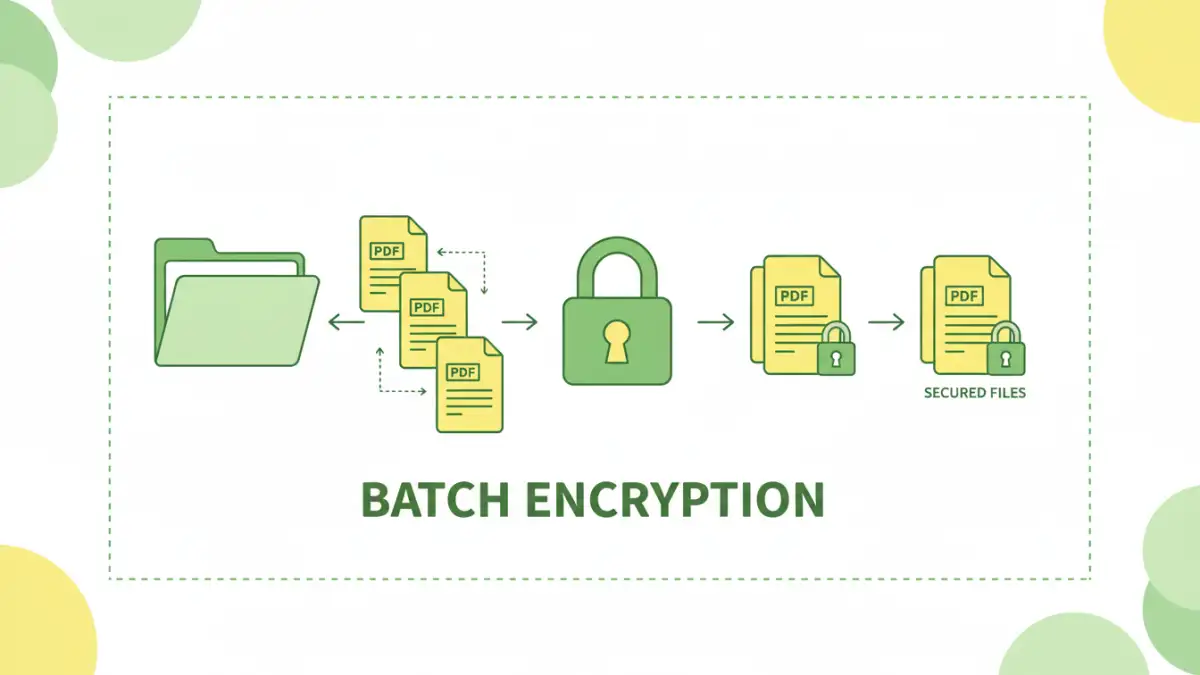
At its core, bulk PDF protection refers to the process of applying security settings, most commonly password encryption, to a group of PDF files in a single operation. Instead of opening each PDF, navigating to its security properties, setting a password, and saving, you can select a folder or a list of files and apply the same or varying levels of protection to all of them at once.
Key Concepts
This process is often referred to as batch document encryption. It's designed to streamline workflows for individuals and organizations that regularly handle sensitive information. The primary goal is to enhance security while minimizing the manual effort required, making it a vital component of a robust data management strategy.
Why Use Bulk PDF Protection?
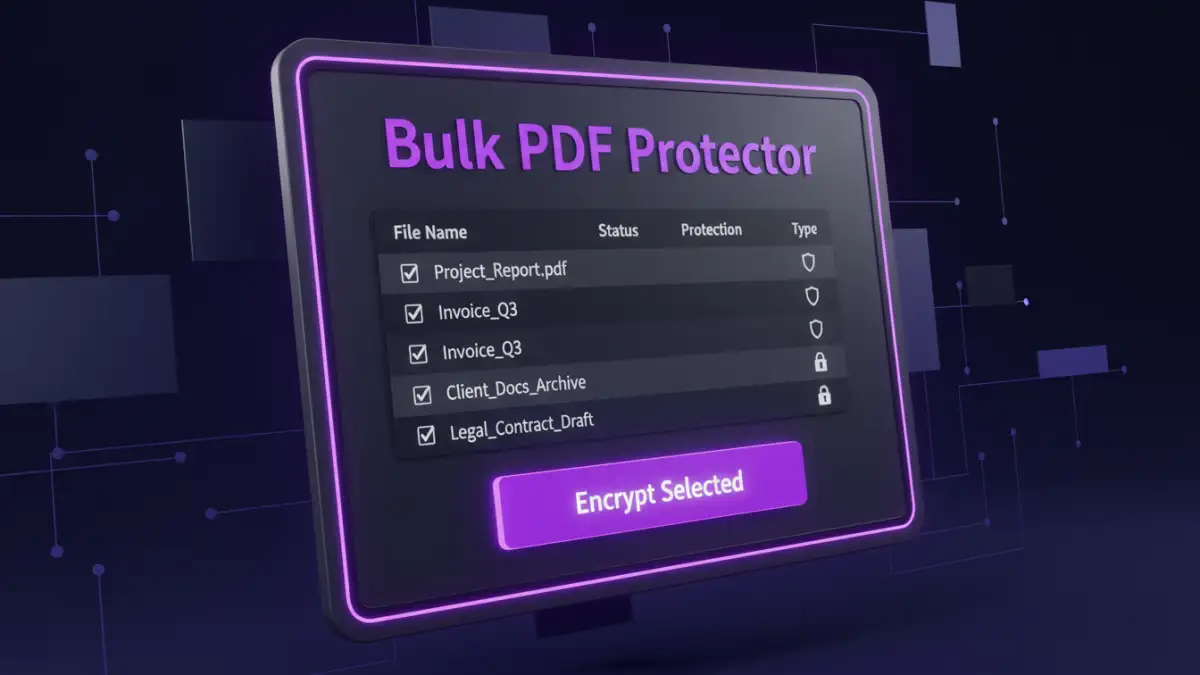
The benefits of employing bulk PDF protection are clear, especially in professional settings. Imagine needing to send out a client report to dozens of contacts, each requiring a unique password. Doing this one by one would be a logistical nightmare. Batch processing saves immense amounts of time and reduces the chance of human error.
Furthermore, consistent application of security policies across all sensitive documents ensures a uniform level of protection. This is critical for compliance with data privacy regulations like GDPR or HIPAA, where maintaining the confidentiality of sensitive information is mandated. It allows for a more controlled and secure distribution of documents.
Methods for Batch Encryption
There are several ways to achieve batch document encryption, ranging from built-in operating system features to specialized third-party software. Each method has its own set of advantages and limitations, making the choice dependent on your specific needs and technical comfort level.
Using Desktop Software
Dedicated desktop applications are often the most powerful and versatile option for bulk PDF protection. Many commercial PDF editors and specialized security tools offer batch processing capabilities. These applications typically provide granular control over encryption strength, password policies, and even permissions like printing or copying text.
For example, software might allow you to select a folder, specify a password pattern (e.g., a base password with a unique identifier for each file), and then process all PDFs within that folder. This is incredibly efficient for large-scale projects. I've personally used such tools when dealing with client archives, and the ability to encrypt hundreds of files in minutes was a game-changer.
Leveraging Command-Line Tools
For users comfortable with the command line, there are utilities that can perform batch PDF encryption. Tools like pdftk (PDF Toolkit) or certain libraries within programming languages (like Python with PyPDF2) can be scripted to loop through directories and apply encryption. This method offers a high degree of customization and automation, making it ideal for integration into larger workflows or for IT professionals managing many systems.
While this approach requires more technical expertise, it offers unparalleled flexibility. You can create custom scripts to handle complex scenarios, such as applying different passwords based on file naming conventions or encrypting files with varying permissions.
Choosing the Right Tool
The selection of a tool for batch document encryption should be based on several factors: the volume of documents, the complexity of security requirements, your budget, and your technical proficiency. For simple, occasional needs, a free online tool might suffice, though privacy concerns should be carefully considered.
For regular, high-volume, or highly sensitive tasks, investing in a reputable desktop software solution is often the most practical and secure approach. These tools provide the necessary features, reliability, and support to ensure your documents are protected effectively. Always ensure the software uses strong encryption standards like AES-256.
Best Practices for Document Security
Beyond simply encrypting your files, implementing a comprehensive security strategy is crucial. This includes using strong, unique passwords for your encrypted documents and storing them securely. Regularly review your security protocols and update software to patch any vulnerabilities.
Educate yourself and your team on the importance of document security and proper handling of sensitive information. A robust security posture is a combination of effective tools and vigilant practices. Ensure you have a system for managing and retrieving passwords, as losing them can render your documents inaccessible.
Comparison Table
| Method | Pros | Cons | Use Case |
|---|---|---|---|
| Desktop Software | Powerful, granular control, high security, reliable | Often paid, requires installation | Frequent use, high volume, sensitive data |
| Command-Line Tools | Highly customizable, automatable, scriptable | Requires technical expertise, steeper learning curve | IT professionals, automated workflows |
| Online Tools | Convenient, no installation, often free for basic use | Privacy concerns, limited features, potential security risks | Occasional, non-sensitive files, quick tasks |