Sharing a confidential business proposal or a sensitive internal report requires more than just a simple password. What happens after you share it? The recipient has it forever. This is a common problem I've seen teams struggle with; they need to grant temporary access, not permanent ownership. The solution is to set an expiration date, ensuring the document becomes unreadable after a specific time.
Table of Contents
Why Bother with PDF Expiration Dates?
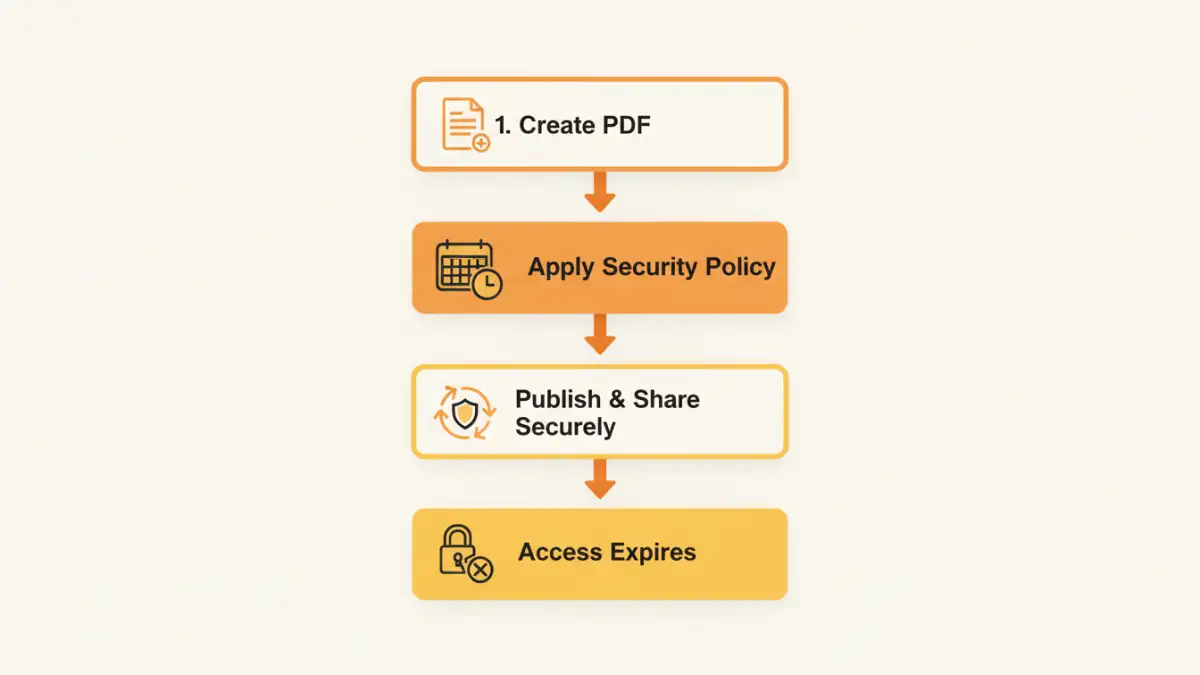
Standard password protection is a good first step, but it's a one-time gate. Once a user has the password, they have indefinite access. Setting an expiration date adds a crucial layer of dynamic control, revoking access automatically. This is essential for time-sensitive materials like price lists, limited-time offers, pre-release reports, or documents shared under a non-disclosure agreement (NDA).
From a compliance standpoint, this is also incredibly valuable. Regulations like GDPR emphasize data minimization and purpose limitation. Ensuring a document containing personal data is inaccessible after its relevance has passed is a proactive step toward compliance and responsible data handling.
Beyond Simple Passwords: The Role of DRM
Setting an expiration date isn't a native feature of basic PDF encryption. It falls under the umbrella of Digital Rights Management (DRM). DRM systems provide persistent control over a document even after it has been downloaded. This means you can control not just *who* opens it, but also for *how long*, and *what* they can do with it (like print, copy, or edit).
Key Features in a Secure PDF Sharing Platform
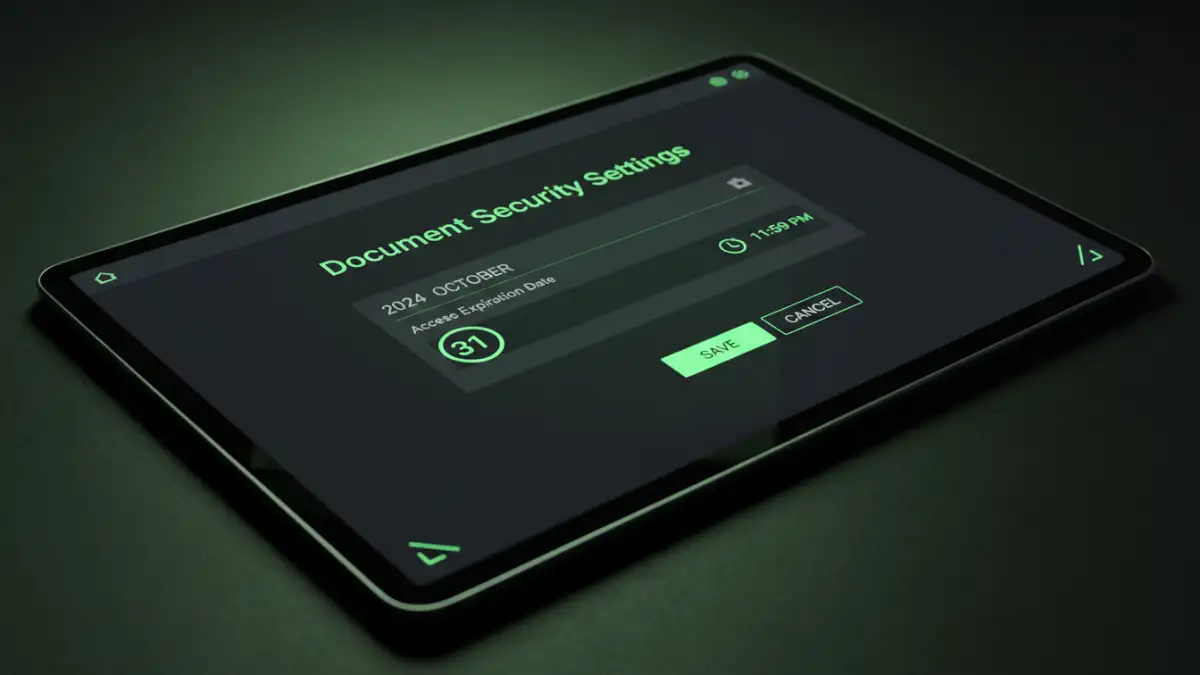
When evaluating file encryption tools for this purpose, you need to look beyond a simple expiry function. A robust solution should offer a suite of features that give you complete control over your intellectual property.
Granular Access Controls
Look for tools that allow you to set specific rules. Can the user print the document? Can they copy text from it? Can you prevent screen capture? Other powerful features include dynamic watermarking (which stamps the user's name or email on the document) and the ability to revoke access manually at any time, even before the expiration date.
Location-based controls (restricting access to specific IP addresses) and device limits (locking a document to a certain number of computers) are also hallmarks of professional-grade document security software.
Top Tools for Time-Sensitive PDF Security
Several platforms specialize in providing these advanced security features. Simple password tools won't cut it; you need a dedicated service designed for DRM. Here are a few that I've seen used effectively in professional settings.
Adobe Acrobat Pro DC
Adobe, the creator of the PDF format, offers DRM capabilities through its Experience Manager. However, for most users, setting expiration dates is managed through security policies on a server. A simpler approach within Acrobat Pro involves using JavaScript, but this can be easily bypassed by savvy users. For true, reliable expiration, you'll want to integrate with a more robust DRM system.
LockLizard Safeguard PDF Security
LockLizard is a specialized DRM provider that focuses entirely on document security. It offers strong protection against copying, printing, and even screen capture. You can set documents to expire on a specific date, after a certain number of days from the first open, or after a number of views. It operates without passwords, using a secure player and license files, which makes sharing and revoking access much more controlled.
FileOpen
FileOpen is another major player in the DRM space, often used by publishers and educational institutions. It integrates directly with Adobe Acrobat, allowing you to set permissions from a familiar interface. Policies, including expiration, are managed on a central server, giving you the ability to change access rights for all users in real-time. It's a powerful, enterprise-grade solution.
How Does PDF Expiration Actually Work?
True DRM-based expiration doesn't rely on the user's computer clock, which can be easily changed. Instead, these systems work by requiring the document to 'check in' with a remote server. When a user tries to open the protected PDF, the special viewer software contacts the DRM server to validate the license.
The server checks the current date against the policy you've set. If the document is within its valid period, the server grants permission, and the file opens. If the expiration date has passed, or if you've manually revoked access, the server denies the request, and the user cannot view the content. This server-based validation is what makes the security robust and tamper-proof.
Comparison of Top PDF Security Tools
Choosing the right pdf password expiration tool depends on your specific needs, from individual use to large-scale enterprise deployment. Here's a breakdown of the leading options.
| Tool | Key Features | Best For | Typical Cost Model |
|---|---|---|---|
| Adobe Acrobat Pro DC | Basic password protection, some certificate-based security. Expiration often requires server integration. | General PDF creation and editing with basic security needs. | Subscription (Adobe Creative Cloud) |
| LockLizard Safeguard | Strong DRM, anti-screen capture, no passwords, dynamic watermarks, offline access controls. | Protecting high-value IP, training materials, and confidential reports. | Subscription/Perpetual License |
| FileOpen | Integrates with Adobe Reader, server-based policy control, widely used in publishing. | Large enterprises, educational institutions, and commercial publishers. | Enterprise Licensing |
| Vitrium Security | Browser-based and plugin access, detailed analytics, integration with other systems. | Businesses needing secure document distribution with user tracking. | Subscription (Tiered) |