I recently helped a colleague who was locked out of a critical, encrypted project file. They'd forgotten the complex password set months ago, and we spent hours trying to recover it. This scenario is all too common and highlights a fundamental weakness in how we've traditionally protected sensitive information: relying on something we must remember.
The friction between strong security and user convenience is a constant battle. We're told to use long, unique passwords, but this often leads to forgotten credentials or insecure practices like writing them down. Fortunately, the industry is moving toward a much better solution, one that goes beyond passwords entirely.
Table of Contents
The Problem with Traditional Document Passwords
For decades, a simple password was the standard for protecting a Word document or a PDF. While better than nothing, this method is riddled with problems. Passwords can be forgotten, as my colleague discovered. They can also be phished, shared insecurely over email, or cracked using brute-force attacks if they aren't complex enough.
This creates a paradox. To make a password secure, it must be long and complex, making it hard to remember. To make it memorable, it's often simple and insecure. This constant trade-off means that document security often ends up being weaker in practice than it is in theory.
The Security vs. Usability Dilemma
The core issue is that passwords place the entire security burden on the user. In a corporate environment, this leads to increased IT support tickets for password resets and potential data breaches when employees reuse passwords across different services. For individuals, it's simply a frustrating experience that discourages proper security hygiene.
What is Passwordless Security for Documents?
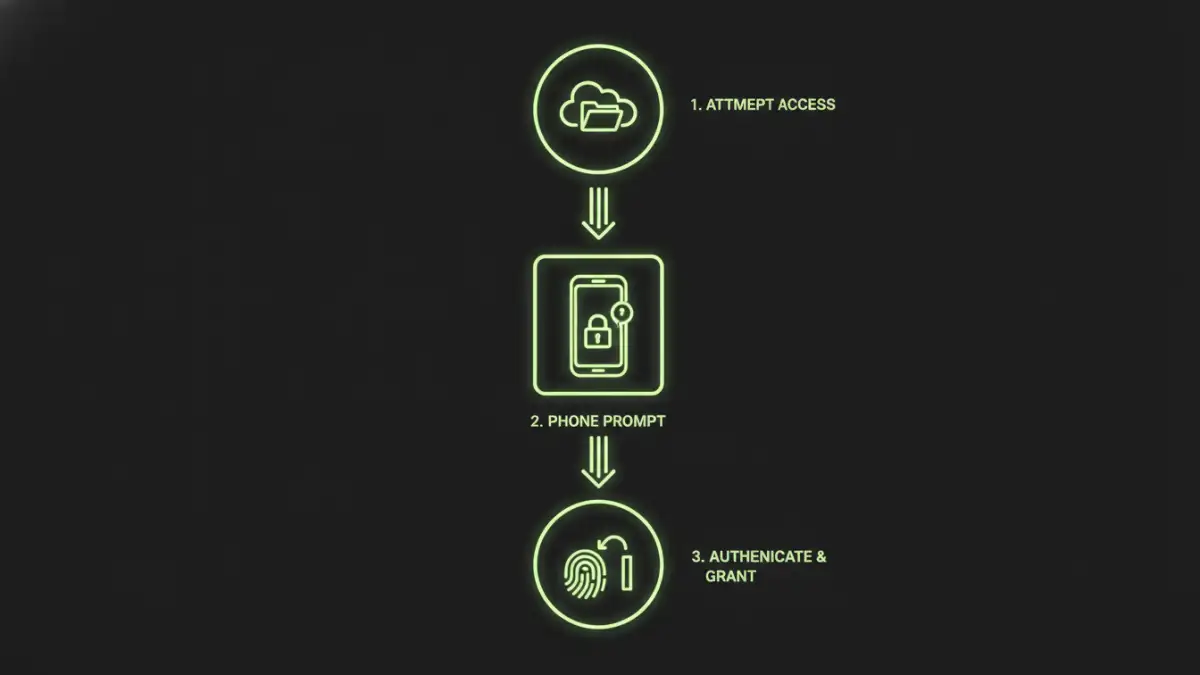
When we talk about going passwordless, it doesn't mean abandoning security. It means replacing the vulnerable 'what you know' (a password) with stronger authentication factors: 'what you are' (biometrics like a fingerprint or face scan) and 'what you have' (a physical device like your phone or a hardware security key). This approach is fundamentally more secure and far more user-friendly.
These modern authentication methods are built on established standards like FIDO2, which enables easy and secure online authentication. The same principles are now being applied to protect local and cloud-based files, heralding a new era of passwordless document security.
Key Technologies: Passkeys and FIDO2
Passkeys are a prime example of this evolution. A passkey is a digital credential that replaces a password. It's stored on your device (phone, computer) and is comprised of a public and private key pair. When you access a service or a file, your device uses biometrics to confirm it's you and then authenticates using this cryptographic key pair. The private key never leaves your device, making it resistant to phishing. This is the technology that makes secure, one-tap access possible.
Implementing Passwordless Access for Your Files
You might think this is futuristic technology, but you can start using passwordless methods to protect your documents today. The strategy shifts from locking individual files with unique passwords to securing the *access point* to those files with a strong, passwordless method.
Using Biometrics on Your Device
Modern operating systems have robust biometric security built-in. Windows Hello (face/fingerprint), Apple's Face ID, and Touch ID can be used to secure your entire user account. By storing sensitive documents within your user profile on an encrypted drive (like BitLocker on Windows or FileVault on Mac), you are effectively protecting them with your biometrics. Accessing your computer itself is the passwordless step that unlocks access to the files within.
Leveraging Cloud Platforms
Cloud storage providers like Google Drive, OneDrive, and Dropbox are rapidly adopting passkeys. By setting up a passkey for your Google or Microsoft account, you eliminate the password for logging in. Since your documents are stored within that secure ecosystem, you are indirectly protecting them with a phishing-resistant method. Anyone trying to access your cloud drive would need physical access to your trusted device and your biometric data, a significant step up from stealing a password.
The Role of Hardware Security Keys
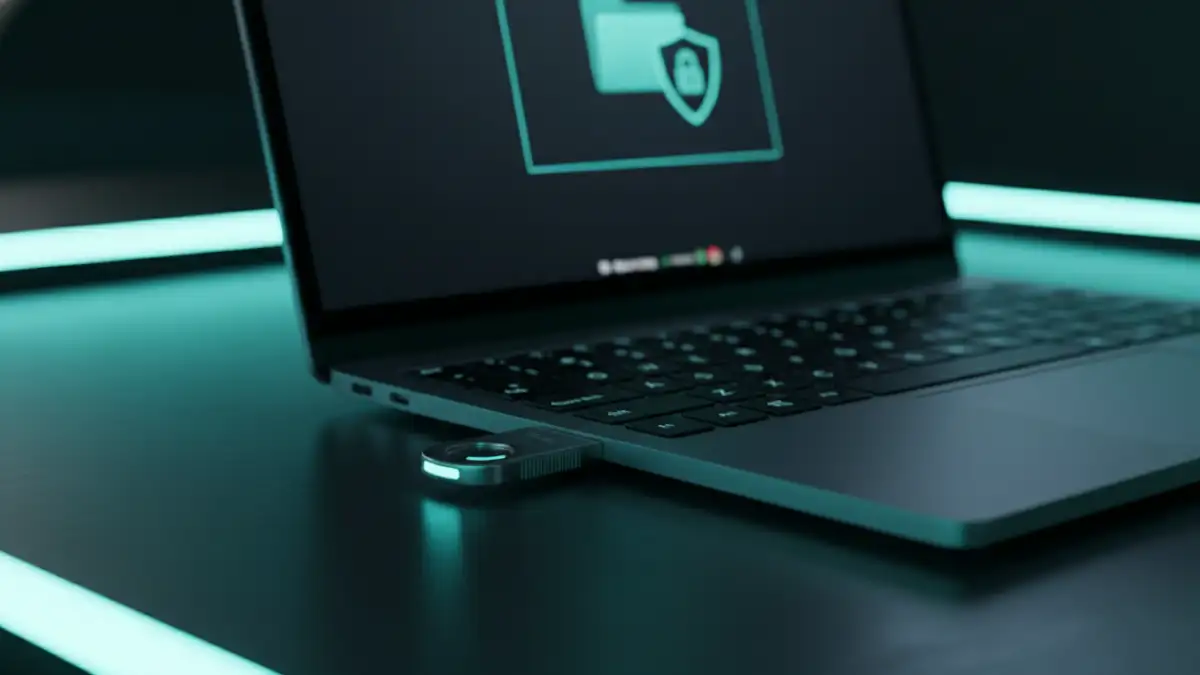
For the highest level of security, hardware security keys like a YubiKey offer a powerful solution. These small, physical devices use the FIDO2 standard and act as the 'what you have' factor. You can use them to secure your cloud accounts, your password manager, or even create encrypted file containers on your local drive that require the physical key to be present to unlock.
This is particularly useful for highly sensitive data. I've worked on projects where engineering schematics were stored in an encrypted volume. To access it, an engineer had to plug in their company-issued hardware key and authenticate. There was no password to forget or phish, making it a nearly foolproof system for controlling access.
Authentication Method Comparison
| Method | Security Level | Convenience | Best For |
|---|---|---|---|
| Traditional Passwords | Low to Medium | Low | Legacy systems where no other option exists. |
| Device Biometrics (Face/Touch ID) | High | High | Securing local devices and the files stored on them. |
| Passkeys (Cloud Accounts) | High | High | Protecting documents stored in Google Drive, OneDrive, etc. |
| Hardware Security Keys (FIDO2) | Very High | Medium | Protecting extremely sensitive data and high-value accounts. |