Have you ever fumbled with a complex password for a critical file just moments before a presentation? It’s a common frustration that highlights a fundamental weakness in traditional document security. We spend time creating strong, unique passwords, only to forget them or store them insecurely, defeating the entire purpose.
This friction is what drives the shift toward more intuitive methods. For years, I've seen authentication evolve in applications, and now that same evolution is coming for our individual files. The idea of using something you *are*—like your fingerprint or face—instead of something you *know* is no longer science fiction; it's becoming a practical reality.
Table of Contents
The Problem with Traditional Passwords for Files
Passwords have been the default gatekeepers for decades, but they are far from perfect. The primary issue is the balance between security and usability. A simple, memorable password is easy to crack. A complex one, full of random characters, is secure but almost impossible to remember, leading users to write it down or reuse it across multiple services—both significant security risks.
In a professional setting, I once worked on a project where encrypted financial reports were shared. An executive forgot the password to a crucial quarterly report right before a board meeting. The ensuing panic and scramble to find a backup or recover the password wasted valuable time and underscored the fragility of this single point of failure. This is the exact scenario where a more integrated, personal authentication method shines.
What is Biometric Authentication for Files?
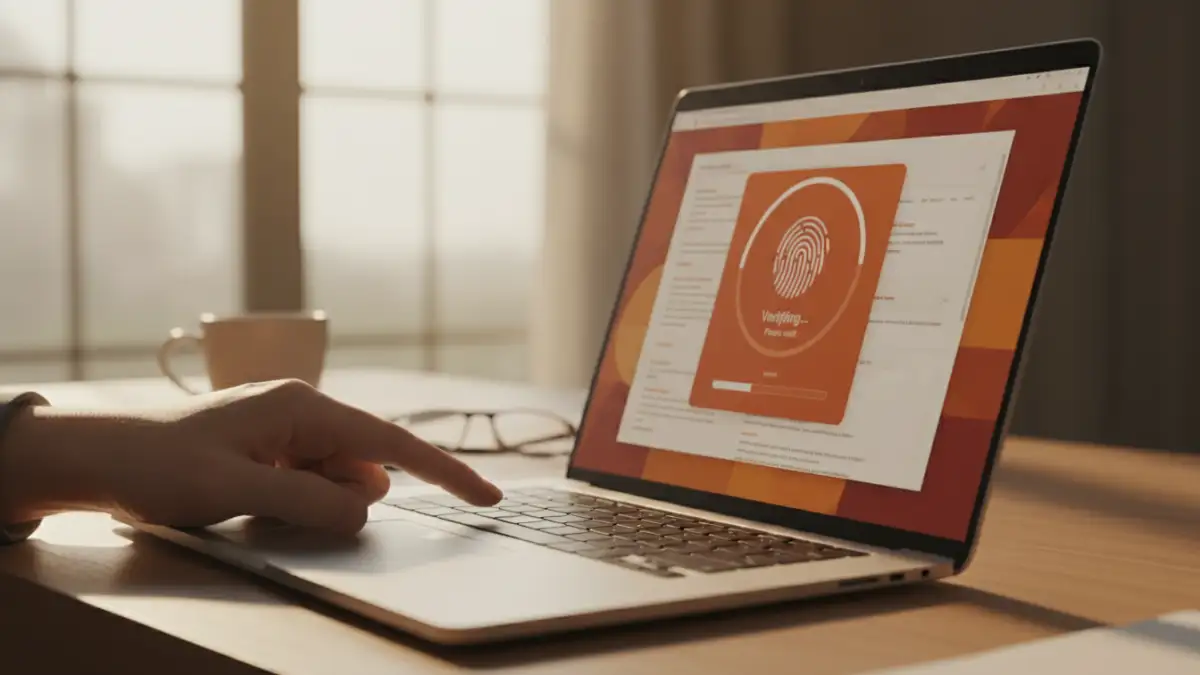
Biometric authentication uses unique biological characteristics to verify your identity. Instead of typing a password, you might scan your fingerprint, let a camera recognize your face, or even use your voice. This technology is already common for unlocking our phones and laptops, and its application is now extending to individual documents and folders.
How It Works on a Technical Level
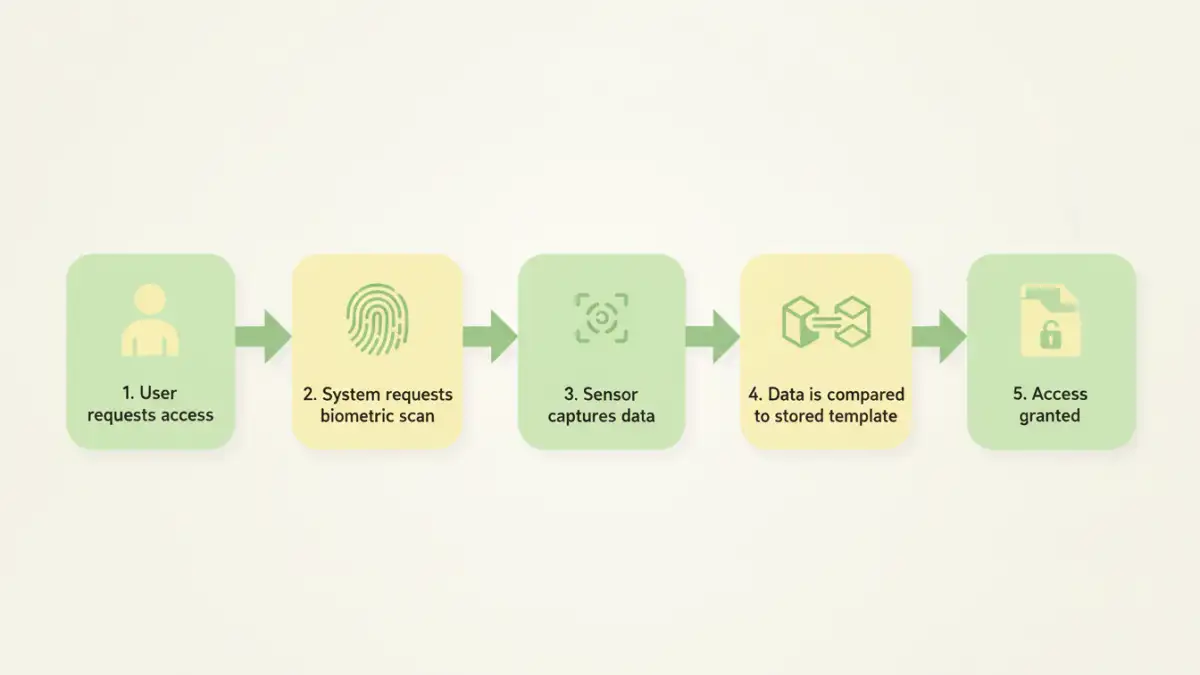
When you set up biometric access, the system doesn't store a picture of your fingerprint or face. Instead, it creates a secure digital representation—a template or hash—of your unique features. This template is typically stored in a secure enclave on your device, like Apple's Secure Enclave or Android's Trusted Execution Environment. When you try to access a file, the system scans your biometric data, converts it to a new template, and compares it to the stored one. If they match, access is granted. This on-device processing is crucial for privacy, as your raw biometric data never leaves your personal hardware.
Common Types of Biometric Data
While fingerprints and facial recognition are the most prevalent, other methods exist. These include iris or retina scans, which are highly accurate but require specialized hardware, and voice recognition, which analyzes the unique patterns of your speech. For most consumer and business applications like securing a PDF or a ZIP archive, fingerprint and facial scans offer the best blend of security and accessibility.
The Current State of Biometric File Access
The move toward passwordless document access is already underway, primarily driven by operating systems and a handful of third-party applications. We are seeing a gradual integration that makes security feel seamless rather than obstructive.
Platforms like Windows Hello and Apple's Touch ID/Face ID are at the forefront. They provide a system-level framework that applications can leverage. For example, you can use your fingerprint to authorize changes in system settings or approve purchases. Some applications, particularly password managers and secure notes apps, have integrated these features to lock and unlock their data vaults. We are starting to see this trickle down to file-level encryption tools, where you can encrypt a folder and tie the decryption key to your biometric identity.
However, universal support is not quite there yet. You can't, for instance, natively create a fingerprint protected PDF in Adobe Acrobat and send it to someone else to open with their fingerprint. The authentication is still largely tied to the device, not the file itself. The future of authentication will likely involve standards like Passkeys, which could bridge this gap and make biometric credentials more portable and interoperable.
Benefits and Challenges of Going Passwordless
Embracing biometrics for file access brings significant advantages, but it's not without its own set of considerations. As an engineer, I believe in evaluating both sides before adopting any new technology, especially one related to security.
The most obvious benefit is convenience. Accessing a file with a touch or a glance is exponentially faster than typing a password. This speed enhances productivity without compromising security. In fact, security is often improved because a biometric identifier is much harder to steal or replicate than a password. You can't 'phish' a fingerprint.
On the other hand, there are challenges to address. The primary concern is privacy. Users need assurance that their biometric data is stored securely and cannot be accessed by unauthorized parties. The reliance on on-device secure hardware helps, but trust in the platform provider is essential. Another challenge is the potential for error. Biometric scanners can fail due to dirt, moisture, or even changes in your appearance. This is why systems always require a fallback method, like a PIN or password, which slightly undermines the purely 'passwordless' concept.
Authentication Method Comparison
| Method | Security Level | Convenience | Hardware Requirement |
|---|---|---|---|
| Password | Variable (Depends on complexity) | Low | None (Keyboard) |
| PIN Code | Moderate | Medium | None (Keyboard/Keypad) |
| Fingerprint Scan | High | High | Fingerprint Sensor |
| Facial Recognition | High | Very High | Infrared/3D Camera |
| Voice Recognition | Moderate | High | Microphone |