I recently helped a colleague who was confident their shared PDF was secure because it had a password. When we looked closer, we found it was using an outdated encryption algorithm that could be broken in minutes with modern tools. This is a common misconception; a password doesn't automatically equal strong security. The underlying encryption is what truly matters.
Understanding the difference between a legacy standard and modern protection is crucial for anyone handling sensitive information, from legal contracts to financial reports. Simply password-protecting a file isn't enough—you need to ensure the protection itself is robust.
Table of Contents
What Is PDF Encryption?
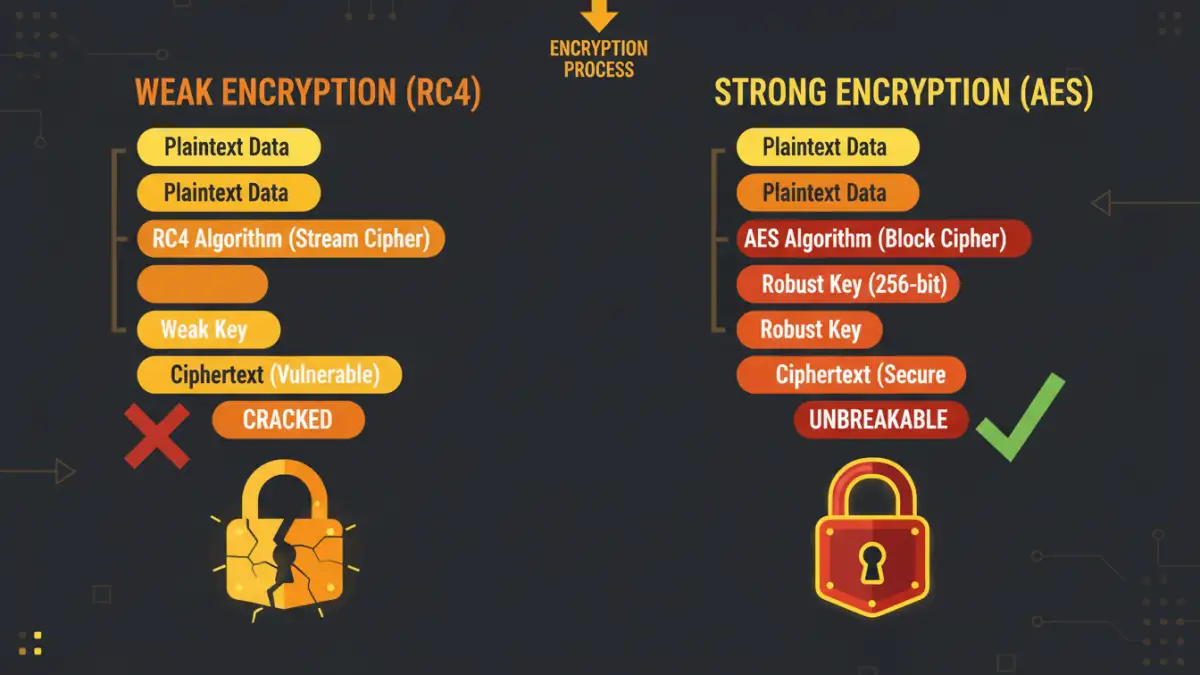
At its core, PDF encryption is the process of scrambling the document's contents so that it can only be read by someone with the correct key, which is typically derived from a password. However, not all encryption is created equal. There are two primary types of passwords you'll encounter, and they serve very different functions.
User Password vs. Owner Password
A 'User Password' (or 'Document Open Password') is what most people think of. It's required to open and view the file. Without it, the document is completely inaccessible. This is your first line of defense.
An 'Owner Password' (or 'Permissions Password') controls what a user can do with the document *after* it's opened. This includes restricting actions like printing, copying text, editing, or adding comments. You can have an Owner Password without a User Password, meaning anyone can open the file, but they can't perform restricted actions without the password.
How to Check a PDF's Encryption Level
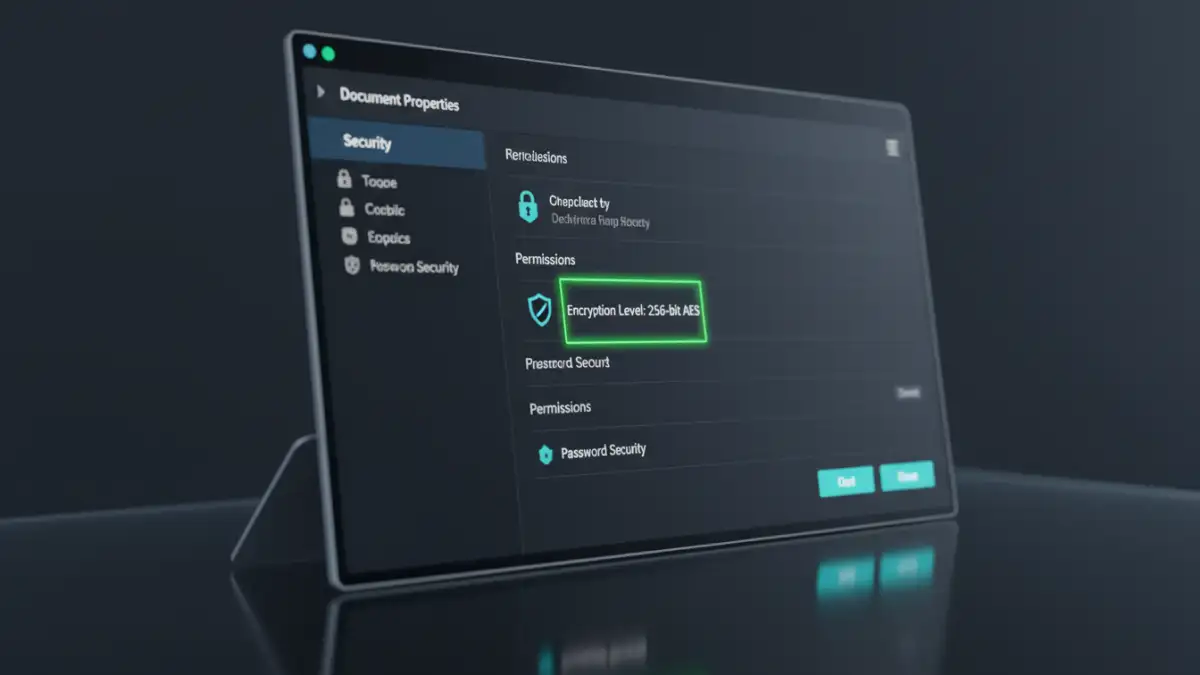
Verifying the security of a PDF is simpler than you might think. You don't need specialized hacking tools; the information is often readily available within standard PDF readers. The easiest way is to use Adobe Acrobat Reader, which is free and widely used.
Steps to Check File Encryption Type in Adobe Reader
This process gives you a clear snapshot of the document's security settings. It's a habit I've developed whenever I receive a critical, password-protected document.
- Open the PDF document in Adobe Acrobat Reader or Pro.
- Go to the 'File' menu in the top-left corner.
- Select 'Properties' from the dropdown menu (or use the shortcut Ctrl+D on Windows, Cmd+D on Mac).
- In the 'Document Properties' window, click on the 'Security' tab.
- Look for the 'Security Method' field. It will state 'Password Security'.
- Click the 'Show Details...' button. Here, you will see critical information, including the PDF version and, most importantly, the 'Encryption Level'. This will tell you if it's using 128-bit RC4, 256-bit AES, or another standard.
This simple check takes less than a minute and provides all the information you need to assess the document's baseline security.
Common Encryption Standards Explained
The 'Encryption Level' you find in the document properties refers to specific algorithms. Over the years, these document encryption standards have evolved significantly, moving from weak methods to military-grade protection.
The Old Guard: RC4
RC4 (Rivest Cipher 4) was a common standard for many years. You might see it listed as 40-bit RC4 or 128-bit RC4. While 128-bit was a big step up from 40-bit, both are now considered insecure by modern cryptographic standards. They are susceptible to brute-force attacks and have known vulnerabilities. If you see a document using RC4, it's a sign that it was created with older software and should be re-encrypted using a modern standard if the content is sensitive.
The Gold Standard: AES
AES (Advanced Encryption Standard) is the current global standard. It was adopted by the U.S. government and is now used worldwide for secure document protection. It comes in different key lengths, but for PDFs, you'll typically see two:
- 128-bit AES: This is very strong and provides excellent security for most commercial and personal uses.
- 256-bit AES: This is the strongest level available in the PDF standard, offering military-grade security. A 256 bit aes encryption pdf is considered computationally infeasible to crack with current technology. When I'm creating a document with highly sensitive intellectual property or personal data, I always ensure it's set to 256-bit AES.
Why Strong Encryption Matters for You
So, why does this technical detail matter? A strong password on a weakly encrypted file is like putting a bank vault door on a tent. An attacker won't bother with the door; they'll just cut through the wall. The algorithm determines the strength of that wall.
For businesses, using outdated encryption can have serious compliance implications. Regulations like GDPR, HIPAA, and CCPA require 'reasonable' or 'state-of-the-art' security measures to protect personal data. Relying on RC4 encryption would likely not meet that standard in the event of a data breach, potentially leading to significant fines.
For individuals, it's about peace of mind. Whether you're sharing tax documents with your accountant or personal records with a doctor, ensuring the file uses 256-bit AES encryption means your data is protected by the best available standard. Always check your PDF creation software's security settings to ensure you're using AES by default.
PDF Encryption Standards Comparison
| Encryption Standard | Key Length | Security Level | Common Use Case |
|---|---|---|---|
| 40-bit RC4 | 40-bit | Very Low (Obsolete) | Legacy PDFs from the 1990s; should not be used. |
| 128-bit RC4 | 128-bit | Low (Insecure) | Older software (pre-Acrobat X); vulnerable. |
| 128-bit AES | 128-bit | High | Good for general business and personal sensitive documents. |
| 256-bit AES | 256-bit | Very High (Military-Grade) | Required for legal, financial, government, and highly confidential data. |