
With the rise of secure document collaboration tools, it's easy to assume our files are safe. But the truth is, the weakest link is often the password chosen by an employee to encrypt a single Word, PDF, or Excel file. A simple 'Project2024' password can undermine an entire security infrastructure, leaving sensitive data exposed even if your network is ironclad.
This isn't just a theoretical problem. I've seen firsthand how a single weakly protected financial spreadsheet, shared via email, can create a significant security incident. The file itself becomes the vulnerability. This is why understanding and verifying the strength of these passwords is no longer optional; it's a critical layer of corporate document security.
Table of Contents
Why Document-Level Password Security Matters
Network firewalls and access controls are essential, but they don't protect data once a document leaves the perimeter. An encrypted file attached to an email or saved to a personal USB drive relies entirely on its password for protection. If that password is weak, the encryption is functionally useless.
This is where a focused review of your document protection practices becomes crucial. It's about ensuring that this final line of defense is actually strong enough to withstand a breach attempt. Strong passwords on critical files can be the difference between a minor incident and a major compliance failure under regulations like GDPR or HIPAA.
The Hidden Risk of 'Convenient' Passwords
In many organizations, employees develop informal conventions for passwords. For example, a sales team might use 'SalesQ3_2024!' for all their quarterly reports. It's predictable and easy to remember, but it's also incredibly easy for an attacker to guess. One compromised file can lead to the decryption of dozens more.
Beyond Network Security
Think of it this way: your network security is like the main gate to your corporate campus. But document passwords are the individual locks on the doors to sensitive rooms inside the buildings. If an intruder gets past the main gate (e.g., through a phishing attack), those weak door locks won't stop them from accessing your most valuable information.
Preparing for Your Password Strength Audit
Before you start testing passwords, you need a solid plan. A haphazard approach will yield incomplete results and could disrupt business operations. Proper preparation is key to a successful audit that provides actionable insights into your corporate document security posture.
First, define the scope. Are you looking at all documents across the company or starting with a high-risk department like Finance or HR? Identify where password-protected documents are most likely to be stored: network shares, SharePoint sites, or cloud storage. Gaining management buy-in at this stage is critical, as you'll need authorization to access and test files.
Next, create an inventory. You can't audit what you don't know exists. Use scripts or file discovery tools to scan target locations for encrypted file types (e.g., .docx, .xlsx, .pdf, .zip). This inventory forms the basis of your audit and helps you prioritize the most critical assets.
Conducting the Audit: Methods and Tools
Once you have your inventory and approvals, you can begin the actual audit. The goal is not to crack every password but to identify patterns of weakness. This should always be done in a controlled, ethical manner with full documentation.
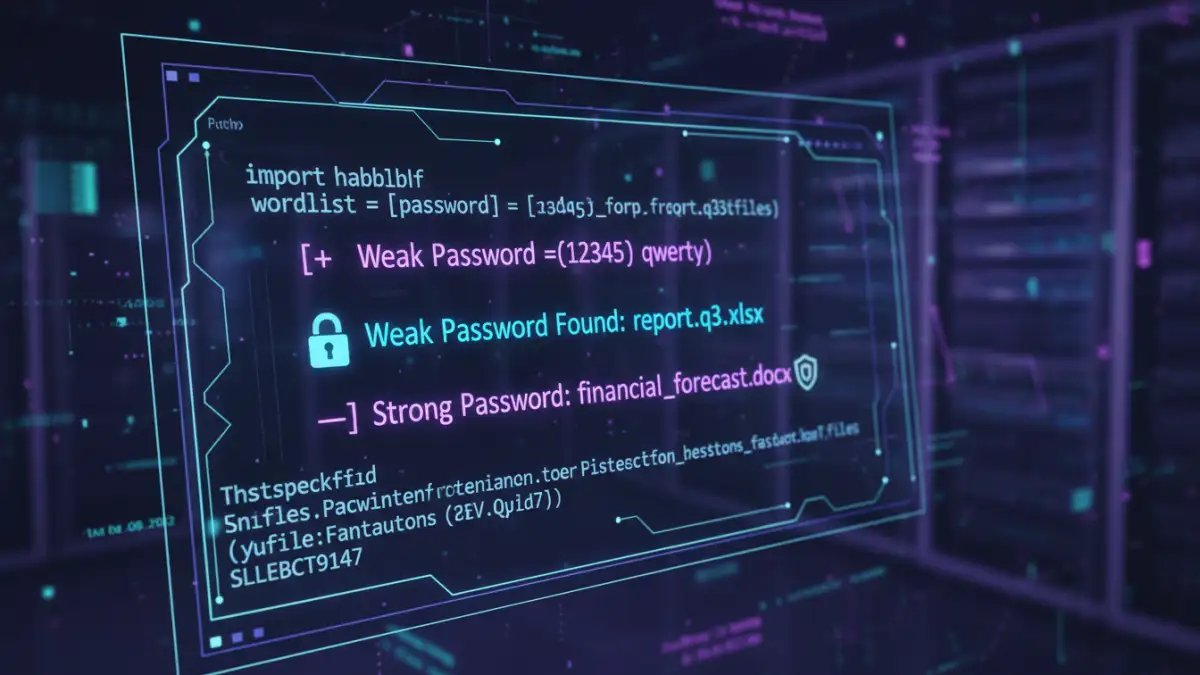
For a basic assessment, you can perform manual spot-checks and interview users about their password habits. This is low-tech but can quickly reveal cultural issues around password creation. However, for a more comprehensive analysis, you'll need tools. For this, I've used custom Python scripts that attempt to open files using a dictionary of common weak passwords specific to the company (e.g., company name, project codes, common keyboard patterns).
Ethical Password Testing Tools
For more advanced scenarios, tools like John the Ripper or Hashcat can be used to test the strength of document encryption hashes. This requires extracting the hash from the file—a process that varies by file type. It's a powerful technique but requires significant technical expertise and, I can't stress this enough, explicit written permission. This is not about breaking into your own company's files; it's about simulating an attack to find vulnerabilities before a real attacker does.
Analyzing the Results
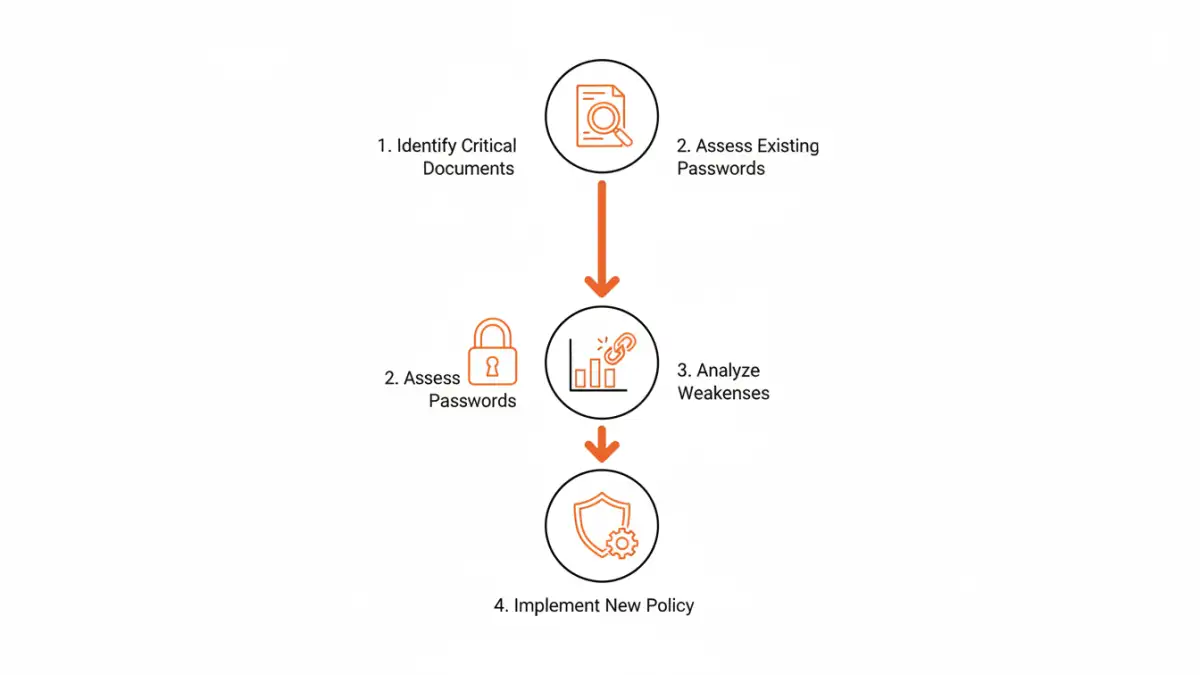
The output of your audit should be a report detailing the percentage of files with weak, moderate, and strong passwords. Look for trends. Is one department a repeat offender? Are files related to a specific project all using the same weak password? These findings are the foundation for your new security policy.
From Audit to Action: Building a Better Policy
An audit is only useful if it leads to meaningful change. The final and most important step is to use your findings to develop and implement a robust encryption policy analysis and improve your file password requirements. This policy should be clear, concise, and easy for non-technical employees to follow.
Your new policy should mandate minimum password length (e.g., 15+ characters), complexity requirements (uppercase, lowercase, numbers, symbols), and a prohibition on using common or company-related terms. More importantly, it should provide employees with the tools they need to comply, such as a company-approved password manager. This encourages secure document collaboration by allowing teams to share strong, unique passwords for documents without resorting to insecure methods like email or chat.
Finally, schedule regular training sessions and periodic, lightweight audits to ensure the policy is being followed. Security is an ongoing process, not a one-time fix. A consistent approach turns a reactive security posture into a proactive one.
Password Auditing Method Comparison
| Method | Complexity | Pros | Cons |
|---|---|---|---|
| Manual Spot-Checks | Low | Easy to implement, good for identifying cultural issues. | Not scalable, highly subjective, misses most issues. |
| Custom Scripting | Medium | Tailored to your environment, can be automated. | Requires development resources, may not be comprehensive. |
| Dictionary/Brute-Force Tools | High | Provides a definitive test of password strength. | Requires explicit authorization, resource-intensive, potential for misuse. |
| Third-Party Solutions | Medium | Comprehensive reporting, established methodology. | Can be expensive, may have privacy implications. |