
I recently worked with a legal firm that needed to share highly sensitive discovery documents with external counsel. They were using a basic password feature but were rightly concerned it wasn't enough. This scenario highlights a common question: when you need to lock down a PDF, what does 'strong' encryption actually mean, and which tools provide it?
The answer isn't a single product, but an understanding of the technology involved. Not all PDF protection is created equal. The strength of the lock depends entirely on the type of key and the complexity of the locking mechanism itself.
Table of Contents
Understanding PDF Encryption: Beyond the Password
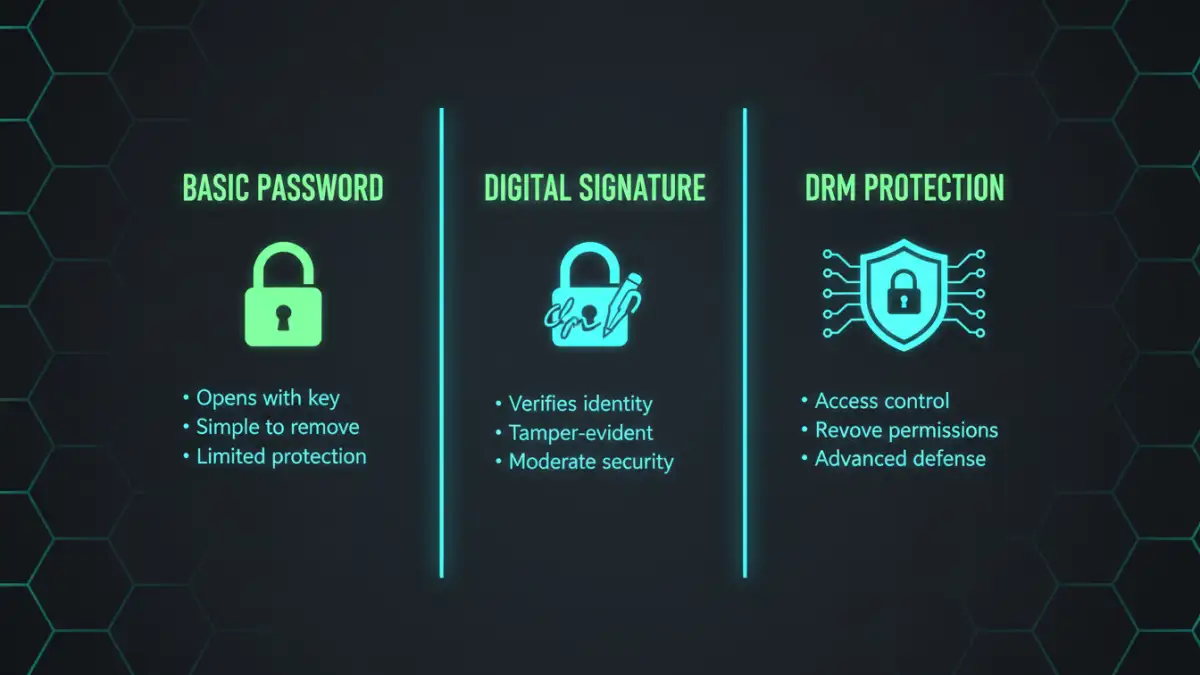
When most people think of protecting a PDF, they think of a simple open password. However, the real strength lies in the underlying encryption algorithm. It’s the difference between a simple padlock and a sophisticated bank vault.
The Encryption Algorithm: AES vs. RC4
The single most important factor in PDF security is the encryption algorithm. For years, the standard was RC4, which is now considered obsolete and vulnerable. From a development perspective, any tool still relying on 40-bit or 128-bit RC4 is offering a false sense of security.
Modern, secure PDFs use the Advanced Encryption Standard (AES), specifically with a 256-bit key length (AES-256). This is the same encryption standard used by governments and financial institutions to protect top-secret information. When evaluating any password protect pdf software, confirming its use of AES-256 is the first and most critical step.
Owner vs. User Passwords
PDFs can have two types of passwords. A 'user' or 'open' password is required to view the document at all. An 'owner' or 'permissions' password restricts actions like printing, copying text, or editing the document, even after it's been opened. While the owner password adds a layer of control, a determined user can often bypass these restrictions if they can open the file. True security comes from a strong user password combined with AES-256 encryption.
The Standard-Bearer PDF Security Software
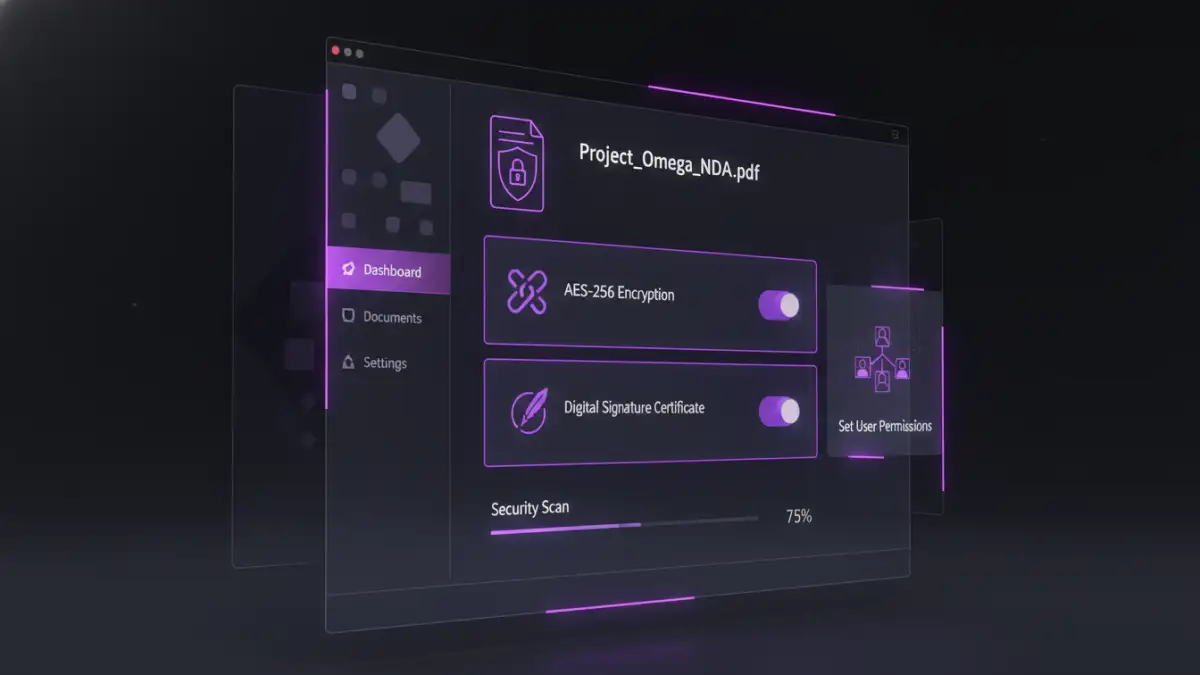
For most business and professional use cases, a full-featured desktop PDF editor provides the necessary tools for robust protection. These applications have mature, well-tested security implementations that you can rely on.
Adobe Acrobat Pro is the industry benchmark for a reason. It offers granular control over security settings, allowing you to enforce AES-256 encryption, set both user and owner passwords, and restrict specific actions. More importantly, it integrates digital signatures and certificate-based security, which adds a layer of authentication on top of encryption. This confirms who created the document and that it hasn't been tampered with.
Competitors like Foxit PDF Editor and Nitro PDF Pro offer very similar security features. They also fully support AES-256 and provide comprehensive permission controls. I've deployed Foxit in enterprise environments where its integration with Microsoft Active Directory Rights Management Services (AD RMS) was a key requirement, allowing for policy-based security across the organization.
Advanced Protection: DRM and File-Level Encryption
Sometimes, a password isn't enough. If your business model relies on protecting the intellectual property within a document (like an e-book, research report, or training manual), you need to control the file even after it's been opened.
Digital Rights Management (DRM)
DRM solutions go beyond encryption. They are designed to prevent unauthorized distribution and use. Services like Vitrium Security or Locklizard wrap your PDF in a secure container. Users must authenticate with a server to open the file, and you can remotely revoke access, apply dynamic watermarks, and prevent printing or even screen captures. This is a powerful, albeit more complex and costly, solution for commercial content protection.
Container-Based Encryption
Another advanced strategy I've used is layered security. Before even password-protecting the PDF, you can encrypt the file itself using a tool like VeraCrypt or AxCrypt. The user would first need the password to decrypt the file container, and then a second password to open the PDF inside. This adds redundancy and makes a brute-force attack significantly more difficult, as the attacker wouldn't even know the file type they are trying to crack.
Practical Recommendations for Different Needs
Choosing the best document encryption depends entirely on your threat model. A one-size-fits-all approach doesn't work. Based on my experience engineering and deploying these solutions, here’s a simple breakdown.
For everyday sensitive documents like internal reports or client contracts, using Adobe Acrobat Pro or a reputable alternative like Foxit to apply a strong, unique password with AES-256 encryption is more than sufficient. This is the 95% use case.
For legally binding documents, combine AES-256 encryption with a certified digital signature. This ensures confidentiality, integrity, and non-repudiation. When a document's authenticity is as important as its privacy, this is the standard to follow.
For commercial distribution of high-value content where you need to prevent piracy, a dedicated DRM service is the only viable path. This approach provides the strongest PDF encryption and control by fundamentally changing how the content is accessed. This is a business-level investment for protecting revenue-generating assets.
PDF Encryption Method Comparison
| Method | Security Level | Key Features | Best Use Case |
|---|---|---|---|
| Standard Password (AES-256) | High | Requires password to open; restricts permissions. | Internal reports, client contracts, general sensitive data. |
| Certificate-Based Security | Very High | Uses digital IDs to encrypt and authenticate. | Legal documents, government filings, high-trust transactions. |
| Digital Rights Management (DRM) | Highest | Remote access control, copy prevention, dynamic watermarks. | E-books, commercial research, training materials. |
| Online PDF Tools | Variable | Convenient but raises privacy concerns for the file content. | Non-sensitive documents for quick, temporary protection. |
| Container Encryption (e.g., VeraCrypt) | High (as a layer) | Encrypts the file itself before PDF password is applied. | Adding a second layer of security for extremely sensitive files. |