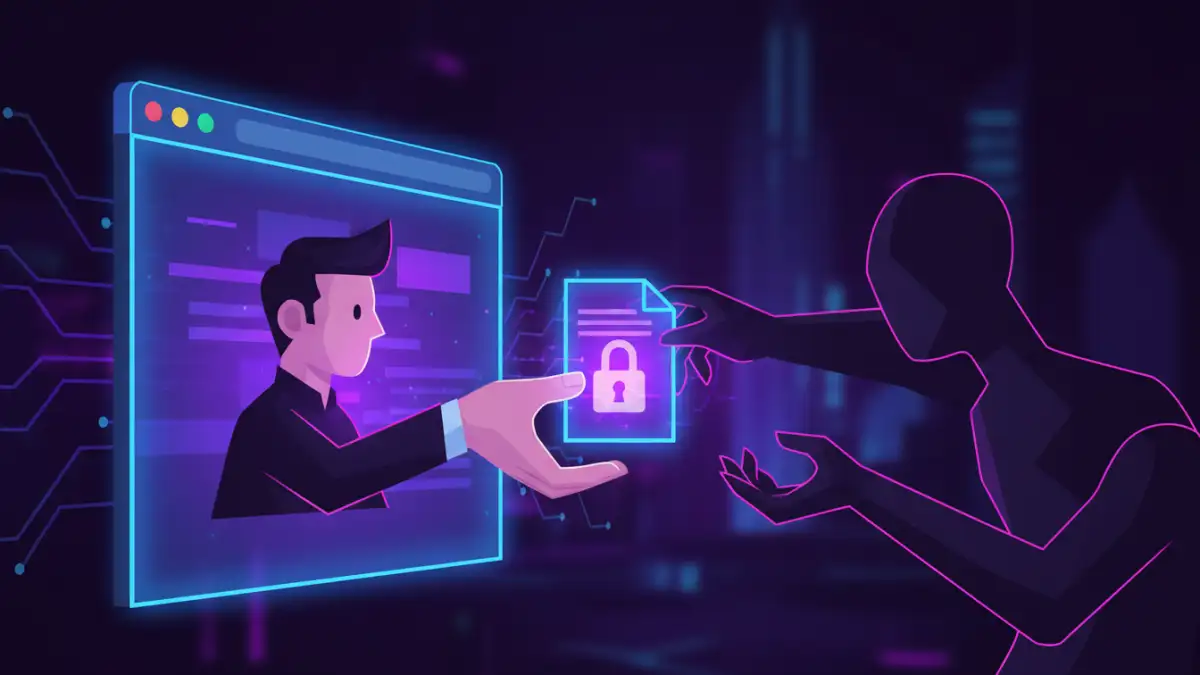
We've all been there: you find an old, important archive file—a .zip or .rar—only to be blocked by a password you can't remember. A quick search reveals dozens of websites promising to unlock it for free, instantly. Just upload your file, and they'll handle the rest. It sounds convenient, but as a software engineer who deals with data integrity daily, this scenario sets off major alarm bells.
Handing over a sensitive, encrypted file to an unknown third-party service is a significant gamble. Before you click that upload button, it's crucial to understand what's happening behind the scenes and the potential consequences for your data.
Table of Contents
The Temptation of Instant Solutions
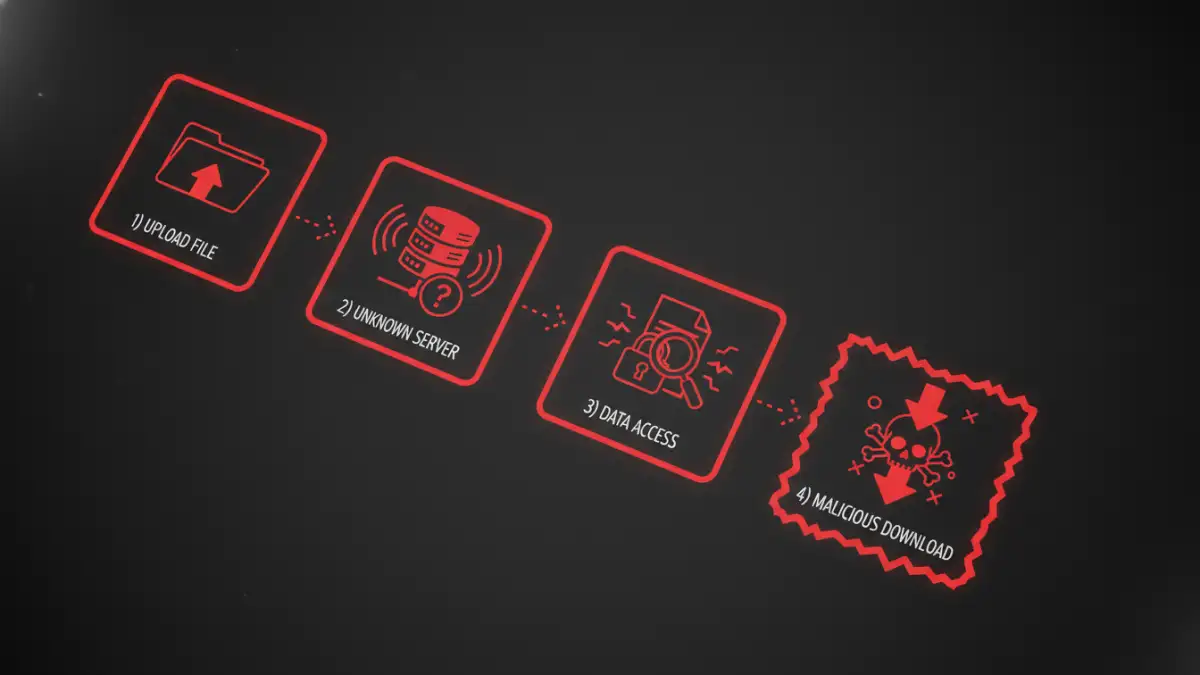
The appeal of online archive unlockers is obvious. They require no software installation, promise fast results, and are often free. For someone in a hurry to access a file, these web-based tools seem like the perfect fix. They market themselves as simple drag-and-drop solutions, abstracting away the complex processes of password cracking.
This convenience, however, comes at a steep, often hidden, price. The core issue is trust. You are uploading your entire encrypted archive to a server controlled by an entity you know nothing about. Even if the file's contents are encrypted, the service now possesses the container, and once they (potentially) crack the password, they have full access to its contents.
Unpacking the Major Security Risks
The convenience of these platforms masks severe threats to your data privacy and digital safety. The moment your file leaves your computer, you lose control over it. The question of whether an online zip unlocker is safe becomes critical when you consider what's at stake.
Data Interception and Theft
When you upload a file, it travels across the internet to the service's server. Malicious actors can intercept this data in transit if the connection isn't secure. More importantly, the service provider itself gains access to your file. Unscrupulous operators can, and do, copy, store, and even sell the data contained within your archives, especially if it includes sensitive personal or financial information.
Malware and Phishing Exposure
Many free online tools are fronts for distributing malware. The "unlocked" file you download might be bundled with viruses, ransomware, or spyware. The site could also be a phishing scheme, designed to trick you into providing login credentials or other personal information under the guise of a registration process. This rar password recovery online risk is a common tactic used to compromise user accounts and systems.
How Online Unlockers Really Work
Legitimate password recovery is a computationally intensive process. These online services typically use a few common methods on their servers to find the correct password.
Brute-Force and Dictionary Attacks
The most common techniques are brute-force attacks, where the software tries every possible combination of characters, and dictionary attacks, which use a list of common words and passwords. For simple passwords, this can be quick. For complex, long passwords, it can take days, years, or even centuries with current technology.
The critical point is that these intensive calculations happen on their servers, using your uploaded file. This means your data is unencrypted and fully accessible on their systems during the cracking process. This is a fundamental flaw in the model from a data privacy perspective and a core reason why online archive password security is so weak with these services.
Safer Alternatives for Secure File Recovery
Fortunately, you don't have to sacrifice your security for convenience. There are much safer ways to approach password recovery that keep your data under your control.
Use Reputable Offline Software
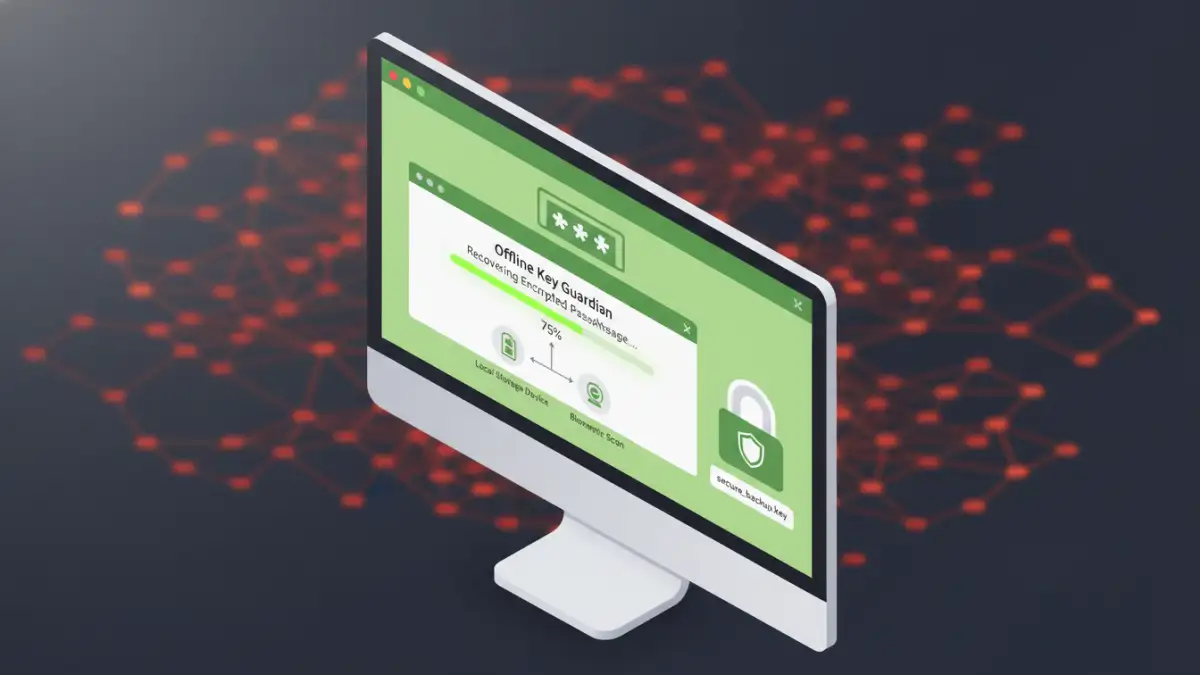
Desktop applications perform the exact same recovery methods (brute-force, dictionary attacks) but do so locally on your own computer. Your file never gets uploaded to an unknown server, eliminating the risk of data theft and interception. Tools like John the Ripper (for advanced users) or various commercial applications provide a secure environment for this task.
Manual Password Recovery Techniques
Before resorting to cracking tools, take a moment to brainstorm. Try to remember common passwords you've used, variations of pet names, important dates, or phrases. Check any password managers you use. Sometimes the simplest solution is the one that works, and it's always the most secure.
Comparison: Recovery Methods and Risks
| Method | Security Level | How It Works | Primary Risk |
|---|---|---|---|
| Online Unlocker Websites | Very Low | Upload file to a third-party server for cracking. | Data theft, malware infection, privacy loss. |
| Offline Recovery Software | High | Processes the file locally on your computer. | Requires software installation; can be slow. |
| Manual Guessing | Highest | You recall the password without external tools. | Only works if you can remember clues. |
| Password Manager Vault | High | Retrieve the password if you saved it previously. | Only works if the password was saved. |