
I recently helped a colleague who was in a panic. He had password-protected a critical project archive containing months of work, but a typo in his password manager left him completely locked out. This scenario is surprisingly common; whether it's a forgotten password for an old ZIP file or a complex RAR archive you can no longer access, the feeling of being locked out of your own data is incredibly frustrating.
While strong encryption is essential for security, losing the key can feel like a dead end. Fortunately, it's not always the end of the road. Specialized software exists to help you regain access, but choosing the right one depends heavily on your situation, the file type, and what you remember about the password.
Table of Contents
Understanding the Challenge of Encrypted Files
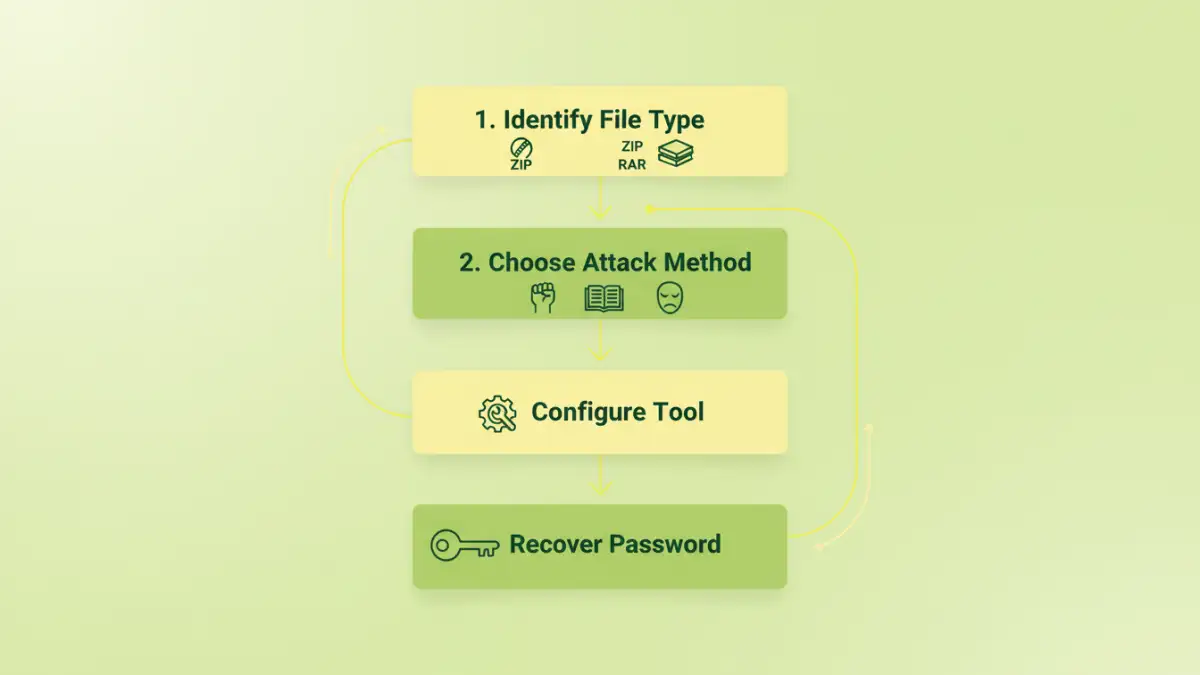
Before diving into tools, it's important to grasp why this is a difficult problem. Modern encryption standards, like AES-256 used in many ZIP and RAR formats, are designed to be computationally infeasible to break. There's no magical 'backdoor' or universal key. Password recovery is a process of systematically guessing the password until the correct one is found.
The effectiveness of this process depends on the password's complexity and the computing power you can throw at it. A simple, six-character lowercase password might be found in minutes, while a 12-character password with mixed cases, numbers, and symbols could take centuries with current technology. This is why the features of the recovery tool are so critical.
Archive vs. Document Encryption
Password protection isn't one-size-fits-all. A ZIP or RAR archive password encrypts the entire container. In contrast, files like PDFs or Office documents can have different types of passwords: an 'owner' password that restricts printing or editing, and a 'user' password that prevents opening the file altogether. A good tool will specify which types it supports.
The Role of Encryption Strength
Older archive formats used weaker encryption that is now much easier to crack. However, most modern archives use robust algorithms like AES. A quality password recovery tool for encrypted files needs powerful methods to tackle this strong protection, as it cannot simply 'remove' the encryption without the correct password.
Core Features of Effective Recovery Software
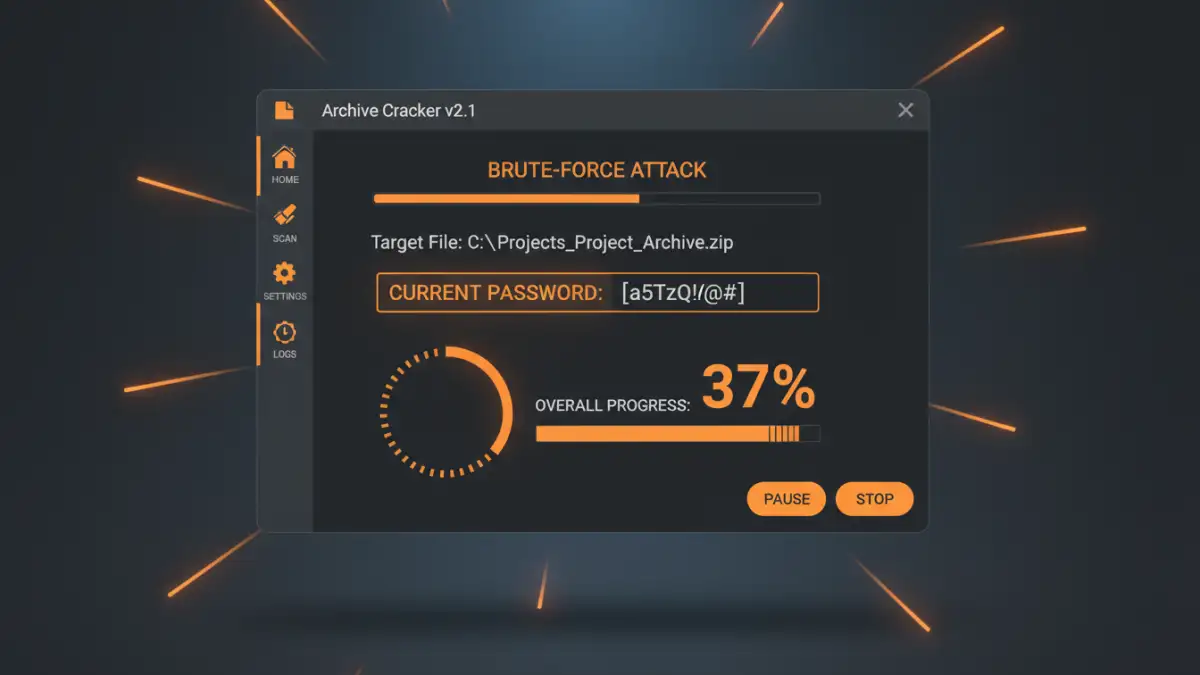
When you're evaluating an archive password recovery software, several features stand out. These are the technical capabilities that separate a genuinely useful tool from one that will just waste your time and processing cycles.
The most important feature is support for multiple attack types. A tool that only offers one method, like a brute-force attack, is severely limited. You also need support for a wide range of file formats, including various versions of ZIP, RAR, 7z, and even encrypted office documents or PDFs. The more formats it supports, the more versatile the tool is.
GPU Acceleration
Password recovery is a numbers game, and speed is everything. Modern graphics cards (GPUs) are designed for parallel processing, making them thousands of times faster at password guessing than a standard CPU. Any serious recovery tool must support GPU acceleration using technologies like NVIDIA CUDA or OpenCL. Without it, the recovery process can be impractically slow for anything but the simplest passwords.
Common Password Attack Methods Explained
A professional-grade tool doesn't just guess randomly. It uses intelligent strategies, known as attack methods, to dramatically narrow down the possibilities and accelerate the search for the correct password. Understanding these methods is key to using the software effectively.
Brute-Force Attack
This is the most basic method. The software tries every possible combination of characters. You can configure the character set (e.g., lowercase letters, numbers, symbols) and the password length. It's guaranteed to find the password eventually, but it's also the slowest method and is only practical for short, simple passwords.
Dictionary Attack
Many people use common words, names, or phrases as passwords. A dictionary attack uses a wordlist—a text file containing thousands or millions of potential passwords—and tries each one. A good zip password cracker or rar password remover will often come with built-in dictionaries and allow you to use your own custom lists. This method is much faster than brute-force if the password is a known word.
Mask Attack
This is arguably the most powerful method if you remember anything about the password. A mask attack is a variation of brute-force where you provide a pattern. For example, if you know the password started with 'Project', ended with '23!', and was 12 characters long, you could set the mask to 'Project??23!'. The software only has to guess the two unknown characters ('??'), reducing the search time from eons to seconds. This makes it an incredibly efficient file unlocker.
Choosing the Right Tool for the Job
The market has a range of options, from free command-line utilities to polished commercial software. Online services exist, but I personally advise against them for sensitive data due to privacy concerns—you have to upload your encrypted file to a third-party server.
For serious recovery attempts, desktop software is the way to go. Look for tools that have been recently updated, offer a free trial to test compatibility and speed, and clearly list their supported file types and GPU acceleration capabilities. The ability to save and resume a recovery session is also a must-have, as some searches can take days or even weeks.
Password Recovery Attack Method Comparison
| Attack Method | Speed | Requirements | Best For |
|---|---|---|---|
| Brute-Force Attack | Very Slow | Knowledge of password length and character set. | Very short passwords (under 7 characters) when nothing else is known. |
| Dictionary Attack | Fast | A comprehensive wordlist (dictionary). | Passwords based on common words, names, or phrases. |
| Mask Attack | Extremely Fast | Partial knowledge of the password structure (e.g., starting characters, length). | When you remember parts of the password but not the whole thing. |
| Hybrid Attack | Variable | Combines dictionary words with affixes (e.g., 'password123'). | Common words combined with numbers or symbols. |