
It’s a scenario I've seen play out many times: you stumble upon an old, important archive file, maybe a backup from years ago, only to be stopped by a password prompt. Your mind goes blank. That password, which seemed so clever at the time, is now a digital ghost, locking you out of your own data. This is a common and frustrating problem, but it's not always a dead end.
Unlike a forgotten password for an online service that you can reset, an encrypted RAR file has no backdoor. The security is designed to be robust. However, there are systematic approaches we can take to try and reclaim access. Let's walk through the process, from the simple to the more technically involved.
Table of Contents
Understanding RAR Encryption
Before diving into recovery methods, it’s crucial to understand what you're up against. Modern RAR files (RAR5 standard) use AES-256 encryption, which is the same standard used by governments and financial institutions. It is, for all practical purposes, unbreakable by direct assault. There's no known mathematical shortcut to reverse the encryption without the key (your password).
This means our only viable option is to find the password itself. The recovery process isn't about 'breaking' the encryption but rather about systematically guessing the password until we find the correct one. The difficulty of this task is directly proportional to the length and complexity of the original password.
The Impact of Password Complexity
A password like "12345" might be found in seconds. A password like "MyDogFido!" could take minutes or hours with a good wordlist. However, a truly random password like "8$k#zP@vTq9&" could take centuries to crack with current consumer hardware. This is why the initial steps involve leveraging what you might remember about your own password habits.
File Headers and Data Encryption
In a password-protected RAR archive, you can often see the list of files inside, but you cannot extract or view their contents. This is because the file data itself is encrypted. Some older versions or settings might also encrypt the file headers, hiding the file list, which adds another layer of obscurity but doesn't fundamentally change the password recovery process.
Initial Recovery Strategies
Before deploying heavy-duty software, always start with the basics. It's surprising how often these simple methods work, especially if you were the one who set the password. These manual attempts cost nothing but a little time and can save you a lot of effort.
The Manual Guessing Game
Start by trying all the passwords you commonly use or have used in the past. Think about patterns you follow:
- Do you often use a base word with a year or number at the end (e.g., "Summer2015", "ProjectX2020!")?
- Do you incorporate names of family, pets, or significant places?
- Consider common substitutions, like 'e' for '3' or 'a' for '@'.
- Don't forget to check for case sensitivity. "Password" is different from "password".
Create a small text file and list out every potential password you can think of. Be systematic. This is your personal dictionary and the most likely place to find the answer quickly.
Using Specialized Recovery Software
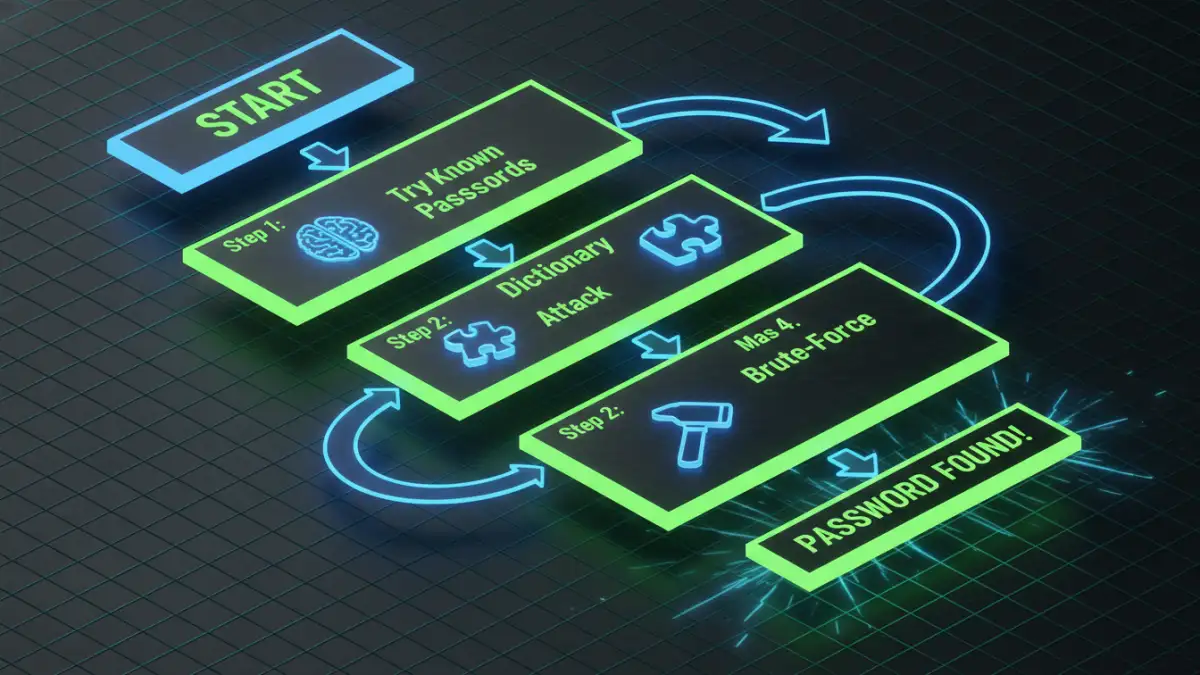
If manual guessing fails, it's time to automate the process with specialized tools. These applications are designed to run through thousands or even millions of password combinations per second. They typically employ a few core methods to find a lost rar file password.
There are many tools available, such as RAR Password Cracker or PassFab for RAR. Most offer a free trial that might let you recover short passwords, but for anything complex, you'll likely need a paid version that unlocks full capabilities, especially GPU acceleration.
Method 1: Dictionary Attack
A dictionary attack uses a wordlist (a simple text file with one word or phrase per line) and tries every entry as the password. This is highly effective if the password is a common word, name, or phrase. You can find massive wordlists online (like the famous RockYou list) or, even better, use the personal list you created during the manual guessing phase.
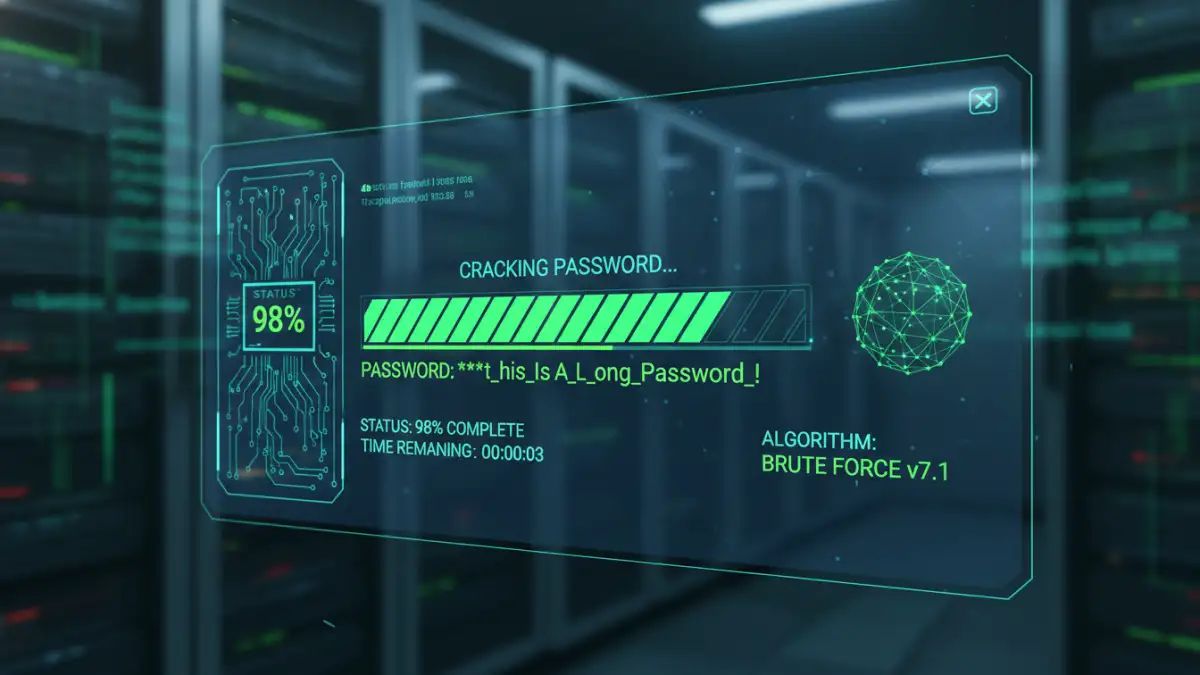
Method 2: Brute-Force Attack
This is the most exhaustive method. The software attempts every possible combination of characters. A pure brute-force attack is incredibly time-consuming, but you can narrow it down significantly if you remember anything about the password. This is often called a "Mask Attack." For example, if you know the password was 8 characters long, started with a capital letter, and ended with two digits, you can configure the software to only try combinations that fit that pattern. This dramatically reduces the search time.
For these attacks, having a powerful graphics card (GPU) is a game-changer. Modern GPUs are designed for parallel processing and can test passwords orders of magnitude faster than a CPU, turning a year-long search into a matter of days or hours.
Preventative Measures for the Future
Going through a RAR password recovery process is a lesson in itself. Once you (hopefully) regain access to your files, it's essential to implement a strategy to avoid this situation in the future. Locking yourself out of your own data is a hassle you don't need.
The best solution I've found, both for myself and for teams I've worked with, is using a password manager. Tools like Bitwarden, 1Password, or KeePass can generate and securely store highly complex, random passwords. When you create an encrypted archive, you can save the password in your manager's vault under a descriptive name like "Project Archive 2018 - RAR Password." This way, you get the benefit of strong encryption without relying on your memory.
RAR Password Recovery Method Comparison
| Attack Method | How It Works | Best For | Potential Downside |
|---|---|---|---|
| Manual Guessing | Trying common or remembered passwords by hand. | Passwords you created yourself and might vaguely remember. | Extremely limited; only works for simple or familiar passwords. |
| Dictionary Attack | Uses a predefined list of words, phrases, and common passwords. | Passwords that are real words or common combinations. | Useless if the password is random or not in the wordlist. |
| Brute-Force (Mask) | Tries every possible character combination within a defined set of rules (length, character types). | When you remember parts of the password, like its length or structure. | Can take an extremely long time if the mask is not specific enough. |
| Brute-Force (Pure) | Tries every single possible character combination. | A last resort when you know nothing about the password. | Impractical for passwords longer than 7-8 characters due to time. |