
I recently helped a colleague who found a critical project archive from 2002, only to be blocked by a password nobody could remember. This scenario is surprisingly common. Files created in Office 97, 2000, or 2003 use encryption methods that were considered adequate at the time but are now understood to be fundamentally weak. Unlike modern AES encryption, this older protection can often be bypassed.
For anyone dealing with these legacy formats, getting back into a locked file isn't a matter of 'if,' but 'how.' The process is more about exploiting known vulnerabilities than a brute-force guessing game. Let's walk through why this is possible and the steps you can take to regain access to your valuable data.
Table of Contents
Understanding Legacy Office Encryption
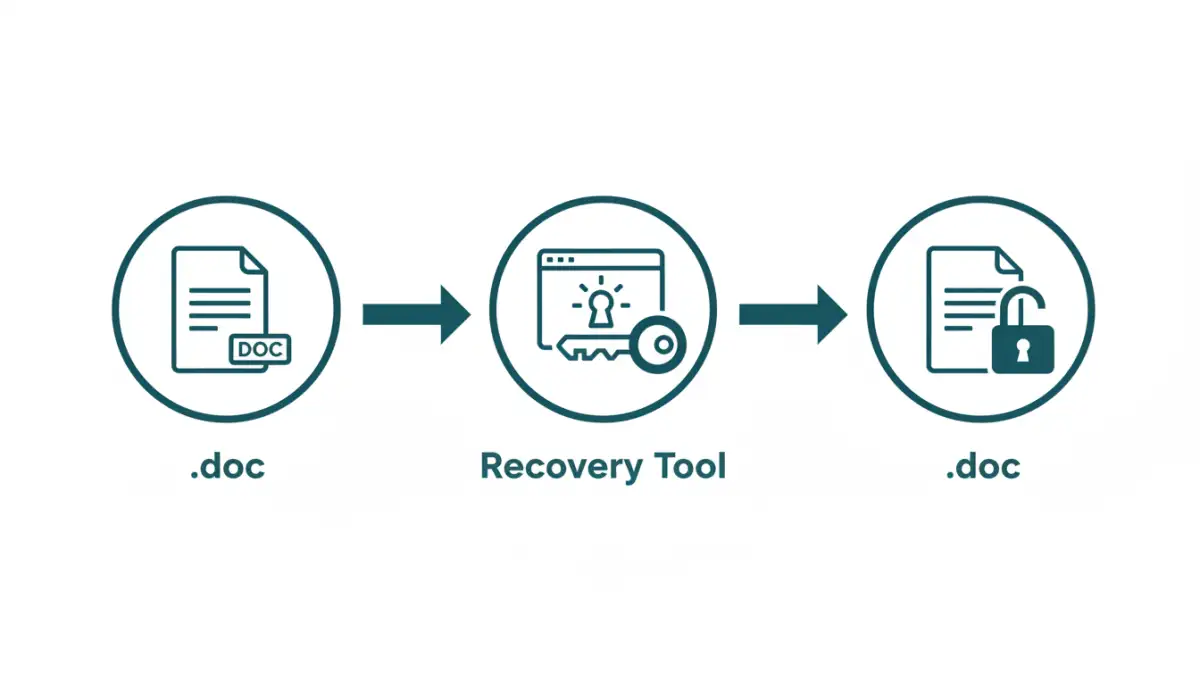
The security of any password-protected file hinges on its encryption algorithm. Office 97-2003 documents primarily used a stream cipher called RC4 with a 40-bit key. At the time, this was a standard choice, but by modern cryptographic standards, a 40-bit key is incredibly short and susceptible to attack.
The core issue is how the software derived this encryption key from your password. The process was flawed and didn't incorporate sufficient 'salting' or 'stretching,' making it vulnerable to pre-calculation attacks. This means that instead of trying every possible password (brute force), a tool can attack the much weaker encryption key directly. This is the fundamental reason why an old office document password can often be recovered in minutes or even seconds.
The Key Derivation Flaw
Without getting too deep into cryptography, the process converted your text password into the 40-bit key in a predictable way. Because of this, attackers could create massive databases, often called 'rainbow tables,' that map potential encryption keys back to the passwords that create them. Modern tools exploit these and other related cryptographic weaknesses to bypass the protection entirely.
Types of Passwords in Old Office Files

It's important to identify what kind of lock you're dealing with, as Office offered several types of protection. The recovery approach may differ slightly depending on the type of password you need to bypass.
Password to Open
This is the most common and stringent type of protection. It encrypts the entire document's contents, and without the password, the file is unreadable. This is the type of password that recovery tools are most effective against due to the weak RC4 encryption discussed earlier. When you need to recover an xls password to view its data, this is the lock you're breaking.
Password to Modify
This password doesn't encrypt the file. Instead, it prevents users from making and saving changes to the document. The file can still be opened in read-only mode. Often, this protection is much easier to bypass. Sometimes, simply saving the document under a new name using 'Save As' is enough to remove this restriction, though some files may require a tool to unlock doc file modification privileges.
Effective Password Recovery Methods
Given the known vulnerabilities, several tools and techniques have been developed for office 2003 password recovery. These methods focus on attacking the encryption key rather than the password itself, making them highly efficient.
The most reliable approach is using specialized desktop software. Applications from companies like Elcomsoft or Passware are designed specifically for this task. They use optimized algorithms to exploit the RC4 weaknesses and can often find the key almost instantly. These tools run locally on your machine, which is a significant security advantage as your sensitive document never leaves your computer.
Another option is online recovery services. You upload your locked file to a website, and their servers perform the recovery process. While convenient, this method poses a significant privacy risk. You are sending your potentially confidential data to a third party, so this should only be considered for non-sensitive documents. Always read the privacy policy of any such service before uploading a file.
Risks and Important Considerations
While recovering access to your files is the goal, it's crucial to proceed with caution. The internet is filled with free tools claiming to unlock your files, but many contain malware, spyware, or adware. Always stick to reputable, well-reviewed software or services.
As mentioned, the biggest risk with online tools is data privacy. Never upload documents containing financial records, personal identification, or proprietary business information to a service you don't fully trust. For sensitive files, local desktop software is the only recommended path. Finally, remember that these techniques are intended for recovering access to your own documents where you have forgotten the password. Using them to access files you don't have permission for is unethical and likely illegal.
Recovery Tools Comparison
| Method | Security Risk | Typical Speed | Best For |
|---|---|---|---|
| Reputable Desktop Software | Low | Seconds to minutes | Sensitive or important documents |
| Online Recovery Services | High | Minutes | Non-sensitive files where convenience is key |
| Free/Unknown Utilities | Very High | Varies | Not recommended due to malware risk |
| Manual Hex Editing | Low | Hours (for experts) | Experts trying to bypass 'Password to Modify' |