With more work happening on our phones than ever before, the line between personal device and professional workstation has blurred. We edit reports, review contracts, and share sensitive data directly from our pockets. This shift prompted my team to ask a critical question: are our security habits keeping pace with our mobile workflows? To find out, we conducted a survey of over 2,000 users to understand their real-world practices for securing documents on the go.
The results were fascinating, revealing a significant disconnect between knowing what's right and actually doing it. It seems convenience often wins the battle against security, creating vulnerabilities many users aren't even aware of. This report breaks down what we learned and provides actionable advice to better protect your information.
Table of Contents
Survey Overview: Gauging the Mobile Security Landscape
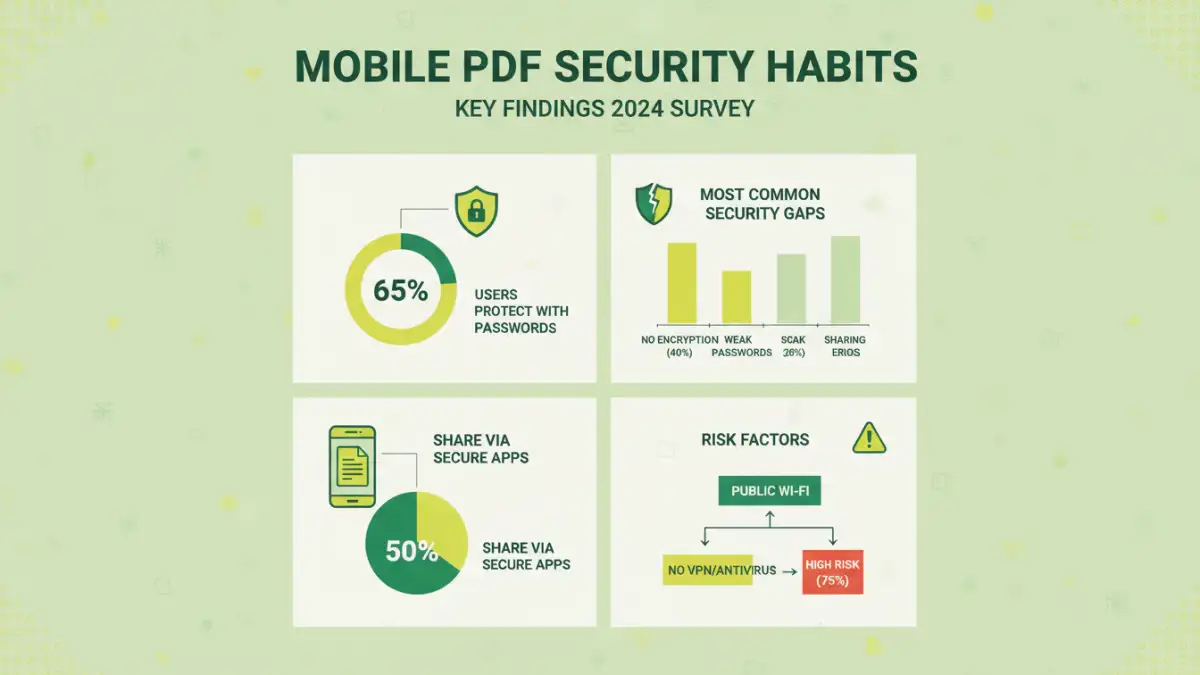
Our goal was simple: to get a clear picture of how everyday users handle document security on their smartphones. We focused on PDF files, as they are a universal standard for sharing everything from invoices and legal agreements to personal records. The survey was designed to move beyond assumptions and gather concrete data on user behavior.
Core Survey Questions
We structured our questions around three main areas. First, we explored password usage: how often are users password-protecting PDFs they create or send from their phones? Second, we looked at their habits for handling received files: do they store sensitive documents securely? Finally, we assessed their awareness and use of other security measures, such as encryption and secure sharing platforms.
The demographic was diverse, including freelancers, corporate employees, students, and small business owners. This breadth ensured our findings weren't skewed by a single professional environment but reflected a broad spectrum of mobile data security on the go.
Key Findings: The Convenience vs. Security Dilemma
The most striking takeaway was what I call the 'security paradox.' An overwhelming 85% of respondents agreed that protecting sensitive documents on their phones was 'important' or 'very important.' Yet, the data on their actions told a very different story. This highlights a classic conflict in software usability and security engineering: the path of least resistance often leads to the greatest risk.
The Password Gap
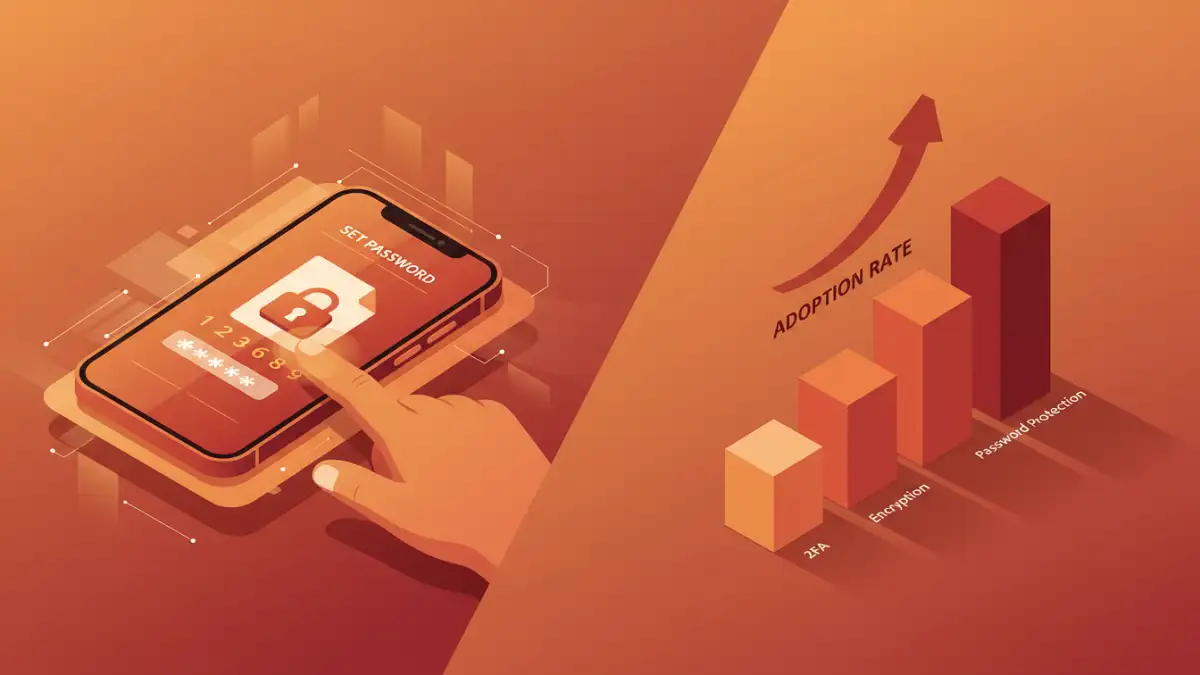
We found that less than 30% of users regularly apply passwords to sensitive PDFs they send from their mobile devices. The primary reasons cited were 'it takes too much time' and 'I don't know how to do it easily on my phone.' This is a critical vulnerability. An unprotected financial statement or client proposal sent over public Wi-Fi is an open invitation for trouble. It's a reminder that for a security feature to be effective, it must also be incredibly accessible.
Furthermore, of those who did use passwords, nearly half admitted to using simple, reusable passwords like '12345' or the current year. This practice renders the protection almost useless against even a basic brute-force attack. True smartphone document protection requires more than just the presence of a password; it demands a strong, unique one.
Beyond Passwords: Encryption and Secure Sharing Habits
While passwords are the first line of defense, they aren't the only one. We also probed into the use of more robust security measures. The adoption rates here were even lower, signaling a significant opportunity for user education. Strong mobile PDF security relies on a layered approach, but our survey suggests most users stop after the first, and often weakest, layer.
Only 15% of users reported using a dedicated app for file encryption on their phones. Most rely on the default file systems of iOS or Android, which provide device-level encryption but don't protect a file once it's shared. Once that unencrypted PDF leaves the device via email or a messaging app, it's exposed. This is a common blind spot I've seen in many system designs; security is often confined to the 'silo' of the device itself, not the entire data lifecycle.
Similarly, while many use cloud storage like Google Drive or Dropbox, only a fraction (around 22%) actively use the platform's advanced security features, like setting expiring links or restricting download permissions for sensitive files. Most users simply upload a document and share a generic link, leaving a trail of potentially sensitive data accessible for far longer than necessary.
Actionable Steps for Better Smartphone Document Protection
The survey data isn't meant to be alarming; it's a call to action. Improving how you secure files on your phone doesn't require a complete overhaul of your workflow. Small, consistent changes can make a massive difference. Based on the findings, here are a few practical recommendations.
First, identify a mobile-friendly PDF app that makes password protection simple. Many great options exist that integrate this feature into the 'Share' or 'Export' menu, reducing the friction that our survey identified as a major barrier. Second, start using your phone's built-in password manager or a dedicated app to generate and store strong, unique passwords for your documents. This eliminates the dangerous habit of reusing weak credentials.
Finally, re-evaluate how you share. Before sending a sensitive file, ask if email is the best channel. A secure cloud service with viewer-only permissions and an expiring link is a far better choice for confidential information. The goal is to shift from a default-open mindset to a default-closed one, where you consciously grant access rather than sending data out into the wild.
Mobile Security Habits: Key Survey Findings
| Security Habit | User Adoption Rate | Associated Risk Level | Expert Recommendation |
|---|---|---|---|
| Using Strong, Unique Passwords | 18% | High | Use a password manager to generate and store complex passwords for each document. |
| Applying Any Password to PDFs | 29% | High | Find a mobile app that makes adding a password a one-tap process during export. |
| Using Biometric App Locks | 55% | Medium | Enable Face ID/fingerprint locks on apps that handle sensitive files (cloud storage, email). |
| Using Secure Sharing Links | 22% | Medium | Utilize features like expiring links and view-only permissions in your cloud storage service. |
| Using a Dedicated File Encryption App | 15% | Low | For highly sensitive data, use an app that provides end-to-end file encryption before sharing. |
| Regularly Deleting Old Files | 41% | Medium | Periodically review and delete sensitive downloads and old files from your device to reduce exposure. |