
Navigating the complexities of securing digital documents involves more than just passwords. In my work as a software engineer, I've encountered numerous situations where ensuring the integrity and controlling access to sensitive files is paramount. This often leads to discussions about digital signatures and how they interact with permissions to create robust security frameworks.
When we talk about sharing important contracts, financial reports, or confidential proposals, simply emailing a file isn't enough. We need to know who has viewed it, who has approved it, and who can make further changes. This is where understanding digital signatures and the underlying principles of legal document permissions becomes crucial for both technical and non-technical users.
Table of Contents
Understanding the Basics
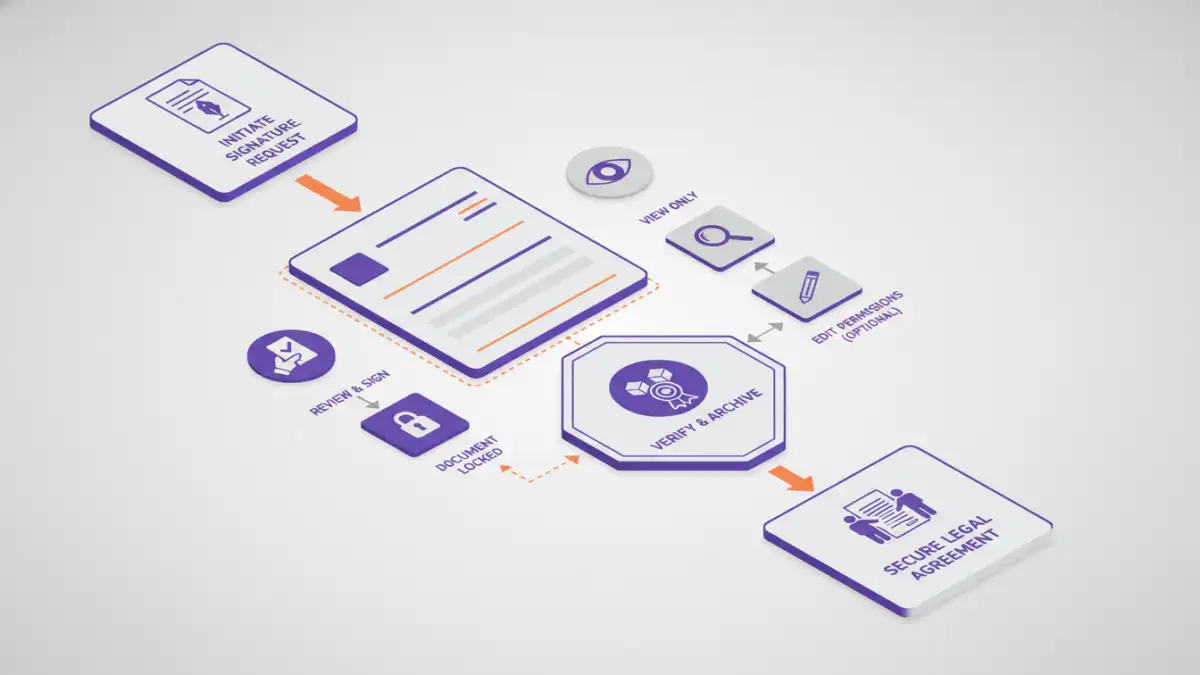
At its core, document security is about protecting information from unauthorized access, modification, or disclosure. This encompasses a wide range of techniques, from simple password protection to sophisticated encryption and access control mechanisms. The goal is to ensure that only intended recipients can interact with the document in specific ways.
Key Concepts in Document Security
Two fundamental pillars of digital document security are authentication and authorization. Authentication verifies the identity of a user or system, confirming they are who they claim to be. Authorization, on the other hand, determines what actions an authenticated user is permitted to perform on a document – whether it's read-only access, editing capabilities, or the ability to grant further permissions.
The Role of Digital Signatures
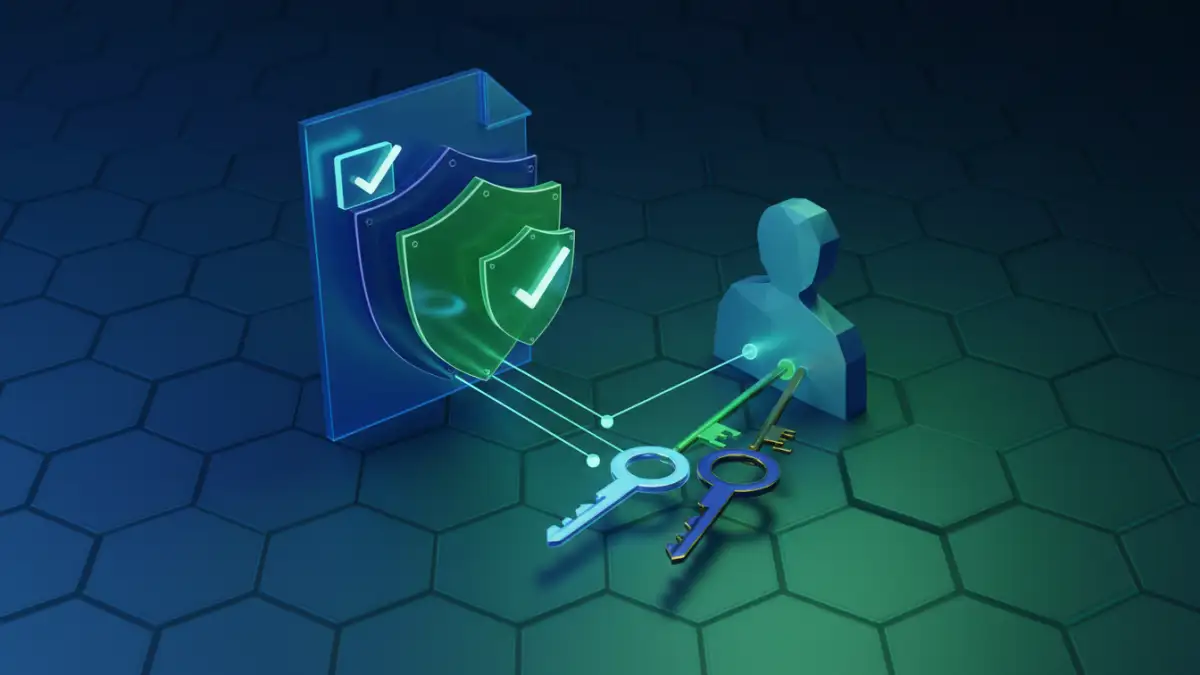
Digital signatures are a critical tool for ensuring the authenticity and integrity of electronic documents. They use cryptographic principles to provide a verifiable link between a document and the signer. This is far more robust than a scanned signature, as it's computationally infeasible to forge a digital signature without access to the signer's private key.
Ensuring Authenticity and Integrity
When a document is digitally signed, it creates a unique digital fingerprint. Any alteration to the document after signing will invalidate the signature, immediately alerting the recipient to potential tampering. This process provides strong evidence of the document's origin and confirms that its content has not been altered since it was signed. This is essential for legally binding documents where trust and verifiability are paramount.
The concept of digital signature rights is often tied to the control and verification of these signatures. It's not just about applying a signature, but about having the legal standing and technical means to prove its validity and the signer's intent. This is where electronic document law comes into play, defining the legal weight and acceptance of digitally signed documents.
Managing Legal Document Permissions
Beyond mere signing, controlling who can do what with a document is a vital aspect of its lifecycle. Legal document permissions dictate the level of access granted to different users or groups. This can range from simple read access to full edit rights, or even the ability to grant sub-permissions to others.
Granular Access Control
Modern document management systems and cloud storage platforms offer sophisticated permission settings. You can often specify individual users or groups and assign them specific roles, such as viewer, commenter, editor, or owner. This granular control is essential for collaborative projects and for maintaining confidentiality, ensuring that only authorized personnel can access or modify sensitive information.
When dealing with signed document legal requirements, understanding these permissions is key. For instance, a document might be signed by an authorized party, but subsequent edits might need to be approved by a different set of individuals, all managed through carefully defined permissions.
Implementing Secure Practices
Integrating digital signatures and robust permission management requires a thoughtful approach. Often, this involves leveraging existing software features or adopting specialized tools. For instance, many PDF editors allow for digital signing and setting basic password protections, while more advanced enterprise solutions offer comprehensive access control workflows.
Tools and Technologies
From built-in features in operating systems and office suites to dedicated cloud-based services like DocuSign or Adobe Acrobat Sign, the options for implementing secure document handling are vast. My experience suggests that the best solution often depends on the specific needs, budget, and technical expertise of the user or organization.
Legal and Ethical Considerations
The legal standing of digital signatures and electronic documents is well-established in many jurisdictions through laws like the ESIGN Act in the US and eIDAS regulation in Europe. These frameworks provide the legal basis for electronic document law, recognizing digital signatures as legally equivalent to handwritten ones under specified conditions.
Compliance and Trust
Ensuring compliance with relevant electronic document law is crucial for any organization relying on digital transactions. This includes understanding the requirements for valid digital signatures, maintaining audit trails, and respecting data privacy regulations. Properly managed legal document permissions, alongside secure digital signatures, build trust and ensure that documents are handled ethically and legally throughout their lifecycle.
Comparison Table: Document Security Features
| Feature | Basic Password Protection | Digital Signatures | Granular Permissions | Encryption |
|---|---|---|---|---|
| Purpose | Restricts access to authorized users | Verifies authenticity and integrity | Controls specific user actions | Secures data from unauthorized viewing |
| Authentication | Password-based | Cryptographic (private key) | User/Group-based (often within a system) | Key-based (symmetric/asymmetric) |
| Integrity Check | Limited (if password is weak) | High (tamper-evident) | High (tracks changes) | High (detects corruption) |
| Ease of Use | Easy | Moderate (requires setup) | Moderate (requires system configuration) | Varies (from simple to complex) |
| Legal Validity | Varies by context | High (with proper implementation) | Supports legal processes | Supports data protection laws |