I once worked with a legal firm that sent a sensitive contract to the wrong recipient. The document was password-protected, but the password was in a follow-up email—a classic security misstep. It highlighted a fundamental weakness: a single point of failure. This got me thinking about how we can build more resilient security directly into our documents, moving beyond just a simple string of characters.
The conversation is now shifting towards layered security models. Combining something you know (a password) with something you are (a biometric marker) brings a new level of defense to our most critical files. But is it practical, and how does it actually work?
Table of Contents
Understanding the Security Layers
Before combining security methods, it's essential to understand what each layer brings to the table. Traditional password protection has been the standard for decades, but biometrics offers a fundamentally different approach to identity verification.
Traditional Password Security
Passwords are the most common form of digital security. For PDFs, this usually involves setting a password that is required to open the document (an owner password) or another password to restrict actions like printing or editing (a permissions password). The security of this method relies entirely on the strength and secrecy of the password. A weak or shared password can easily compromise the document.
The Biometric Advantage
Biometrics use unique biological characteristics for identification. This includes fingerprints, facial recognition, iris scans, or even voice patterns. Unlike a password, a biometric marker is intrinsically tied to an individual and cannot be easily forgotten, lost, or shared. In the context of document security, it verifies that the person attempting to open the file is physically present and authorized.
How Biometric and Password PDF Protection Works
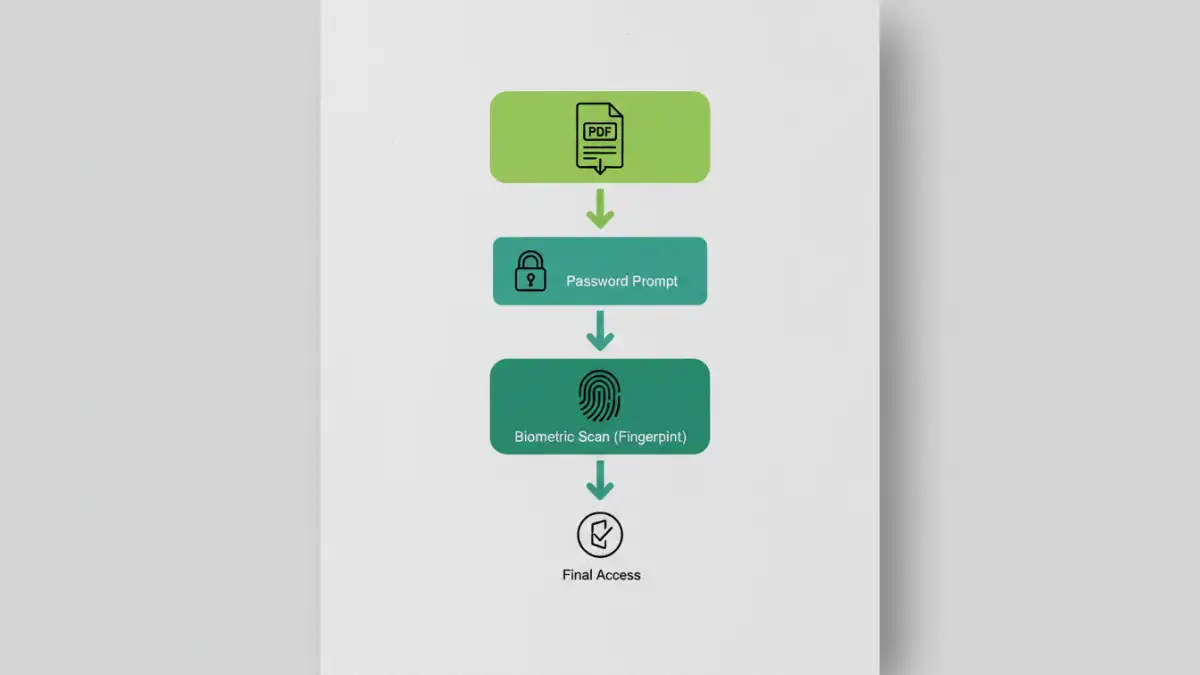
Combining these two methods creates a form of multi-factor authentication for documents. Instead of relying on a single secret, the system requires two distinct forms of proof to grant access. The process typically works in a sequential manner, providing robust, layered security.
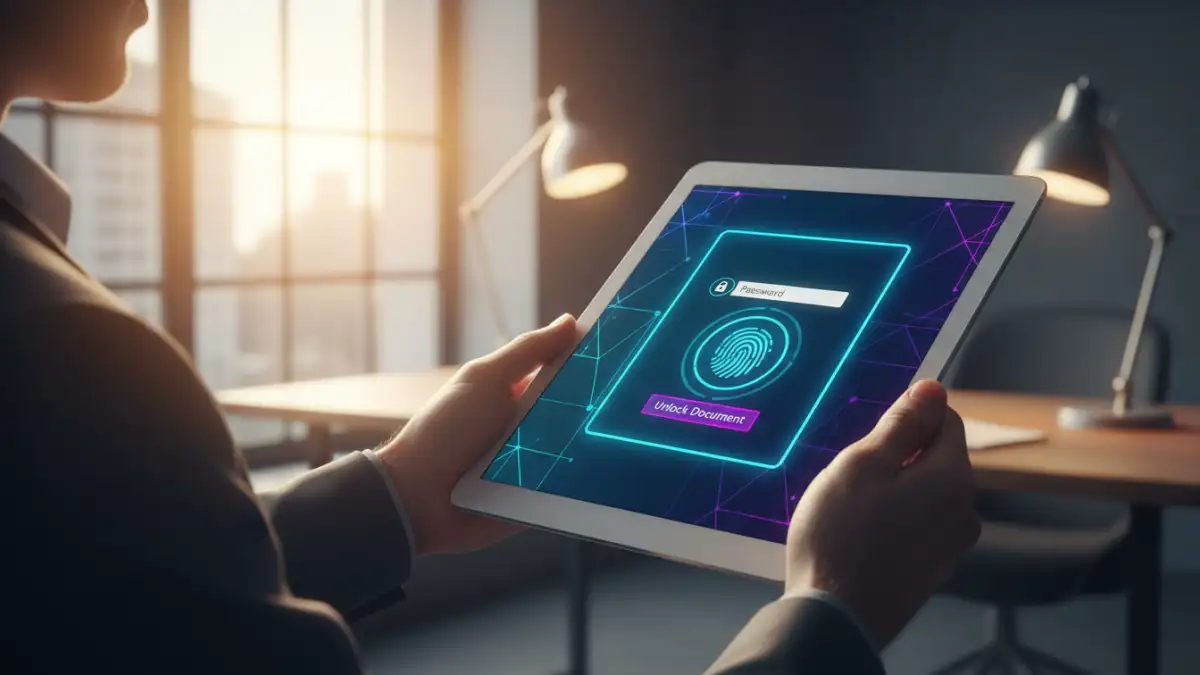
When a user tries to open a protected PDF, they are first prompted to enter the correct password. Once this first factor is successfully verified, a second prompt appears, requiring a biometric scan. This could be a fingerprint scan on a laptop or phone, or facial recognition via a webcam. Only after both the password and the biometric marker are validated does the document fully decrypt and open. This process ensures that even if a password is stolen, the document remains secure without the authorized user's physical presence.
The Real-World Benefits and Challenges
Adopting a two-factor PDF security model offers significant advantages, but it's not without its complexities. From a development standpoint, integrating these systems requires careful handling of sensitive biometric data and ensuring cross-platform compatibility.
Key Advantages of MFA for Documents
The most significant benefit is the massive leap in security. A compromised password alone is no longer enough to breach the document's security. This is critical for highly sensitive information like financial records, intellectual property, or legal documents. It also improves non-repudiation, as it's much harder for someone to claim they weren't the one who accessed a file when a biometric marker was required.
Potential Challenges to Consider
The primary challenge is technology dependency. Both the sender and receiver must have compatible hardware (like a fingerprint reader) and software that supports this specific type of encryption. This can create friction in collaborative environments. Furthermore, there are privacy considerations regarding how and where biometric data is managed. Most secure systems use on-device verification, meaning the biometric data never leaves the user's device, but this needs to be implemented correctly.
Implementation: Tools and Current Landscape
Currently, native support for two-factor authentication directly within the PDF standard is limited. Most mainstream PDF readers like Adobe Acrobat don't offer built-in biometric locks as a standard feature. Instead, this level of enhanced file encryption is typically achieved through third-party software, Digital Rights Management (DRM) platforms, or custom enterprise solutions.
These systems often wrap the PDF in a secure container. The container application manages the authentication process—checking the password and then calling on the device's operating system to handle the biometric verification—before releasing the decrypted file to a viewer. As demand for stronger document security grows, we can expect to see more integrated solutions become available, simplifying the user experience and making this technology more accessible.
Security Method Comparison
| Security Method | Security Level | Convenience | Best For |
|---|---|---|---|
| Password Only | Moderate | High | General purpose, everyday documents. |
| Biometric Only | High | Very High | Device-specific access where speed is critical. |
| Combined Biometric + Password | Very High | Moderate | Highly sensitive data like legal, financial, or medical records. |
| No Protection | None | Highest | Publicly shared, non-sensitive information. |