I recently helped a colleague who was completely locked out of a critical encrypted project file. They'd forgotten a password set years ago, and after dozens of failed attempts, panic set in. It was a classic case of password amnesia, a problem I've seen countless times. This reliance on complex, yet forgettable, strings of characters is precisely why the move towards biometrics is so significant for document security.
Instead of what you know (a password), biometric authentication relies on who you are—your unique biological traits. This shift doesn't just add convenience; it fundamentally changes the strength and accessibility of your file protection strategy.
Table of Contents
Why Traditional Passwords Fall Short
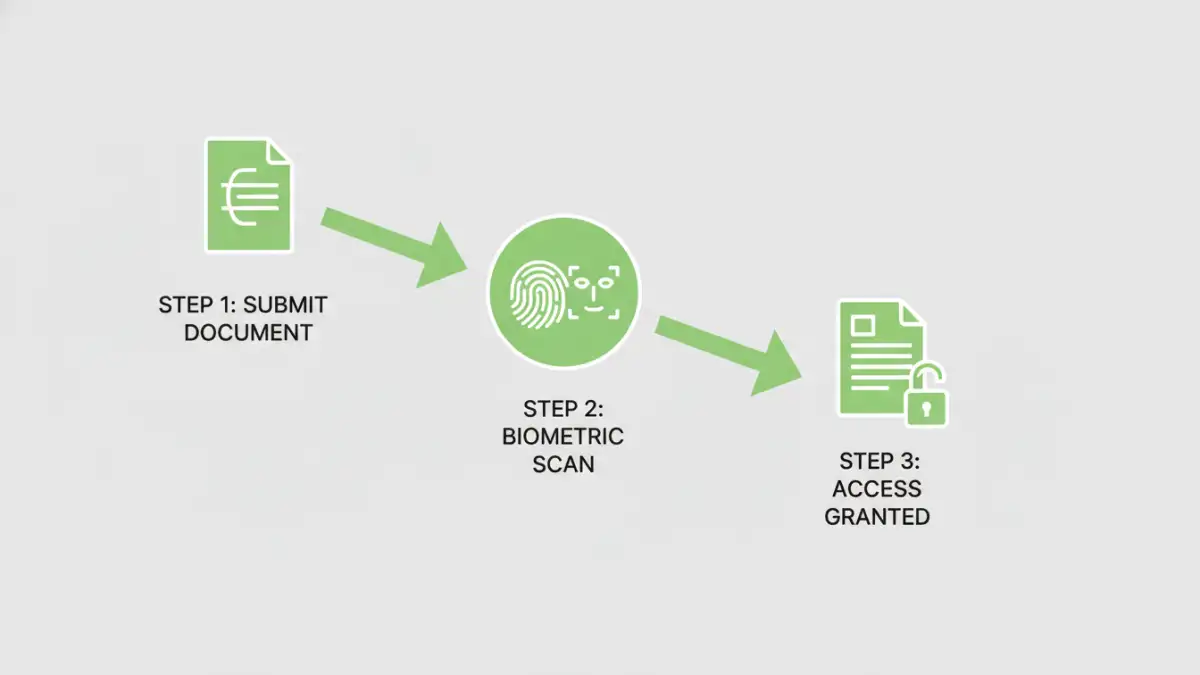
For decades, passwords have been the default gatekeepers for our digital lives. However, they are inherently flawed. The core issue is the constant trade-off between security and memorability. A strong password is long, complex, and difficult to remember. A memorable password is often simple and easy for attackers to guess or crack using brute-force algorithms.
This leads to password fatigue and poor security habits, such as reusing the same password across multiple services or writing them down on sticky notes. From a software engineering perspective, we've built countless systems to enforce complexity, but we're fighting against human nature. The result is a security model that is often cumbersome and surprisingly fragile against modern threats like phishing.
Understanding Biometric Authentication
Biometric authentication uses unique physiological or behavioral characteristics to verify a person's identity. Unlike a password, which can be stolen or shared, these traits are intrinsically tied to you. This is a core component of what many now call next gen authentication.
Common Biometric Modalities
Several types of biometrics are now common in consumer devices, making them accessible for securing personal and professional files. These include:
- Fingerprint Scanning: One of the most mature and widely adopted biometric technologies. Modern sensors are fast and highly accurate, making tasks like achieving fingerprint PDF access quick and seamless.
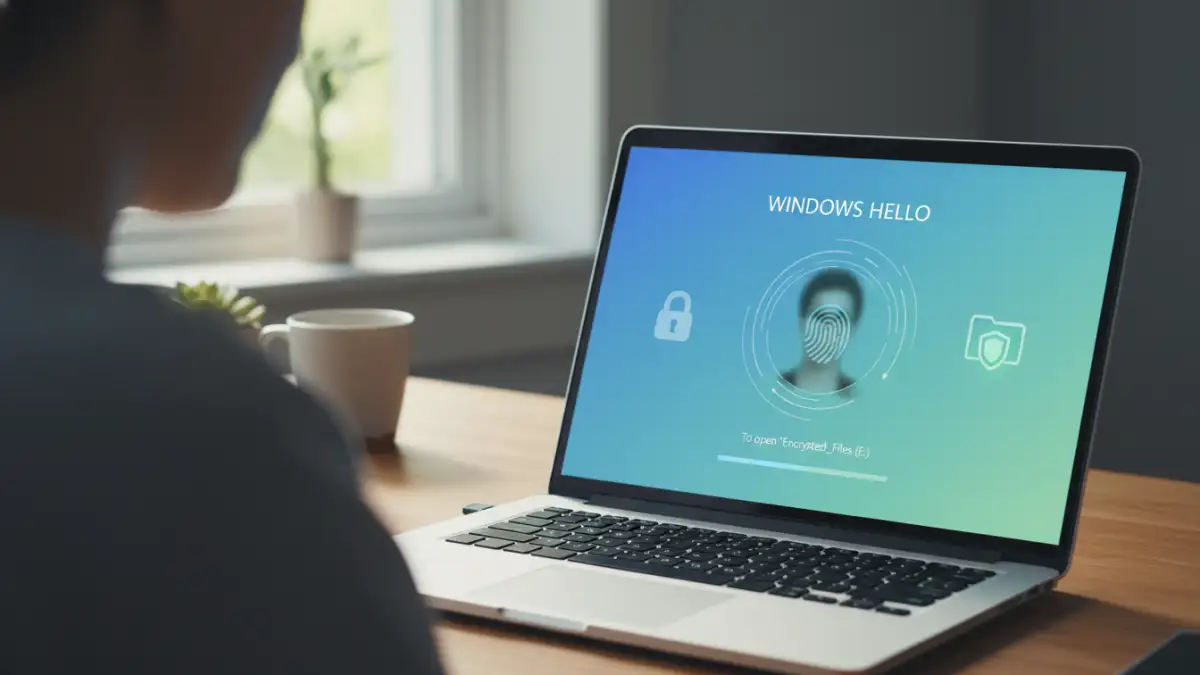
- Facial Recognition: Popularized by systems like Apple's Face ID and Windows Hello, this method uses advanced sensors and algorithms to map the unique geometry of your face. It's a key technology for securing facial recognition documents.
- Iris and Retina Scanning: Though less common in consumer devices, these methods offer an extremely high level of accuracy by scanning the unique patterns in your iris or the blood vessels in your retina.
- Voice Recognition: Analyzes the unique characteristics of a person's voice, including pitch, frequency, and cadence.
The beauty of these systems is that the raw biometric data (like your fingerprint image) rarely leaves your device. Instead, a secure process creates a mathematical representation, or template, which is encrypted and stored locally in a secure enclave. When you authenticate, a new scan is compared against this stored template.
Practical Ways to Secure Files with Biometrics
Integrating biometrics into your file security workflow is becoming easier. You don't need to be a security expert to start implementing passwordless file protection. Most solutions leverage the hardware you already own.
Operating System-Level Integration
Modern operating systems have robust biometric frameworks built-in. Windows Hello (Windows 10/11) and Touch ID/Face ID (macOS/iOS) are prime examples. You can use these to secure your entire device, but also for individual files and applications.
For instance, you can use built-in encryption tools like BitLocker (Windows) or FileVault (macOS) and unlock your encrypted drive using your face or fingerprint. Some applications, like certain password managers or secure notes apps, also hook into these OS-level systems to protect their data, allowing you to unlock your vault with a simple touch.
Third-Party Software and Cloud Services
A growing ecosystem of third-party applications provides dedicated biometric security for files. These tools often create encrypted containers or vaults on your hard drive. To access the files inside, you must authenticate using your fingerprint or face instead of typing a master password. This is a fantastic way to protect a specific folder of sensitive documents without encrypting your entire system.
Similarly, some cloud storage providers are integrating biometrics to secure their desktop and mobile apps. This adds a crucial layer of security, ensuring that even if someone gains access to your unlocked computer, they can't open your cloud storage folder without biometric verification.
Benefits and Security Considerations
The primary benefit of biometrics is the combination of enhanced security and superior convenience. There are no complex passwords to forget, and access is nearly instantaneous. This streamlined experience encourages better security practices because it removes the friction associated with traditional methods.
However, it's important to understand the limitations. Biometric data, if compromised, cannot be changed like a password. This is why on-device storage and encryption of biometric templates are so critical. It's also why many high-security systems use biometrics as part of a multi-factor authentication (MFA) strategy, combining it with a PIN or a physical security key for the ultimate protection.
Authentication Method Comparison
| Authentication Method | Security Level | Convenience | Best For |
|---|---|---|---|
| Passwords | Moderate to High (if complex) | Low | Basic security, legacy systems |
| PINs | Low to Moderate | Moderate | Device unlock, ATM access |
| Biometrics (Fingerprint/Face) | High | High | Device and file access, passwordless file protection |
| Physical Keys (YubiKey) | Very High | Moderate | Securing critical online accounts |
| Multi-Factor (Biometric + PIN) | Very High | Moderate | Protecting highly sensitive data and systems |