Have you ever needed to send a sensitive document, like a contract or a financial report, and worried about who might see it? In my work, I handle confidential technical specifications and project plans daily. Ensuring these documents are only seen by the intended recipients isn't just a best practice; it's a necessity. The problem has always been finding a tool that is both simple and secure without a hefty price tag.
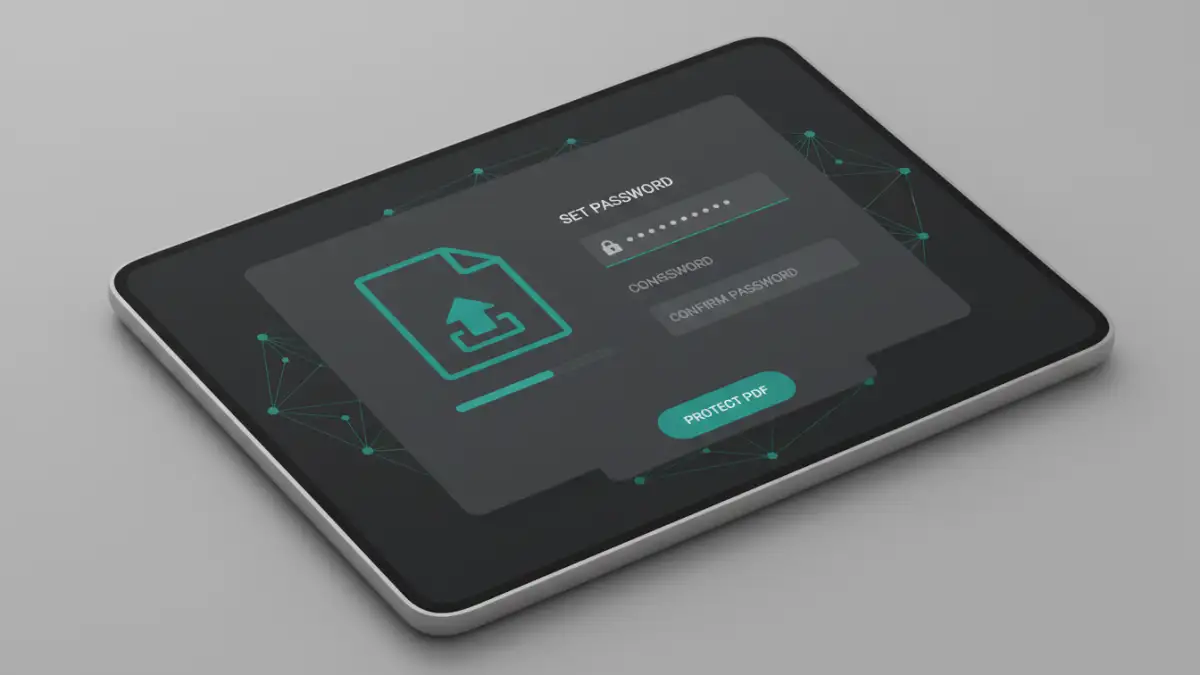
That's why our team decided to build a solution from the ground up. Today, I'm thrilled to announce a new project we've been working on—a straightforward, powerful, and completely free tool to password protect your PDF files. It’s designed for everyone, from individuals sending personal information to businesses securing client data.
Table of Contents
Why PDF Security Is More Important Than Ever
In an increasingly digital world, sharing information is seamless, but it also comes with risks. An unprotected PDF containing financial data, personal identification, or proprietary business information is a significant liability. A single data leak can lead to financial loss, identity theft, or damage to a company's reputation.
Proper encryption acts as the first line of defense. It ensures that even if a document falls into the wrong hands, its contents remain unreadable and useless without the correct password. This is crucial for meeting compliance standards like GDPR and HIPAA, which mandate the protection of personal data.
Beyond a Simple Lock
It's important to understand that not all PDF protection is the same. There are two main types of passwords: a user (or open) password, which is required to open the file, and an owner (or permissions) password, which restricts actions like printing, copying, or editing. A robust security strategy often involves both, and our new tool is built to handle this with ease.
Introducing DocuShield: Our New Document Protector
We are officially launching DocuShield, our brand-new, browser-based utility designed for one core purpose: to provide fast, reliable, and free pdf password protection. We saw a need for a tool that didn't require downloading clunky software or signing up for an expensive subscription. DocuShield is our answer.
This new document protector is built on modern web technologies, allowing all the encryption processing to happen securely without overwhelming your system. Our goal was to create something so intuitive that anyone could secure a document in under a minute. This free security release is our contribution to making the web a safer place for sharing information.
How It Works: A Simple Step-by-Step Guide
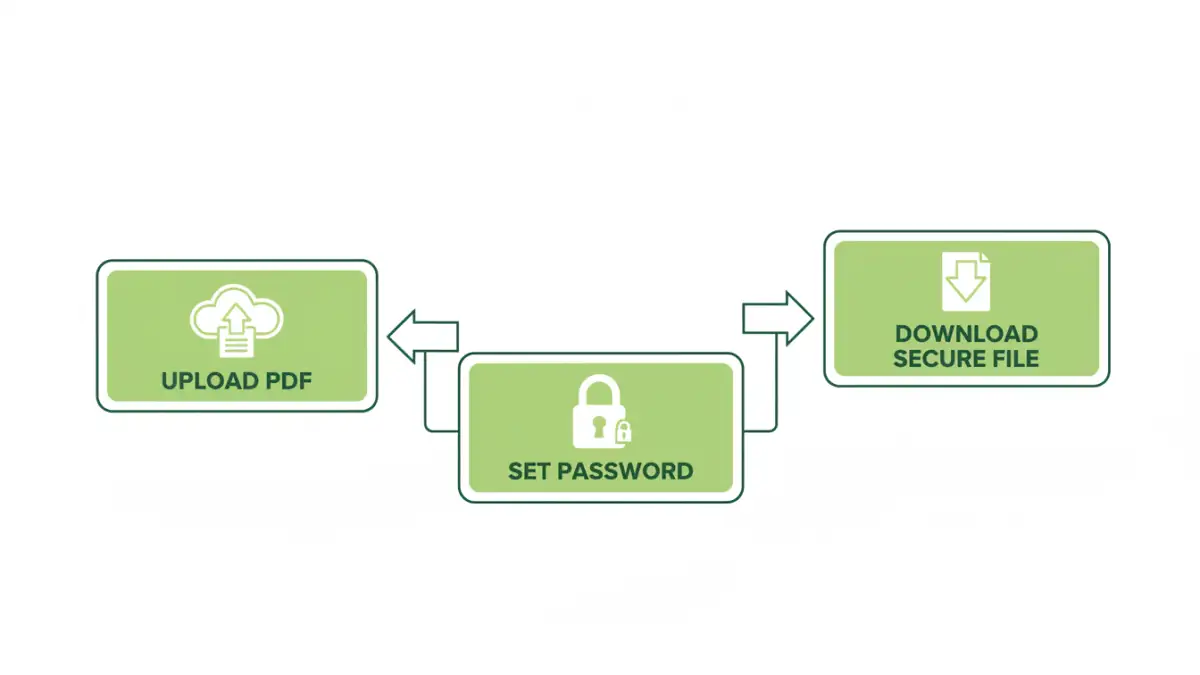
We designed the process to be as straightforward as possible. You don't need any technical knowledge to add a password to a PDF free of charge. The entire process takes just three simple steps.
- Upload Your PDF: Navigate to the tool's webpage and drag-and-drop your PDF file into the designated area or select it from your computer. Your file is immediately prepared for encryption over a secure connection.
- Set a Strong Password: You will be prompted to enter and confirm a password. We recommend using a strong, unique password with a mix of uppercase letters, lowercase letters, numbers, and symbols for maximum security.
- Download Your Secured File: Click the 'Protect PDF' button. Our tool will encrypt the file in seconds. Once complete, you can download the newly protected PDF, which will now require the password to be opened.
A Practical Example
Imagine you're a freelancer sending an invoice with your bank details to a client. Instead of sending it as an unprotected file, you can use DocuShield to quickly add a password. You then share the password with your client through a separate, secure channel (like a phone call or encrypted message). This simple step prevents the sensitive financial data on the invoice from being exposed if the email is ever intercepted or accidentally forwarded.
Key Features of Our Simple File Encryption Tool
While simplicity was our main goal, we didn't compromise on power or security. We packed DocuShield with essential features to make it a truly useful, simple file encryption tool for everyday needs.
- AES-256 Bit Encryption: We use one of the strongest encryption standards available, trusted by governments and security experts worldwide to protect classified information.
- Completely Browser-Based: There is nothing to download or install. It works on any modern web browser, including Chrome, Firefox, and Safari, across all operating systems.
- Intuitive User Interface: A clean, clutter-free design ensures you can protect your files without navigating complex menus or options.
- 100% Free: No hidden fees, no subscriptions, and no watermarks. The service is completely free to use for everyone.
Our Commitment to Security and Privacy
We understand that uploading sensitive documents to an online tool can be a concern. Privacy and security are at the core of DocuShield's design. We want to be transparent about how we handle your data.
All file transfers are secured using HTTPS. More importantly, your files are never stored permanently on our servers. They exist only for the duration of the encryption process and are automatically and permanently deleted from our systems one hour after processing. We do not read, analyze, or share your documents. Your privacy is paramount.
DocuShield Feature Comparison
| Feature | DocuShield (Our Tool) | Generic Online Tools | Desktop Software (e.g., Adobe Acrobat) |
|---|---|---|---|
| Cost | Completely Free | Often Free with Ads/Limits | Paid Subscription or One-Time Purchase |
| Installation | None (Browser-Based) | None (Browser-Based) | Required |
| Encryption Standard | AES-256 Bit | Varies (Often not specified) | AES-256 Bit |
| Ease of Use | Very High (3-step process) | High | Moderate to High (More features) |
| Privacy Policy | Files deleted after 1 hour | Varies; data may be stored longer | Files processed locally; high privacy |
| Advanced Features | Focused on password protection | May include other PDF tools | Extensive (Editing, e-signing, etc.) |